Setting up WhatsApp Business — detailed guide [2025]
Veröffentlicht am
27.03.2025
Arrange a non-binding consultation now
Im unverbindlichen Gespräch zeigen wir Ihnen, wie Sie Kunden per WhatsApp zu Terminen einladen und Anfragen gemeinsam im Team beantworten. Zusammen schauen wir, welche Abläufe sich in Ihrem Betrieb sinnvoll automatisieren lassen.

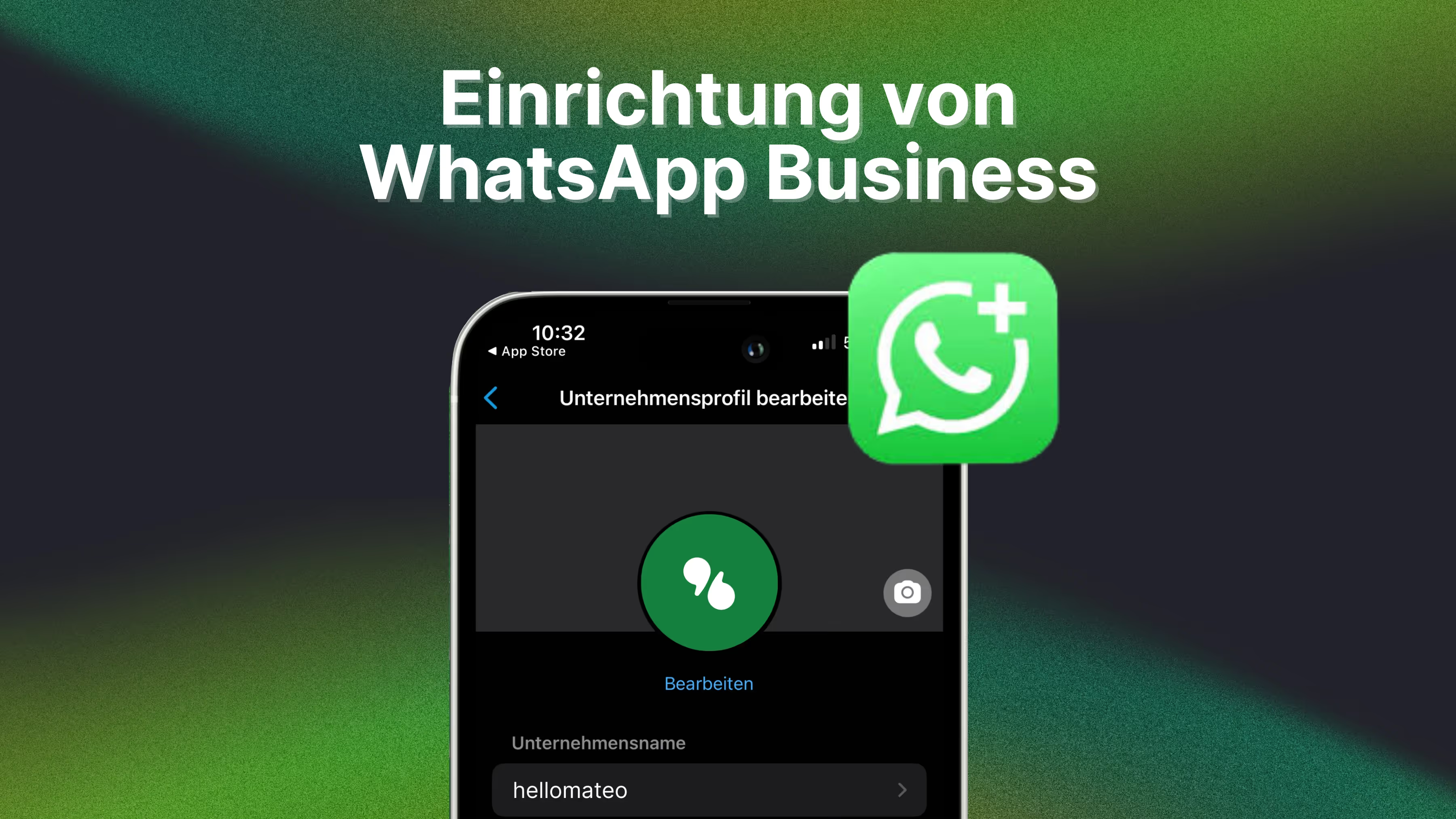
Instructions: Set up WhatsApp Business
Step 1: Download the WhatsApp Business app
To use WhatsApp Business, you must first use the app downloading and on your smartphone install. You can either do this via theGoogle Play Store (for Android users) or the Apple App Store (for iPhone users) do.
Step 2: Register Your Business
Once you've installed the app, you'll need the Accept terms of use And then your Register a companyby adding your business phone number specify. Make sure you use the number that is available to the public so that your customers can reach you via WhatsApp Business. By the way: For that, you can also use a Landline number use.
Step 3: Configure your WhatsApp business profile
Once you've registered your business, it's time to share your WhatsApp company profile to configure. Add a profile picture add, enter a description of your company and ensure that all important information How your opening hours and contact information are included. You can also select the business category and add a WhatsApp status.

Tip: For legal reasons, don't forget to link the legal notice of your website in the description of your WhatsApp business account. Even if this does not mean the use of WhatsApp Business GDPR-compliant , an imprint can save you some legal problems.
Step 4: Receive and send initial messages
The basic setup is now complete. You can now use WhatsAppto optimize your customer communication and provide your customers with first-class service.
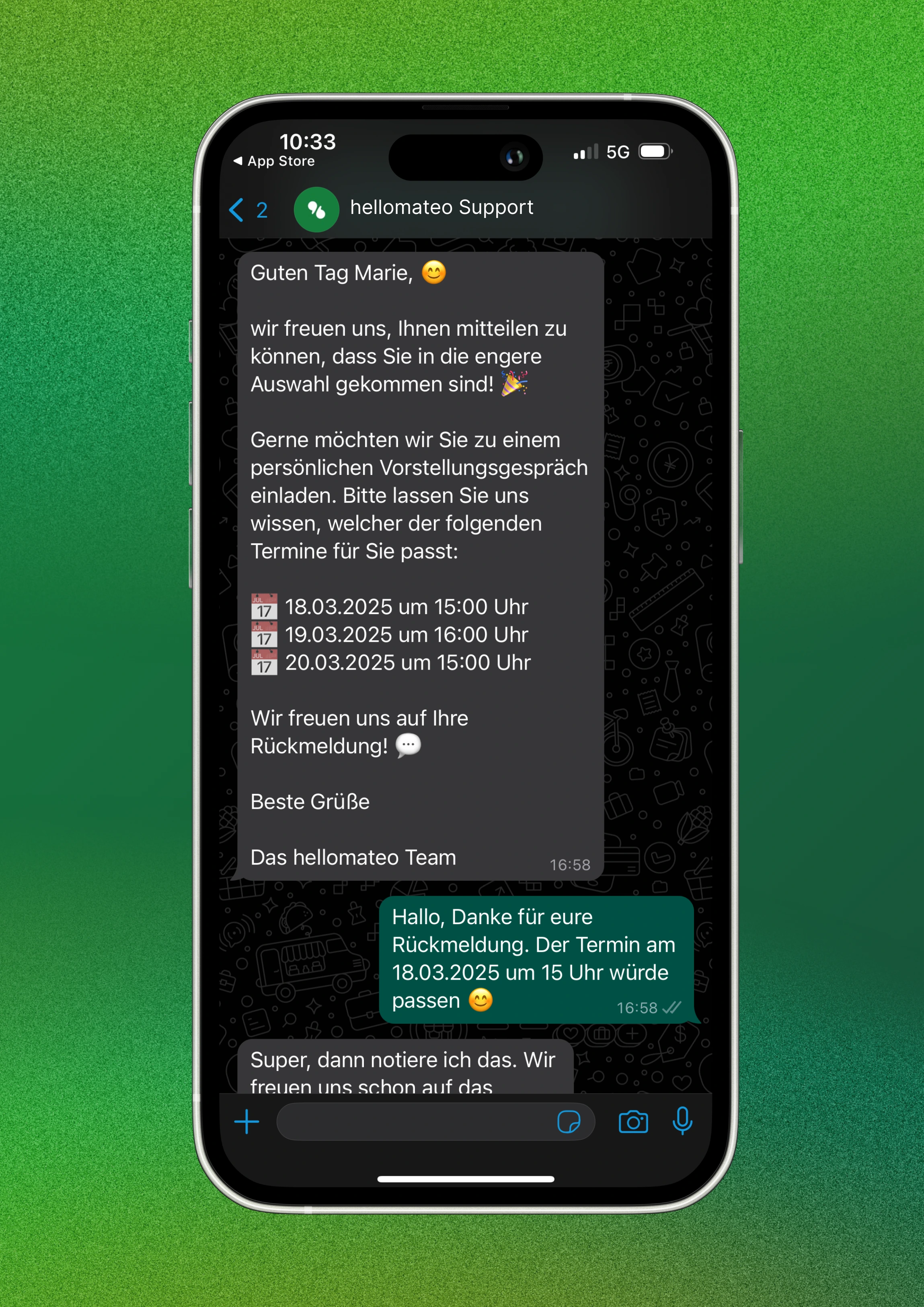
Step 5 (optional): Automate your messages
WhatsApp Business offers a variety of tools to help you reach and engage your customers better. One of these features is the ability to automated messages to send, e.g. Welcome messages or Absence notes. But beware: If you use the normal WhatsApp Business app for marketing purposes, you're not just violating the GDPR, but also against WhatsApp's terms of use. For this, use A form of marketing that is far superior to the email newsletter, preferably the GDPR-compliant WhatsApp API.
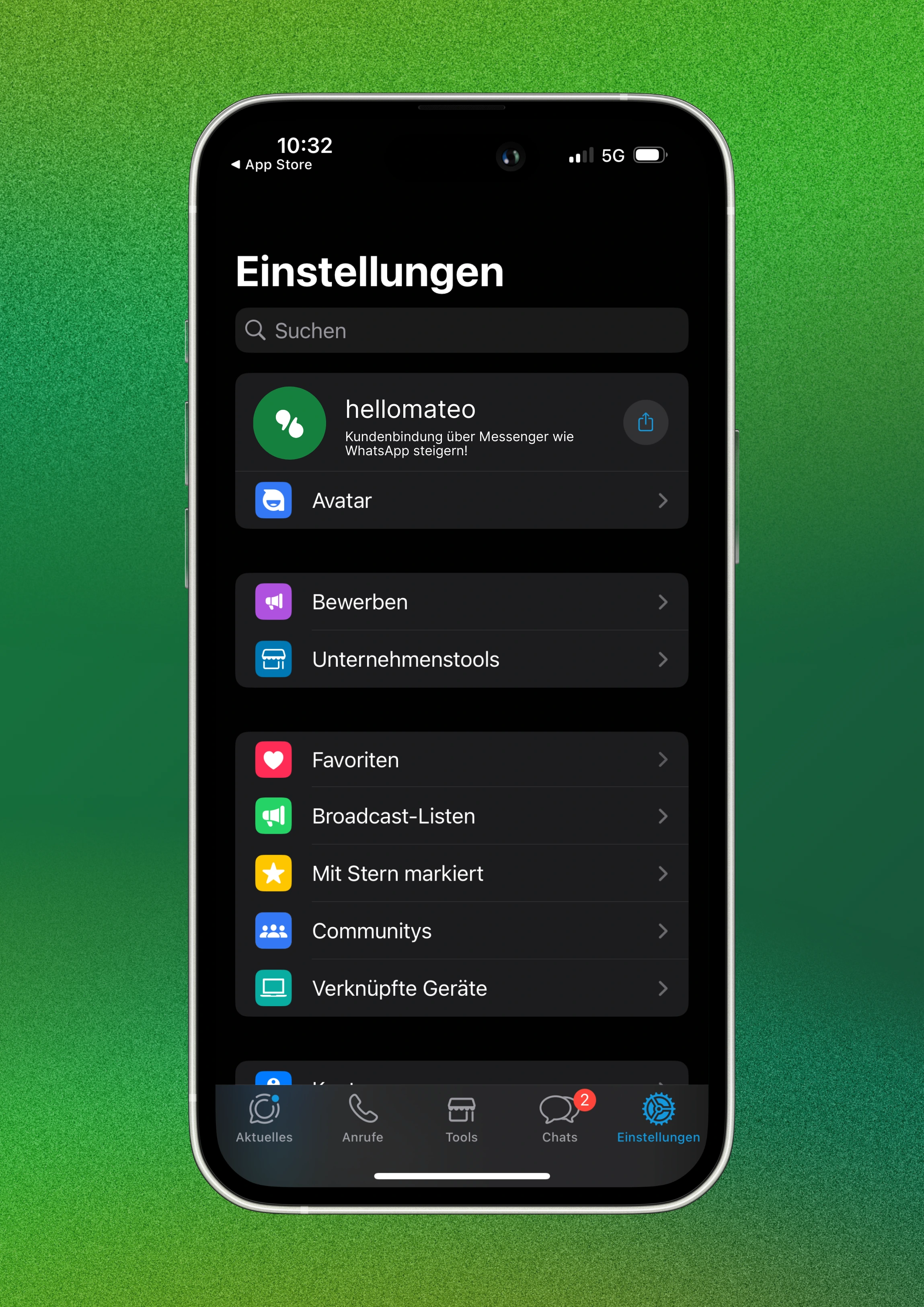
Additional guide: Set up WhatsApp Business with the desktop app
In addition to smartphones, WhatsApp Business is also available via desktop app accessible. This is for both Windows and iOS devices available. A separate desktop app for WhatsApp Business is not available, meaning it is the same WhatsApp application as for private individuals. WhatsApp Desktop is very similar to the web application both visually and functionally and must be used via the Microsoft Store or the App Store downloaded become.
Setup with Windows operating system
The Windows desktop application is derived from Microsoft Store downloaded. The desktop application only works with Windows 8.1 or higher operating system.
Once the application is downloaded, it must be launched and the setup process must be performed. After a while, a QR code also appears here. As a result, following steps to be taken:
● Open WhatsApp business app on your smartphone
● Open the menu (Android) or settings (iOS)
● Select “Add device” to open the QR code scanner
● Scan the QR code on the computer screen
Setup with macOS operating system
WhatsApp Desktop can also be installed on Apple computers. The application can be accessed via this Download link from WhatsApp downloaded become (source: whatsapp.com/download), although the setup is identical to the Windows app.
Download the application, launch it, and complete the setup process. After a while, a QR code appears. As a result, following steps to be taken:
● Open WhatsApp business app on your smartphone
● Open the menu (Android) or settings (iOS)
● Select “Add device” to open the QR code scanner
● Scan the QR code on the computer screen
In this way, WhatsApp Desktop can be used by corporate customers on both Windows and macOS devices
Reading tip: In our article”WhatsApp Business Desktop & Web Browser - How to“Learn how to set up WhatsApp Web in your browser.
Features of WhatsApp Business
WhatsApp Business offers a variety of features that are specifically tailored to the needs of companies. Here is an overview of some of the key features:
- Automated messages: With WhatsApp Business, you can set up automated messages to send away notes or welcome messages, for example.
- Quick answers: With the “Quick Answers” function, you can answer frequently asked questions quickly and easily by storing predefined answers.
- labels: With labels, you can categorize your messages and keep track of them. Labels can be sorted by order type, payment status, or priority, for example.
- WhatsApp web and desktop: With WhatsApp Web and the WhatsApp desktop app, you can also use WhatsApp Business on your desktop, making it easier to reply to messages.
These features make WhatsApp Business a powerful tool for customer communication. As a result, you can not only save time, but also increase customer satisfaction by responding quickly and effectively to inquiries.
Fix the drawbacks of WhatsApp Business with the WhatsApp API interface
Even though WhatsApp Business may be a practical solution for many companies, there are unfortunately still some issues.
Neither the WhatsApp Business app, desktop, or web application will stop without the use of a API interface The current European General Data Protection Regulation (GDPR) one.
Reading tip: In our article”WhatsApp Business GDPR“We have summarized all the background information and explain why WhatsApp Business is not compatible with the GDPR.
In addition, the use of the WhatsApp Business app is currently available on maximum 4 devices and 1 smartphone limited and the integration of automated solutions such as chatbots and sending newsletters is not technically feasible or violates the terms and conditions and the GDPR.
The desktop app can not used by multiple accounts at the same time become. This means that it is not possible to use a business WhatsApp account and a private WhatsApp account on a computer at the same time.
WhatsApp Business versions on mobile phones, browsers and desktops are generally significantly less powerful in terms of customer communication than WhatsApp via API solutions. When companies communicate with customers through chatbots, ticketing systems, pre-formulated text modules, unlimited number of users and devices, the integration of other communication channels, WhatsApp newsletter marketing and want to make many other functions highly efficient and also GDPR-compliant, WhatsApp Business API connection There's no way around it.
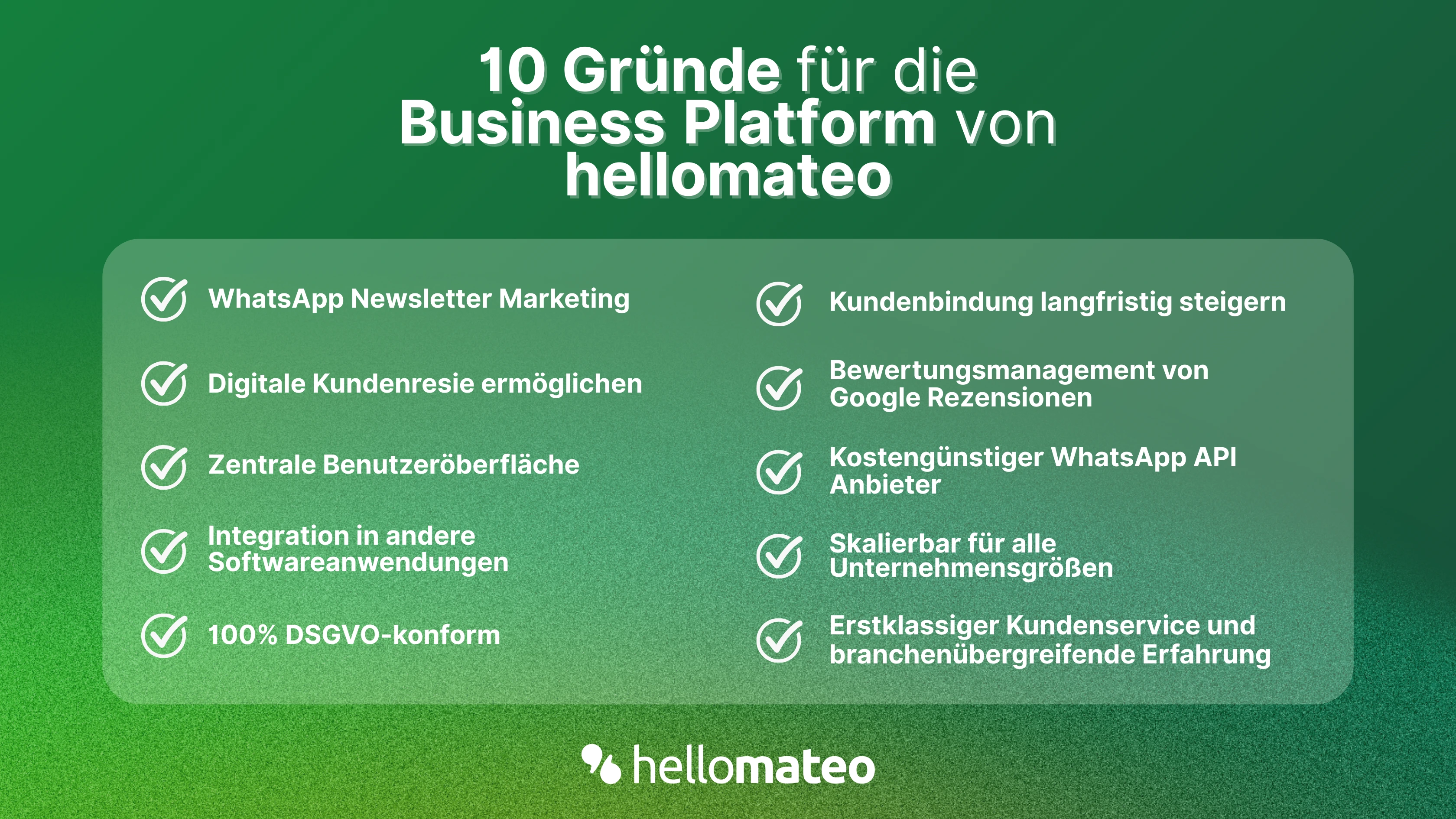
- Central user interface: hellomateo combines WhatsApp Business Platform, email, Instagram, SMS and Facebook Messenger in one central inbox. The intuitive user interface includes various tools for efficient customer communication and saves you valuable working time.
- integrations: With hellomateo, you can use WhatsApp in integrate over 6,000 software programs and fully automated Customer trips create with invitations, order confirmations, shipping information, invoices, and reminders.
- Newsletter marketing: Send GDPR-compliant Newsletter via WhatsApp or SMS and benefit from opening rates of over 90%.
- Assessment management: hellomateo can Automatically request online reviews from your customers, which boosts your Google ranking and trust in your company.
- Data protection: hellomateo meets all German and European Data protection requirements and offers end-to-end encryption for secure customer communication.
- scalability: Our software is suitable for Businesses of all sizes and can be extended indefinitely depending on the package.
- Diverse AI features: Our AI agent can automatically answer customer inquiries in chat, answer calls, help with the formulation of messages and much more.
Arrange a non-binding and free consultation and we'll show you how hellomateo covers your communication needs! Simply book an appointment here or write to us via our web widget.