Connect WhatsApp to your industry software
hellomateo connects your industry software to WhatsApp. Depending on the system, more than 70 direct integrations transfer contacts, orders and appointments. This results in automatic invitations, pickup messages and suitable customer lists. hellomateo sets up the connection together with you, in the Business package and above.
Transfer data from your industry software
Send invitations and pickup messages automatically
Set up the connection together with hellomateo
Last updated: 28 October 2026
More than 2,000 customers use hellomateo

























From your industry software to the WhatsApp message
Check your software
hellomateo checks with you which connection suits your industry software. Together you clarify which data it provides and which processes you can use with it.
Set up the connection
hellomateo sets up the connection together with you. Depending on the system, you need access credentials or activation by the provider of your industry software.
Transfer data automatically
hellomateo transfers the available contacts, orders and appointments. Depending on the system, synchronization runs daily or continuously. You see the status in the imports area, depending on the connection.
Trigger suitable messages
A customer journey set up in hellomateo sends messages based on the transferred data. A date triggers an invitation, for example, and an order status a pickup message.
How the hellomateo integrations work
The hellomateo integrations make data from your industry software usable for customer lists and automatic messages.
See contacts, orders and appointments together
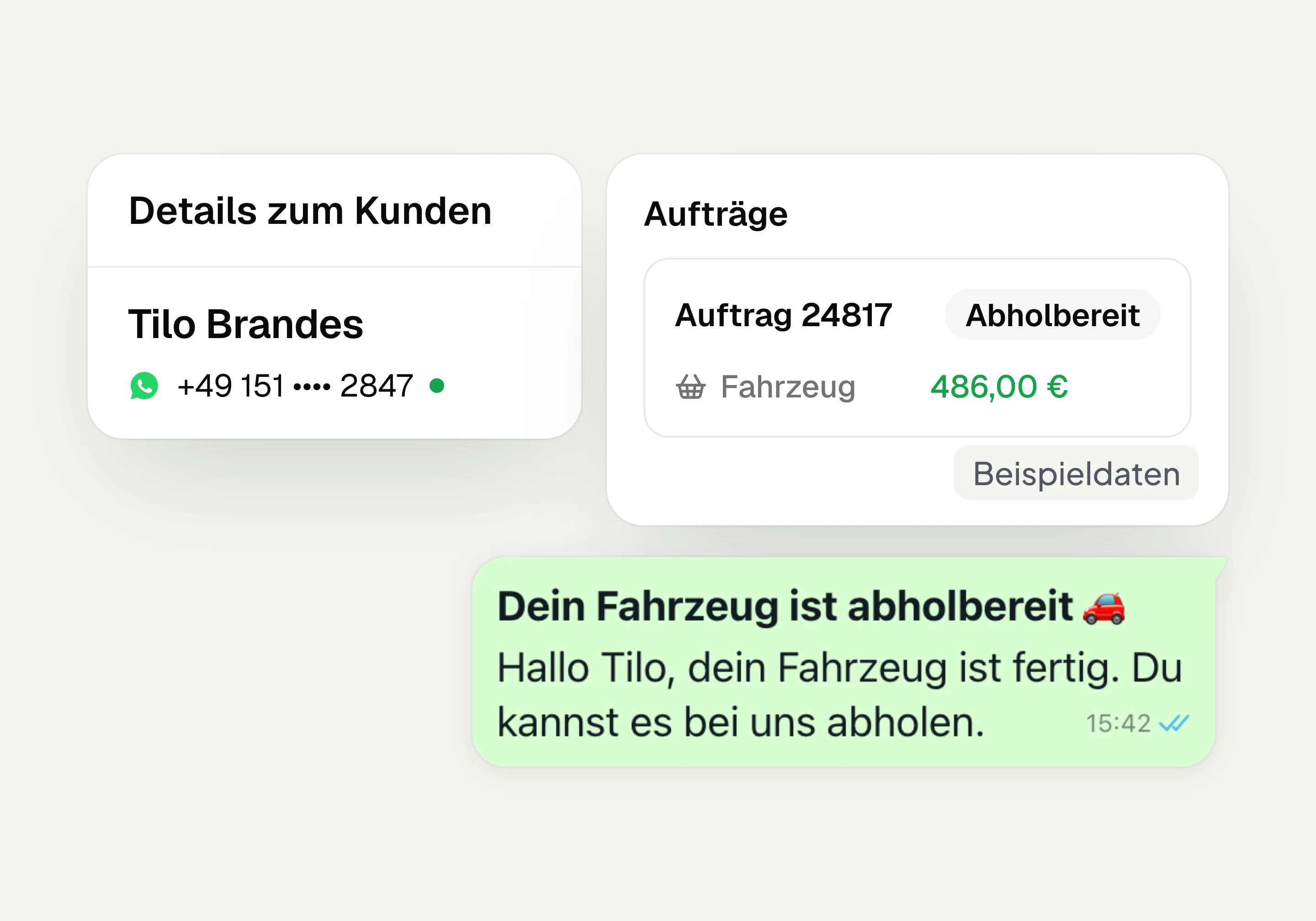
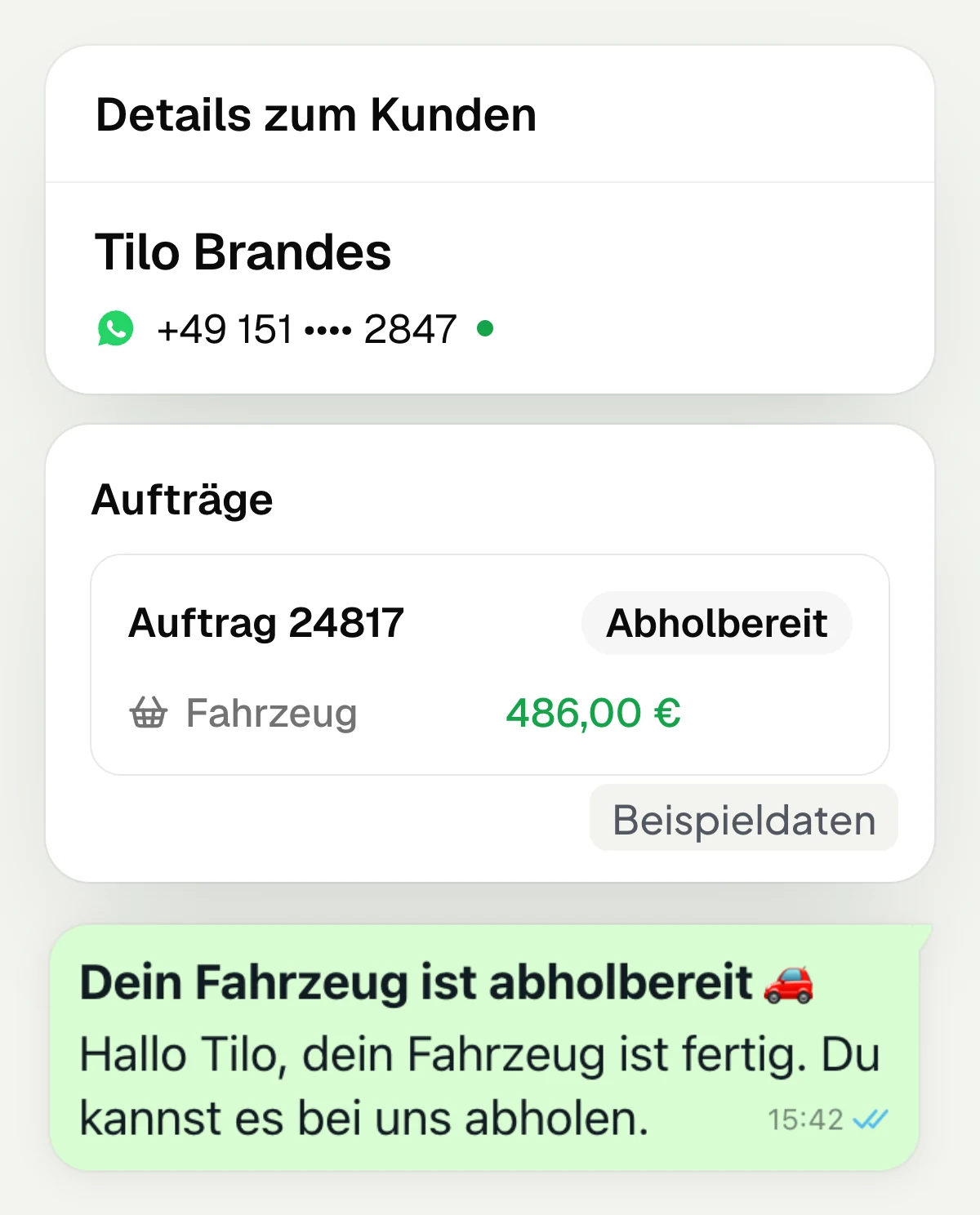
Depending on the connection, hellomateo transfers contacts, orders and appointments from your industry software. On the contact you see the related orders and appointments. The order type shows what it is about. This way you use transferred data directly in hellomateo without entering it again. Which data is available depends on your software.
Transfer contacts from the industry software
Assign orders to the right contact
Distinguish order types
See transferred appointments on the contact
Customer data becomes invitations and messages
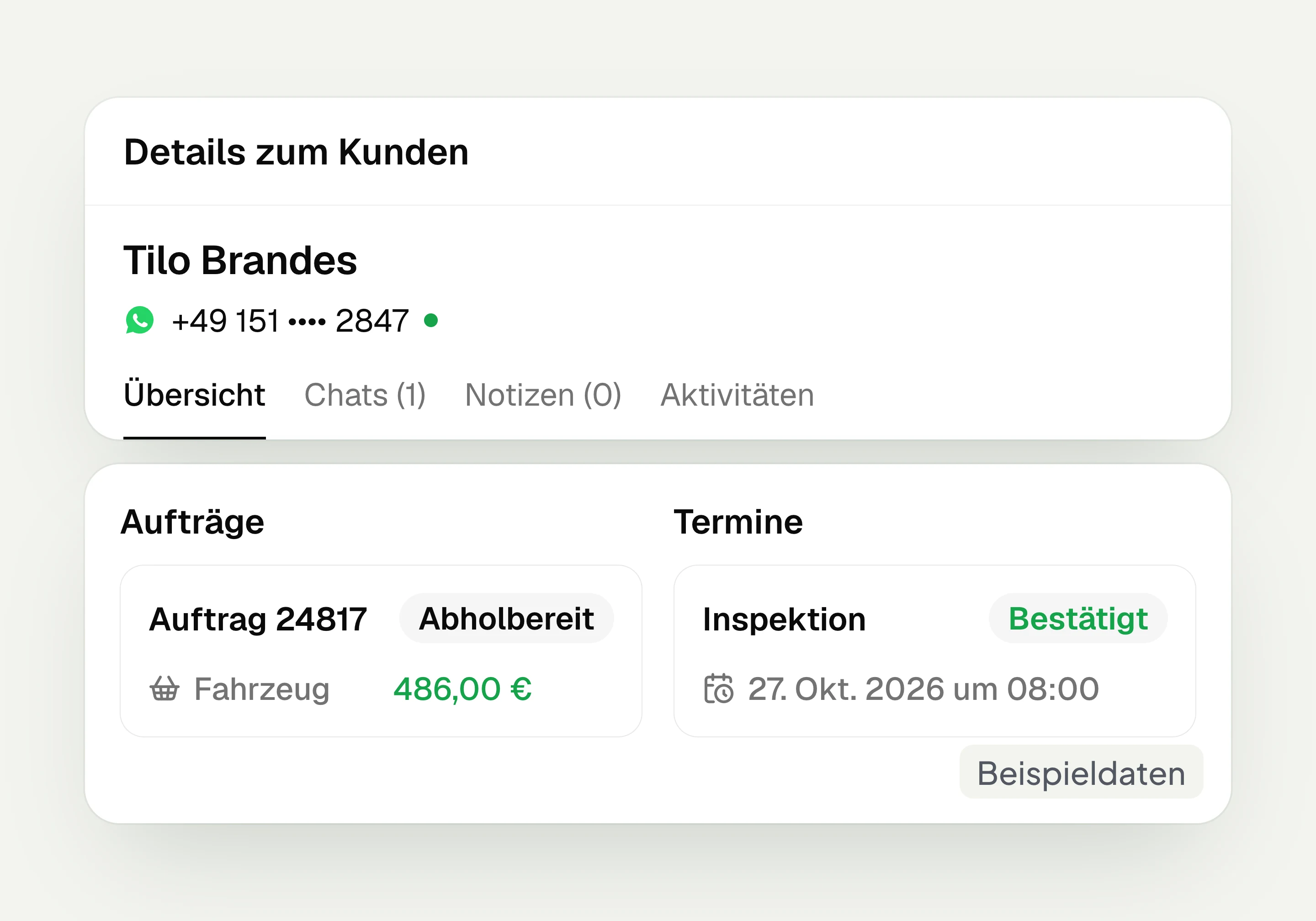
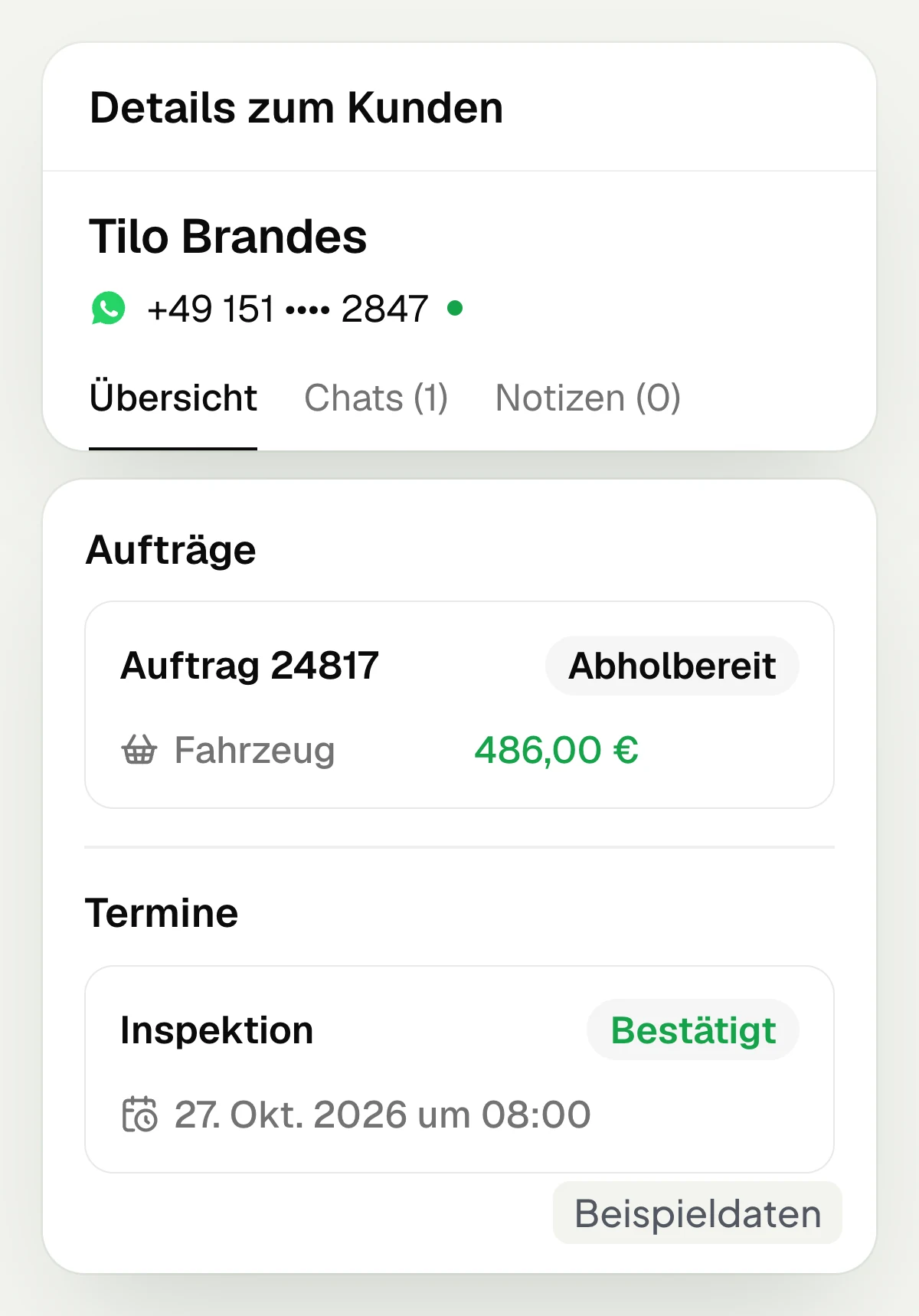
hellomateo uses transferred data for automated customer journeys and dynamic lists. A stored date can trigger an invitation before your customer has booked an appointment. A matching order status can start a pickup message. You set the occasion and the message. Which processes are possible depends on the data in your industry software.
Invite customers based on a date
Trigger messages with order data
Filter lists by orders and appointments
Send reminders for appointments already booked
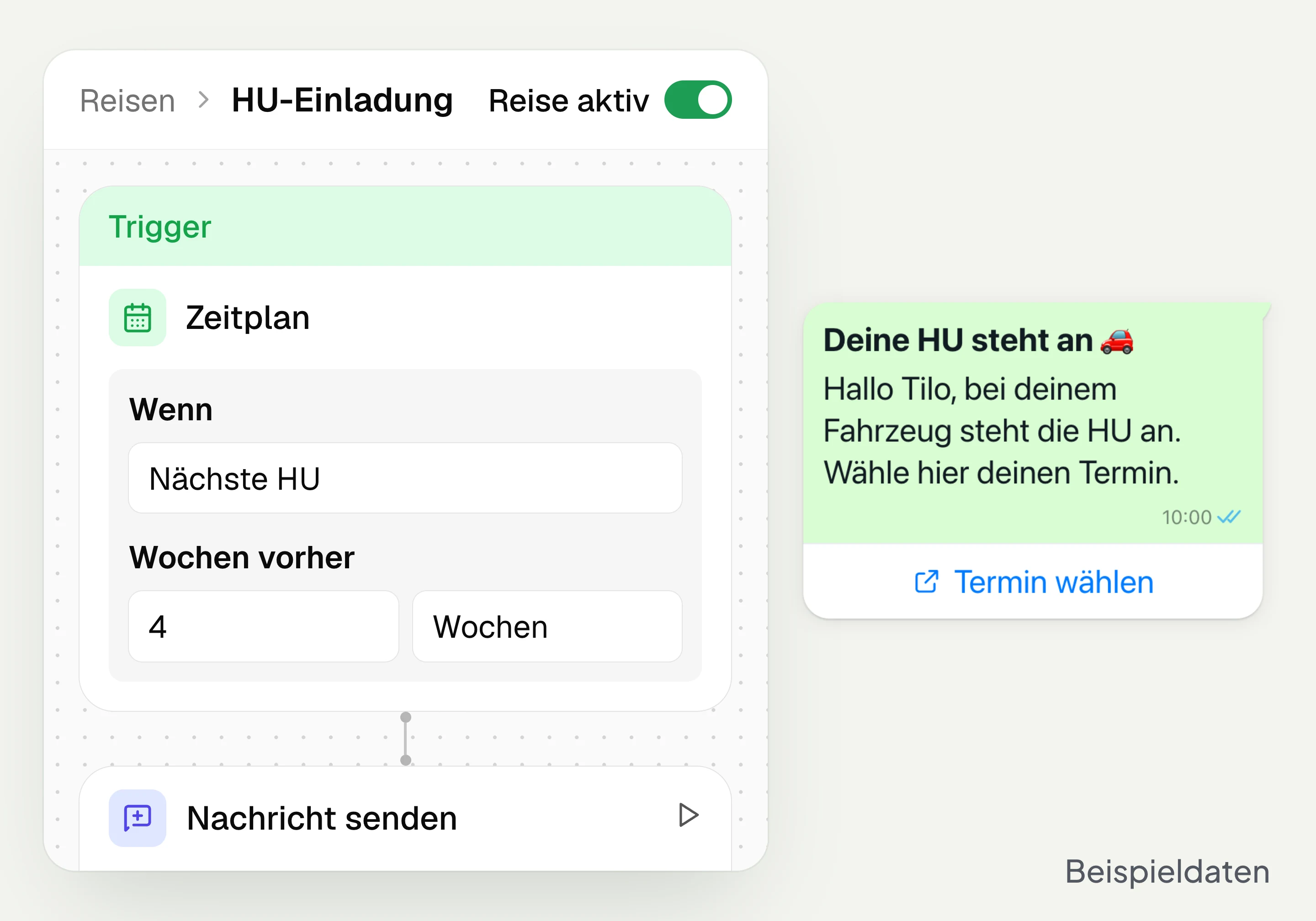
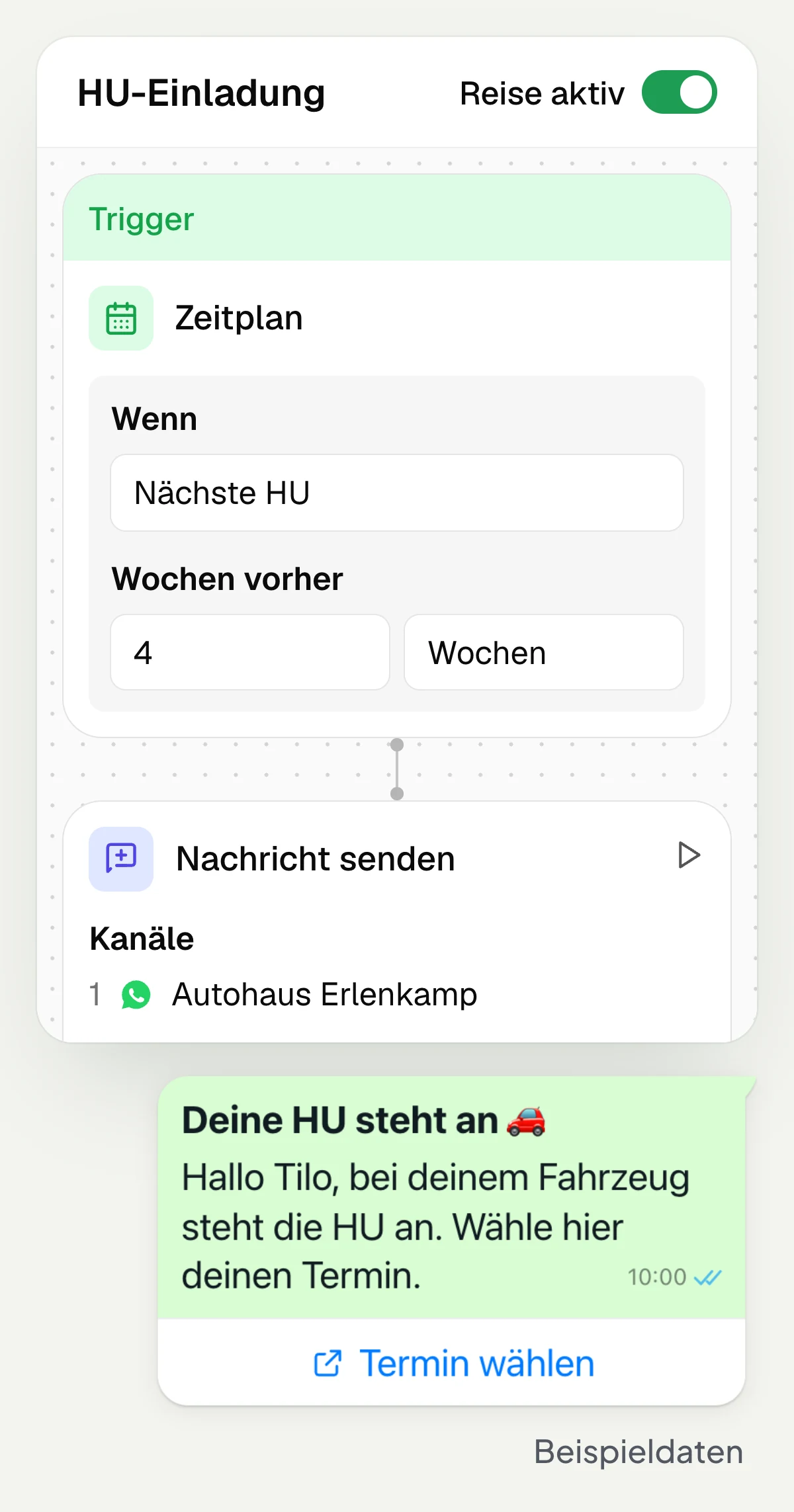
Set up the connection together with hellomateo
hellomateo sets up the connection to your industry software together with you. In the setup appointment, the customer journeys are also set up and your staff are trained. How long the connection takes varies by system. Any API costs of the integration partner are charged by the provider of your industry software itself.
Clarify your software’s requirements
Set up the connection together
Set up customer journeys for your business
Train staff at the setup appointment
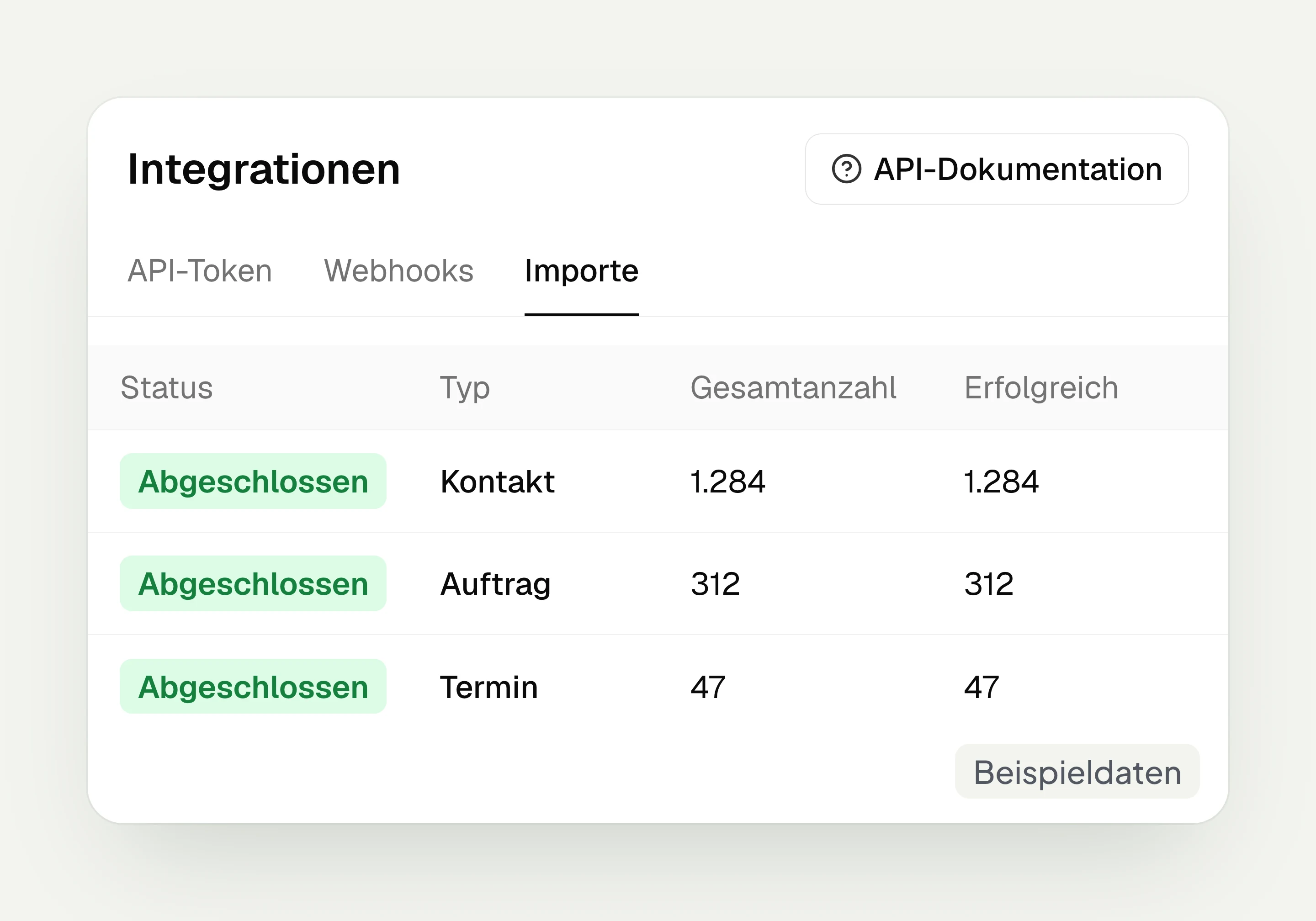
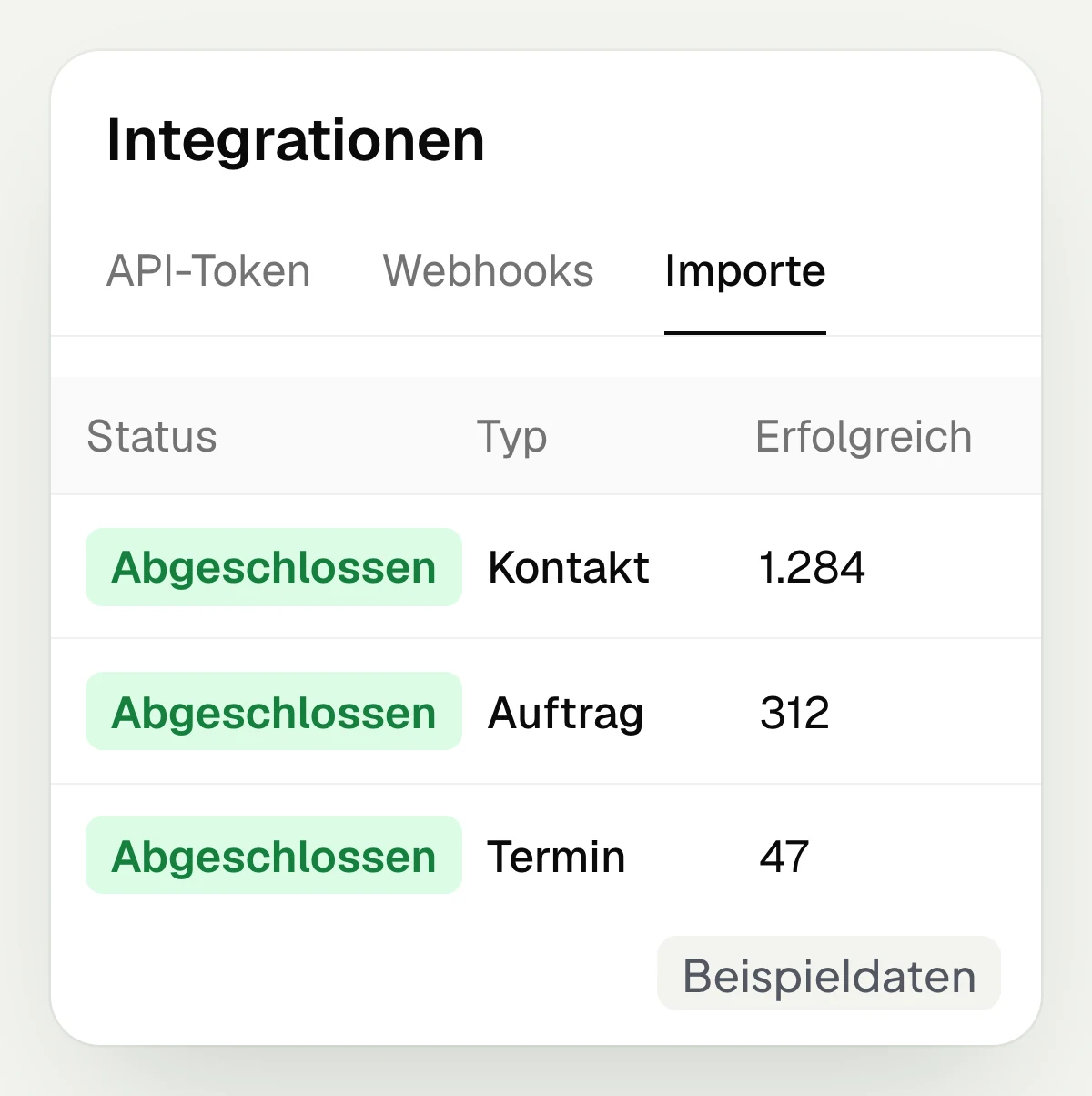
Connect your CRM and own systems via API and webhooks
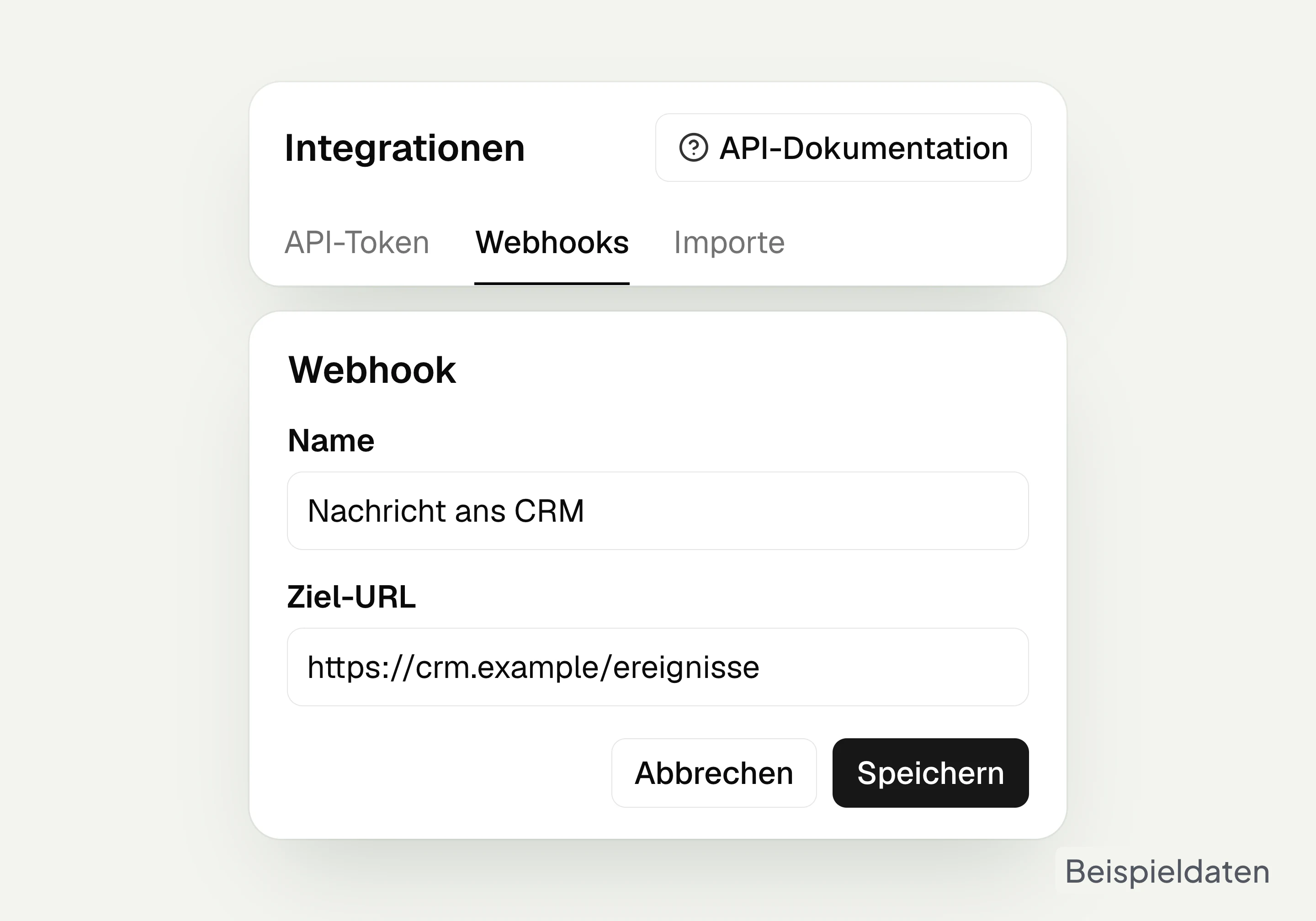
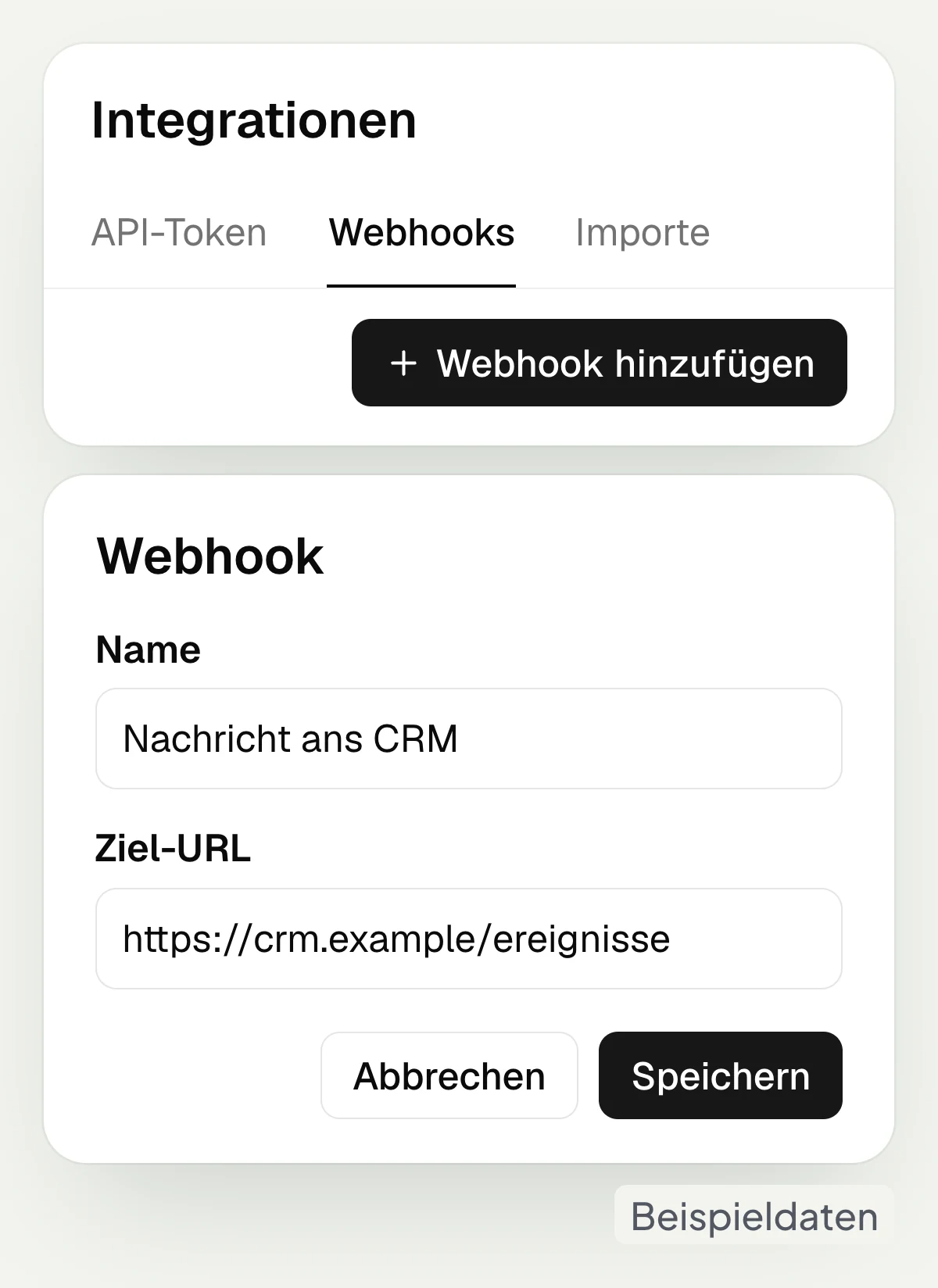
hellomateo can be connected to your CRM via Zapier, webhooks or the API. The dedicated Zapier app can, for example, create contacts and send messages. Make and n8n use the hellomateo API. Webhooks report events such as an incoming message to another system. Which data your CRM receives depends on the connection set up.
API, Zapier, Make and n8n are available in the Business package and above, custom integration development by hellomateo in the Enterprise package.
Create and update contacts via Zapier
Send messages via the API
Pass on events via webhooks
Connect Make and n8n via the API
Start without a connection and connect later
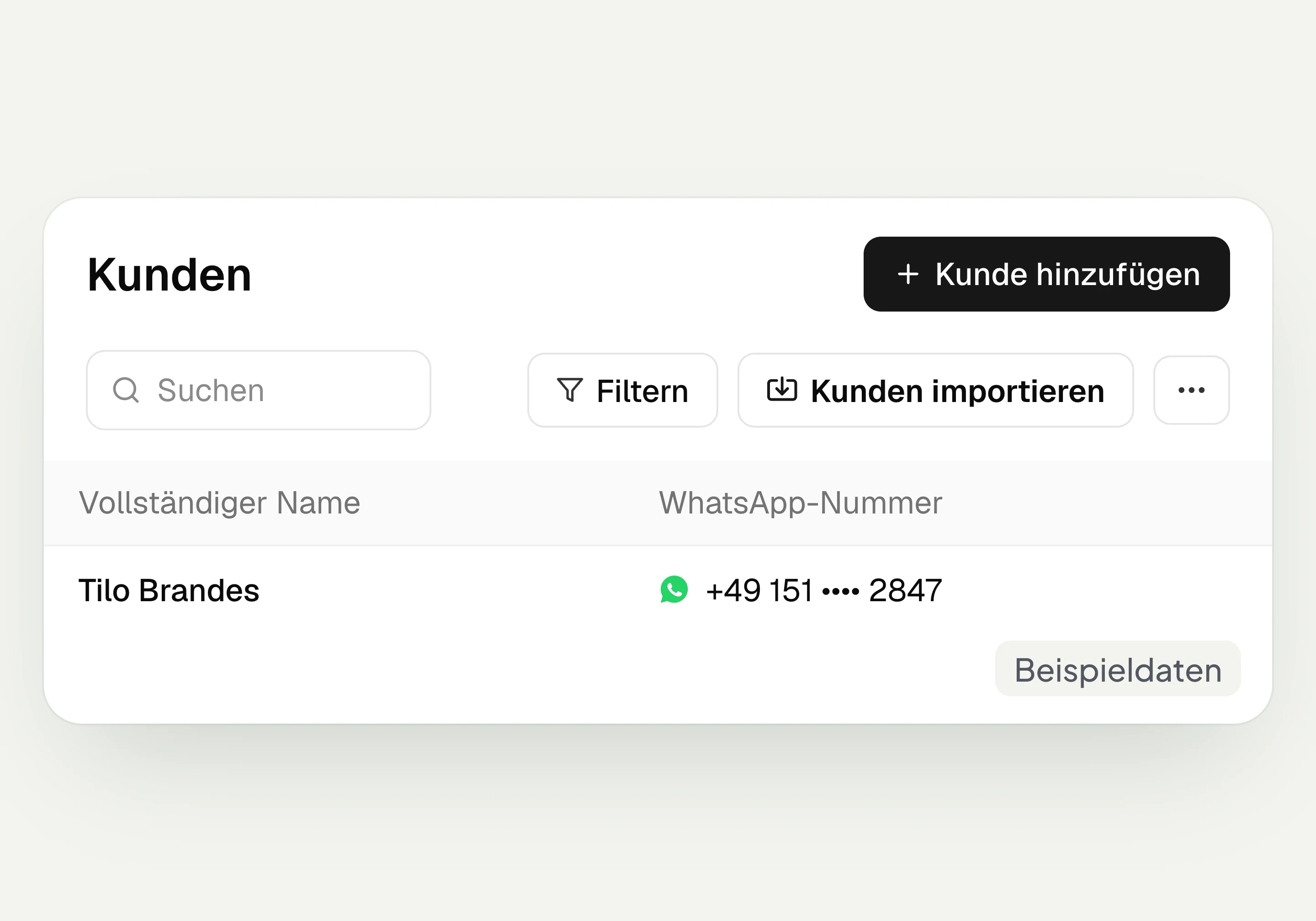
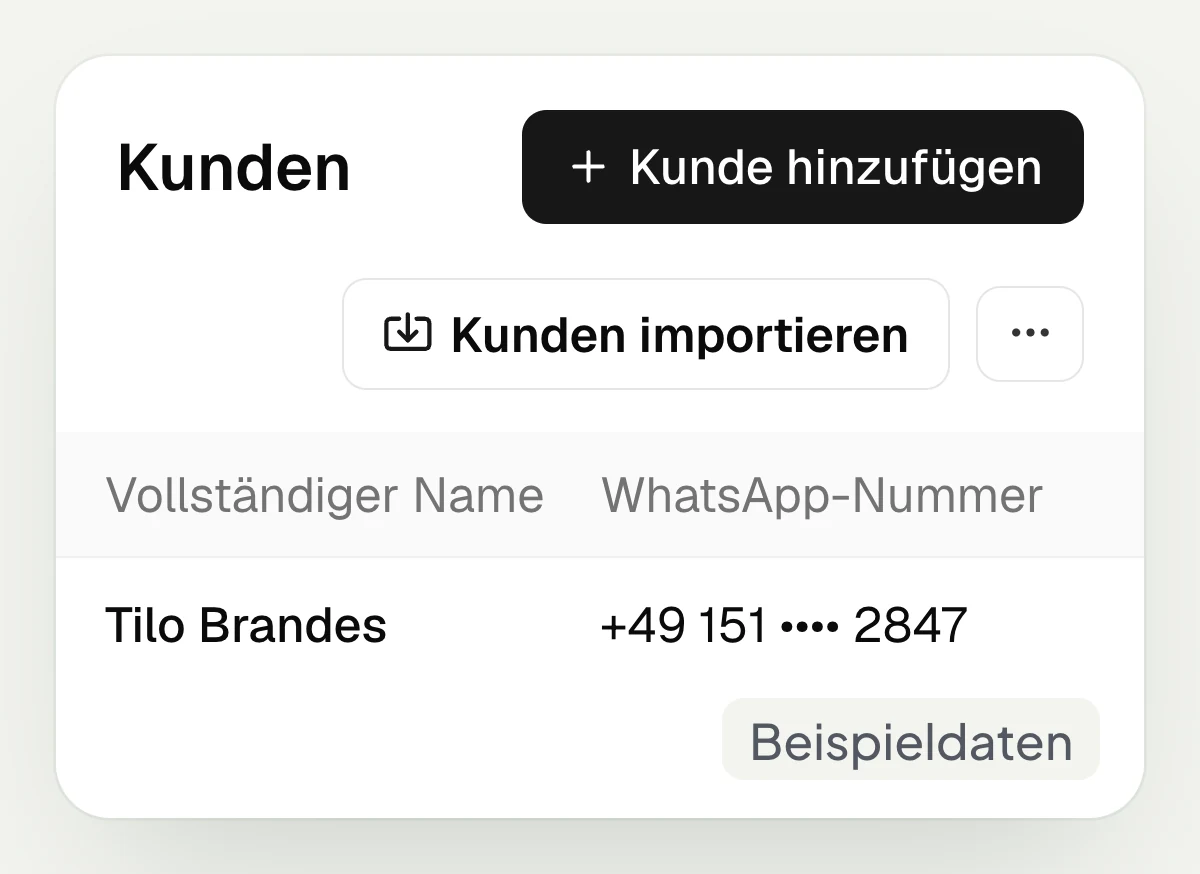
You can also use hellomateo without a connection to your industry software. You import contacts from a file and use them for lists and campaigns. For promotional messages you need the appropriate consent of your customers. The Central Inbox is also available to you. You can add a connection later when it is available for your software.
Import contacts from a file
Group customers in lists
Send campaigns to customers with consent
Handle messages in the Central Inbox
Let us show you which data your industry software provides and which customer journeys you can set up with it.
Which occasions are hidden in your customer data?
Depending on the connected software, hellomateo uses specific occasions for invitations, welcome messages and other messages.
Car dealership and workshop
hellomateo uses data from your DMS, for example Loco-Soft, for main inspection invitations and welcome messages after a vehicle purchase; booked workshop appointments enable reminders.
Opticians
hellomateo uses data from your optician software, for example Prisma, for eye test invitations, pickup messages and reminders of booked appointments.
Hearing care
hellomateo uses data from your hearing care software for invitations to replacement fittings and annual checks; with Amparex you also see the messages in the customer file.
Fashion retail
hellomateo uses data from your merchandise management system, for example Advarics, for review requests after a purchase, birthday greetings and reaching out to inactive regular customers.
Furniture and decor
hellomateo uses data from your software, for example raum level, for review requests after installation, welcome messages and birthday greetings.
Fitness
hellomateo welcomes new members via a connection, for example to Magicline, and sends your course messages to members with consent.
Keep working with customer data
In hellomateo, customer and contact management, automated customer journeys and the Central Inbox are connected.
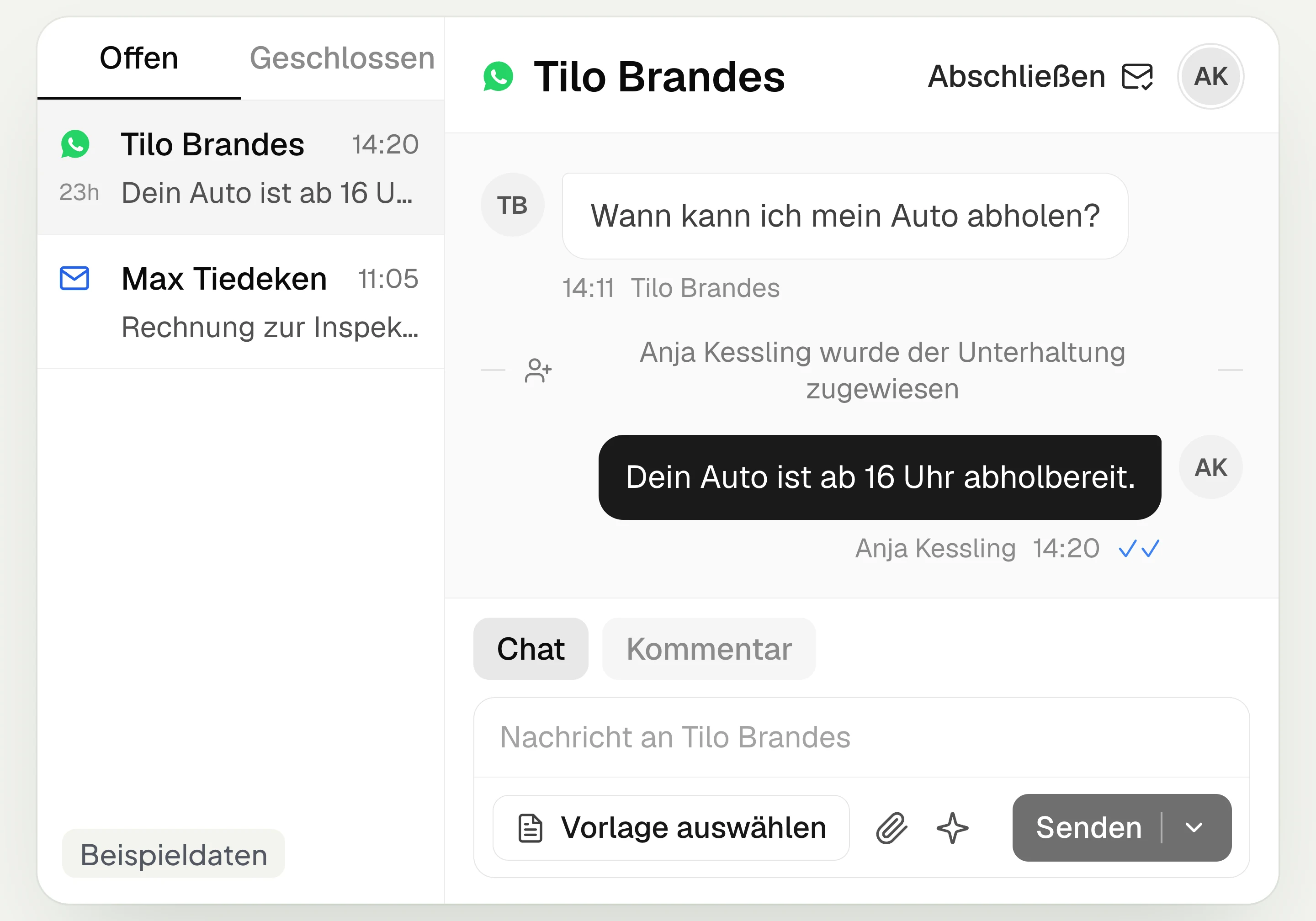
Central Inbox
hellomateo brings together WhatsApp, email, Instagram and Facebook Messenger in one inbox. Multiple staff members write via the same WhatsApp number and assign conversations.
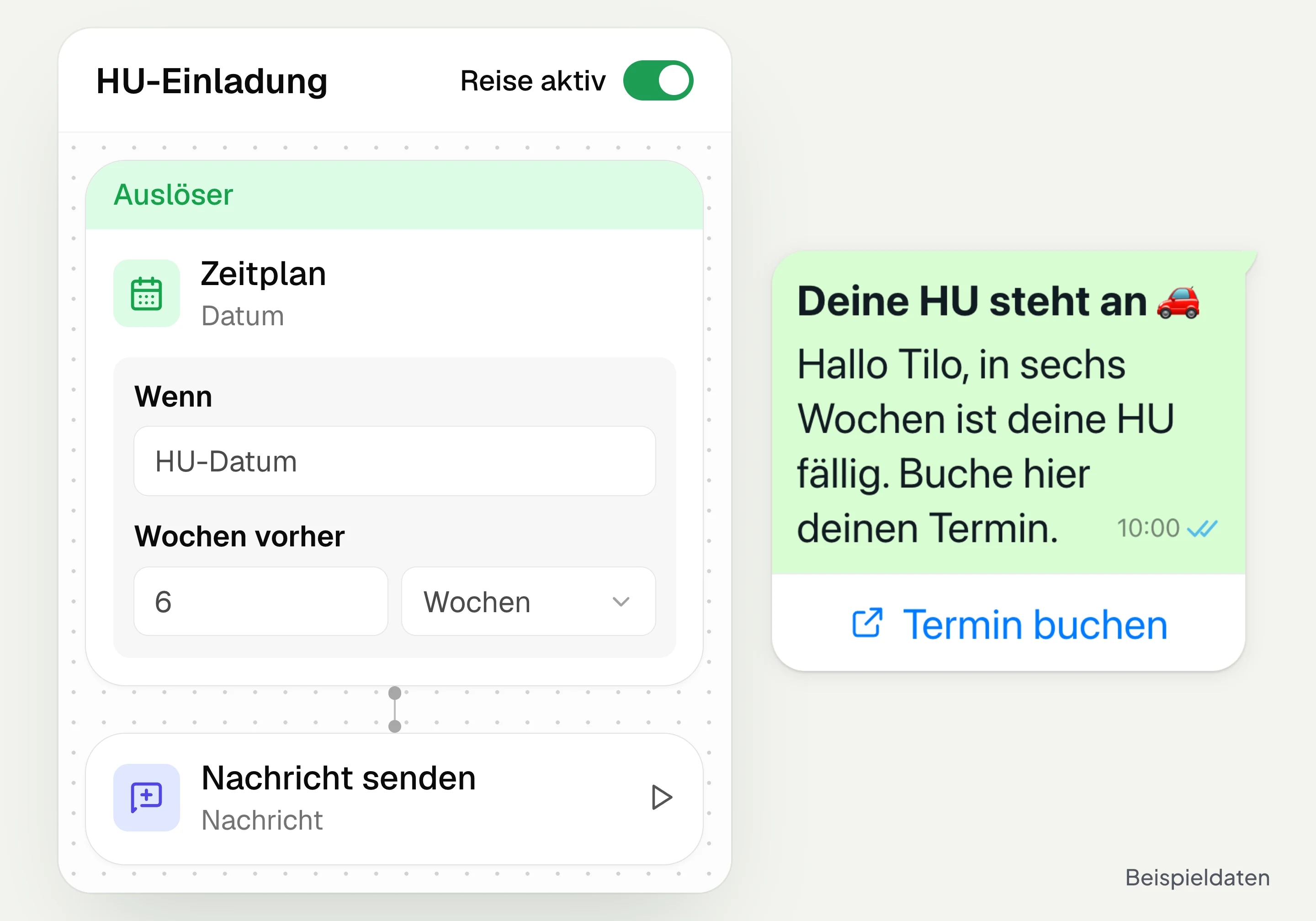
Automated customer journeys
Customer journeys in hellomateo send invitations automatically based on a date or event. You set the message and follow-up steps and check the progress per contact. Business and above.
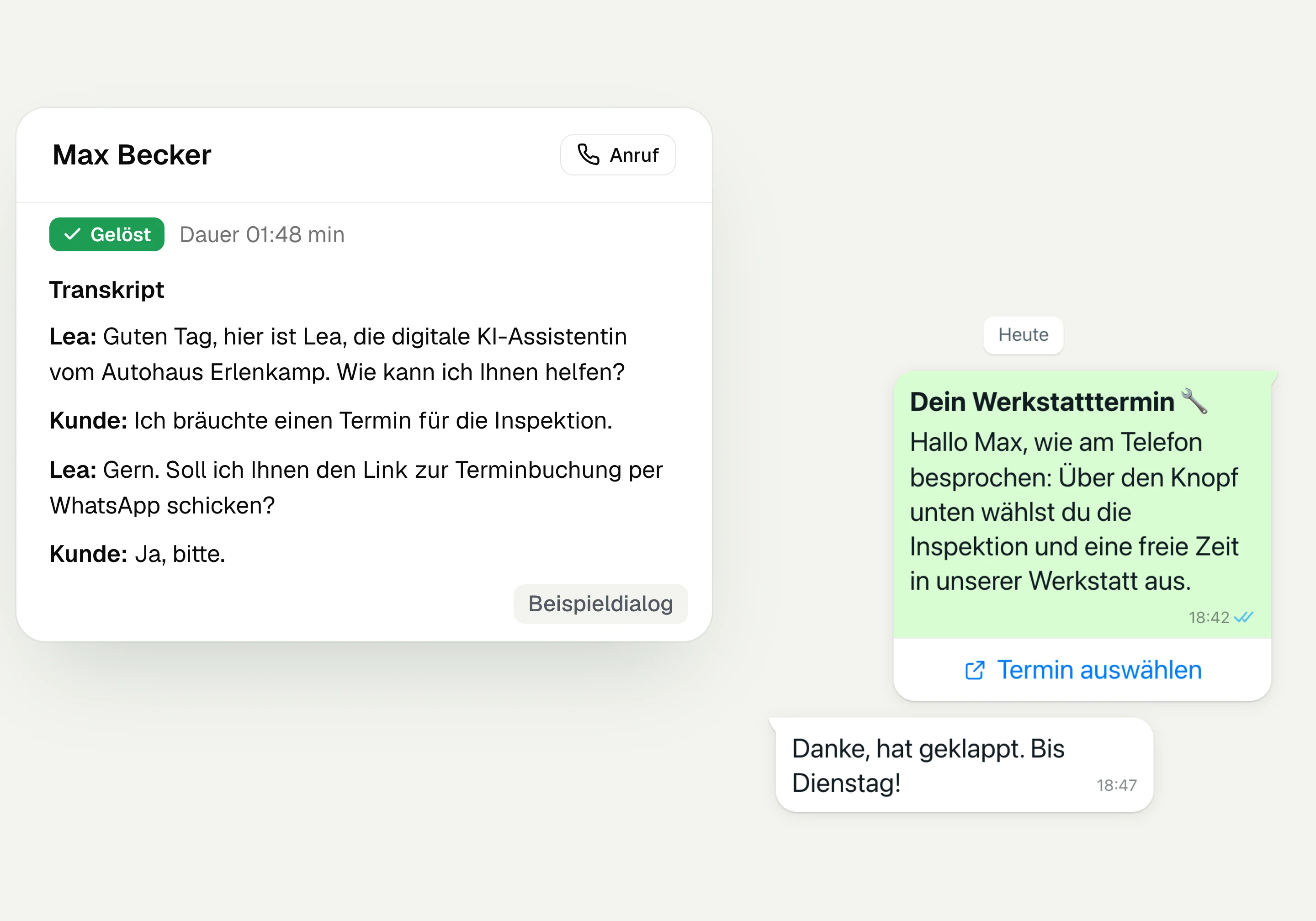
AI Telephony
hellomateo AI telephony takes calls, answers questions and sends the booking link via WhatsApp after consent. From €80 per month with 500 free minutes; additional minutes are charged on top.
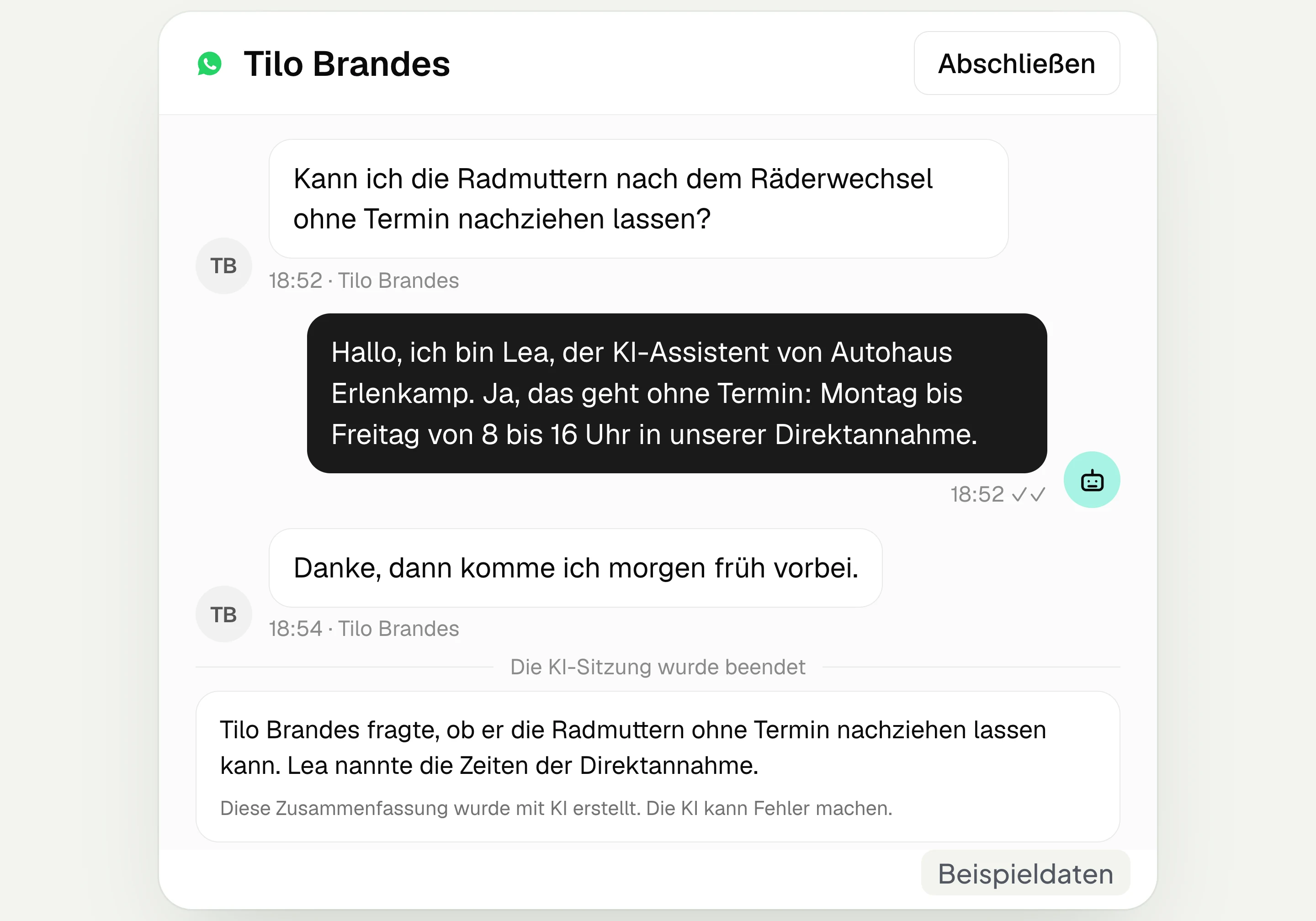
AI assistant in chat
The hellomateo AI assistant answers questions in WhatsApp, Instagram and Facebook Messenger with your knowledge. Can be added, selectable in Business Plus, included in Enterprise.

Appointment booking
With hellomateo, customers book appointments themselves on your booking page. You set services and calendars. Add-on module: €25 per month, regardless of the number of locations.
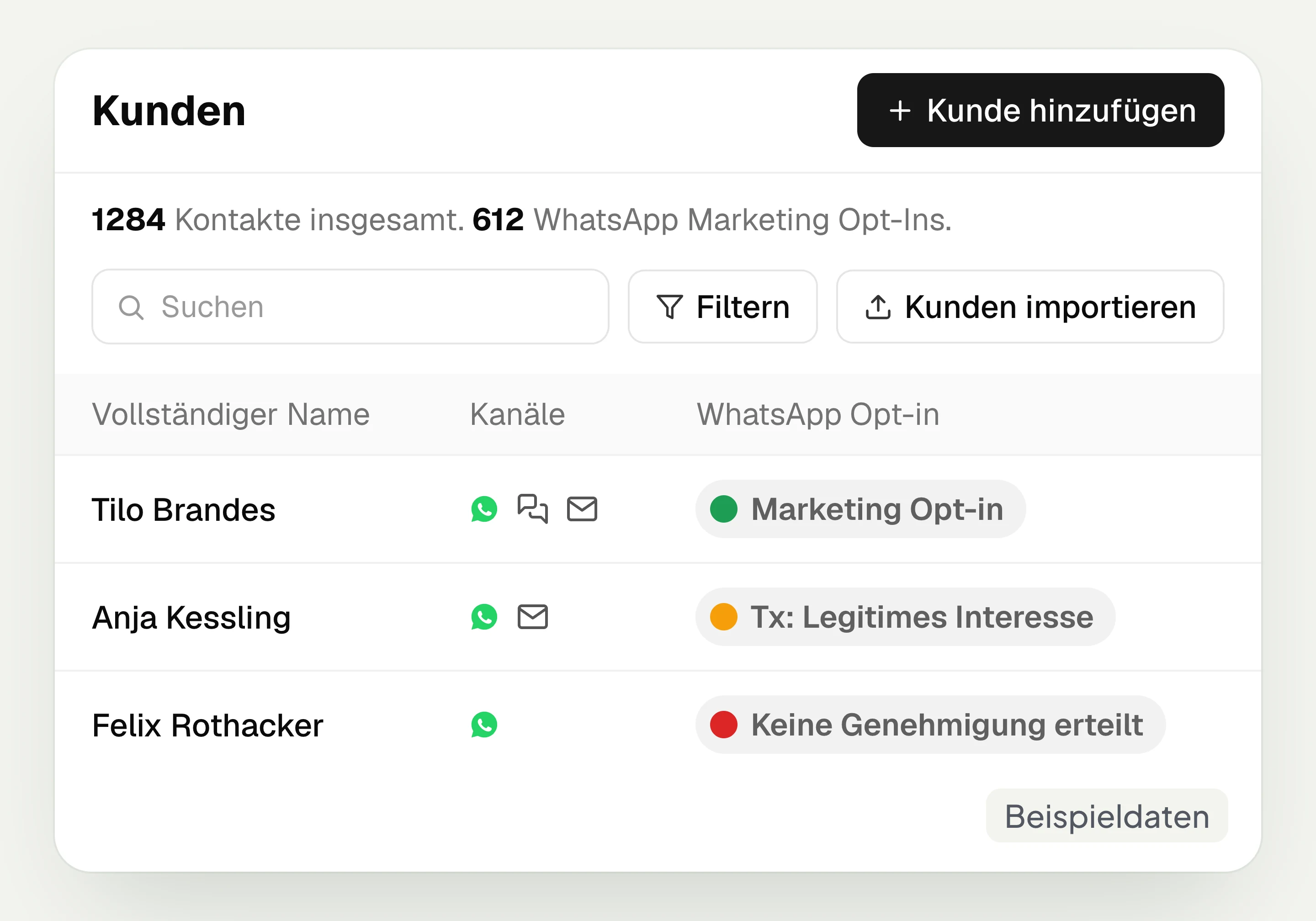
Customer and contact management
hellomateo connects contact data, conversations and consent per channel. You read notes on the contact and build recipient lists with your own filter rules.
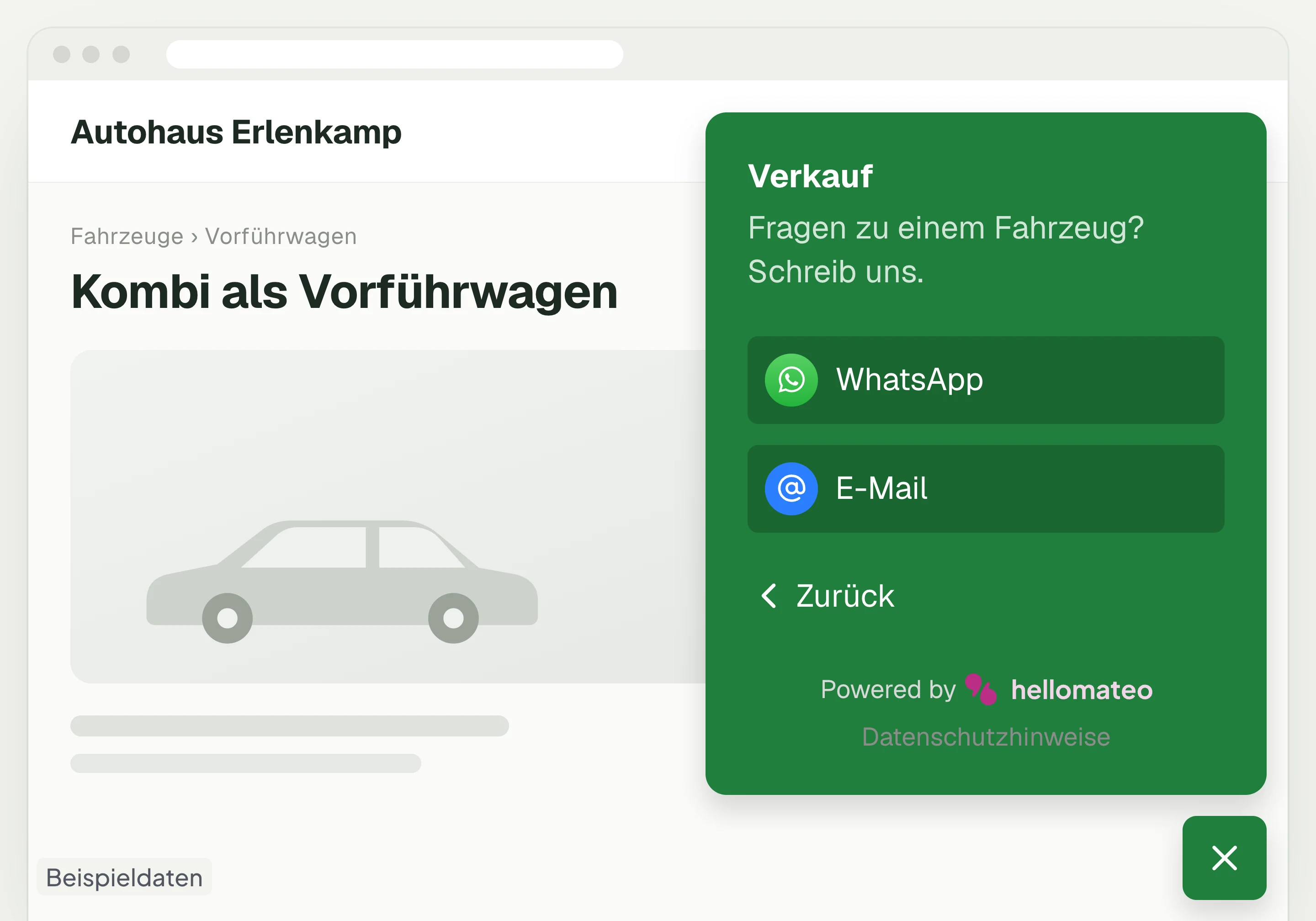
Contact through your website
A hellomateo button on your website takes visitors to WhatsApp and other channels. For connected channels, your team replies in the Central Inbox.
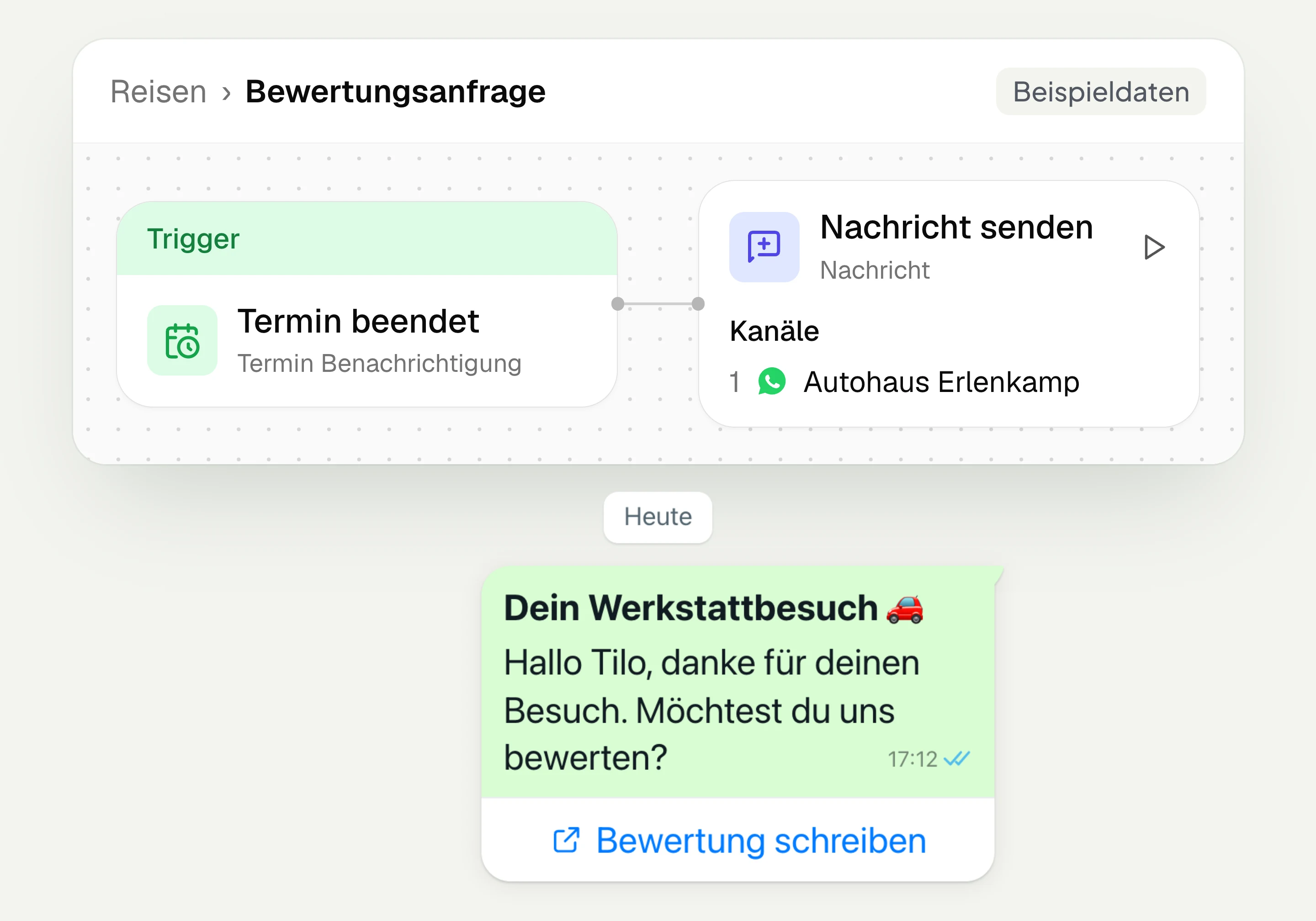
Review management
With hellomateo you request Google reviews, read reviews and reply to them. In the Business package and above, customer journeys send the review request automatically.
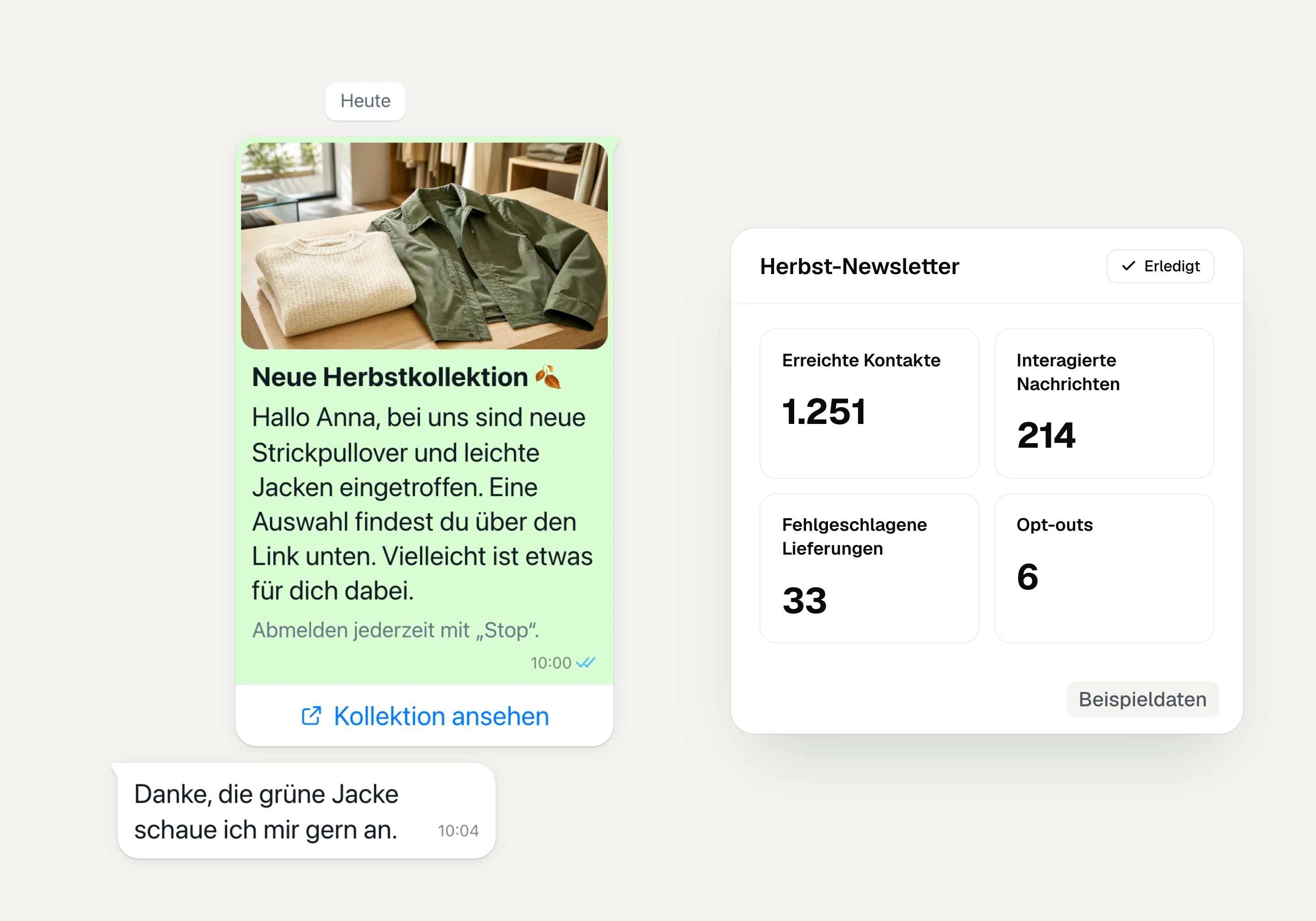
WhatsApp newsletter
With hellomateo you send WhatsApp newsletters to customers who have given consent. You choose recipients, schedule the send and see per recipient whether the message was read.
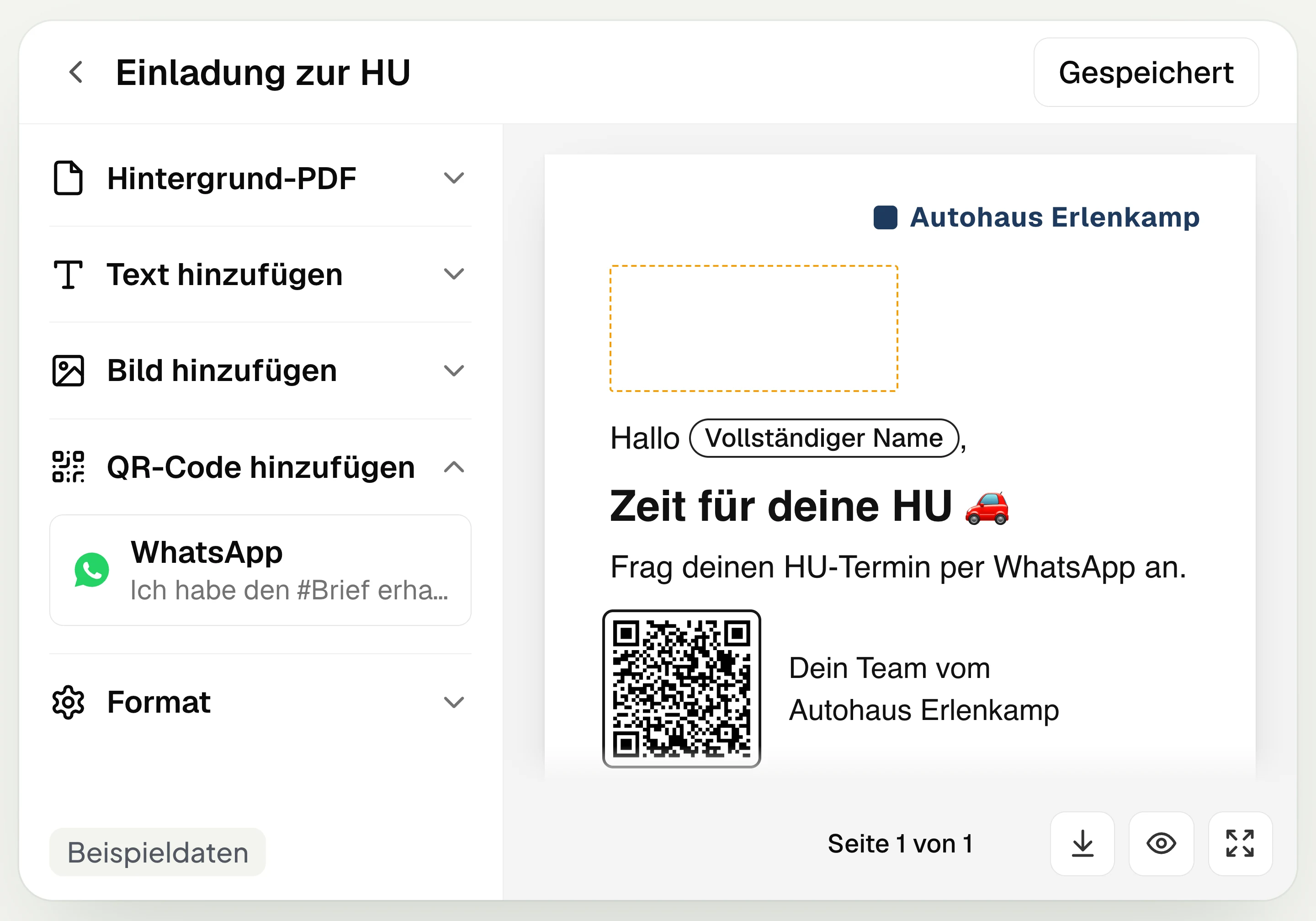
Postal mailing
With hellomateo you design and send letters with a WhatsApp QR code. Can be added in Business, selectable in Business Plus, included in Enterprise.
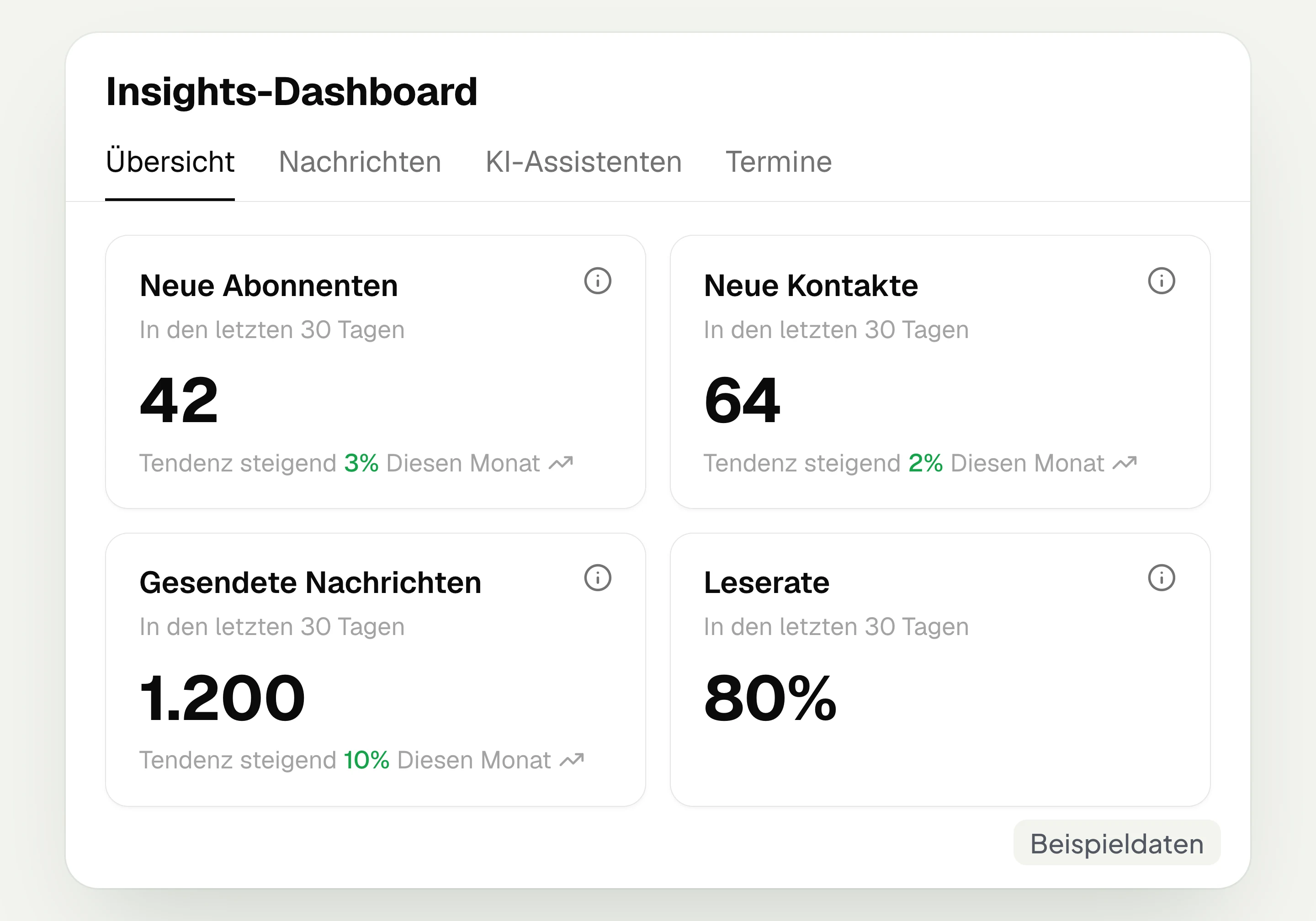
Insights
hellomateo Insights shows messages, read rate, contacts and reviews. With the respective modules, analytics on AI inquiries and appointments are added.
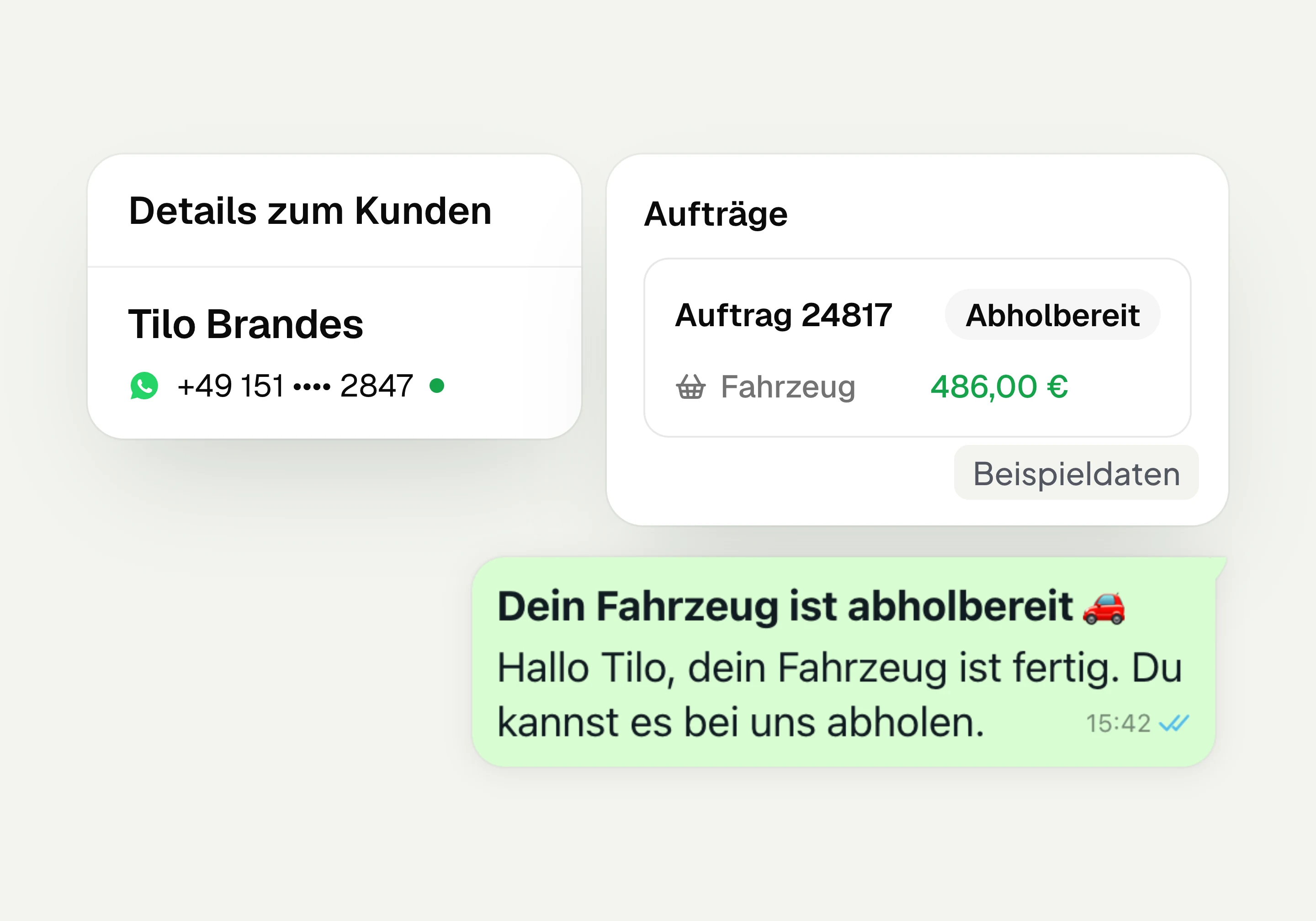
Integrations
Depending on the connection, hellomateo transfers contacts, orders and appointments from your industry software. More than 70 direct integrations are available in Business and above.
Frequently asked questions about the hellomateo integrations




Book a non-binding consultation
We would be happy to show you hellomateo in a personal demo.
Or send us an email:
What are the hellomateo integrations?
Which data does hellomateo transfer from my industry software?
How often is data synchronized with my industry software?
Is hellomateo worthwhile even without a connection to my industry software?
Does hellomateo write data back to my industry software?
Can I connect my CRM with hellomateo and WhatsApp?
Which package includes integrations, and are there additional costs?
Who sets up the connection, and how long does it take?
What can the hellomateo API and webhooks do?
How do I connect hellomateo via Zapier?
Can I use Make or n8n with hellomateo?
How does hellomateo protect data with a connection?
What happens if my industry software is not included?