Contacts and opt-ins for WhatsApp in one place
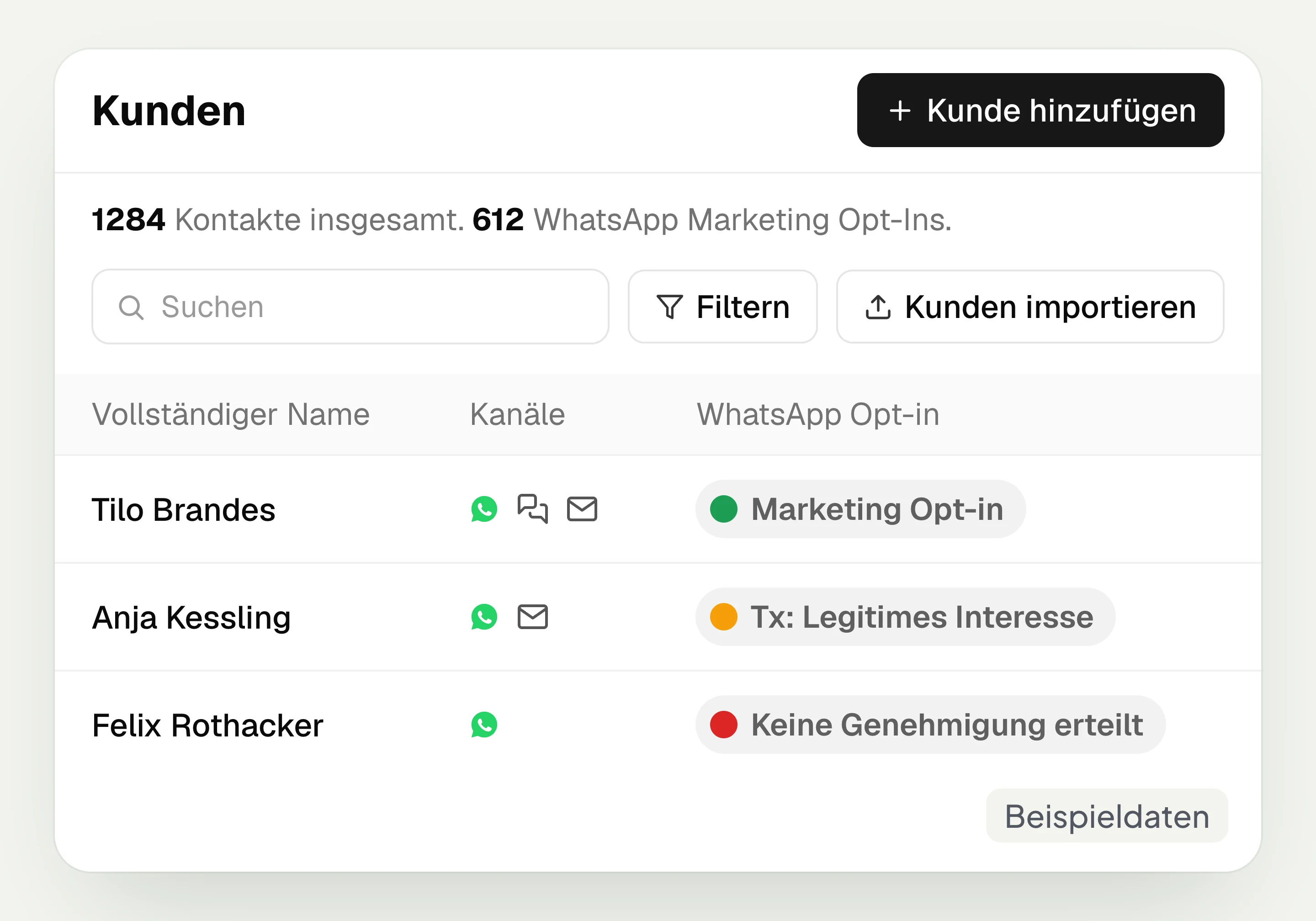
hellomateo customer and contact management brings together contact data, consent and audiences for WhatsApp. You see chats and notes on the contact, document consent and build lists for your campaigns. hellomateo complements your existing customer management or industry software.
See consent separately by channel
Find chats and notes on the contact
Build audiences with your own filter rules
Last updated: 28 October 2026
More than 2,000 customers use hellomateo

























From your contacts to the right audience
Import contacts
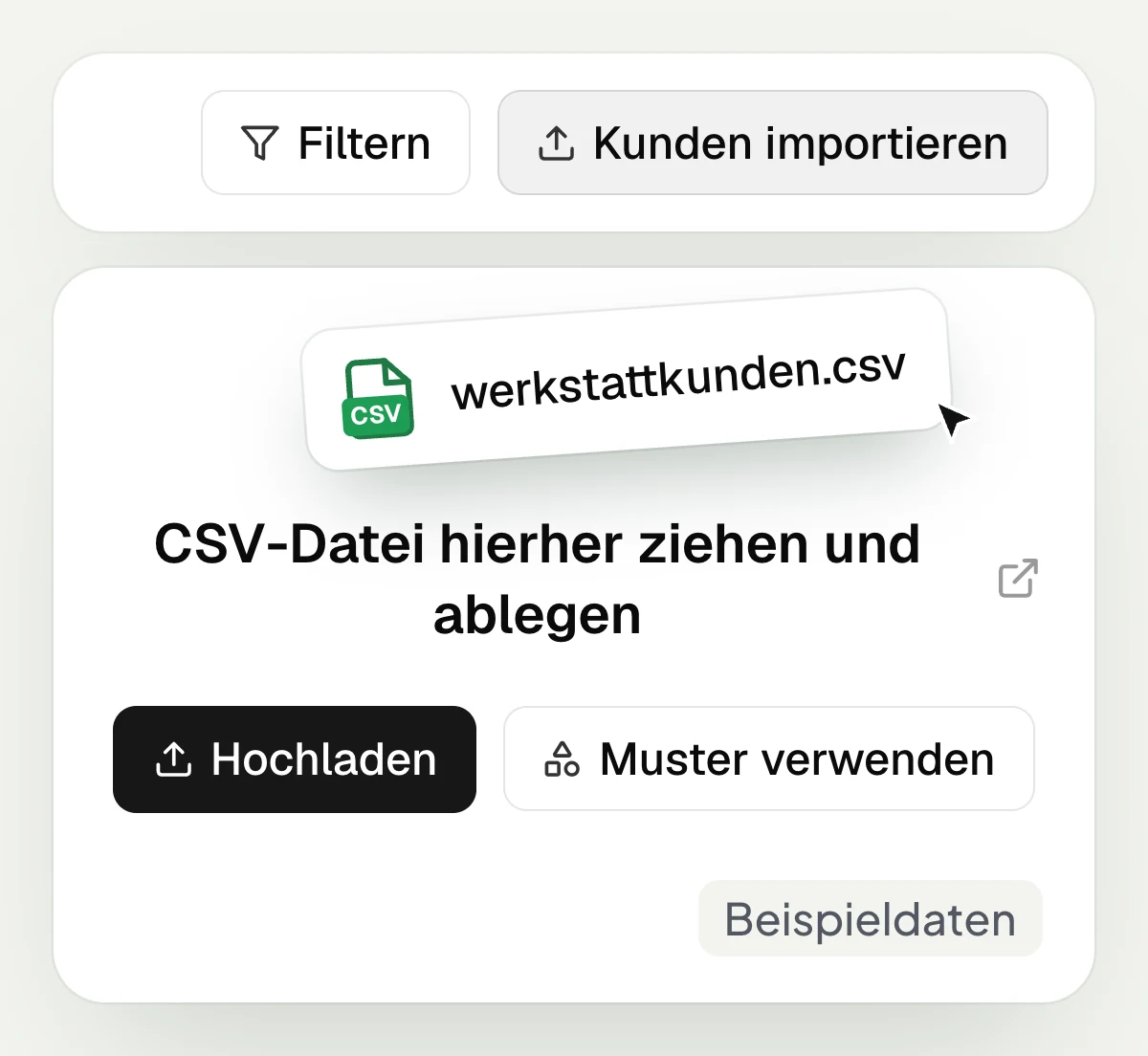
In hellomateo you import contacts via CSV or, in the Business package and above, via an integration. In the setup appointment you clarify which route suits your contact data.
Obtain consent
The hellomateo opt-in process takes customers to sign-up via QR code or WhatsApp link. Your customer confirms consent with a button in the message.
Look up consent
hellomateo records consent and opt-outs in the activities on the contact. Your customer’s confirmation appears in the chat with date and time. Marketing and transactional consent are listed separately.
Put together an audience
In hellomateo you combine filters for contact details, existing orders and appointments. The dynamic list follows your conditions and can be selected for a campaign.
Learn more: opt-in explained simply, WhatsApp newsletter, connecting industry software and Central Inbox
Manage contacts, consent and lists
In hellomateo you find customer data and consent on the contact and use filters to put together the right recipients.
Read customer data and conversations on the contact
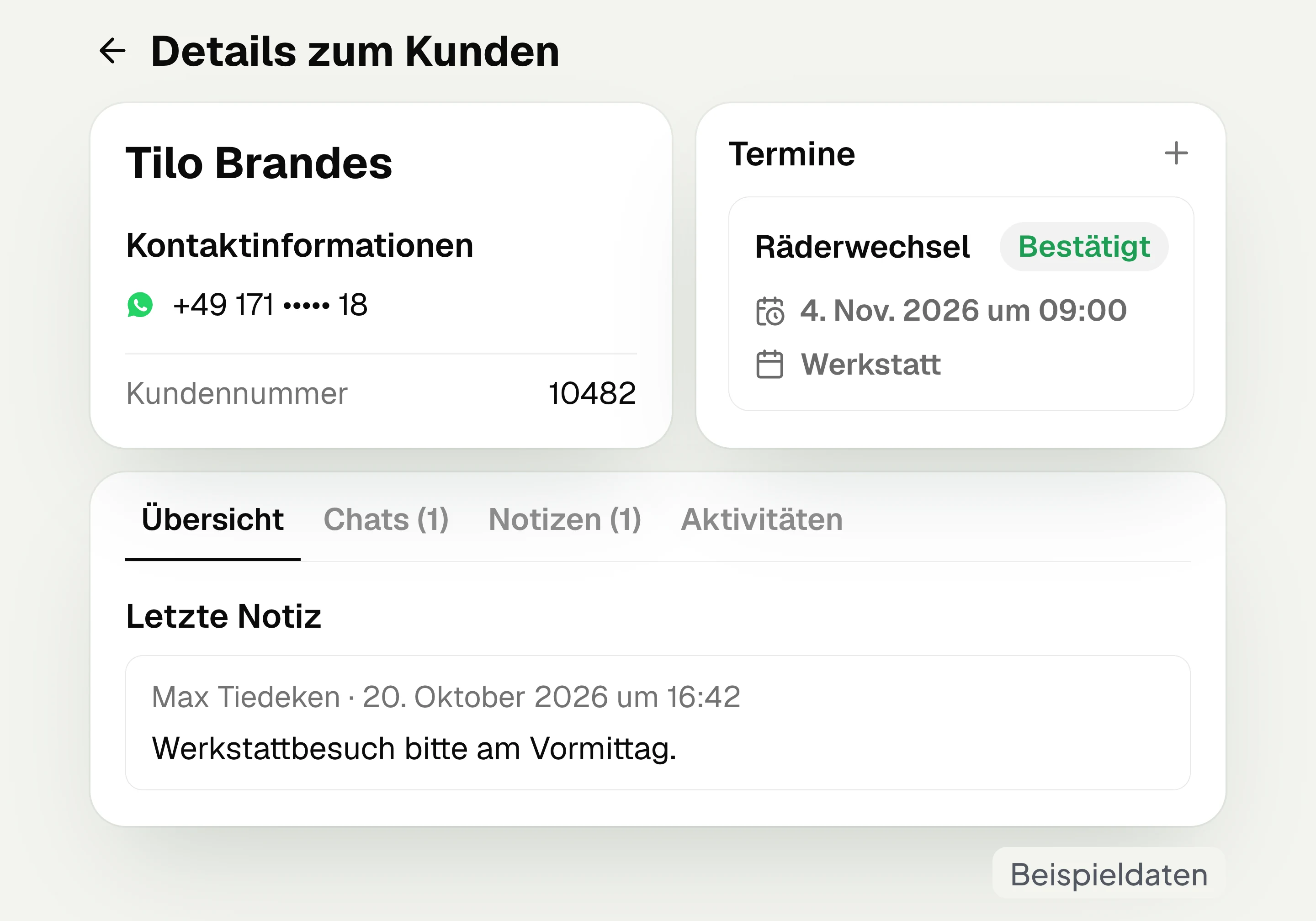
The hellomateo customer details view shows contact data, custom fields, chats and notes as well as existing orders and appointments; customer journeys are added in the Business package and above. For example, you open the last chat and read the note about the next workshop visit. You can also display selected custom fields in the sidebar of the inbox. This way the customer number sits next to the conversation while you reply.
View contact information and custom fields
Read chats and notes on the contact
Open existing orders and appointments
Show custom fields next to the chat

Document consent separately per channel
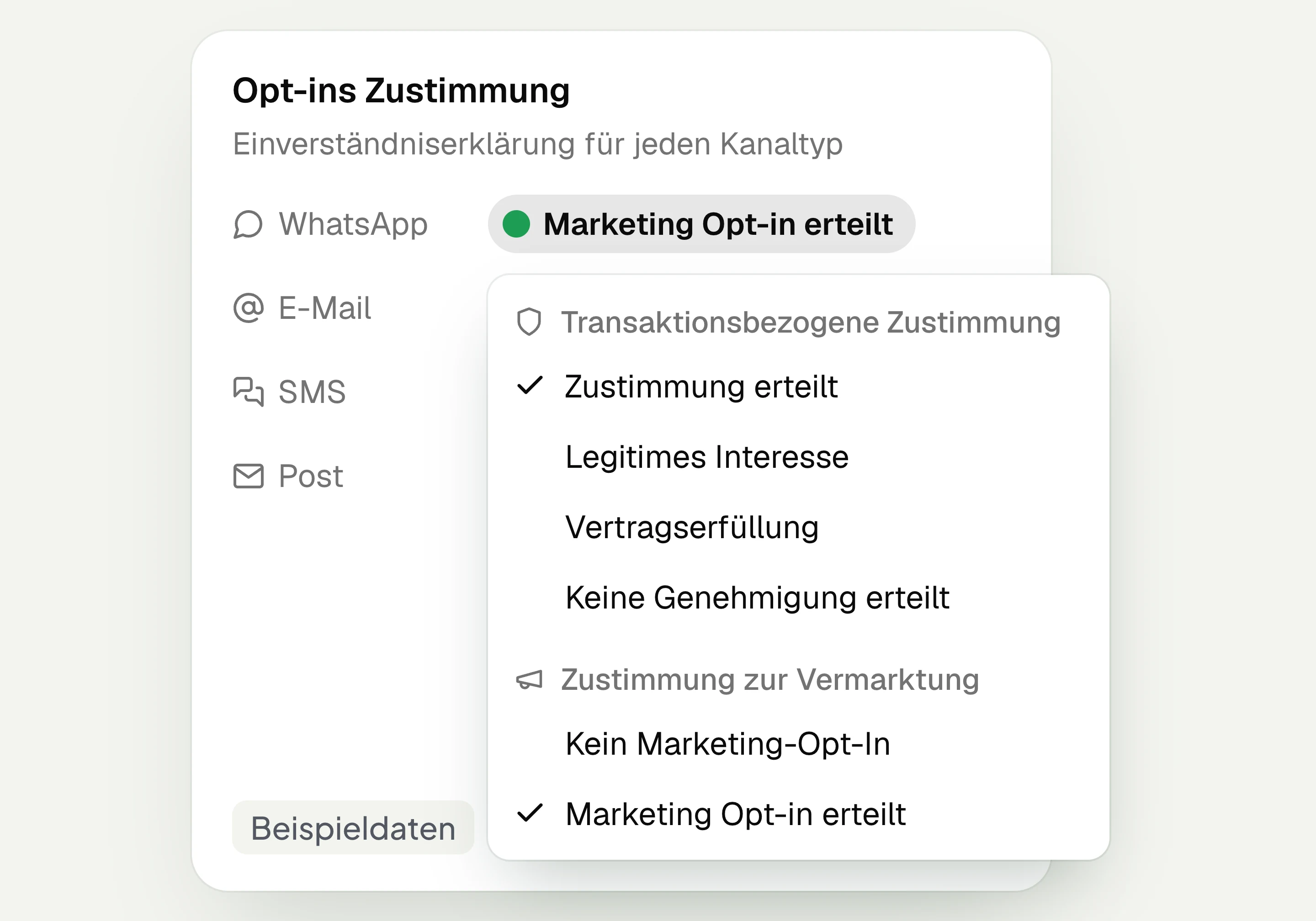
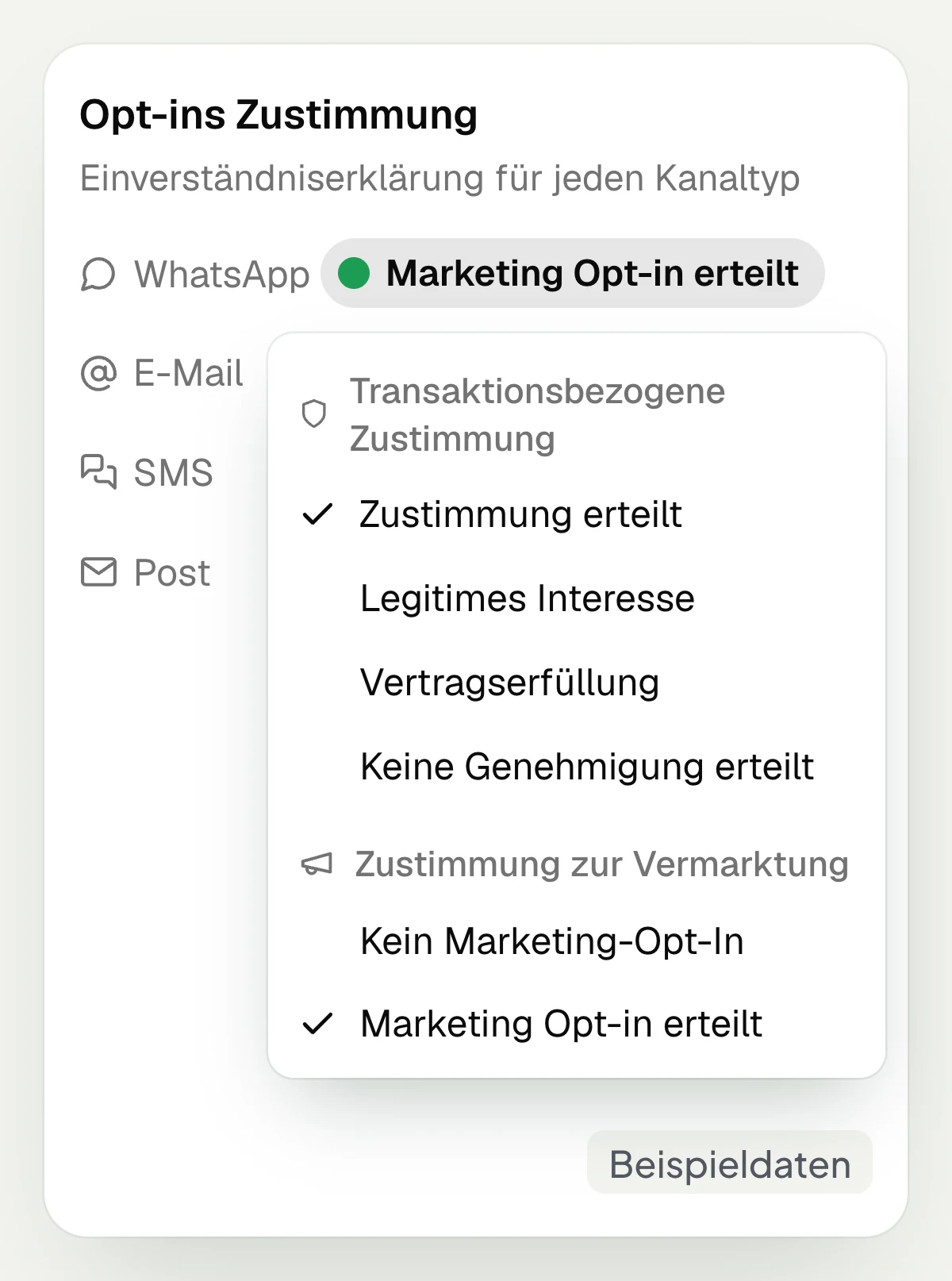
hellomateo keeps marketing consent and transactional consent separately for each channel. In the activities on the contact you see when marketing consent was added or withdrawn, and in the chat the confirmation with date and time. If a customer writes only “Stop” or “Stopp”, hellomateo ends the marketing opt-in for this channel and sends your stored unsubscribe confirmation. The contact is kept.
See marketing consent per channel
See transactional consent separately
Look up the time of WhatsApp consent
Record unsubscribes via “Stop” or “Stopp”
Obtain WhatsApp consent at the push of a button
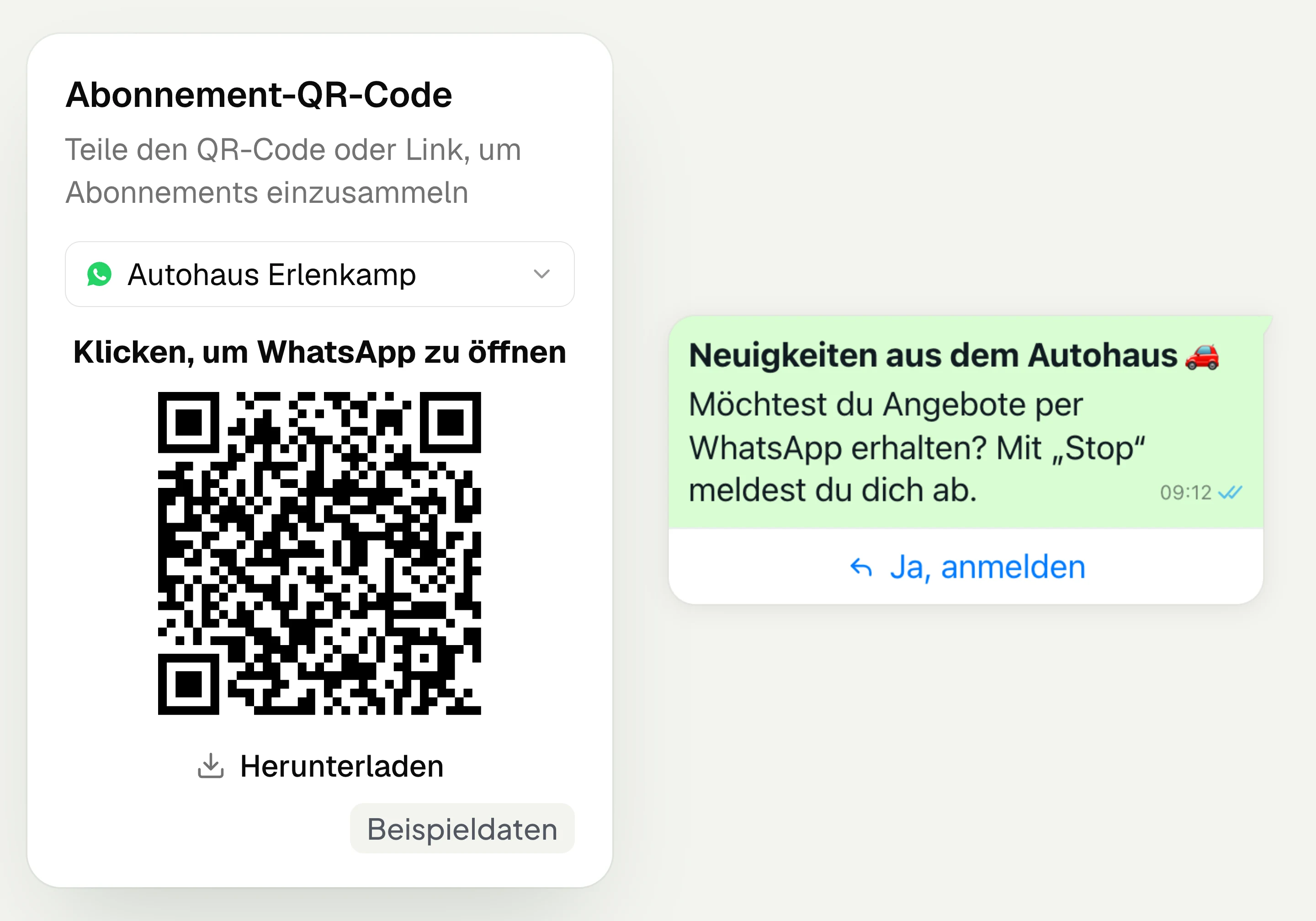
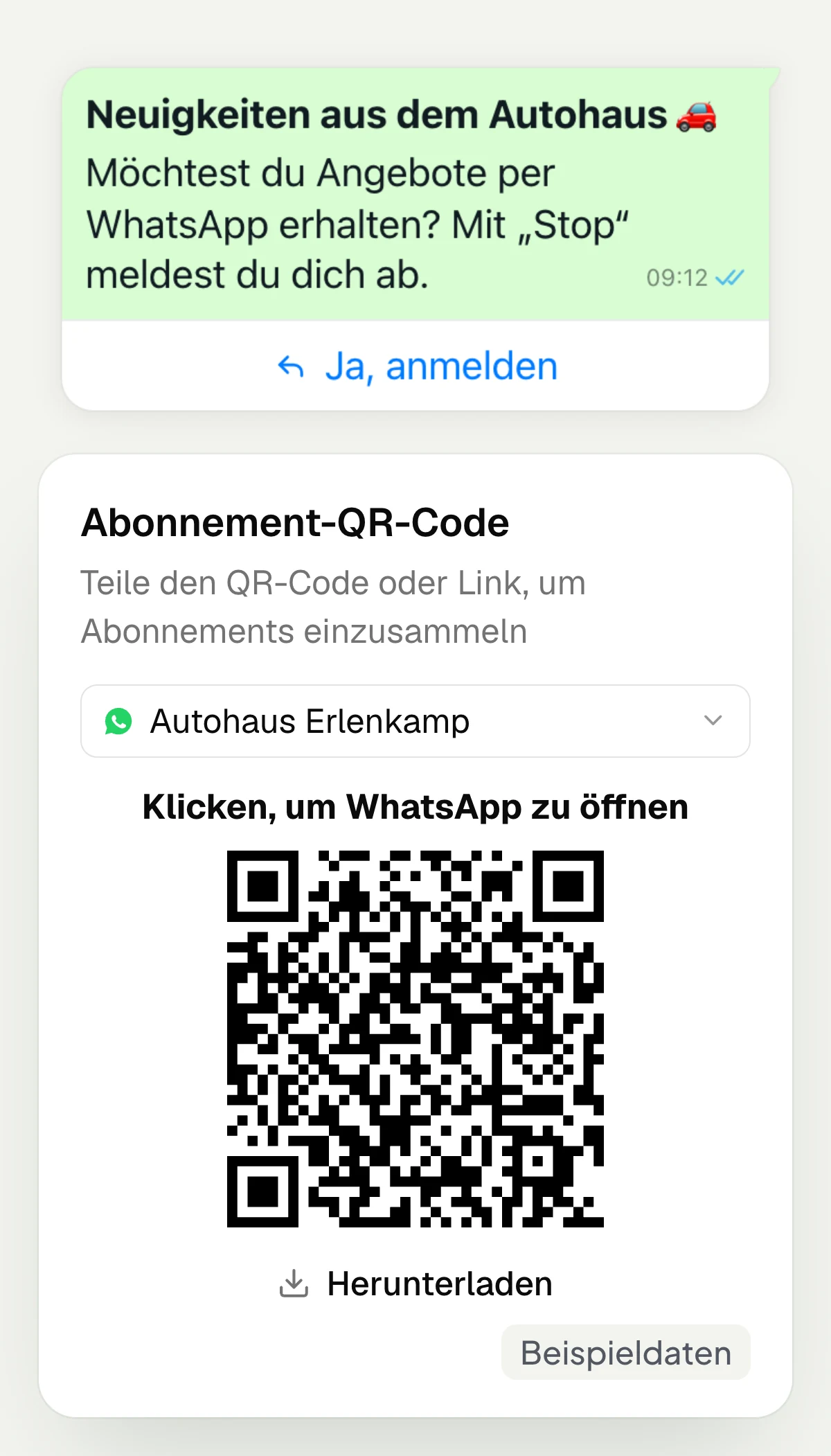
With the hellomateo opt-in process, customers sign up via a QR code or WhatsApp link. You set a keyword, a confirmation message and a success message. Your customer confirms with a button in WhatsApp. Under “Active Subscriptions” you find the sign-ups; the report shows new and lost subscribers. This way you can follow how your sign-ups develop.
Provide a QR code for sign-up
Share a WhatsApp link for sign-up
Have consent confirmed with a button
View new and lost subscribers
Import contacts via CSV or integration
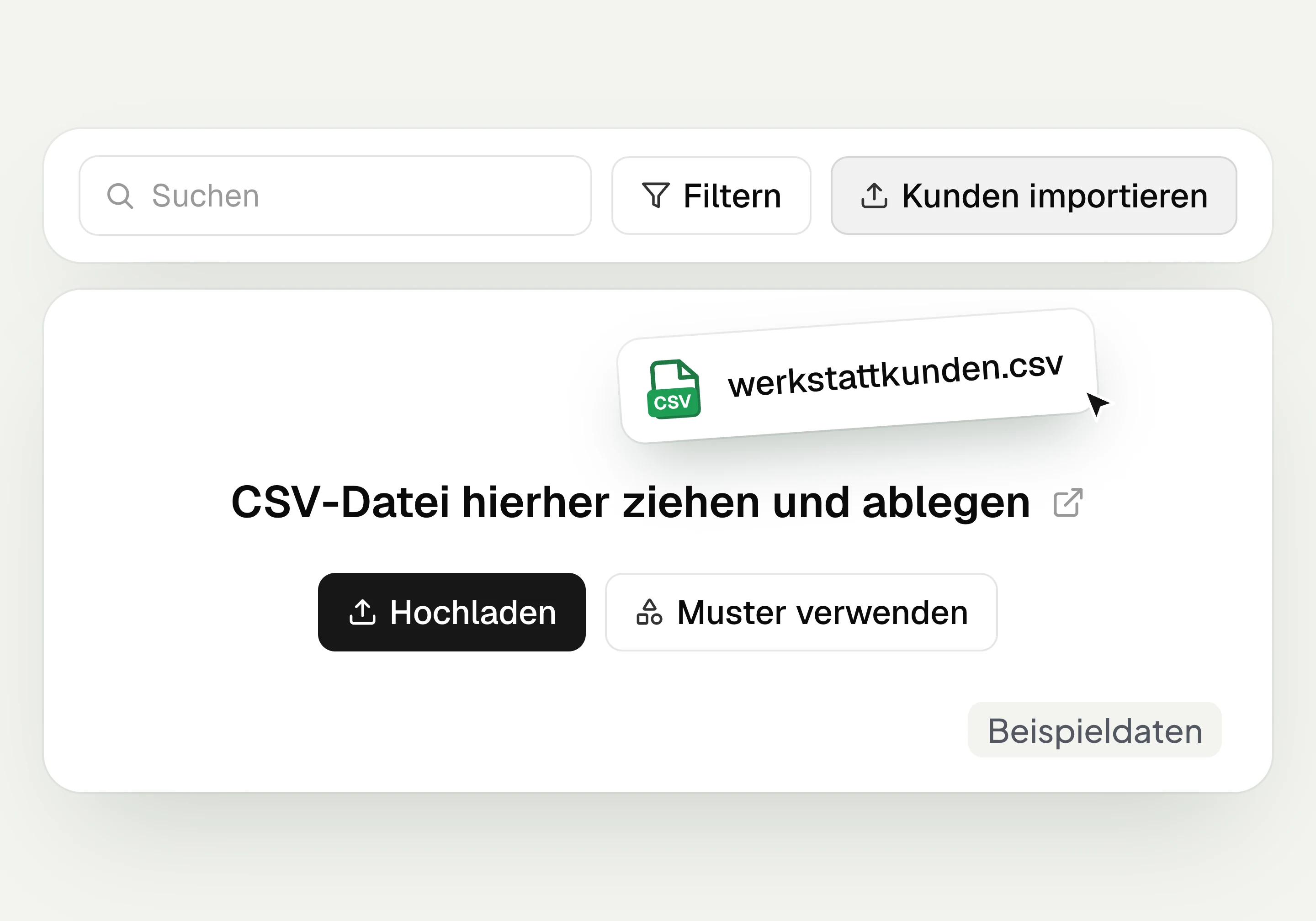
In hellomateo you import contacts from a CSV file and map the columns to the matching fields. Consent can be imported per channel in separate columns. In the Business package and above, you can connect your industry software. Which contact data, orders and appointments are transferred depends on the system. In the setup appointment you decide together with hellomateo how your contacts are imported.
With some integrations, consent can also be reported back to the industry software. You clarify the scope in the setup appointment.
Upload a CSV file via “Import customers”
Map columns to contact fields
Import consent per channel
Connect industry software in Business and above
Build audiences with dynamic lists
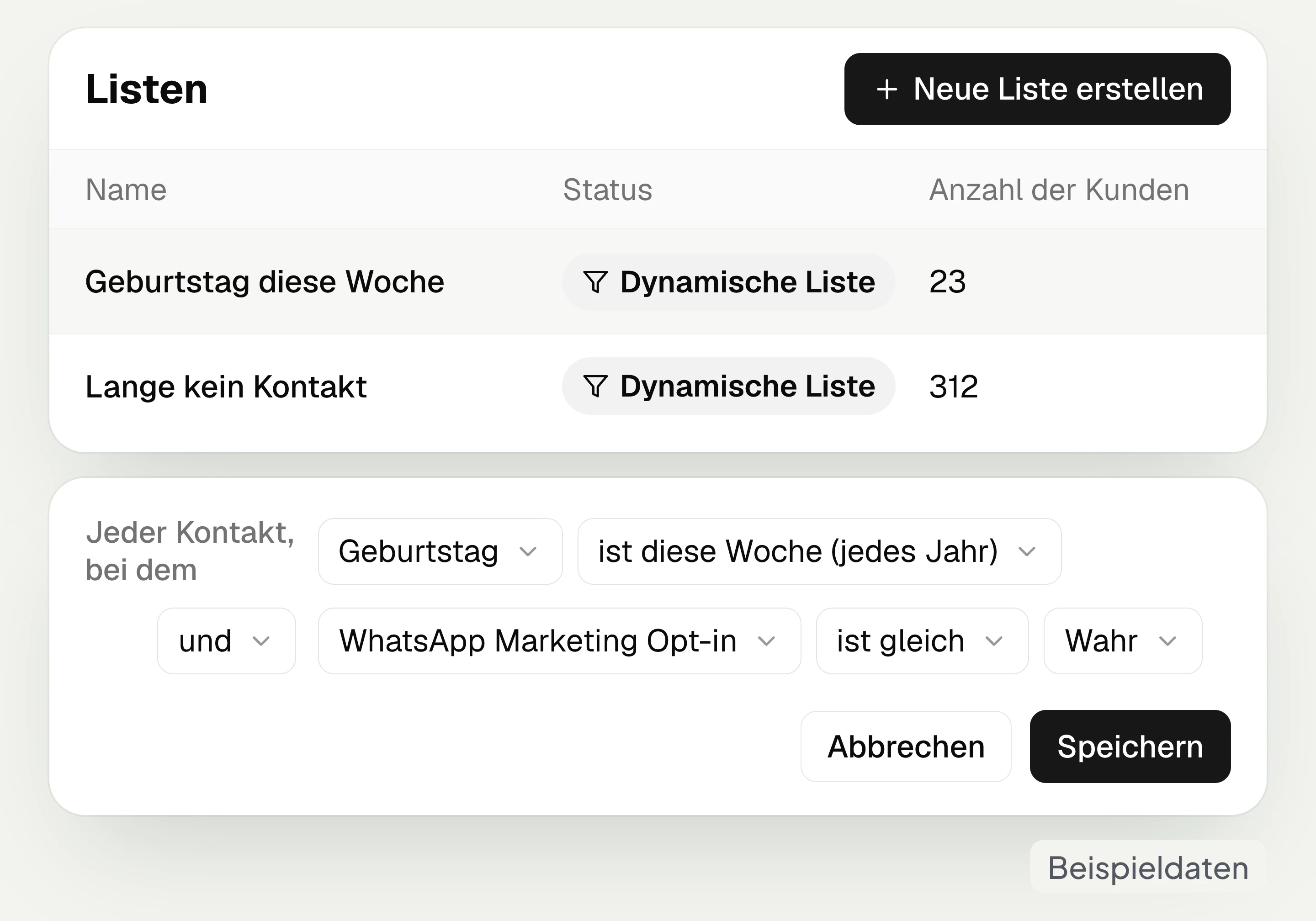
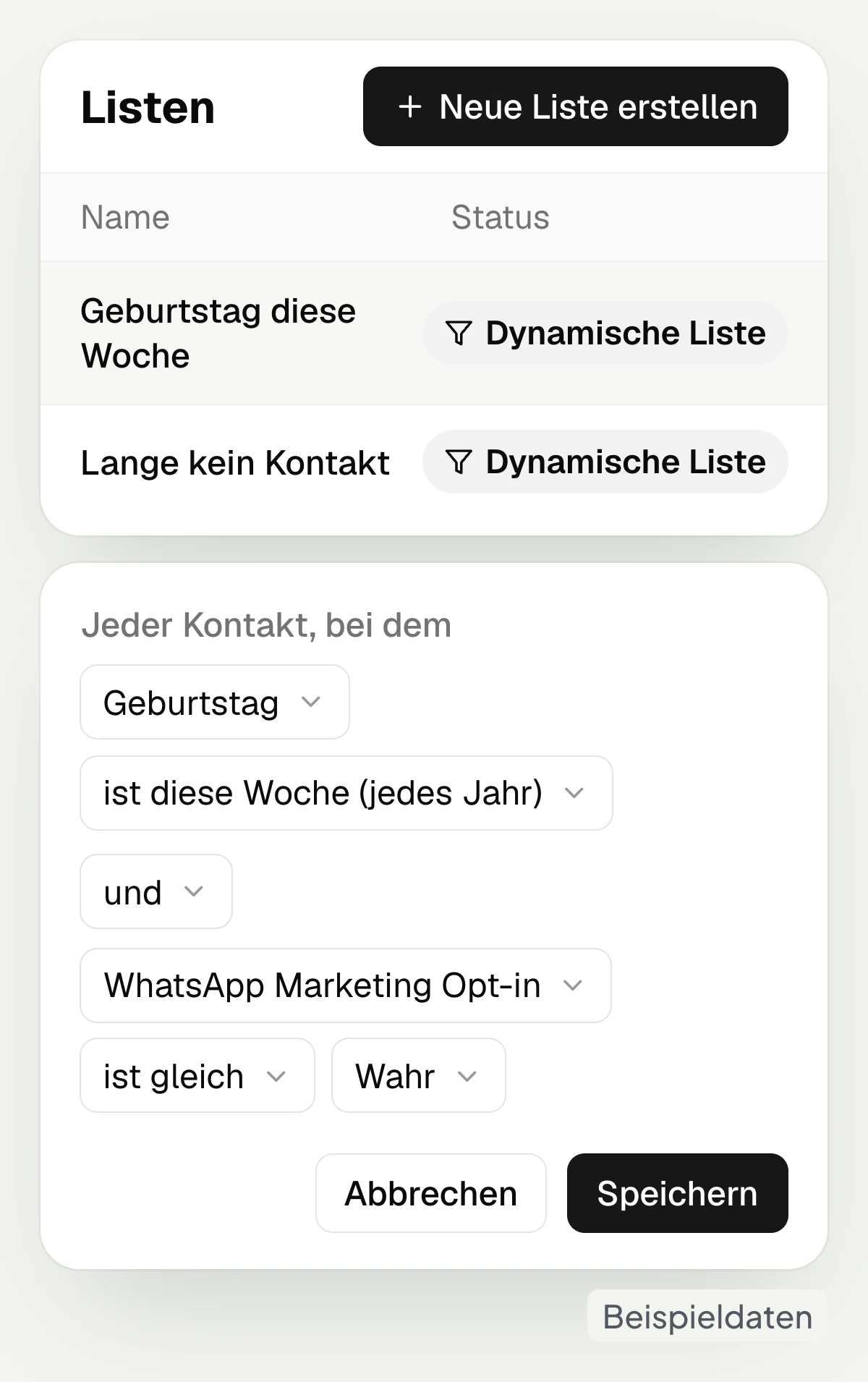
Dynamic lists in hellomateo put together contacts according to your filter rules. You combine contact details with conditions on existing orders or appointments, linked by “and” or “or”. This creates, for example, a list of customers with a birthday this week and a WhatsApp marketing opt-in. Lists form the basis for campaigns and, in the Business package and above, for customer journeys.
Filter by contact details and custom fields
Use orders and appointments as conditions
Link rules with “and” or “or”
Create a campaign directly from the list
Let us show you how to import contacts, look up consent and put together an audience in hellomateo.
Which customer data do you need every day?
hellomateo connects contacts, consent and lists with concrete occasions in your business.
Car dealership and workshop
In hellomateo you collect consent via QR code and filter workshop customers by existing appointments; DMS integrations are available in the Business package and above.
Opticians
In hellomateo you build lists for eye test invitations by appointment and consent if appointments from your optician software are available; integrations are available in the Business package and above.
Hearing care
In hellomateo you record appointment preferences and the relationship to relatives in notes; the daughter gets her own contact for her WhatsApp number.
Fashion retail
In hellomateo you collect consent at the checkout and build lists by birthday or last interaction, for example for a greeting to regular customers.
Furniture and kitchens
In hellomateo you store kitchen orders with status and a custom date field for delivery on the contact and import in-house show contacts via CSV.
Electronics retail
In hellomateo you filter device buyers based on existing orders and display the repair number as a custom field next to the conversation.
Start conversations with your contacts
With hellomateo you use your contacts in the Central Inbox, for WhatsApp newsletters and, in the Business package and above, for automated customer journeys.
Central Inbox
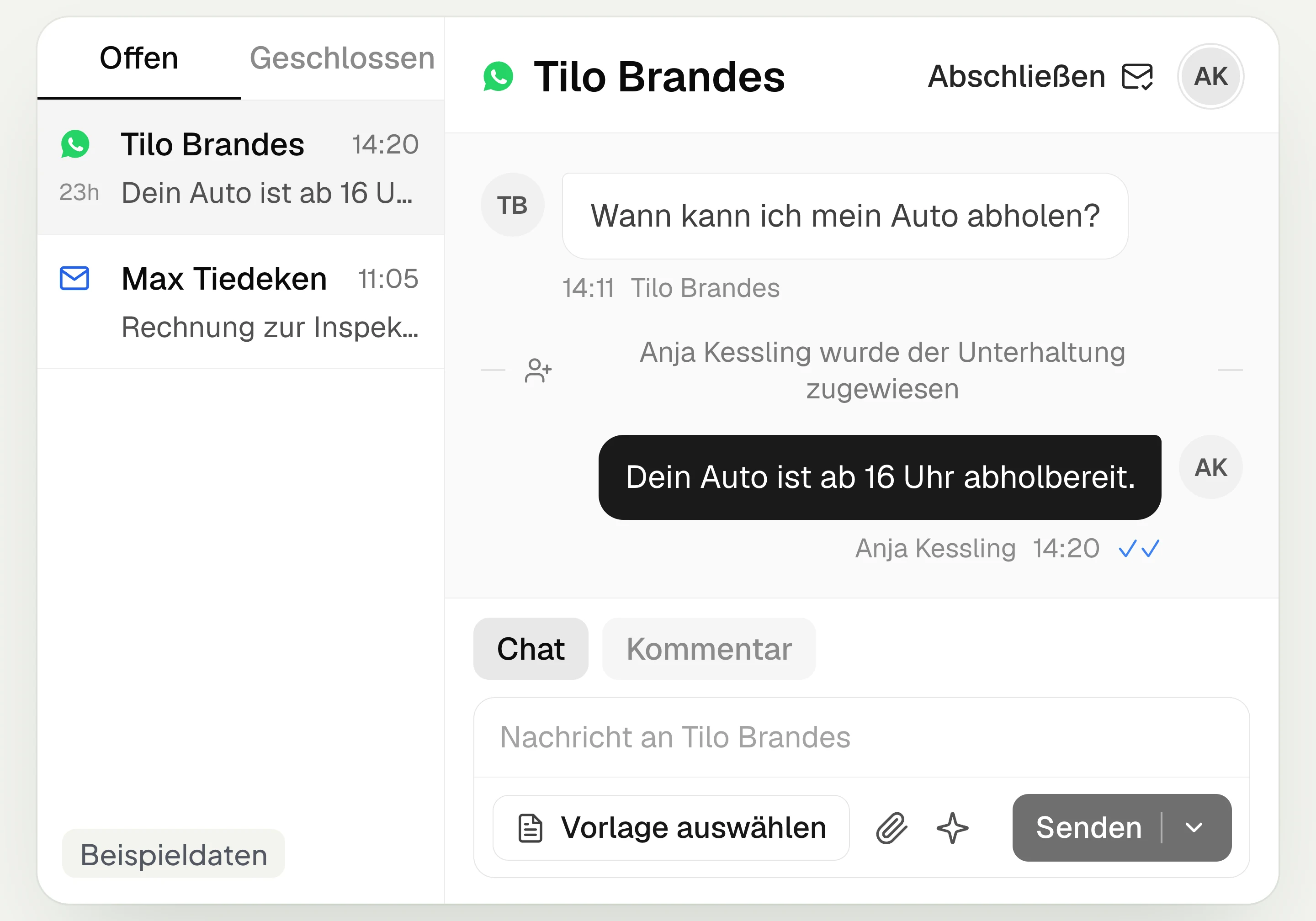
hellomateo brings together WhatsApp, email, Instagram and Facebook Messenger in one inbox. Multiple staff members write via the same WhatsApp number and assign conversations.
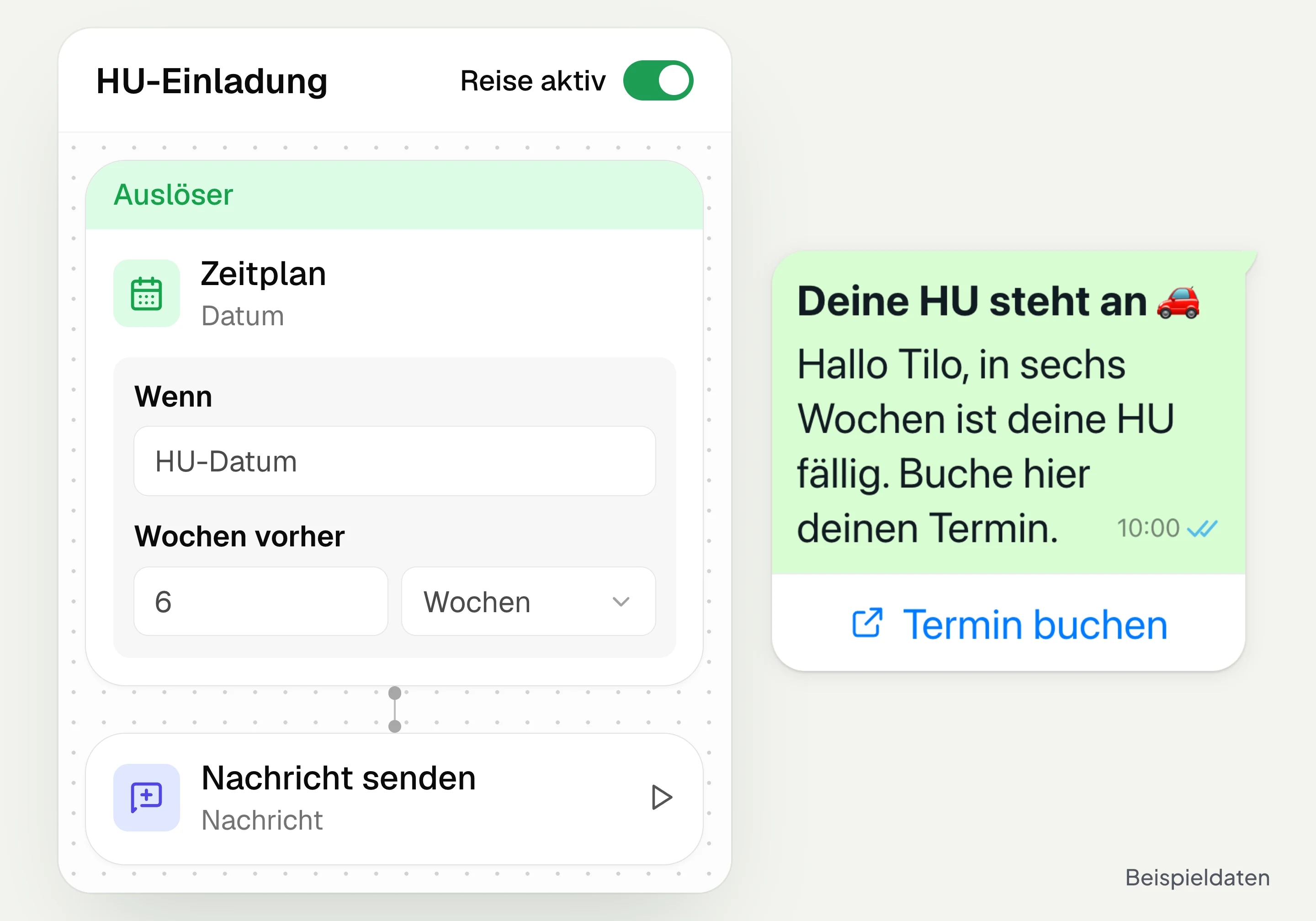
Automated customer journeys
Customer journeys in hellomateo send invitations automatically based on a date or event. You set the message and follow-up steps and check the progress per contact. Business and above.
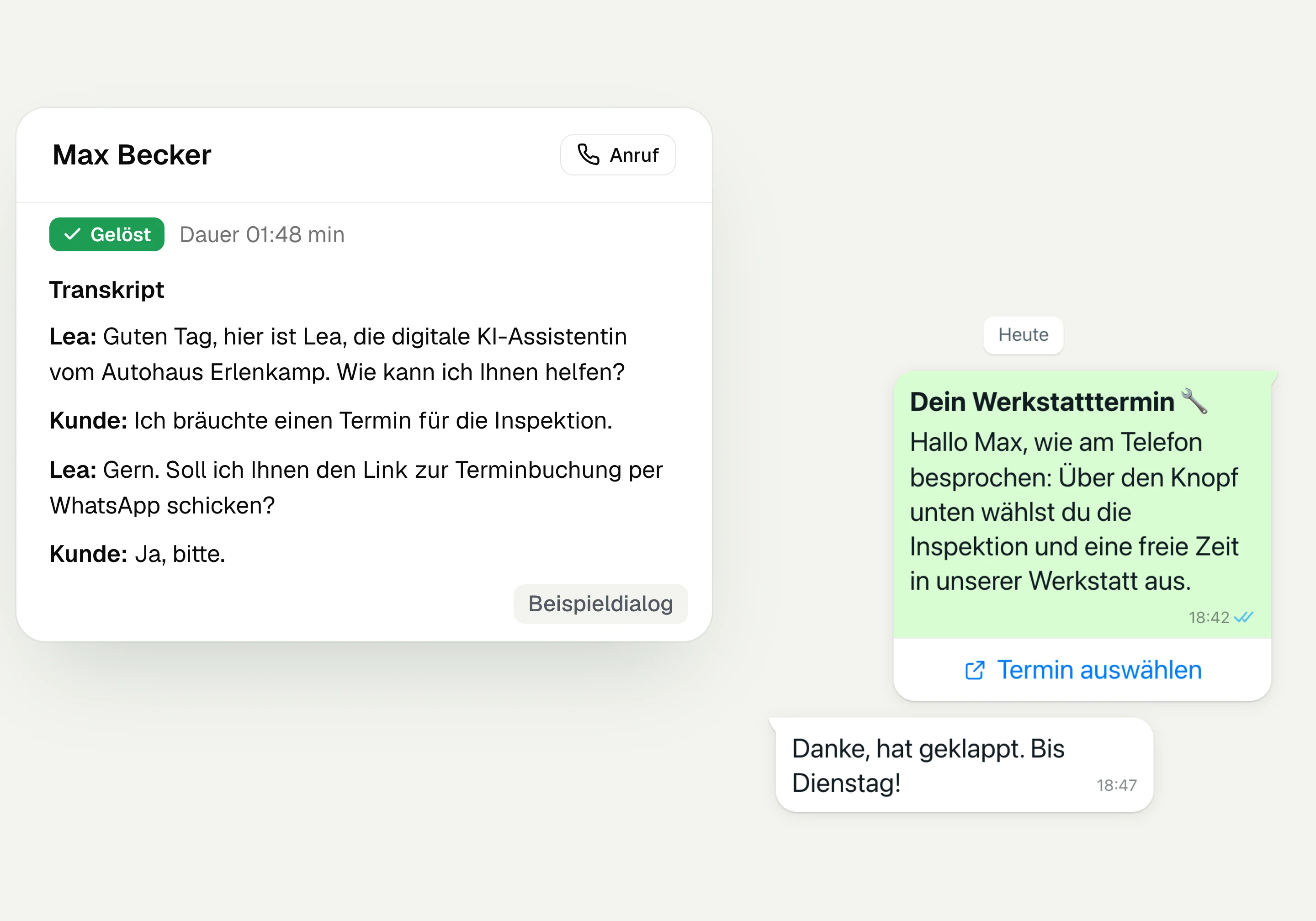
AI Telephony
hellomateo AI telephony takes calls, answers questions and sends the booking link via WhatsApp after consent. From €80 per month with 500 free minutes; additional minutes are charged on top.
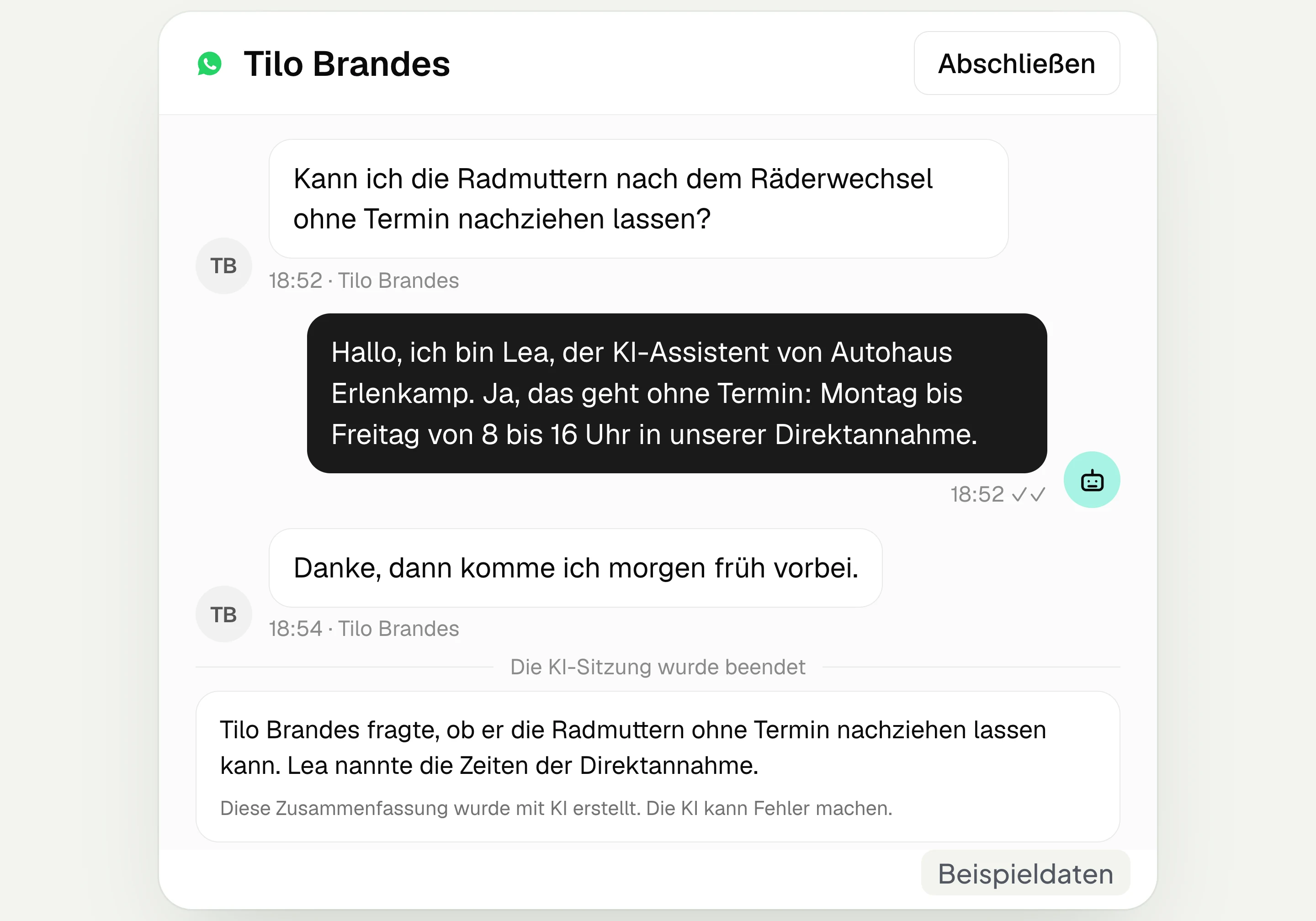
AI assistant in chat
The hellomateo AI assistant answers questions in WhatsApp, Instagram and Facebook Messenger with your knowledge. Can be added, selectable in Business Plus, included in Enterprise.

Appointment booking
With hellomateo, customers book appointments themselves on your booking page. You set services and calendars. Add-on module: €25 per month, regardless of the number of locations.
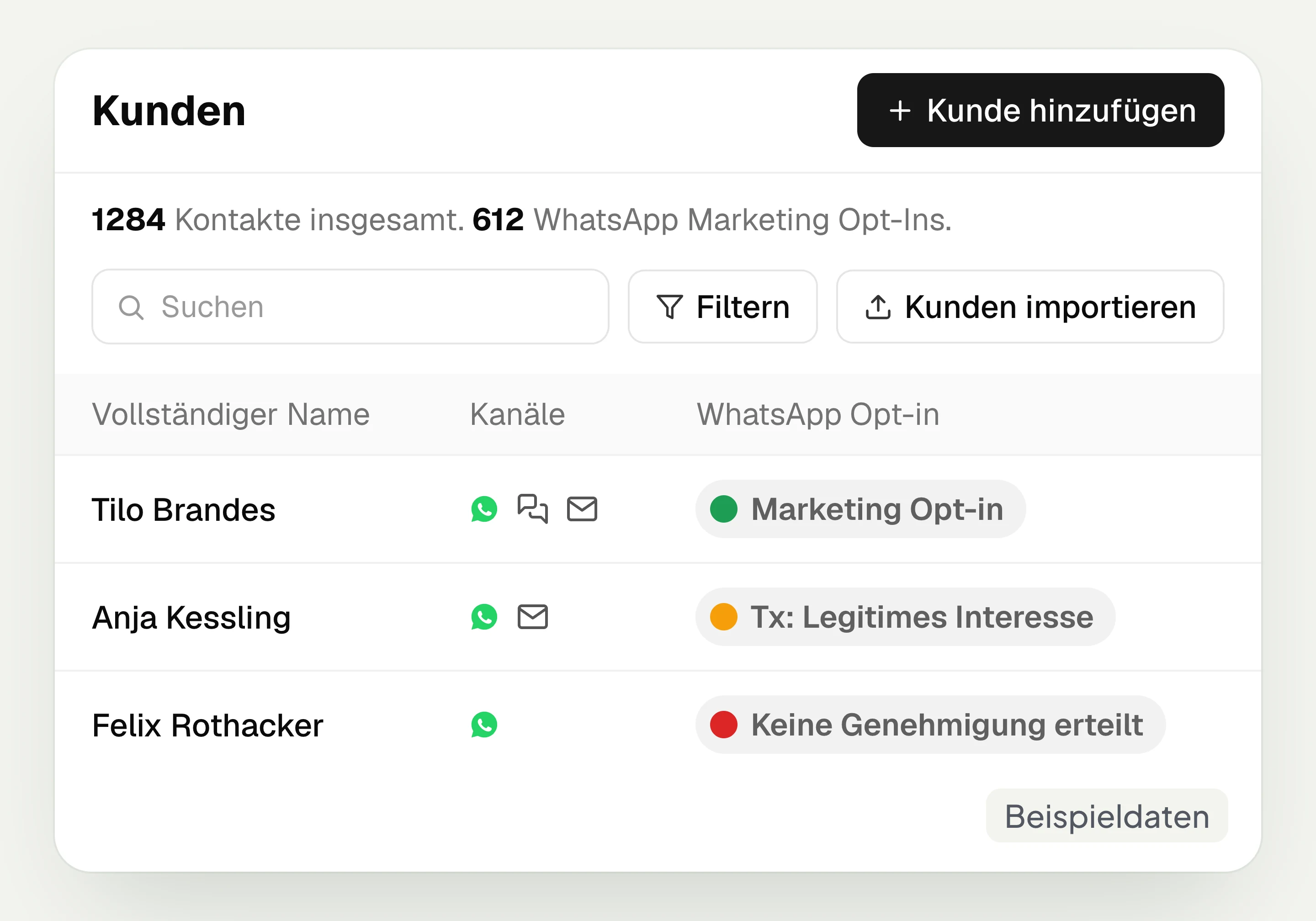
Customer and contact management
hellomateo connects contact data, conversations and consent per channel. You read notes on the contact and build recipient lists with your own filter rules.
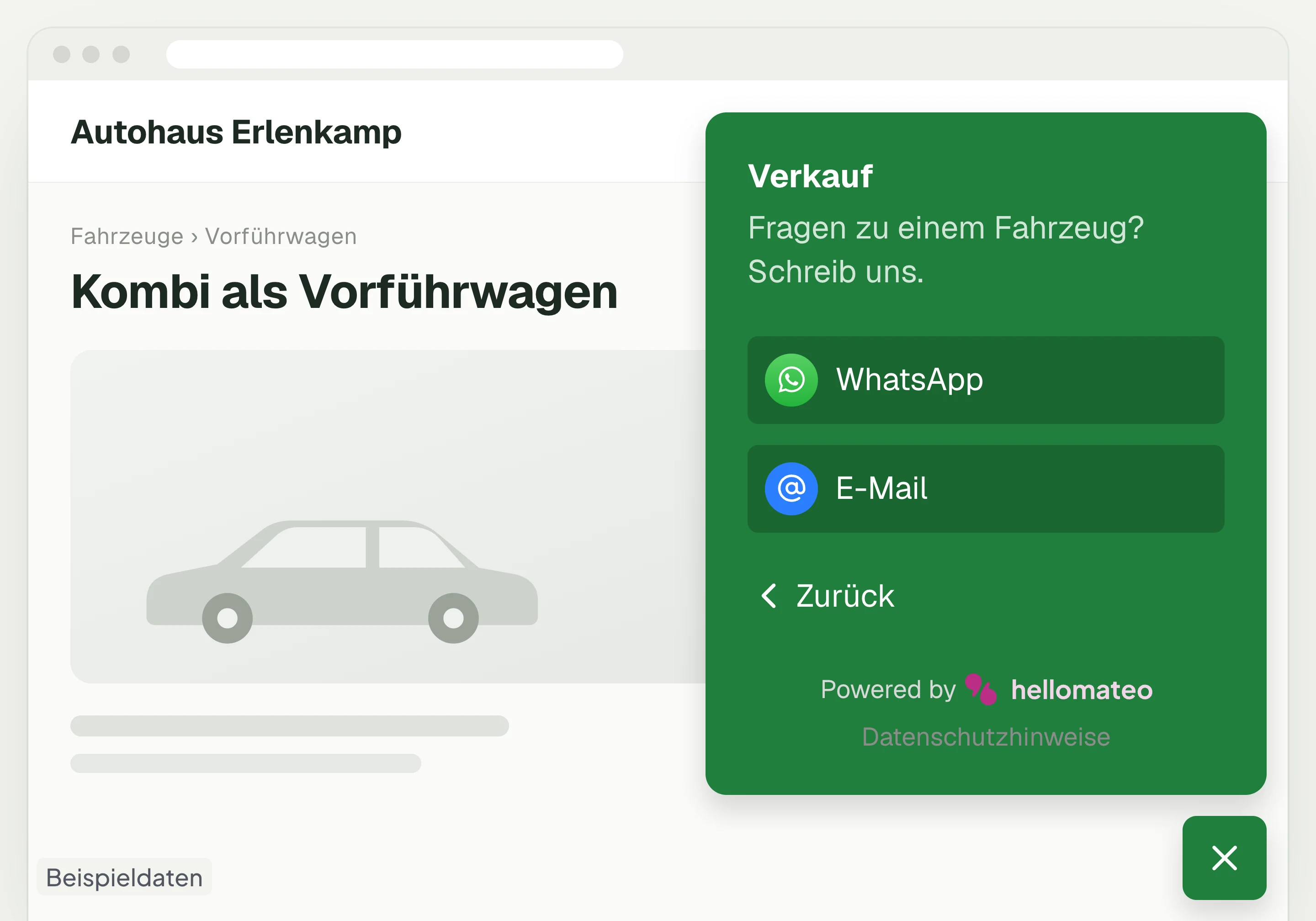
Contact through your website
A hellomateo button on your website takes visitors to WhatsApp and other channels. For connected channels, your team replies in the Central Inbox.
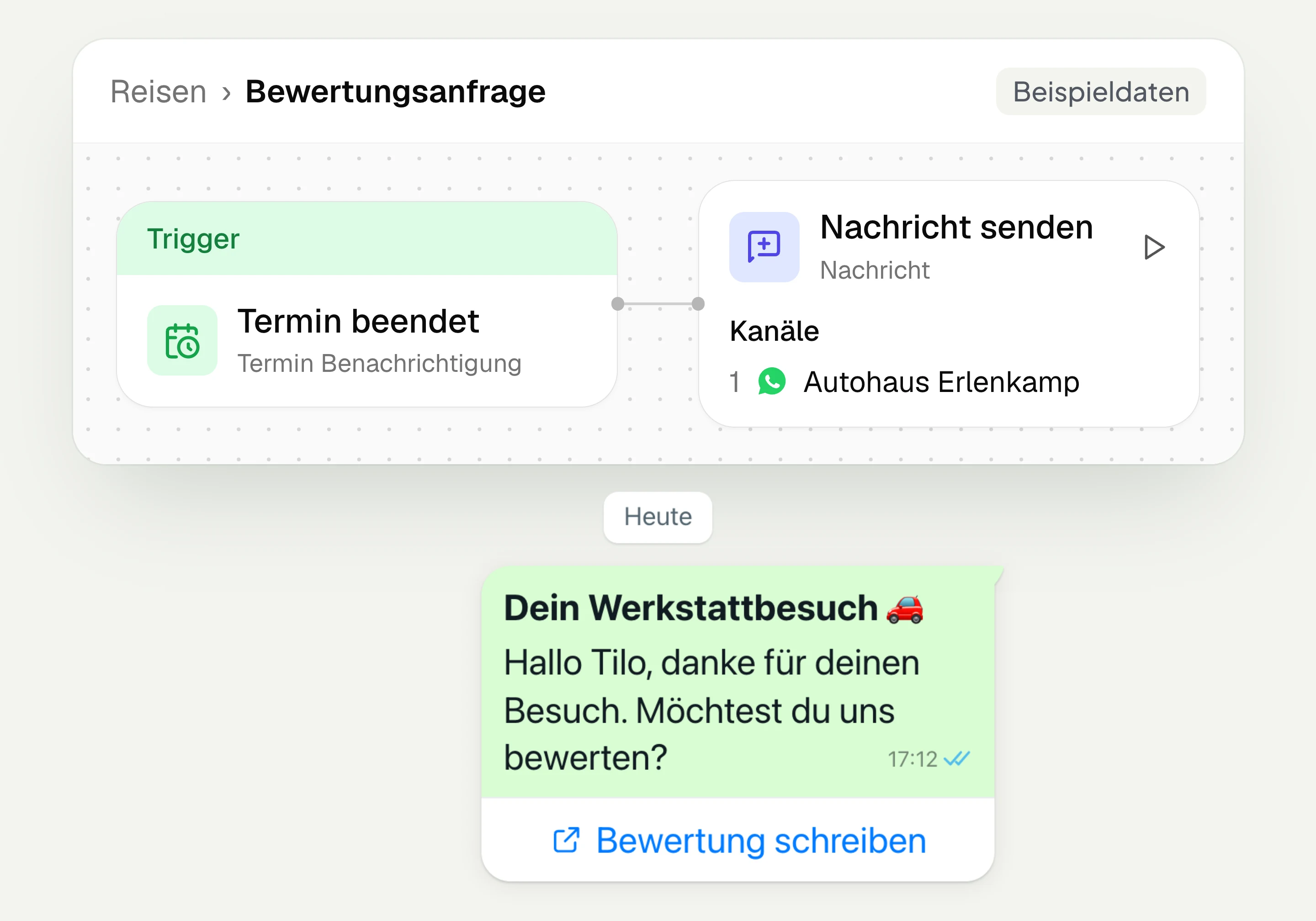
Review management
With hellomateo you request Google reviews, read reviews and reply to them. In the Business package and above, customer journeys send the review request automatically.
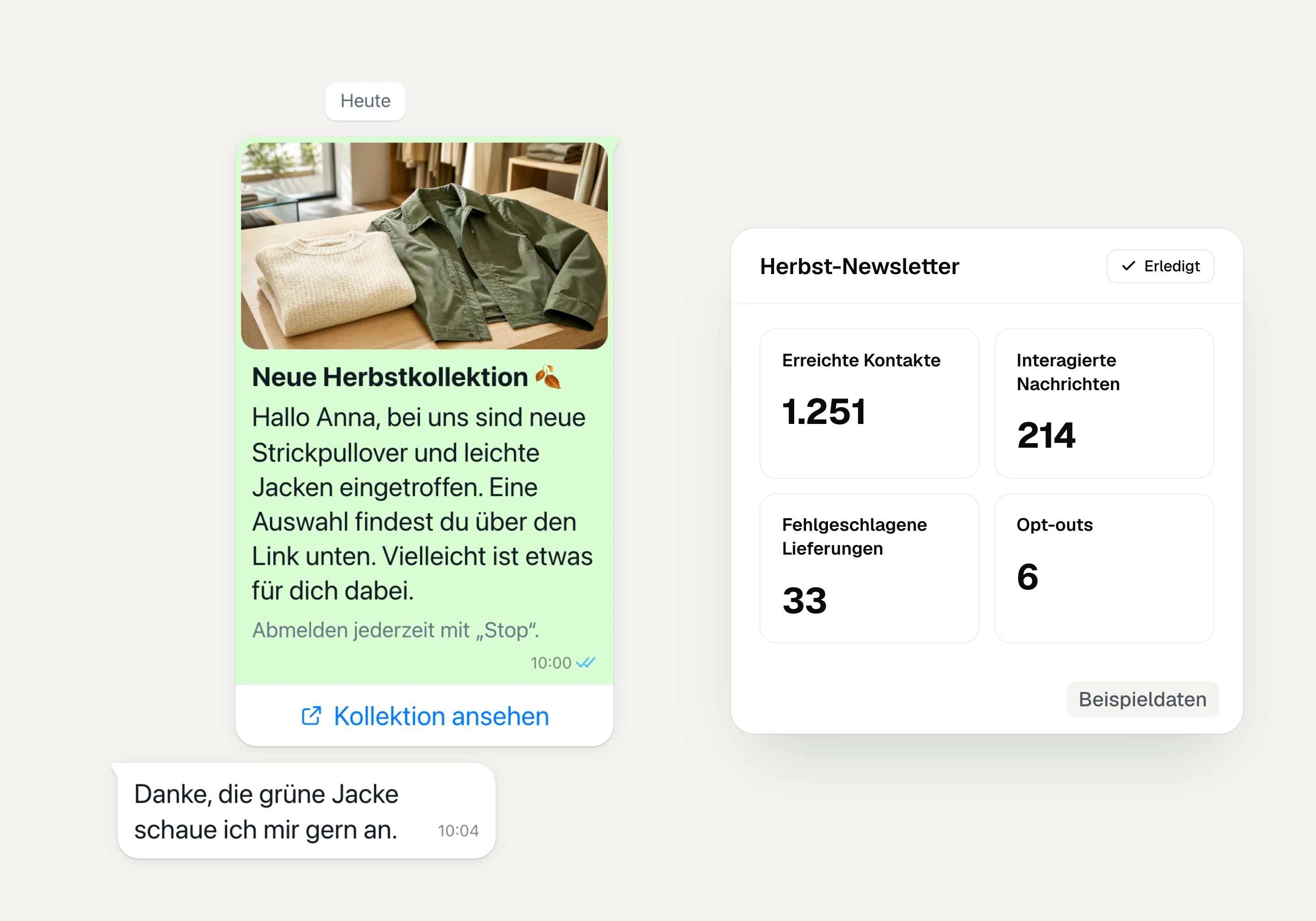
WhatsApp newsletter
With hellomateo you send WhatsApp newsletters to customers who have given consent. You choose recipients, schedule the send and see per recipient whether the message was read.
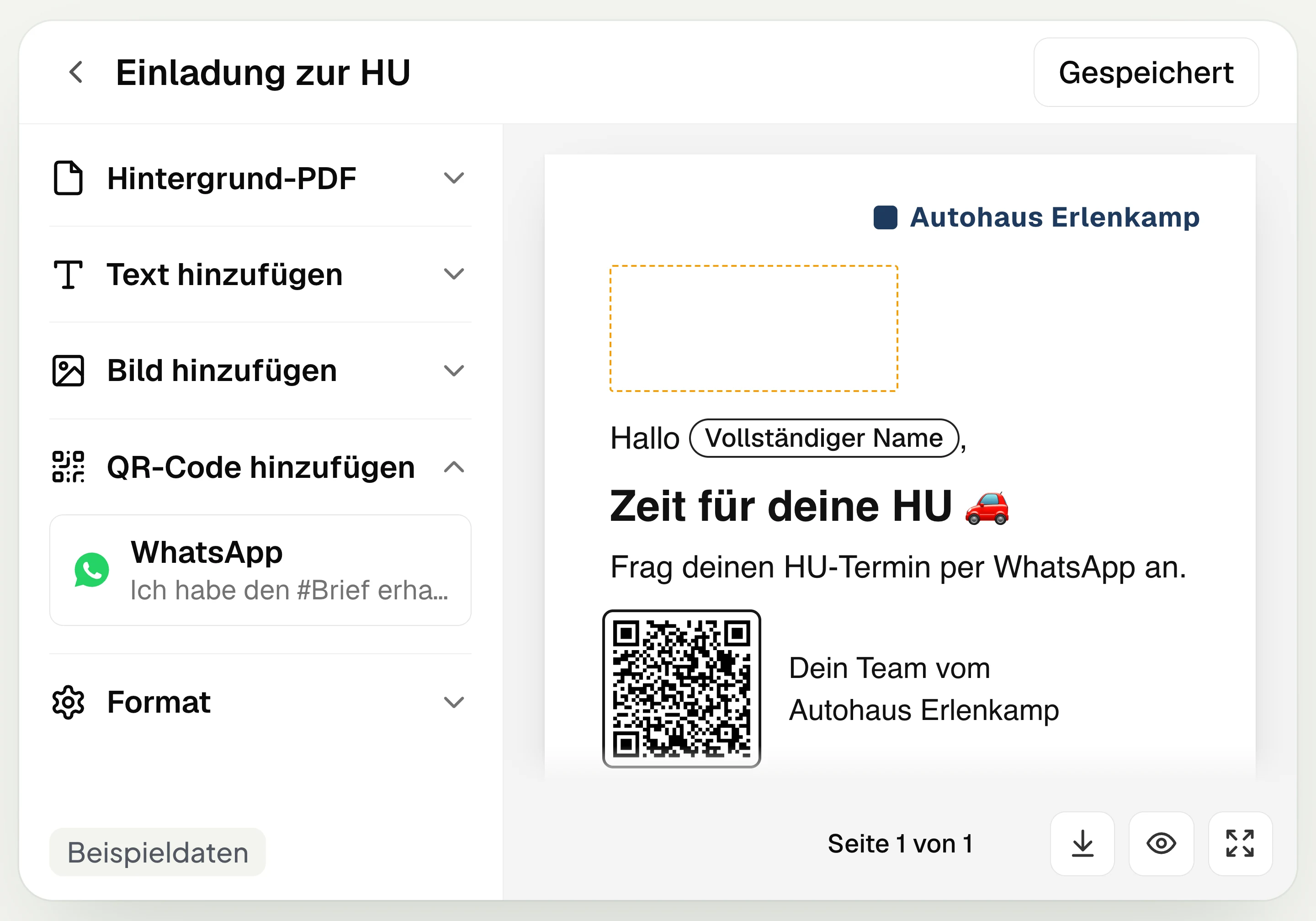
Postal mailing
With hellomateo you design and send letters with a WhatsApp QR code. Can be added in Business, selectable in Business Plus, included in Enterprise.
Insights
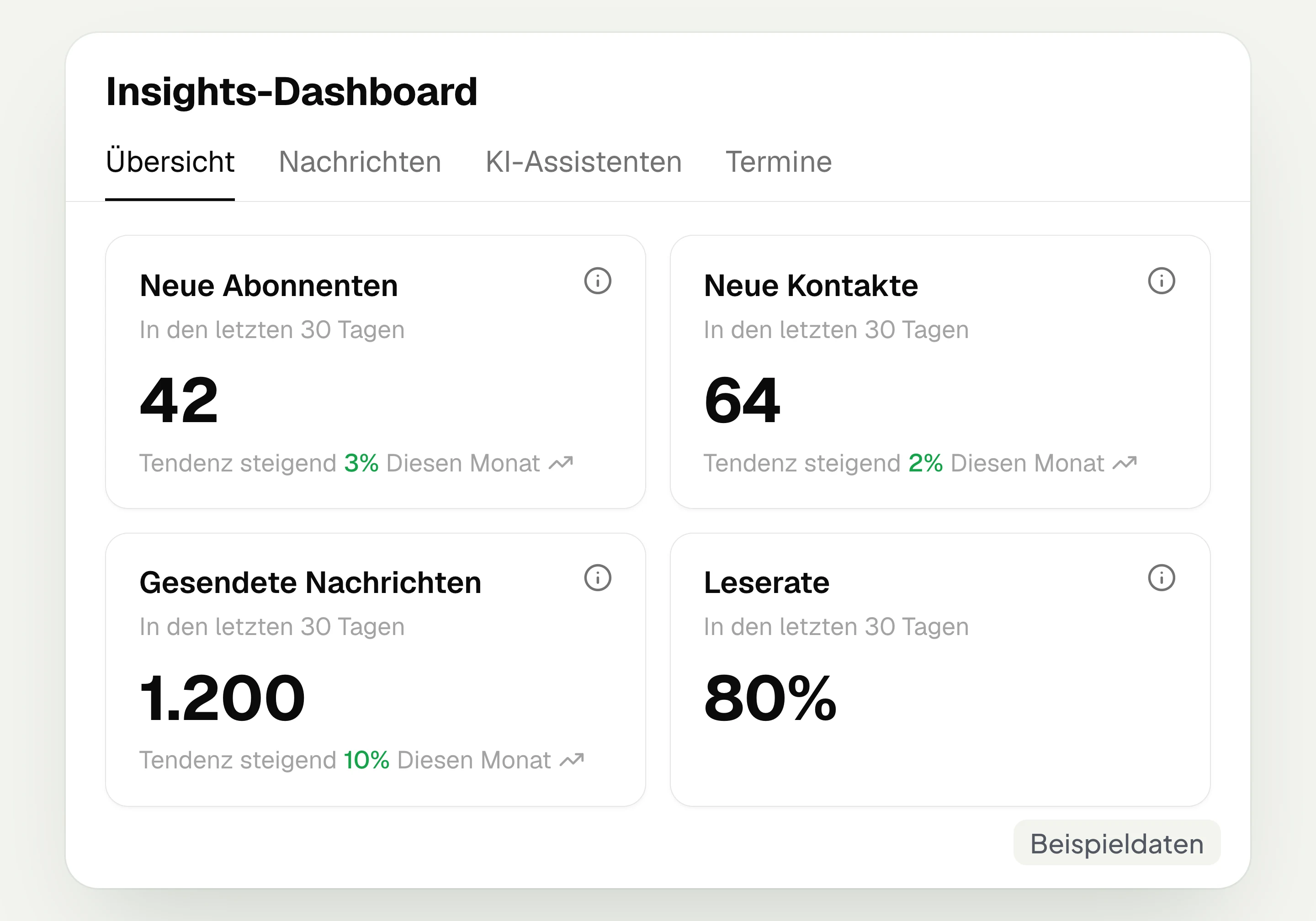
hellomateo Insights shows messages, read rate, contacts and reviews. With the respective modules, analytics on AI inquiries and appointments are added.
Integrations
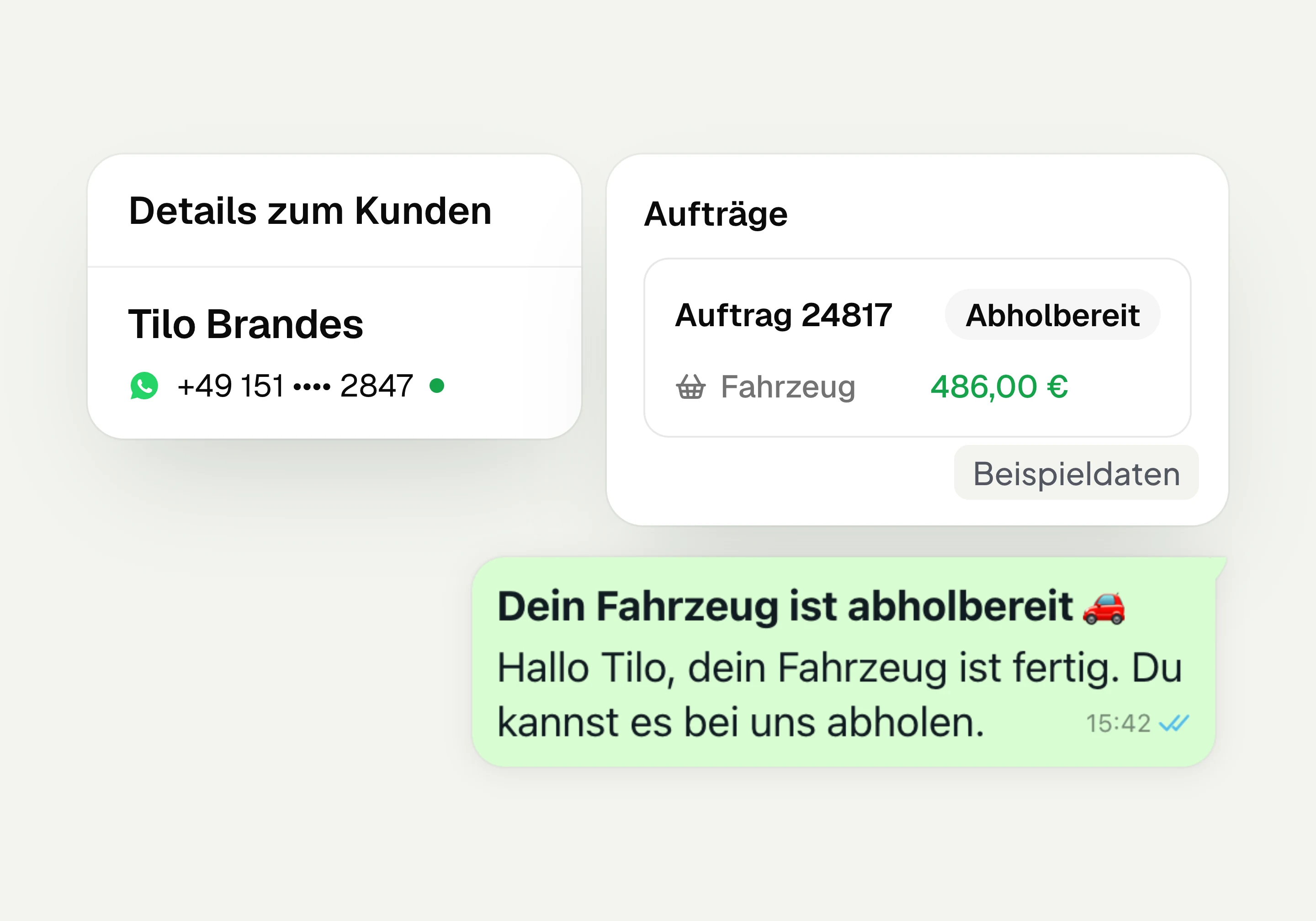
Depending on the connection, hellomateo transfers contacts, orders and appointments from your industry software. More than 70 direct integrations are available in Business and above.
Frequently asked questions about contacts and WhatsApp opt-ins




Book a non-binding consultation
We would be happy to show you hellomateo in a personal demo.
Or send us an email:
What is hellomateo customer and contact management?
How do I obtain WhatsApp consent from my existing customers?
How do I import existing customer contacts?
What is the difference between marketing and transactional consent?
How does a customer unsubscribe without me deleting them?
Is consent synchronized with our industry software?
Where do I see when and how a customer gave consent?
Can I filter audiences by customer data, orders and appointments?
Does hellomateo replace our customer management or our CRM?
Can I create custom fields and show them in the chat?
Do I see all conversations of a customer in one profile?
What happens with a second or new WhatsApp number?
What does contact management cost, and can I try hellomateo?