Review management software for Google reviews
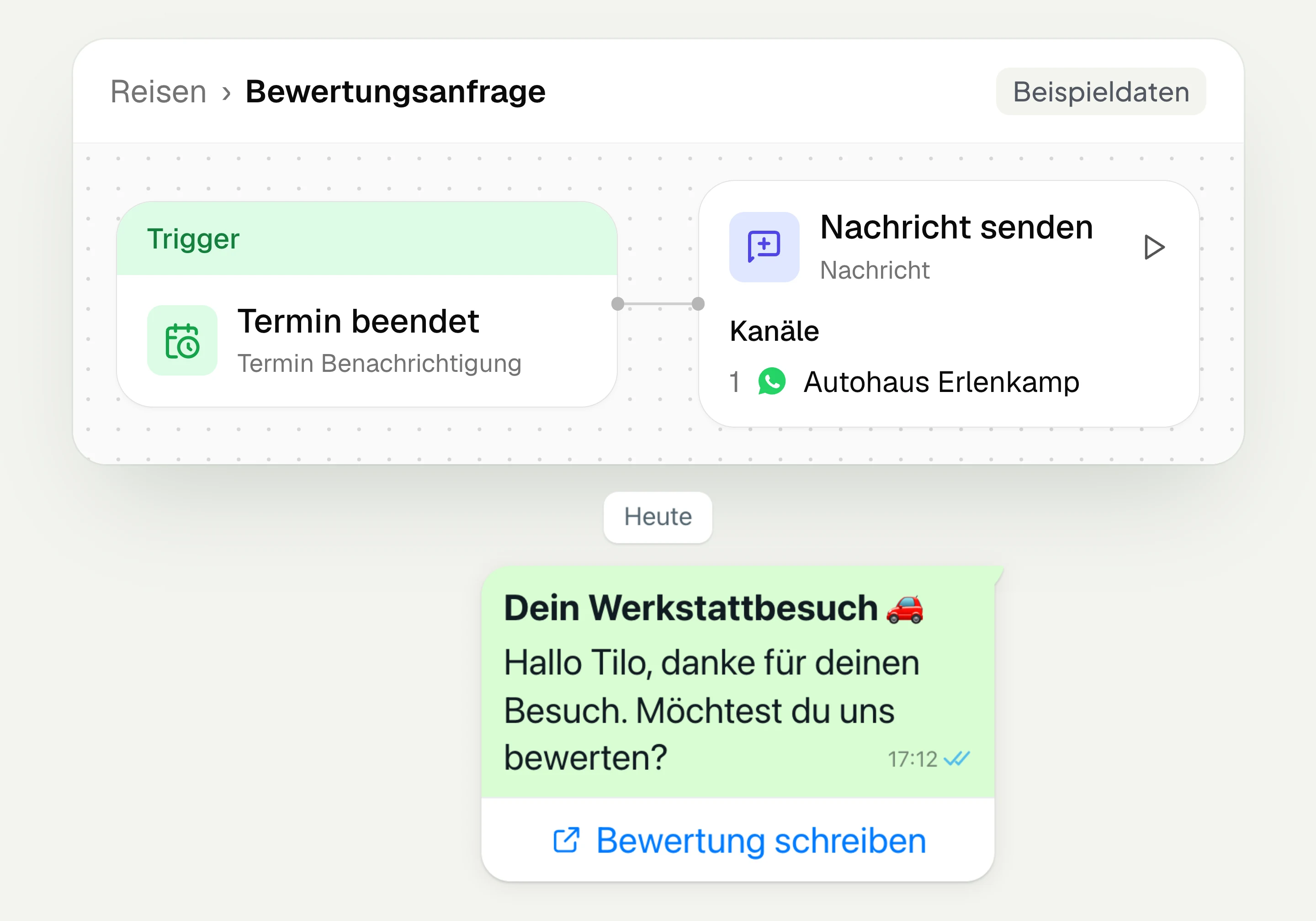
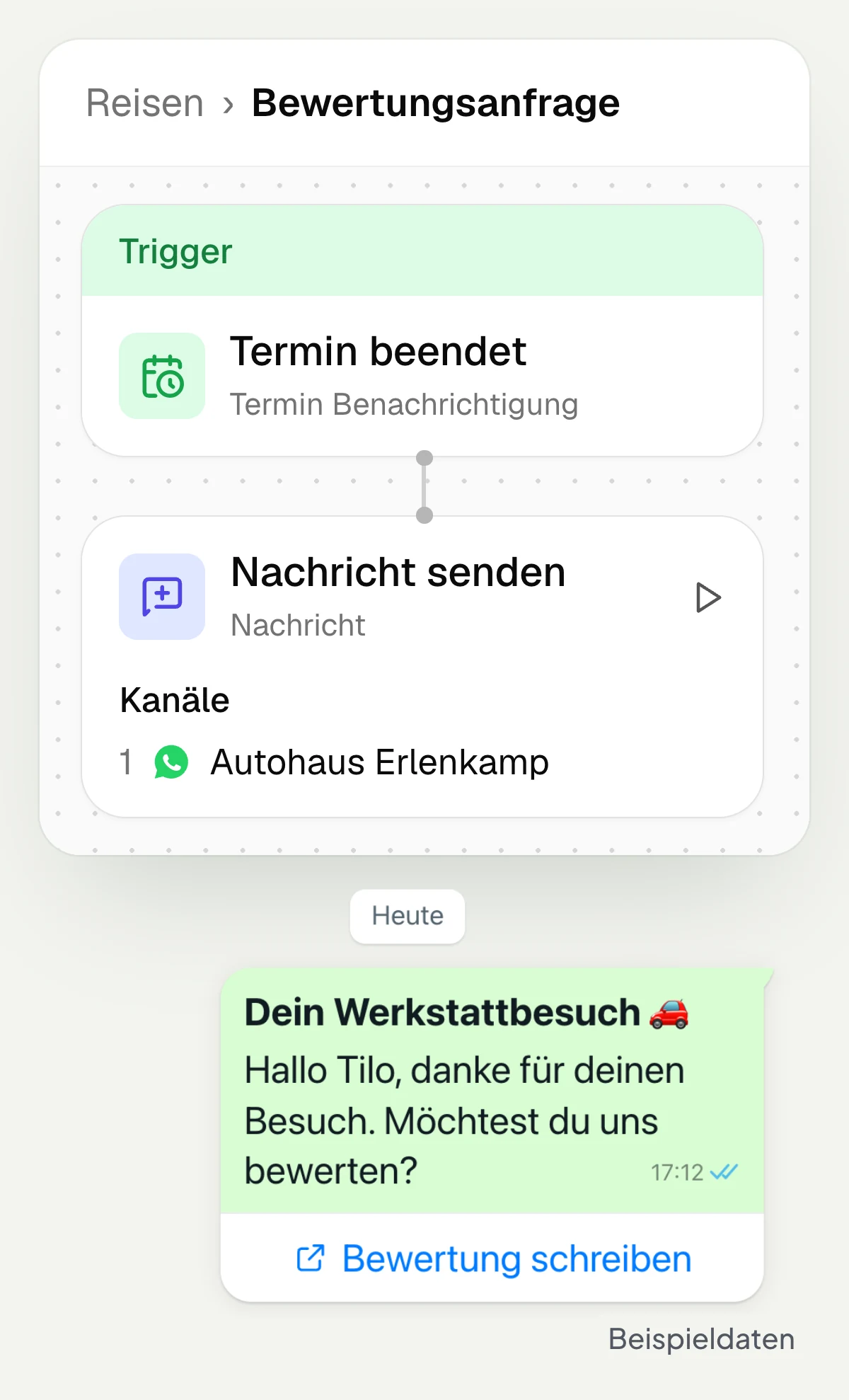
With hellomateo review management, you ask customers for a Google review via WhatsApp after an appointment or purchase. In the Business package and above, customer journeys handle sending automatically. You set up review pages per location, read Google reviews and reply directly in hellomateo.
Automatic review requests via WhatsApp, Business and above
Google reviews per location at a glance
Reply to reviews directly in hellomateo
Last updated: 30 October 2026
More than 2,000 customers use hellomateo

























From a completed appointment to a review request
Connect your Google location
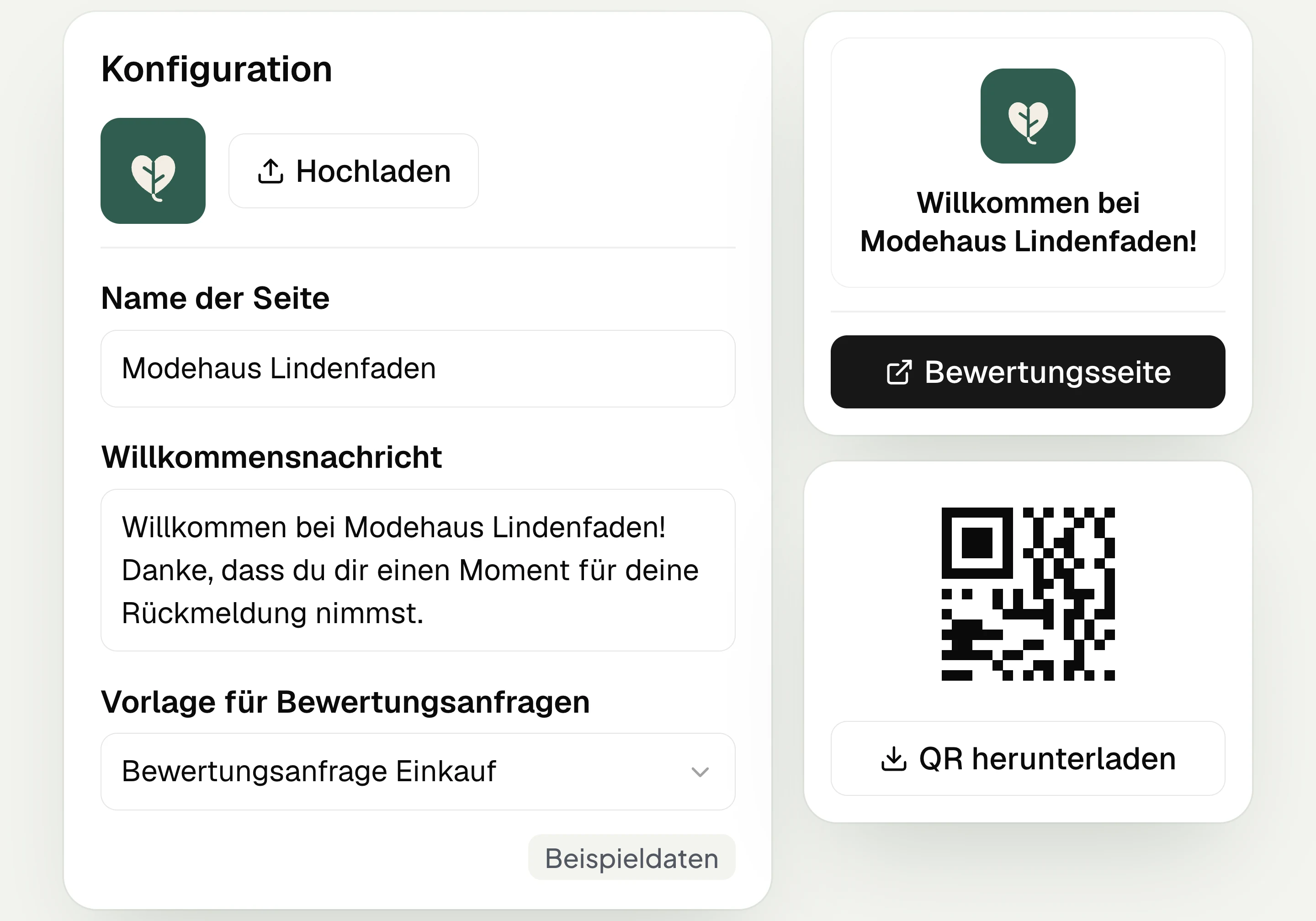
In hellomateo you connect your Google account and create a separate review page for each location. You add your logo and a welcome message.
Prepare the message
In hellomateo you choose the message type “Review request” and insert the “Review link”. Meta checks the WhatsApp message template before it is sent.
Set the timing
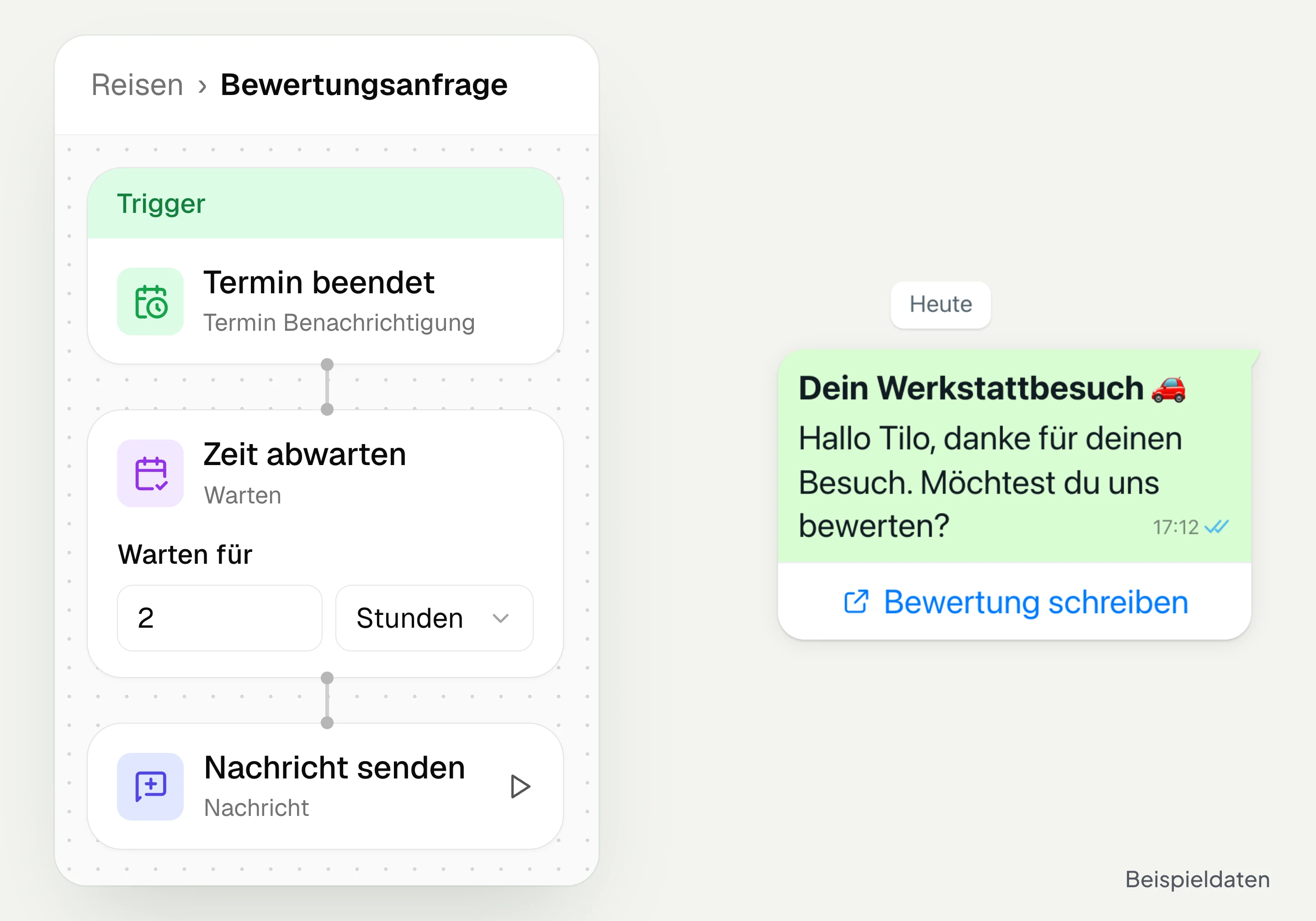
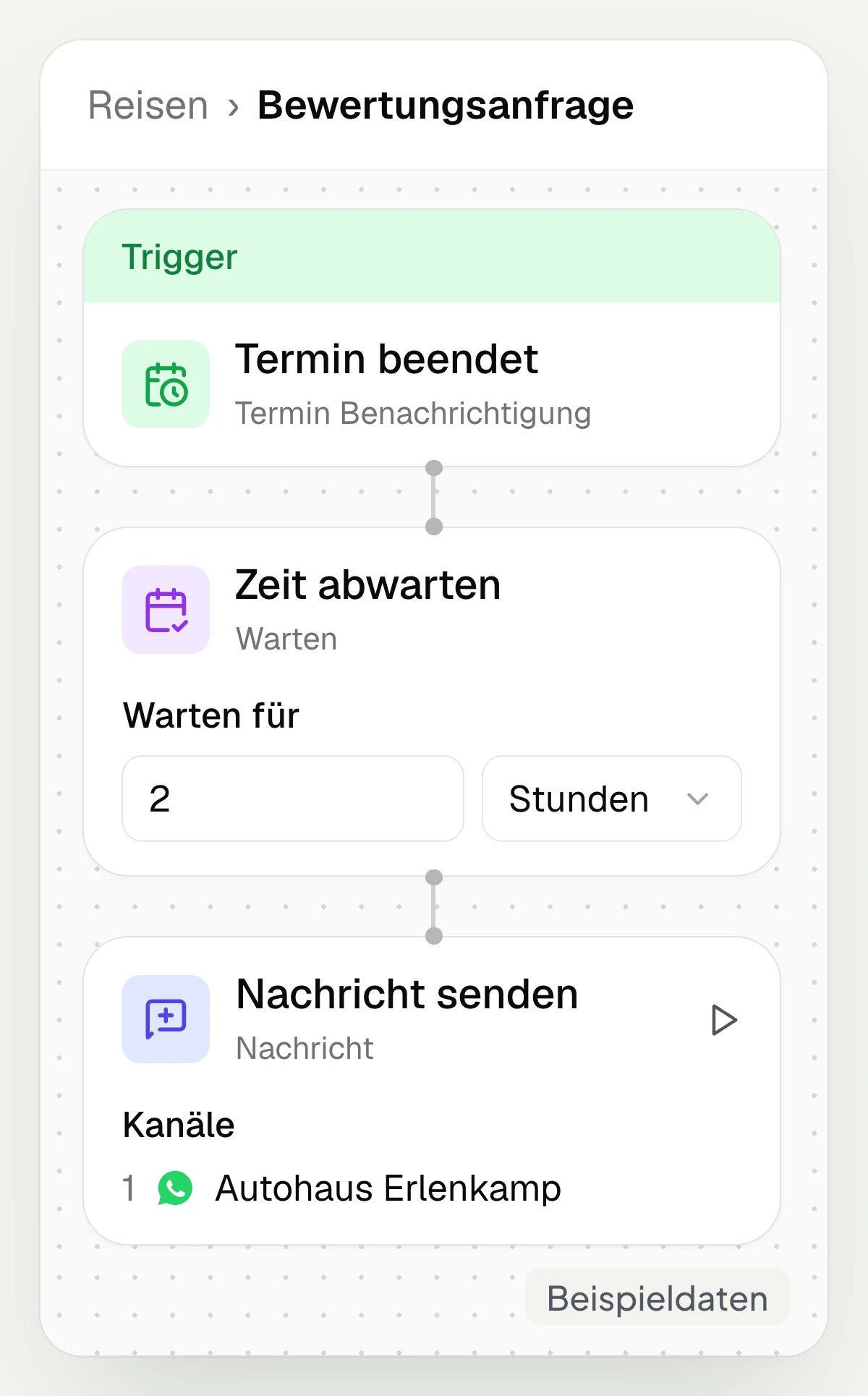
A customer journey in hellomateo starts, for example, after a completed appointment. With the wait step you set when the review request is sent via WhatsApp. Available in the Business package and above.
Read and reply to reviews
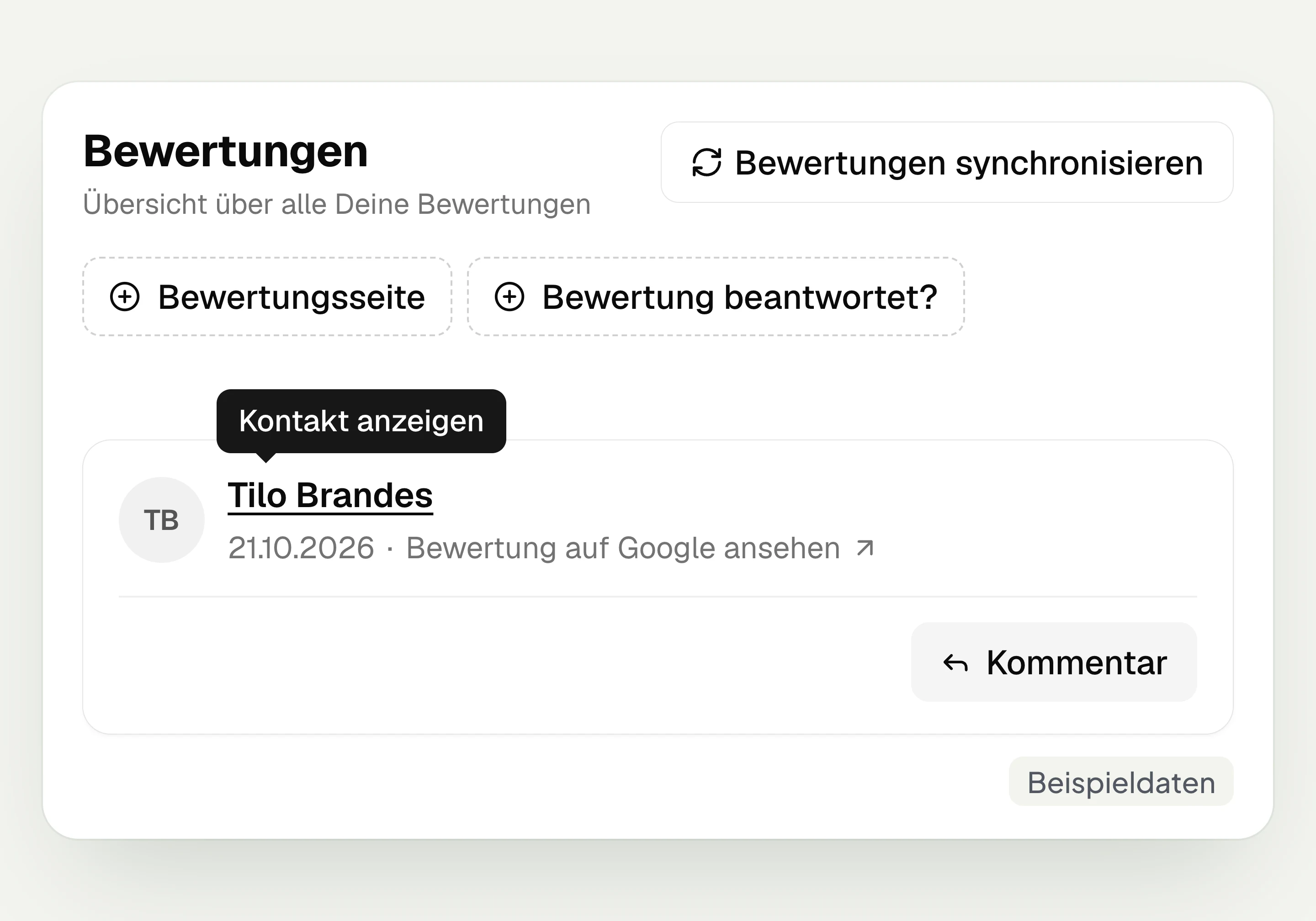
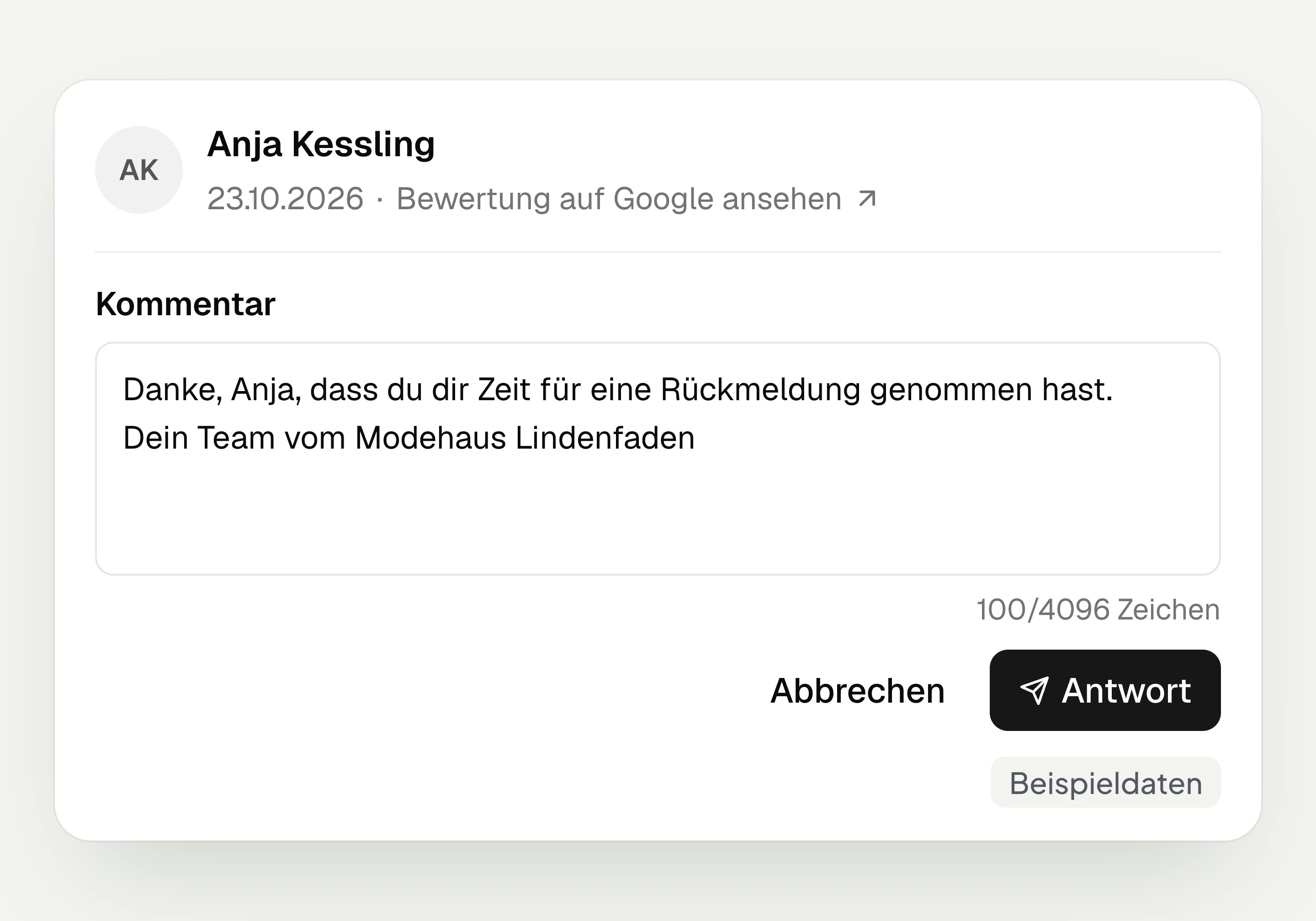
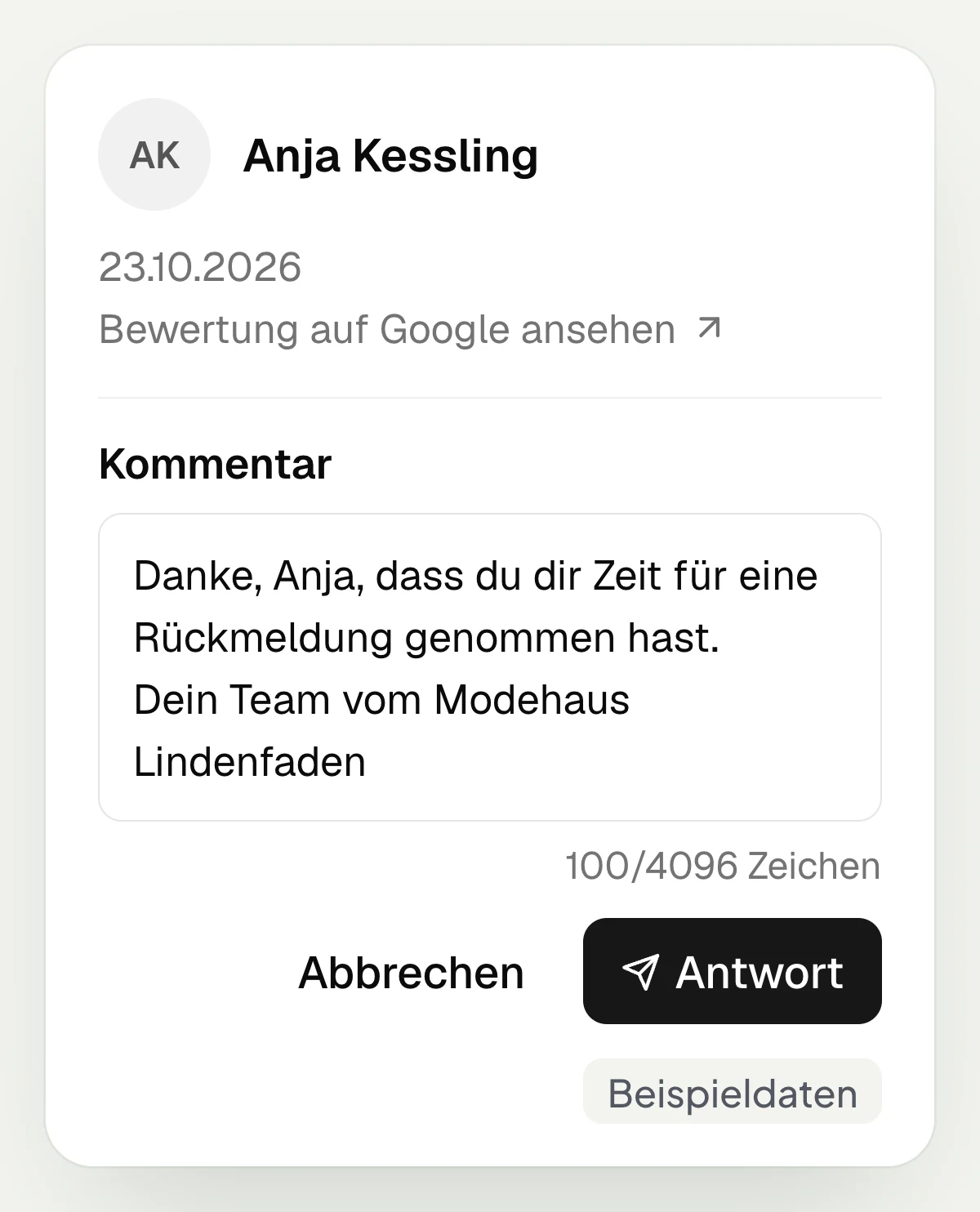
In the reviews area of hellomateo you sync Google reviews and read them. With “Comment” you open the reply field and send your text with “Reply”.
Request, read and reply to reviews
hellomateo review management links the request after a customer visit with the overview of Google reviews and your replies.
Automatically ask for a review after the appointment
Customer journeys in hellomateo send review requests automatically via WhatsApp, for example after an appointment or purchase. The trigger comes from your connected software. You set a waiting time and add the message with the review link. This way your team does not have to send the request individually after every visit. Automatic sending via customer journeys is included in the Business package and above.
Use an appointment or order as the trigger
Set a waiting time before the request
Insert the review link into the message
Send via customer journey, Business and above
A separate review page for each location
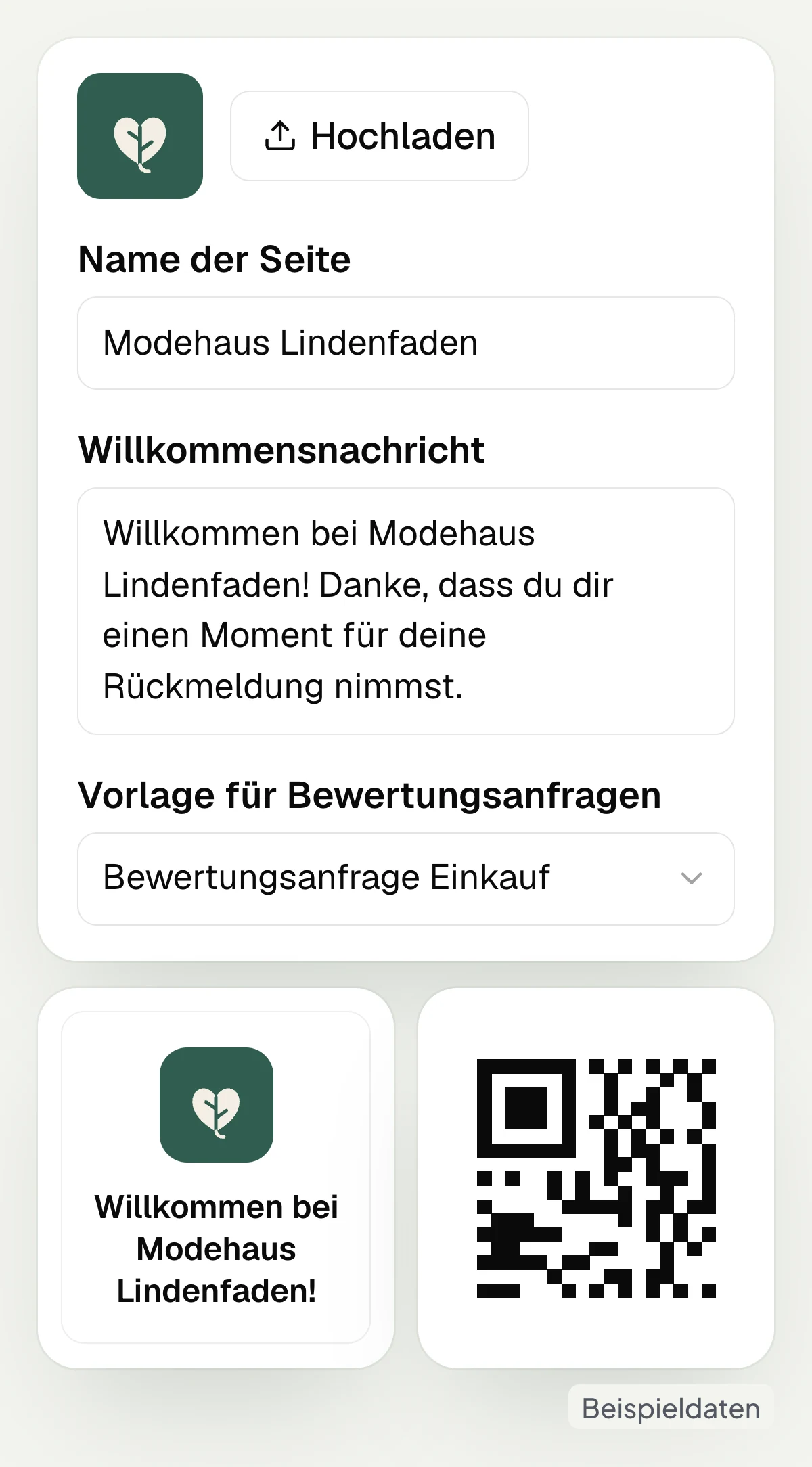
In hellomateo you create a separate review page with logo and welcome message for each Google location. To do this, you first connect your Google account. Customers reach the page via the review link in your message. For visits on site there is a QR code to the review page, which you can place at the counter or on an invoice, for example.
Connect your Google account to hellomateo
Create a review page per location
Add logo and welcome message
Use a QR code for the review page
Google reviews at a glance for your team
In the reviews area of hellomateo you read Google reviews and update the overview by syncing reviews. With the review page filter you select a location. A filter for answered reviews helps you find reviews still awaiting a reply. You can open a review directly on Google. If hellomateo could match the review to a contact, you can open that contact as well.
Sync Google reviews
Filter the overview by review page
Find reviews that have not been answered yet
Open a review on Google
Reply to Google reviews directly in hellomateo
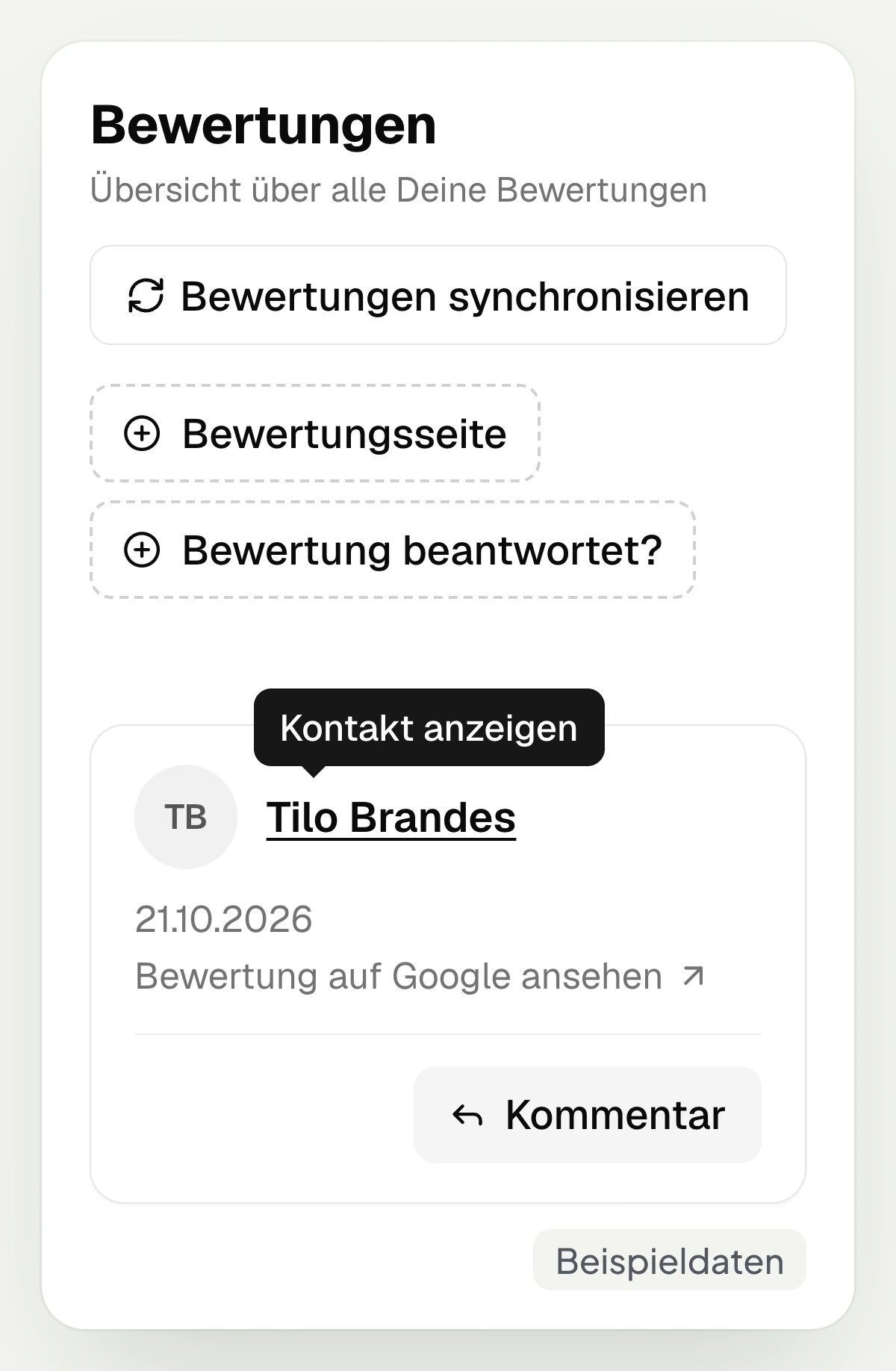
Your team replies to Google reviews directly in hellomateo: with “Comment” you open the reply field and send your text with “Reply”. This way you can thank a customer for their feedback or respond to criticism while you read the review. A reply written in hellomateo can be changed with the edit reply function. This requires the location’s Google account to be connected. Your team writes the reply itself.
There are no AI reply suggestions for reviews.
Write a reply directly on the review
Respond personally to feedback
Edit your own reply in hellomateo
Connect the location’s Google account
See how your reviews develop
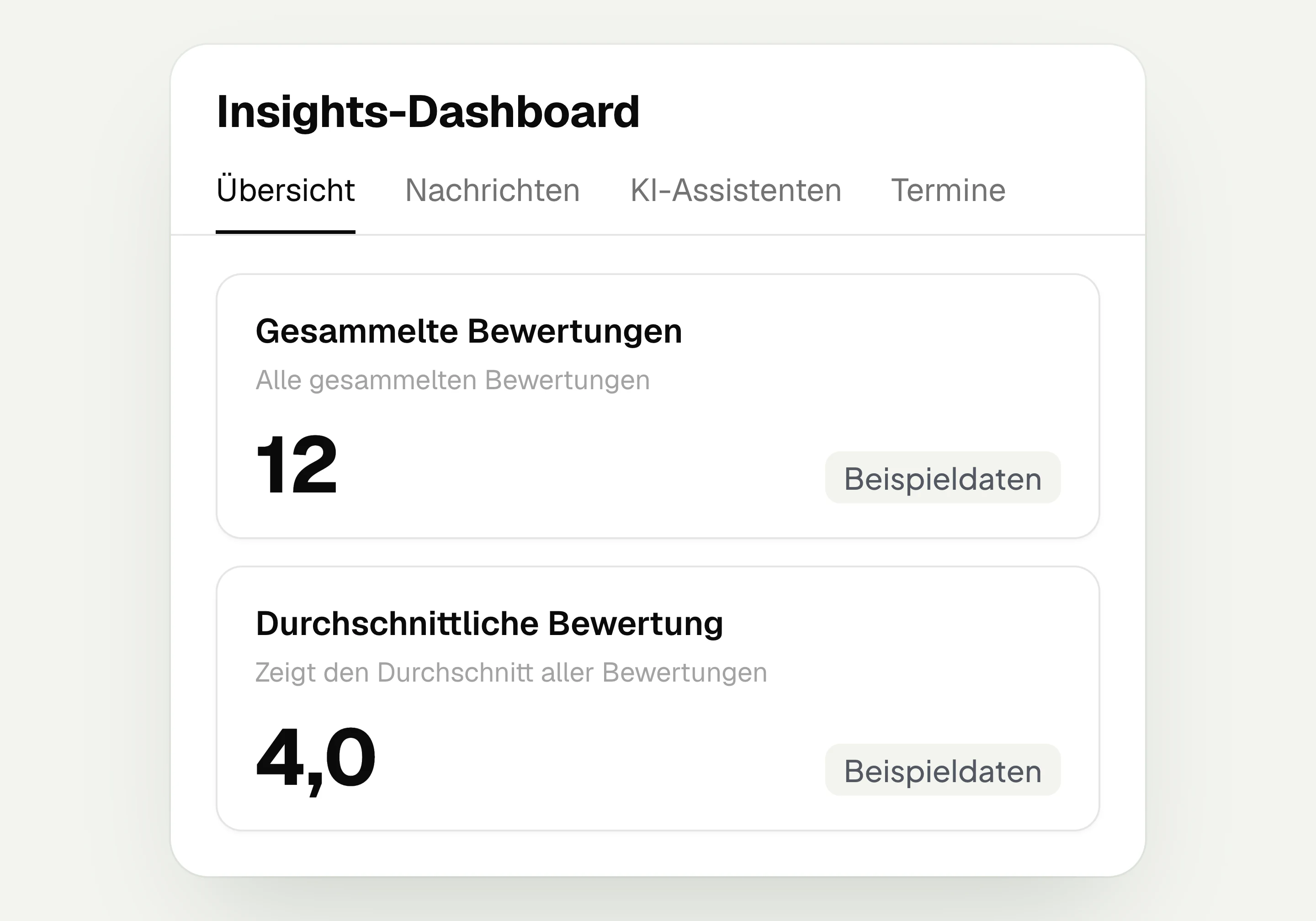
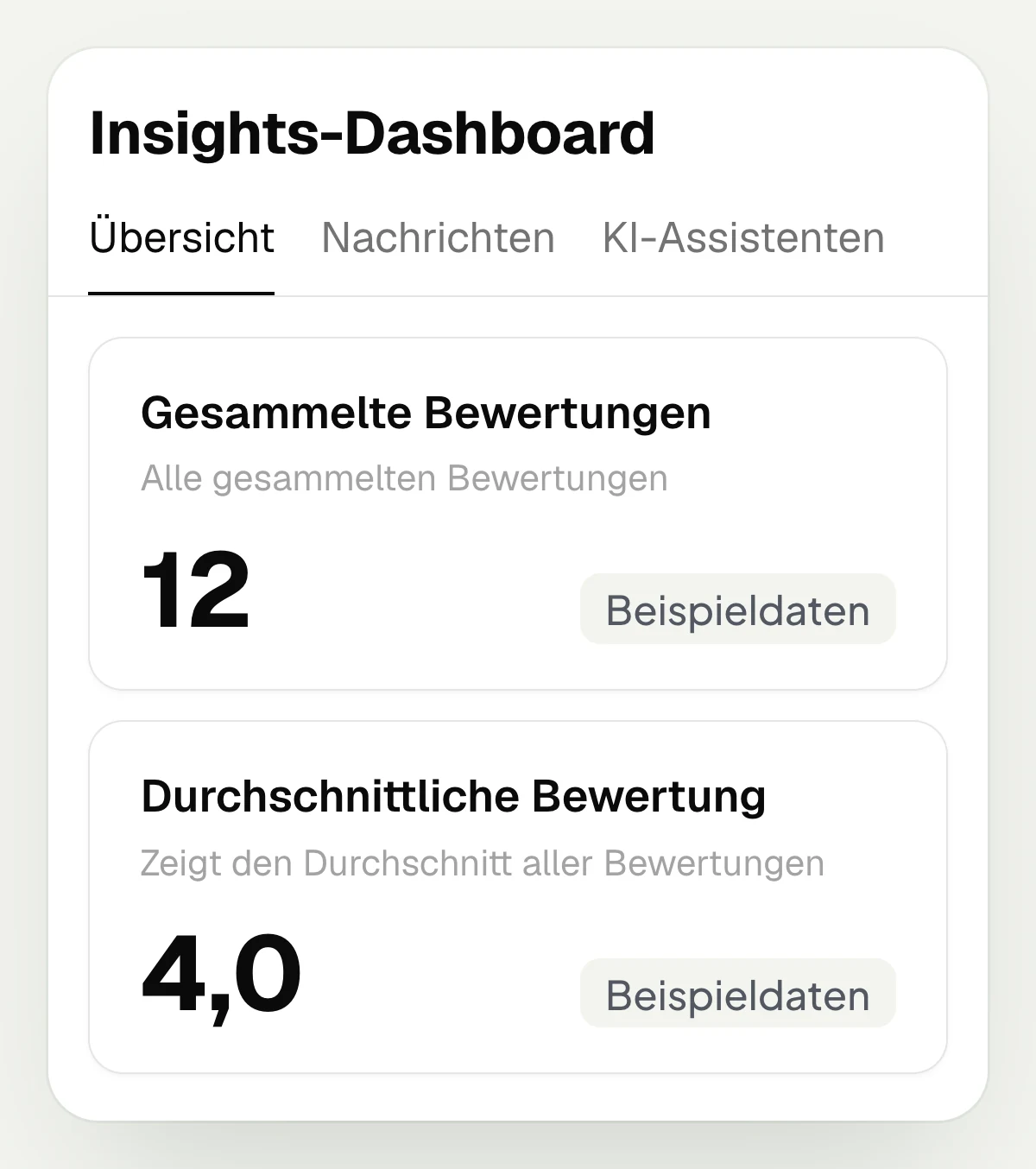
hellomateo reports show you the number and average of your reviews. In the overview you find the tiles for collected reviews and average rating as well as the reviews chart. This way you can follow the development over the weeks shown. On the contact you also see whether the request was sent and viewed.
See the number of reviews in the overview
Read the average rating
View the review history in the chart
Check the progress of the request on the contact
Let us show you how hellomateo sends review requests and how your team replies to Google reviews.
Which customer moments shape your reviews?
hellomateo supports your team with review management, from a completed workshop visit to kitchen installation.
Car dealership and workshop
hellomateo sends the review request automatically via customer journey after the workshop visit in the Business package and above; your service team replies directly to Google reviews.
Opticians
Opticians read and reply to Google reviews in hellomateo, for example about picking up glasses. With the review page filter they select the location.
Hearing care
Hearing care professionals use a QR code to the review page in hellomateo and read Google reviews of their locations centrally to reply to feedback on fittings.
Fashion retail
hellomateo sends a thank-you message with a review request after shopping at the fashion store; in the Business package and above, sending runs automatically via a customer journey.
Furniture and kitchens
hellomateo asks for a review after a completed furniture or kitchen order. For automatic sending in the Business package and above, the trigger comes from the merchandise management system.
Electronics retail
In the Business package and above, hellomateo sends review requests by customer journey once your software reports a repair or delivery as completed. Your team replies to Google reviews directly.
How businesses use hellomateo every day

Autohaus Lutz increases Google ratings and optimizes workshop utilization with hellomateo
- 90% opening rate
- 35% response rate
- 5-10 new Google reviews per week
More features for your customer communication
hellomateo connects review management with automated customer journeys, the Central Inbox and customer and contact management.
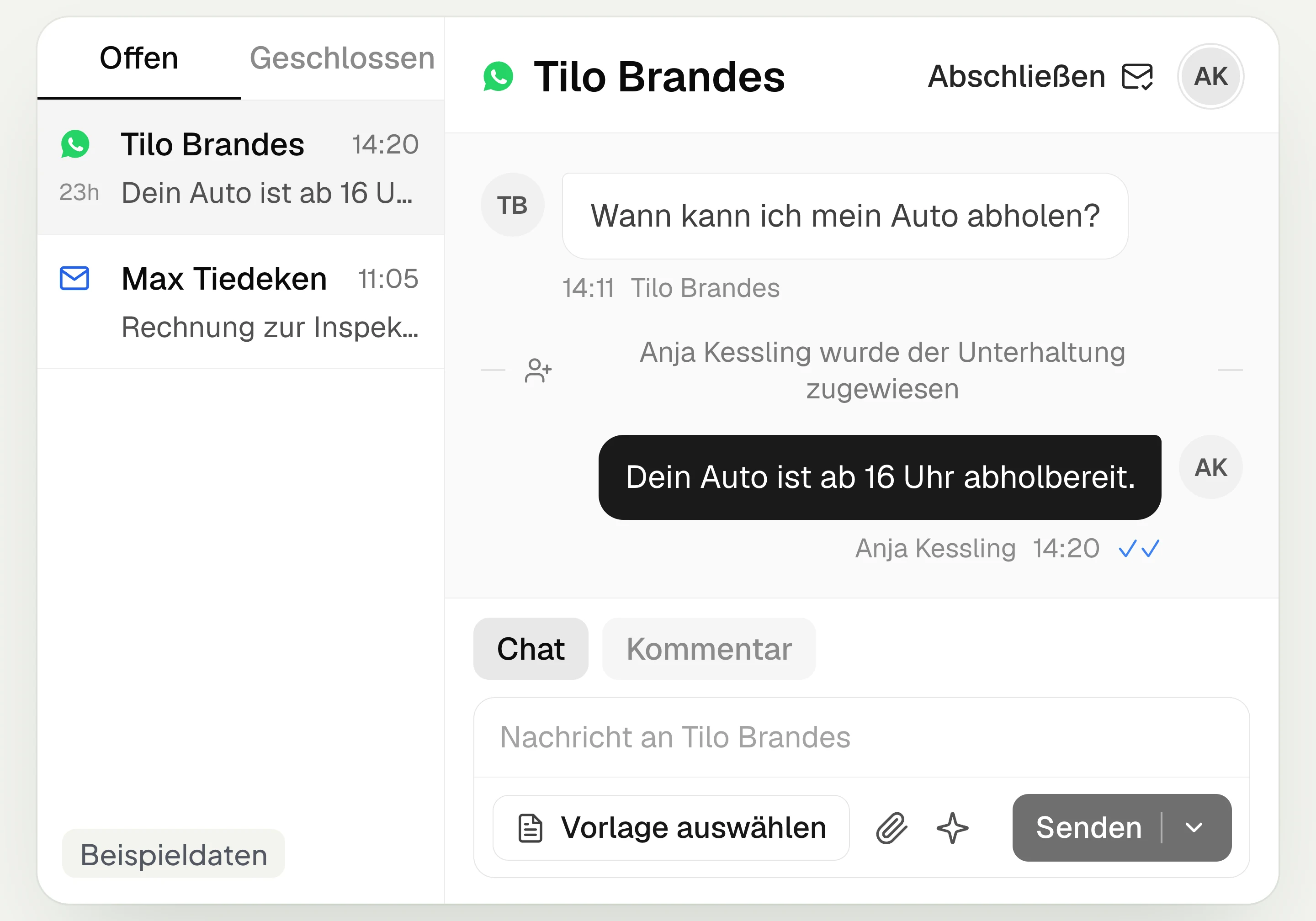
Central Inbox
hellomateo brings together WhatsApp, email, Instagram and Facebook Messenger in one inbox. Multiple staff members write via the same WhatsApp number and assign conversations.
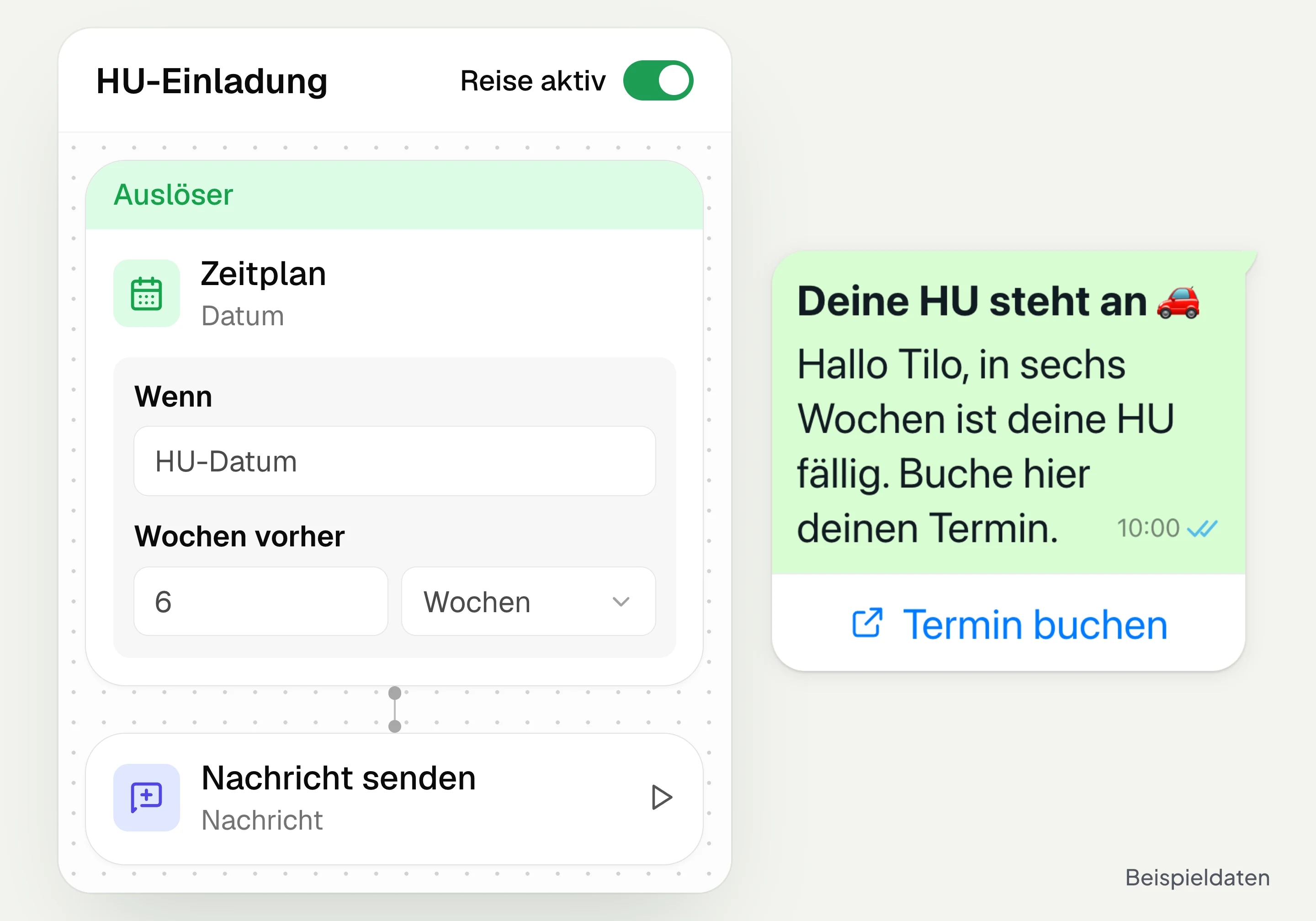
Automated customer journeys
Customer journeys in hellomateo send invitations automatically based on a date or event. You set the message and follow-up steps and check the progress per contact. Business and above.
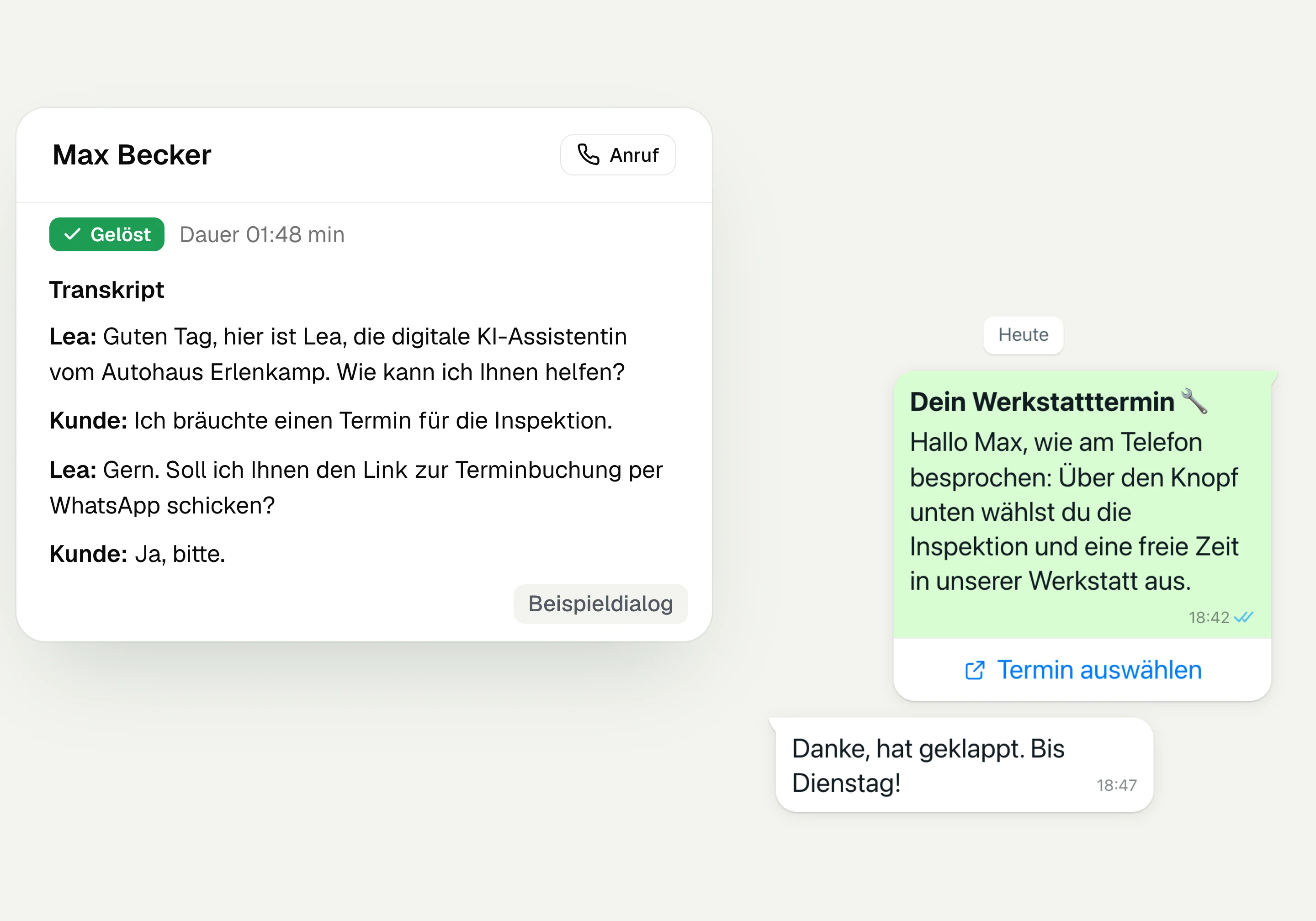
AI Telephony
hellomateo AI telephony takes calls, answers questions and sends the booking link via WhatsApp after consent. From €80 per month with 500 free minutes; additional minutes are charged on top.
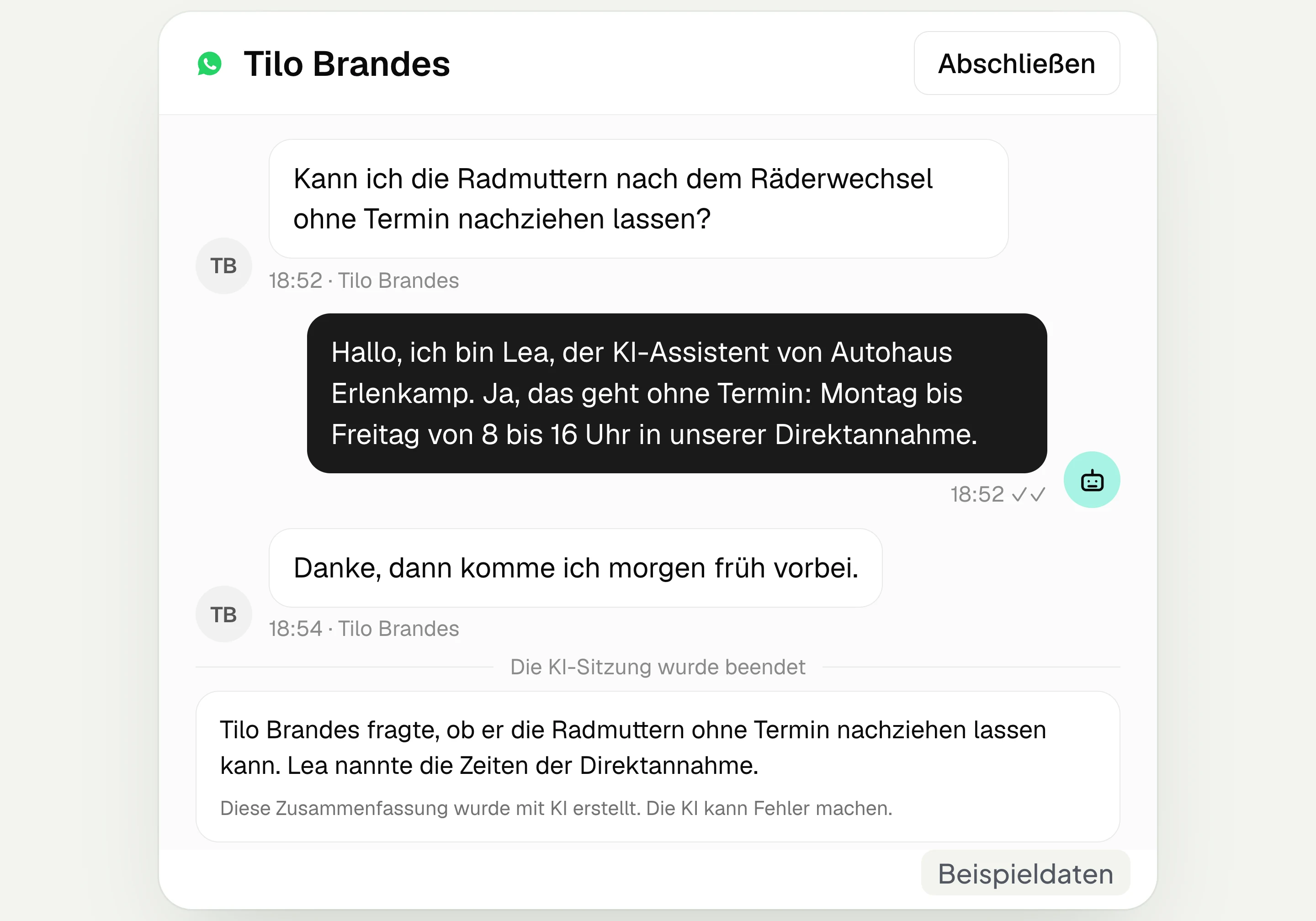
AI assistant in chat
The hellomateo AI assistant answers questions in WhatsApp, Instagram and Facebook Messenger with your knowledge. Can be added, selectable in Business Plus, included in Enterprise.

Appointment booking
With hellomateo, customers book appointments themselves on your booking page. You set services and calendars. Add-on module: €25 per month, regardless of the number of locations.
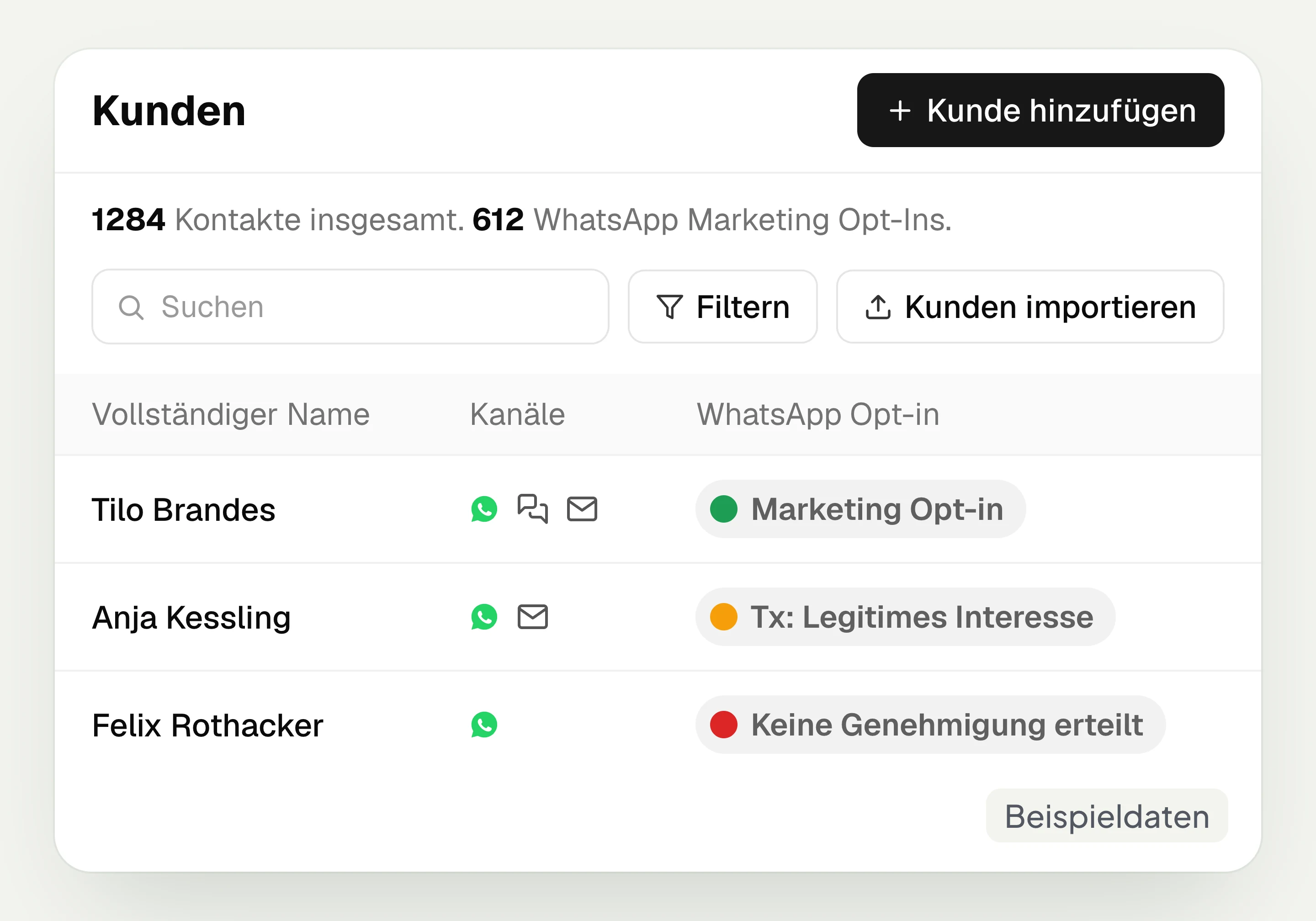
Customer and contact management
hellomateo connects contact data, conversations and consent per channel. You read notes on the contact and build recipient lists with your own filter rules.
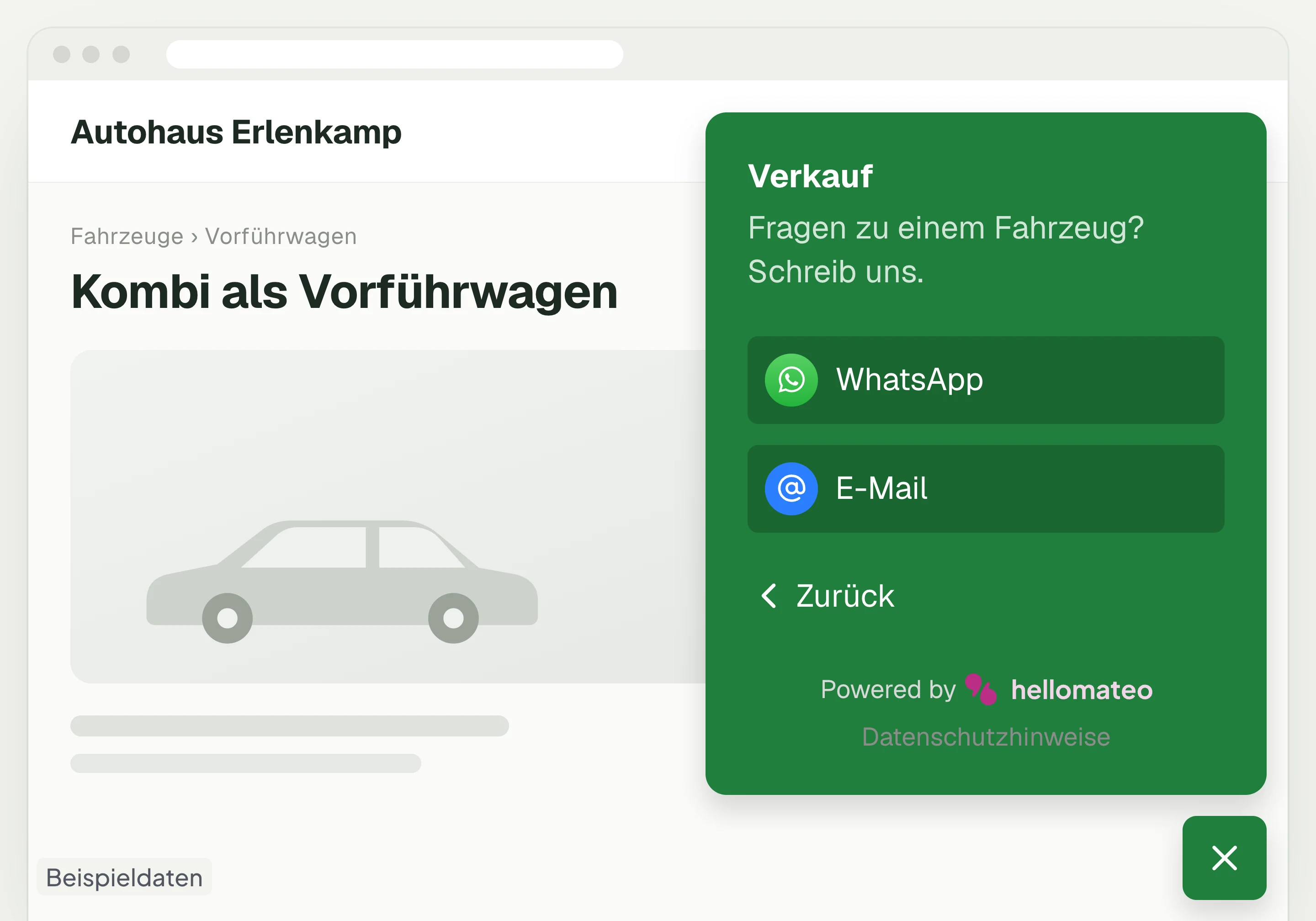
Contact through your website
A hellomateo button on your website takes visitors to WhatsApp and other channels. For connected channels, your team replies in the Central Inbox.
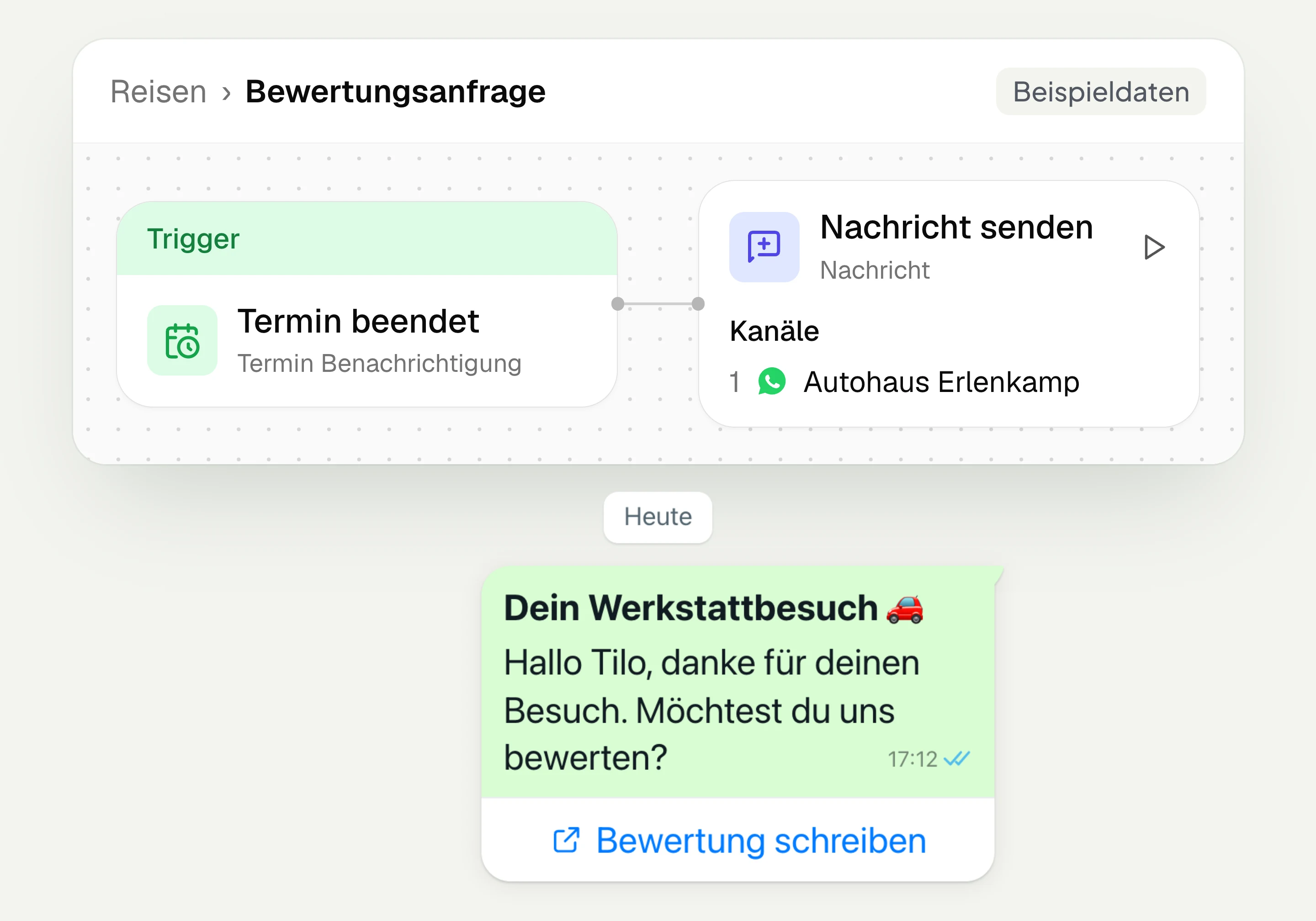
Review management
With hellomateo you request Google reviews, read reviews and reply to them. In the Business package and above, customer journeys send the review request automatically.
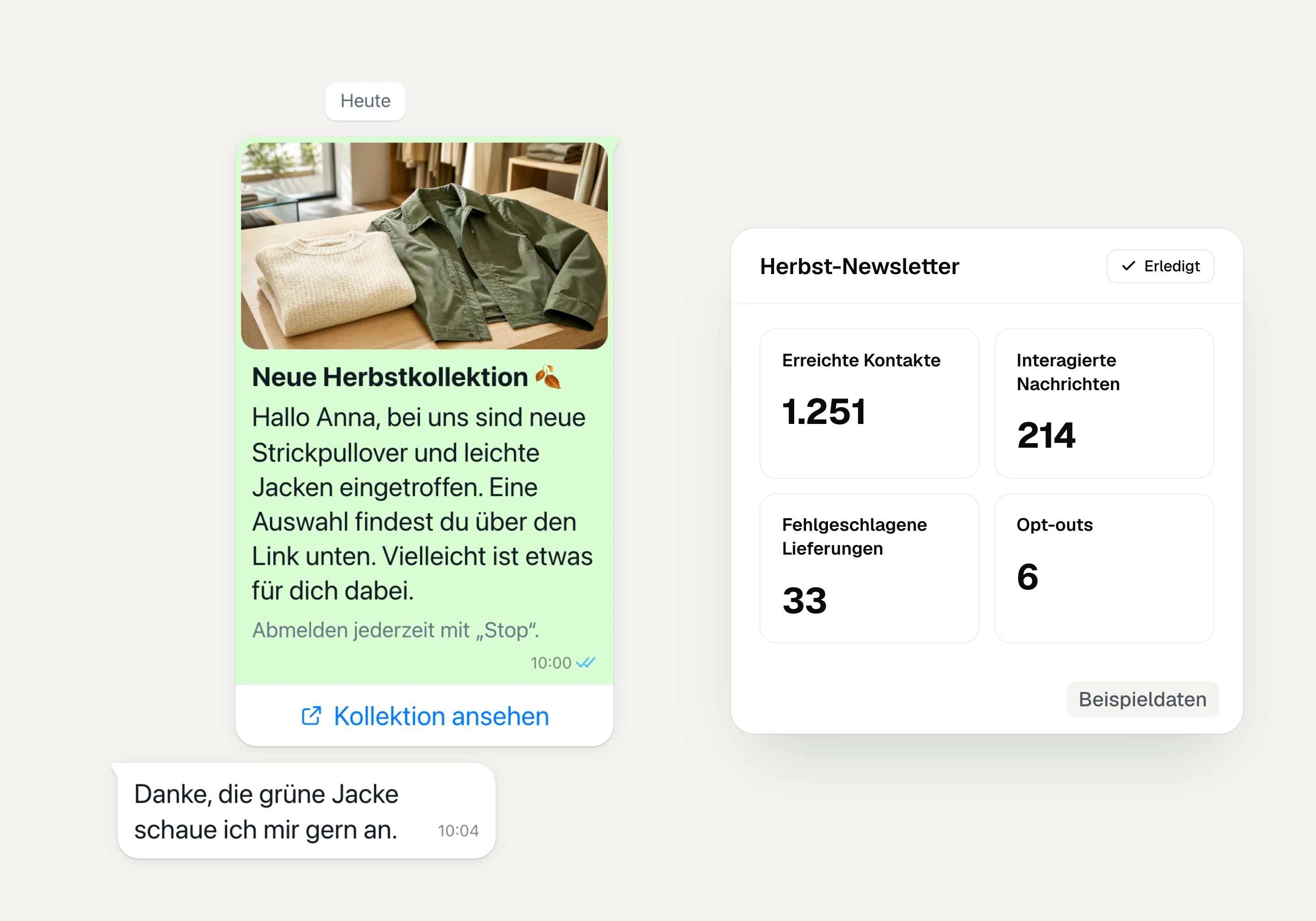
WhatsApp newsletter
With hellomateo you send WhatsApp newsletters to customers who have given consent. You choose recipients, schedule the send and see per recipient whether the message was read.
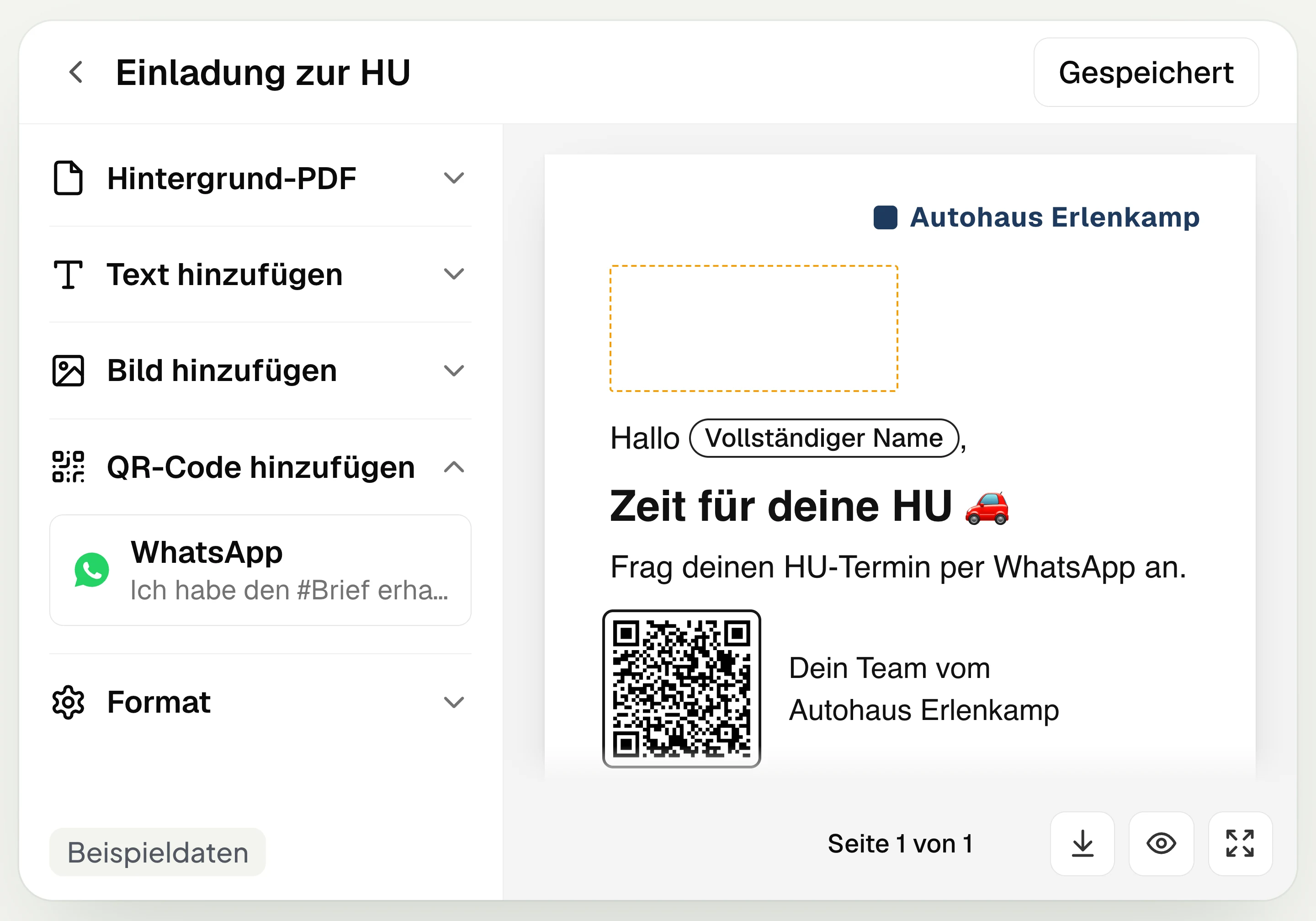
Postal mailing
With hellomateo you design and send letters with a WhatsApp QR code. Can be added in Business, selectable in Business Plus, included in Enterprise.
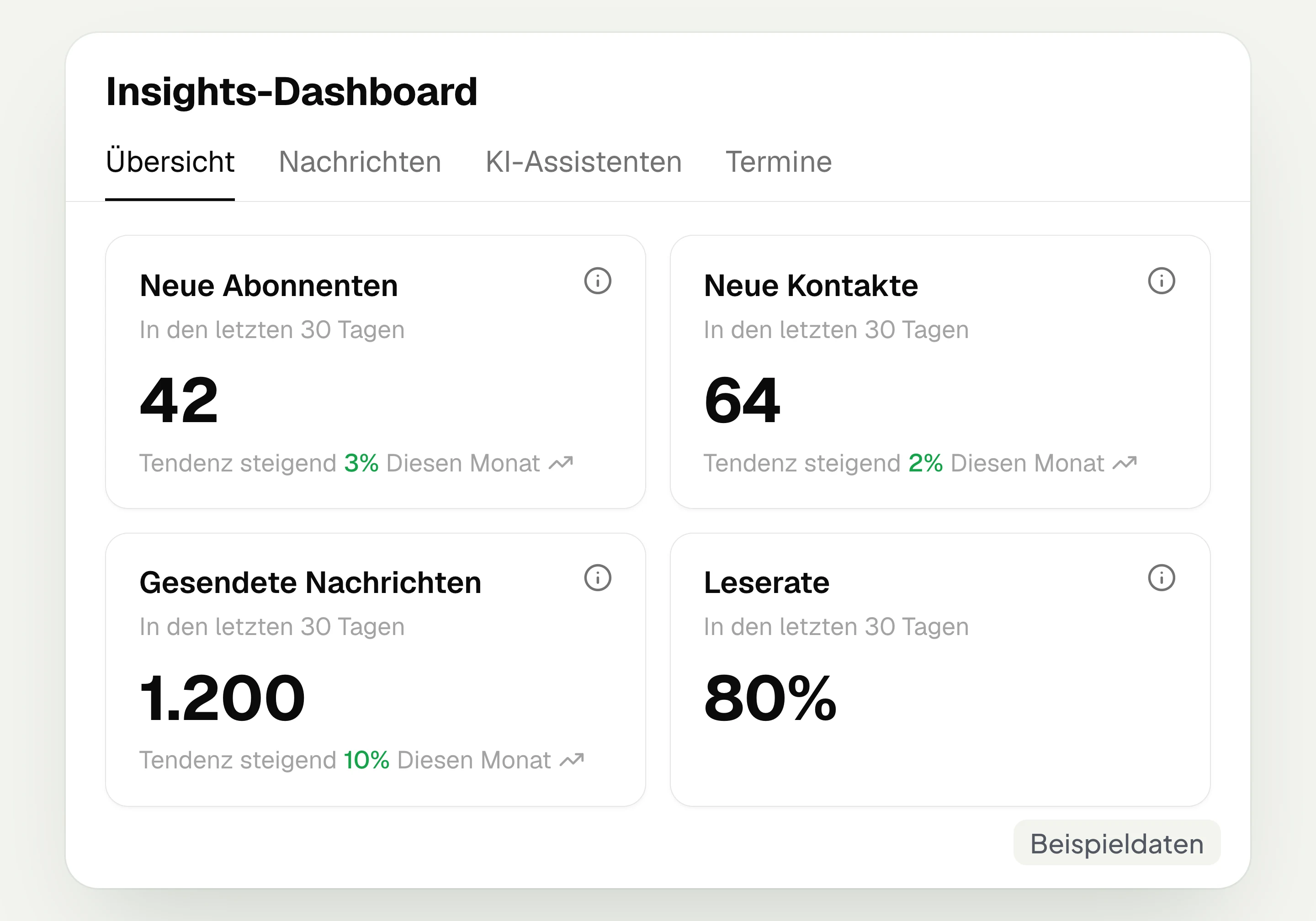
Insights
hellomateo Insights shows messages, read rate, contacts and reviews. With the respective modules, analytics on AI inquiries and appointments are added.
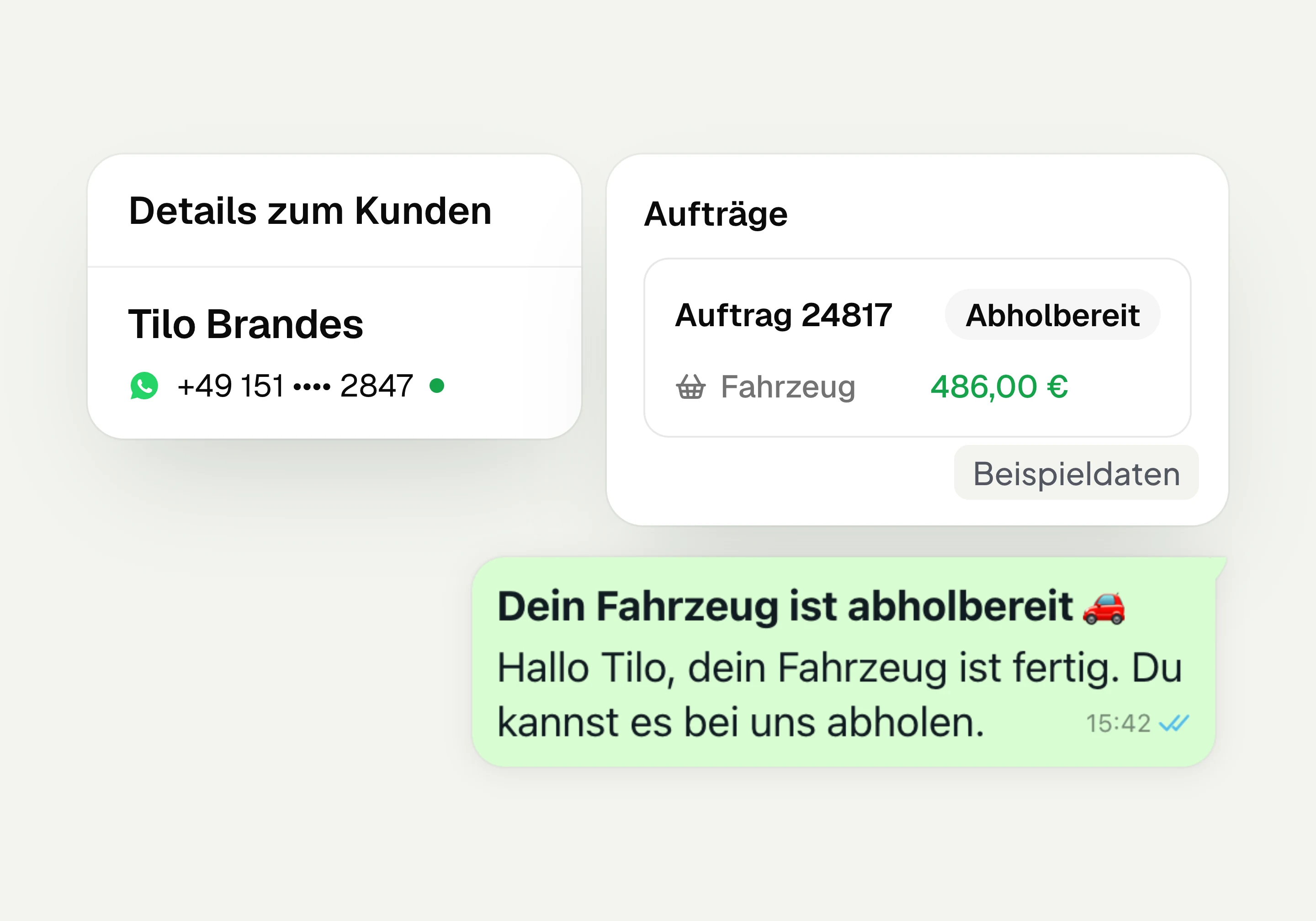
Integrations
Depending on the connection, hellomateo transfers contacts, orders and appointments from your industry software. More than 70 direct integrations are available in Business and above.
Frequently asked questions about review management




Book a non-binding consultation
We would be happy to show you hellomateo in a personal demo.
Or send us an email:
What is hellomateo review management?
How does the automatic review request via WhatsApp work?
When is the review request sent?
Which review platforms can I connect?
Can I reply to Google reviews directly in hellomateo?
How does hellomateo support me with consent and data protection?
How do I set up reviews for several locations?
How do I handle a critical Google review in hellomateo?
Can I use a QR code for reviews on site?
What does review management cost?
How many new Google reviews can I expect?
Can I see what happened to a review request?