AI assistant for WhatsApp that answers customer inquiries
The hellomateo AI assistant automatically answers recurring customer inquiries in WhatsApp, Instagram and Facebook Messenger. To do this, it uses your business’s knowledge and guidelines. Your team can take over any chat, for example when a customer wants to discuss their order.
The AI assistant answers with your business knowledge
Your team can take over any chat themselves
You review the AI’s answers and session ratings
Last updated: 28 October 2026
More than 2,000 customers use hellomateo























From customer question to answer in the inbox
Your customer writes
Your customer writes as usual via WhatsApp, Instagram or Facebook Messenger. If the chat is not assigned to a staff member, the hellomateo AI assistant replies.
The AI uses your knowledge
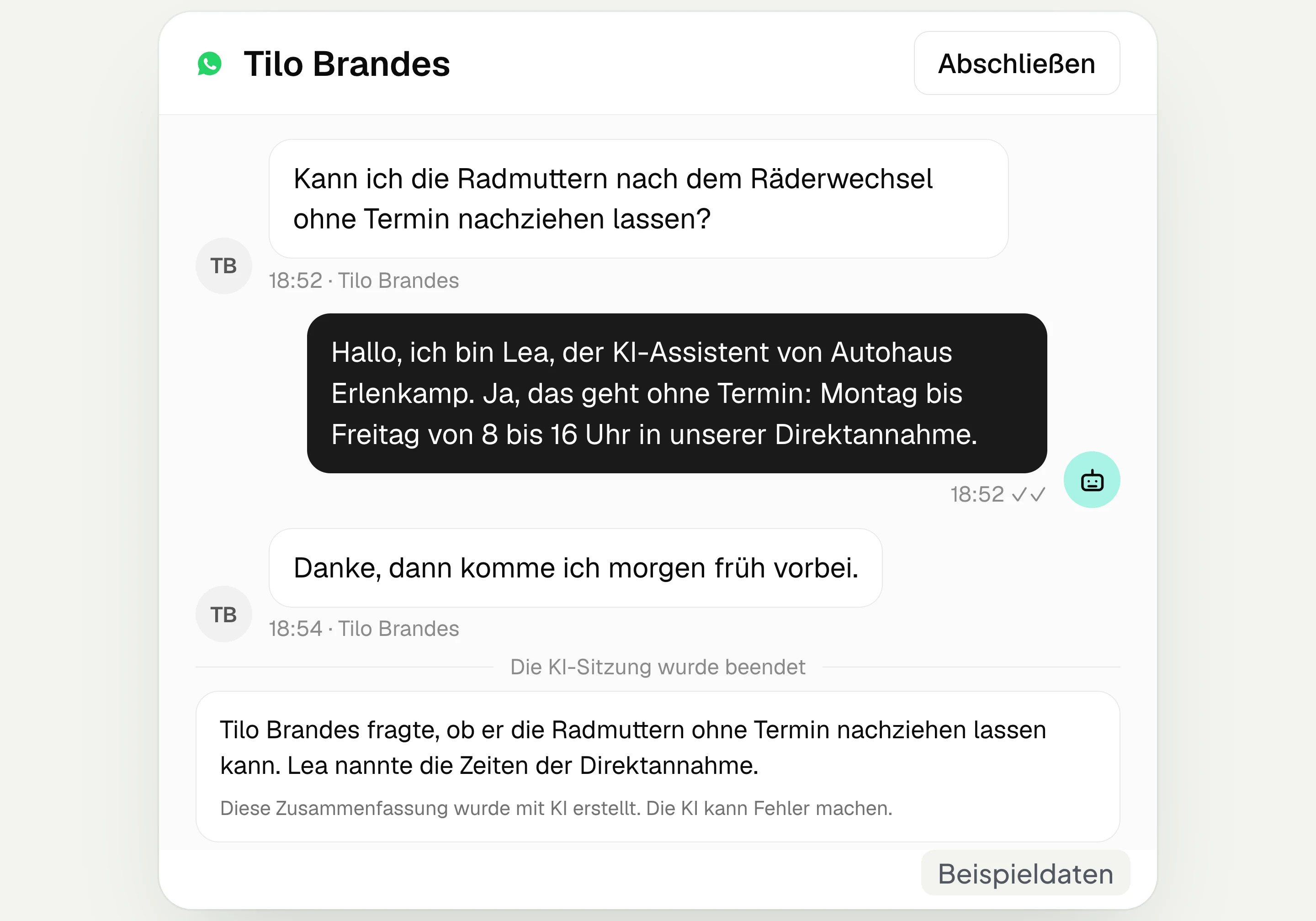
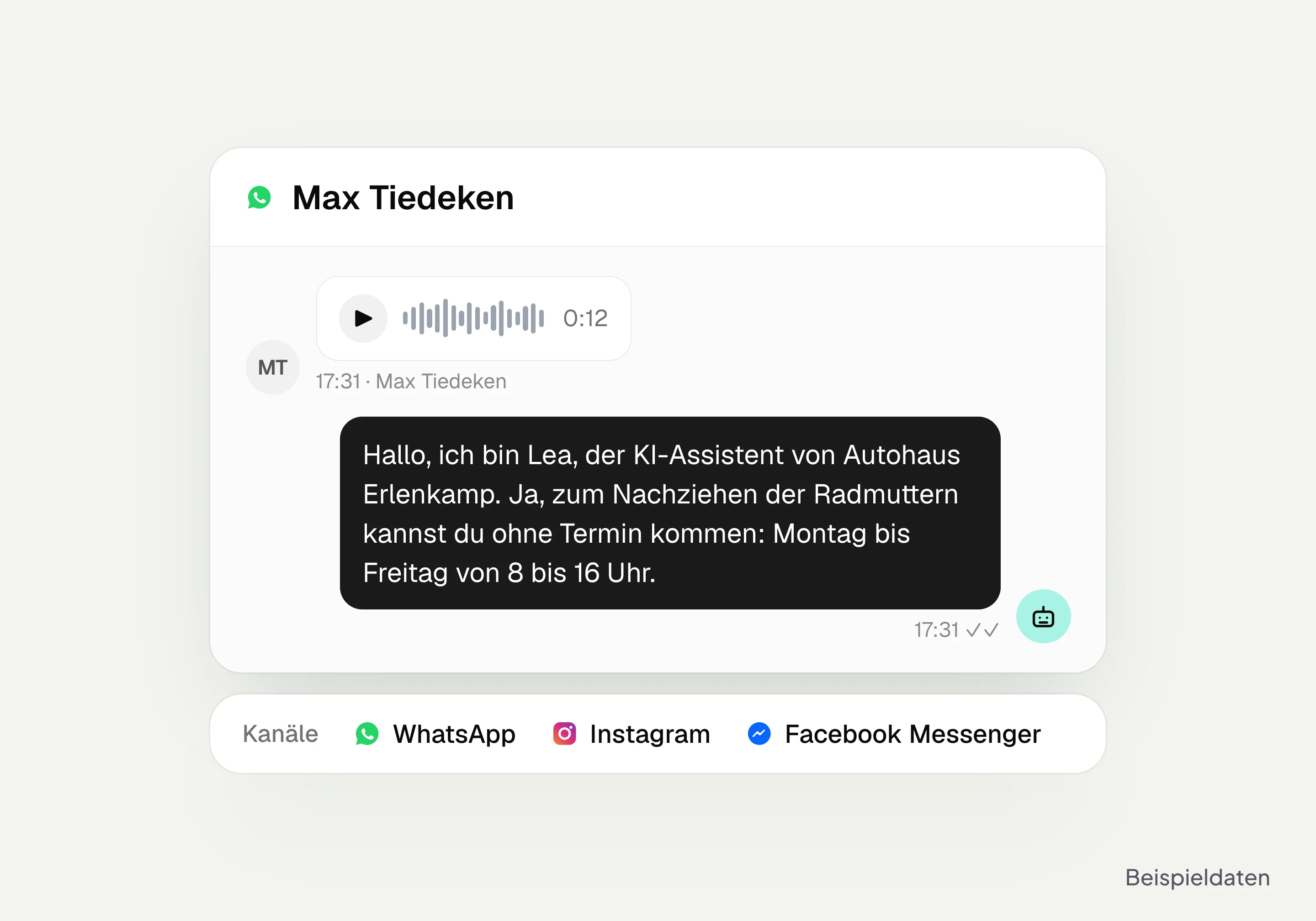
The hellomateo AI assistant answers the question with the content and guidelines you have stored. For example, it explains when the service reception retightens wheel nuts without an appointment.
Your team takes over when needed
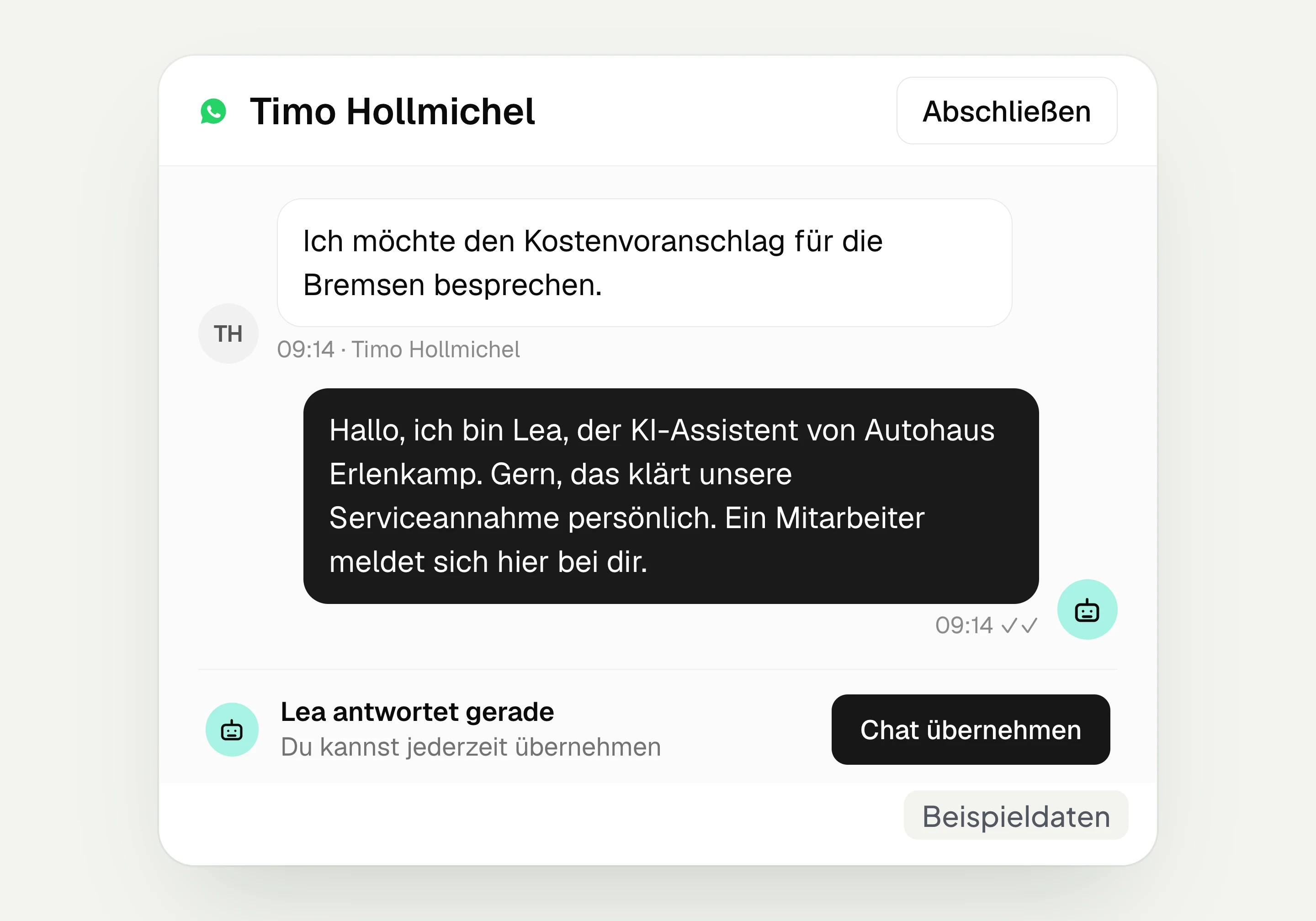
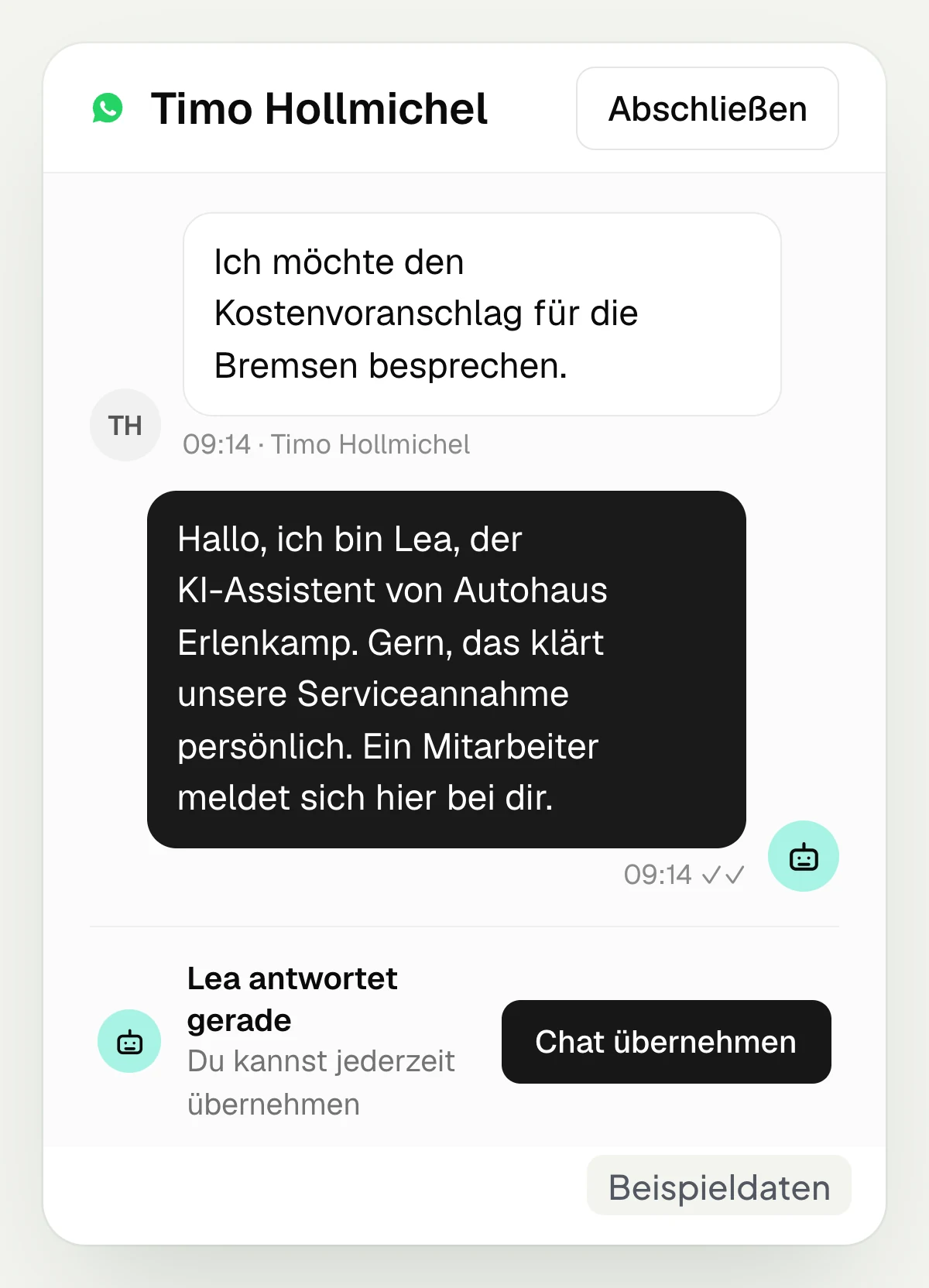
In the hellomateo inbox you click “Takeover chat”. As long as the chat is assigned to a staff member, the AI does not reply. This way you discuss a cost estimate yourself, for example.
You review the result
hellomateo ends the AI session after two hours without a reply and creates a summary. If a staff member takes over before then, there is no summary. Sessions rated as unresolved go back to the team.
Learn more: AI telephony, Central Inbox, AI in customer service and definition of chat AI
How the AI answers questions about your business
In hellomateo you store knowledge and rules, connect your channels and then check what the AI assistant has answered.
Your knowledge becomes the answer to customer questions
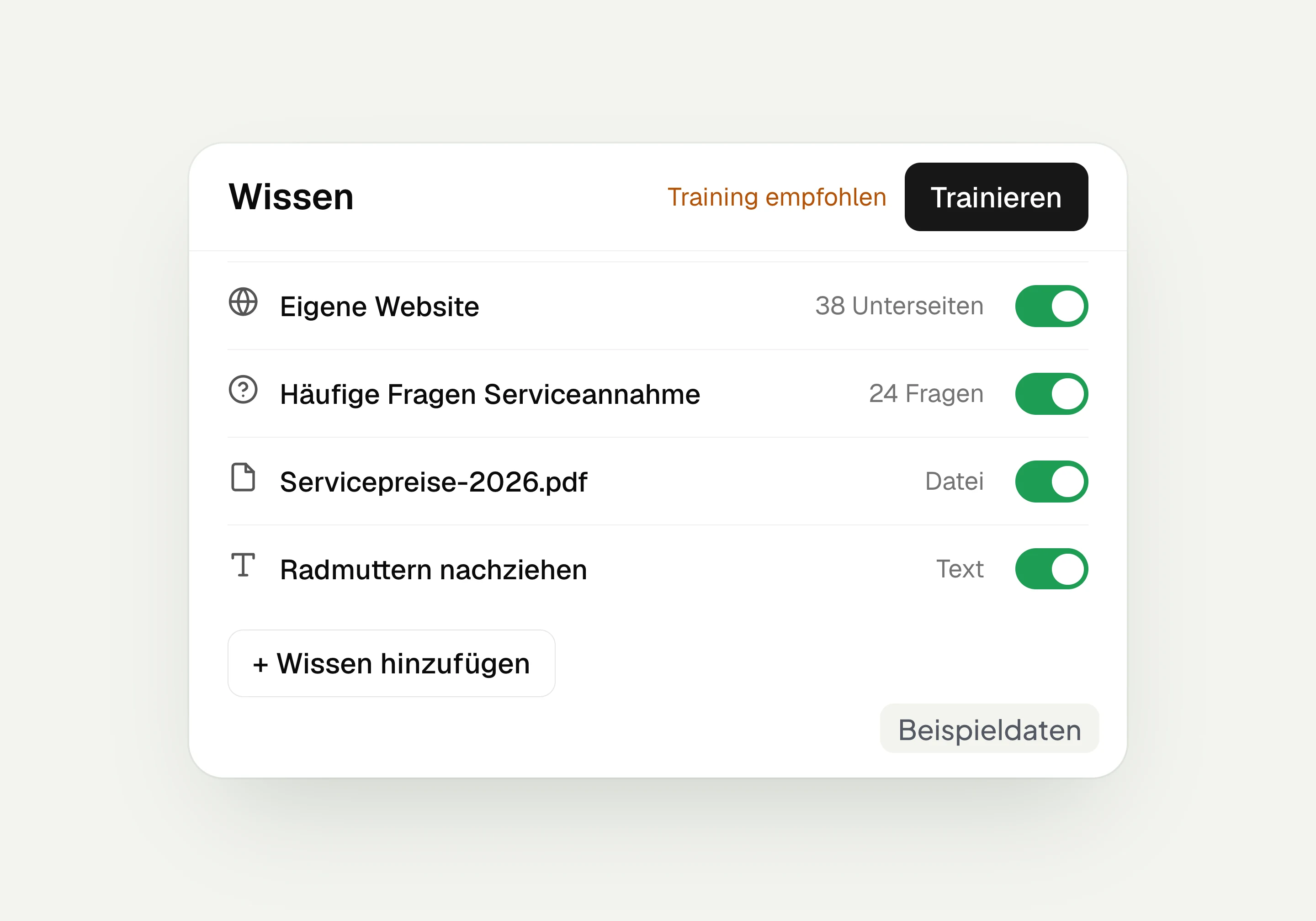
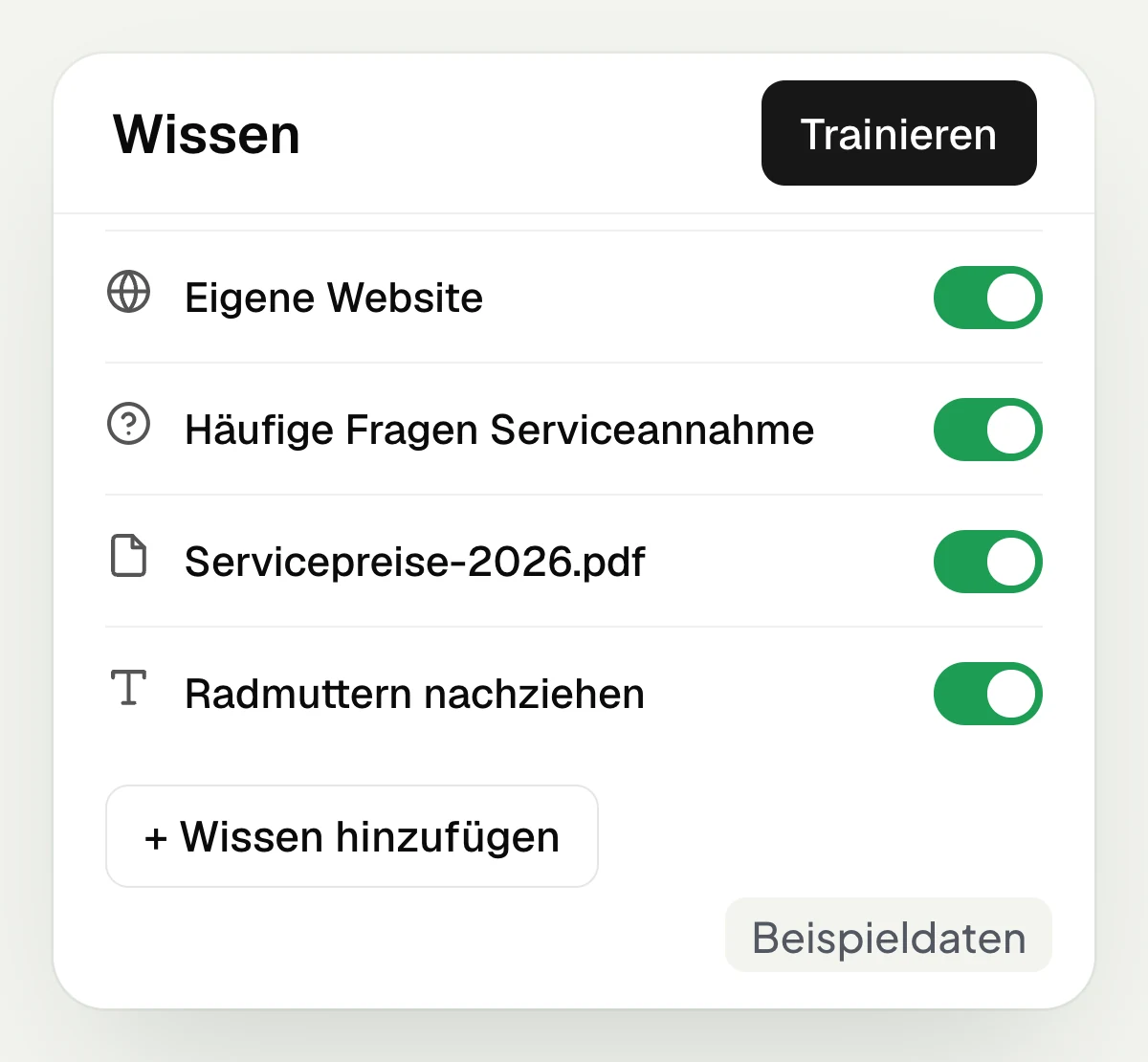
The hellomateo AI assistant uses web pages, questions with answers, files and your own texts as knowledge sources. For example, you add the process of your walk-in service reception or the terms of a promotion and click “Train”. If your content changes, you train again. The website is not re-imported automatically. You can deactivate individual sources and switch them back on later.
Add web pages as knowledge
Add frequently asked questions with answers
Add files and your own texts
Train again after changes
You set the tone and rules for answers
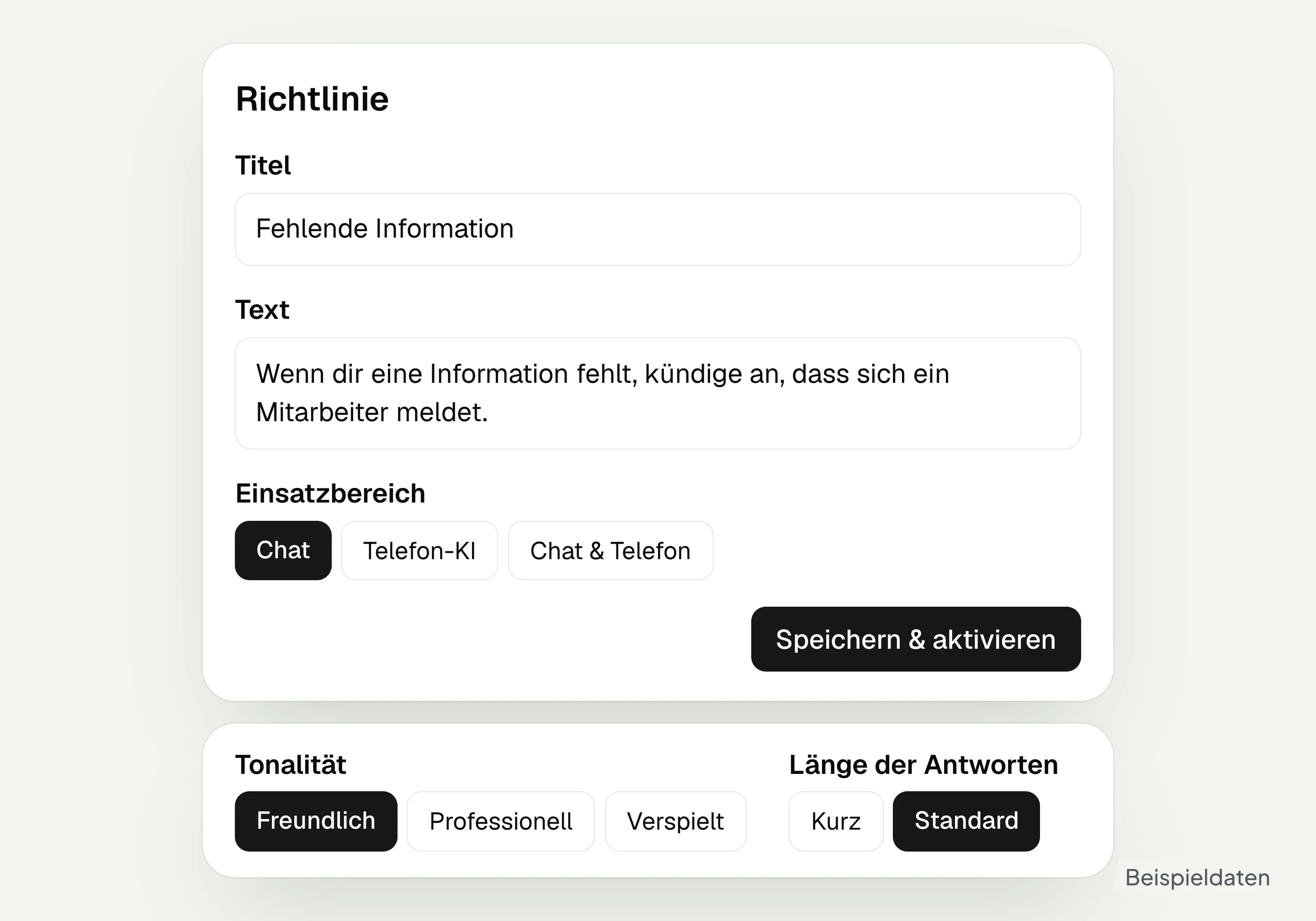
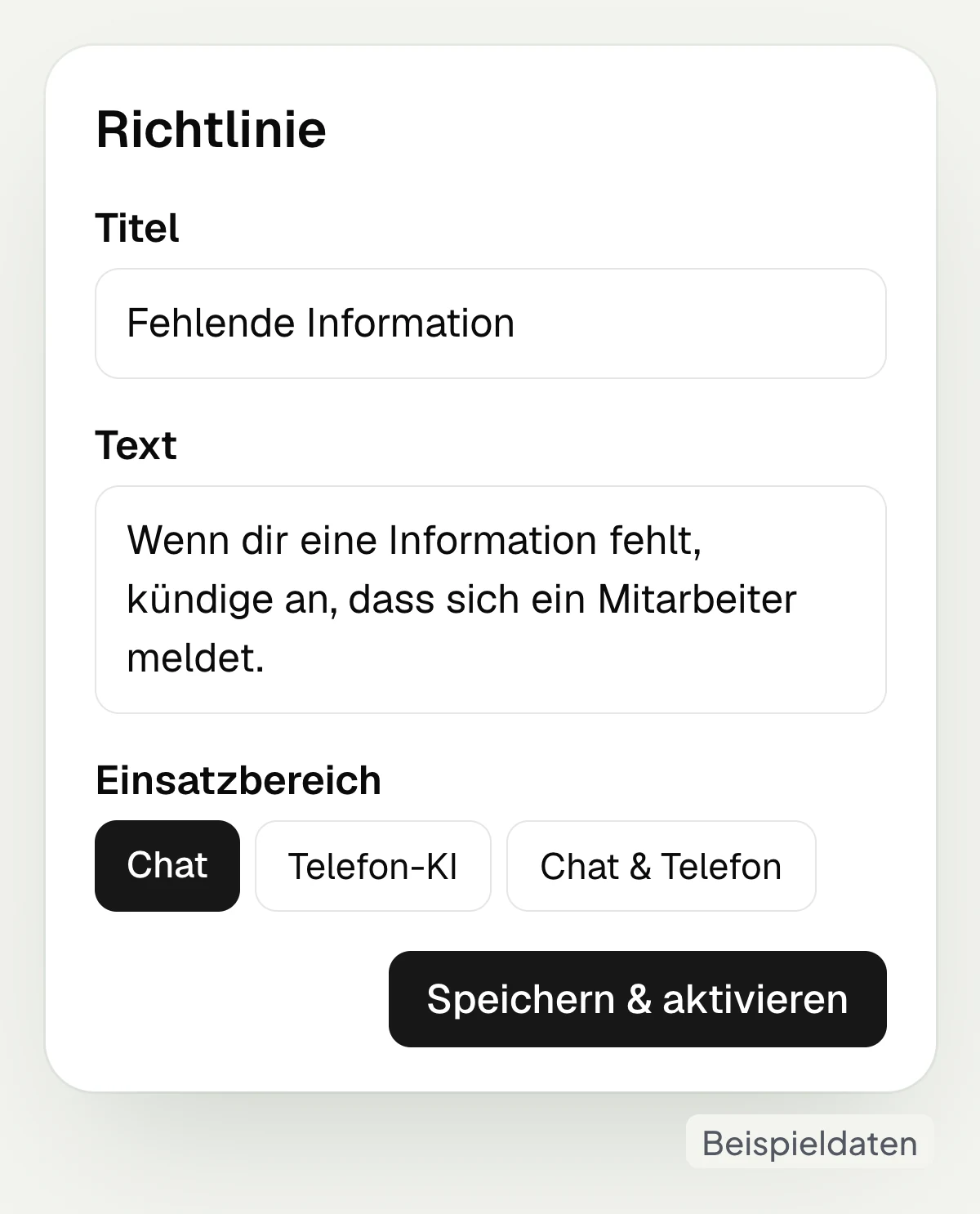
In hellomateo you set the name, tone and response length of your AI assistant in Business Plus and Enterprise. Your own guidelines describe how it should respond to certain questions. To do this, choose the area of application “Chat” and enter, for example: “If you are missing the information, say that a staff member will get in touch.” You also set how it addresses customers and how it introduces itself as an AI assistant with a guideline.
Set the AI assistant’s name in Business Plus and above
Choose a fitting tone in Business Plus and above
Set the response length in Business Plus and above
Add your own guidelines for chat
Your team takes over in the same chat
The hellomateo AI assistant replies in chats that are not assigned to a staff member. With “Takeover chat” your team continues the conversation itself; the AI stays silent while the chat is assigned. After two hours without a reply, the AI session ends with a summary, unless a staff member has taken over before then. If the AI rates the completed session as “Unresolved”, it removes its assignment: the chat is back with the team.
Choose “Takeover chat” in the inbox
Assigning a staff member stops the AI
Handle open requests in the same chat
Unresolved sessions go back to the team
Understands photos and voice messages too
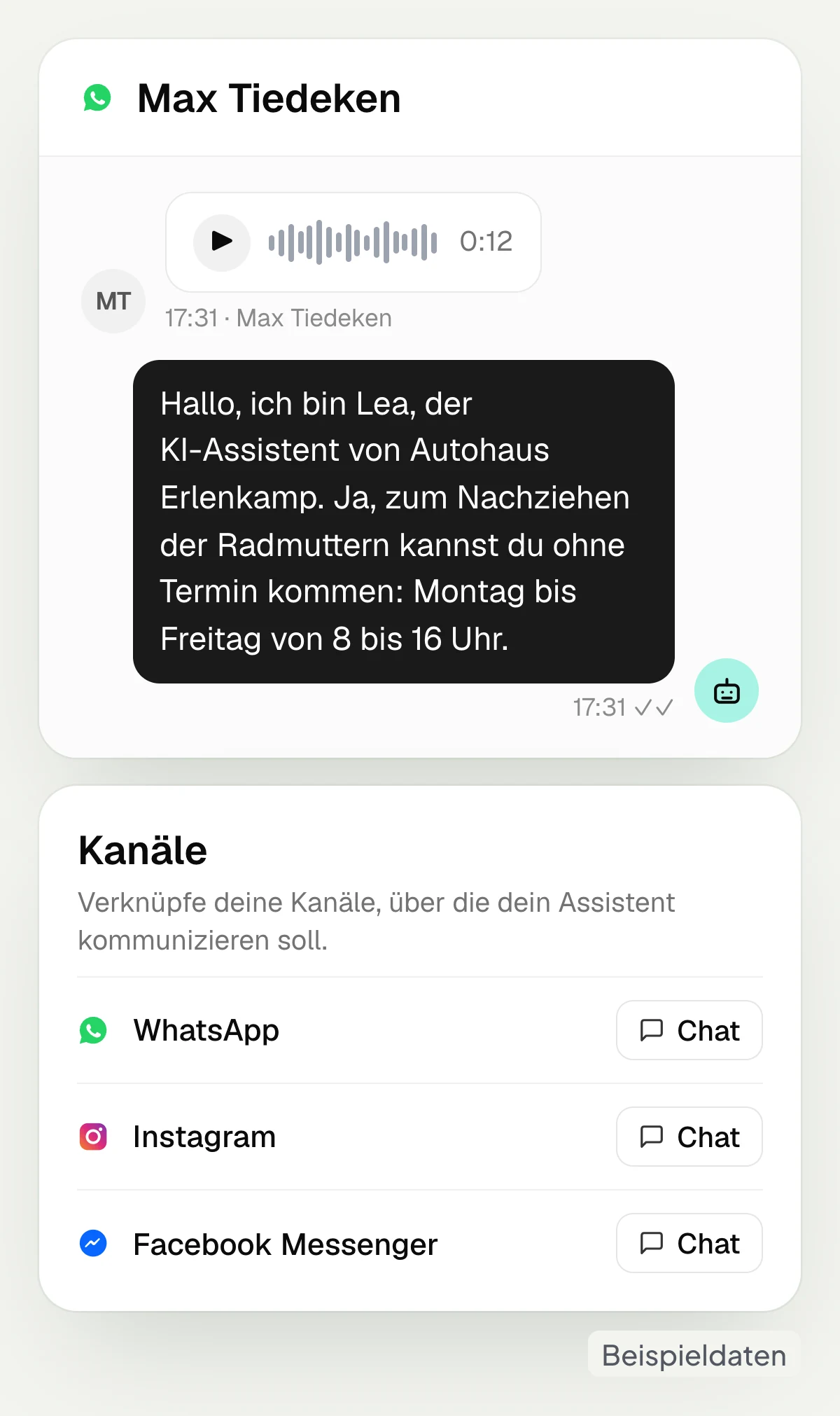
The hellomateo AI assistant answers inquiries via WhatsApp, Instagram and Facebook Messenger and also understands photos and voice messages. This way a customer can show or record their request. For attachments the assistant cannot process, the customer receives a notice and the team takes over. You decide which channels you connect to which assistant.
Depending on your package, you create several AI assistants, for example for an additional location with its own knowledge and its own channels.
Connect WhatsApp to the assistant
Use Instagram and Facebook Messenger
Understand photos and voice messages
Set up assistants for individual locations
Review what the AI has answered
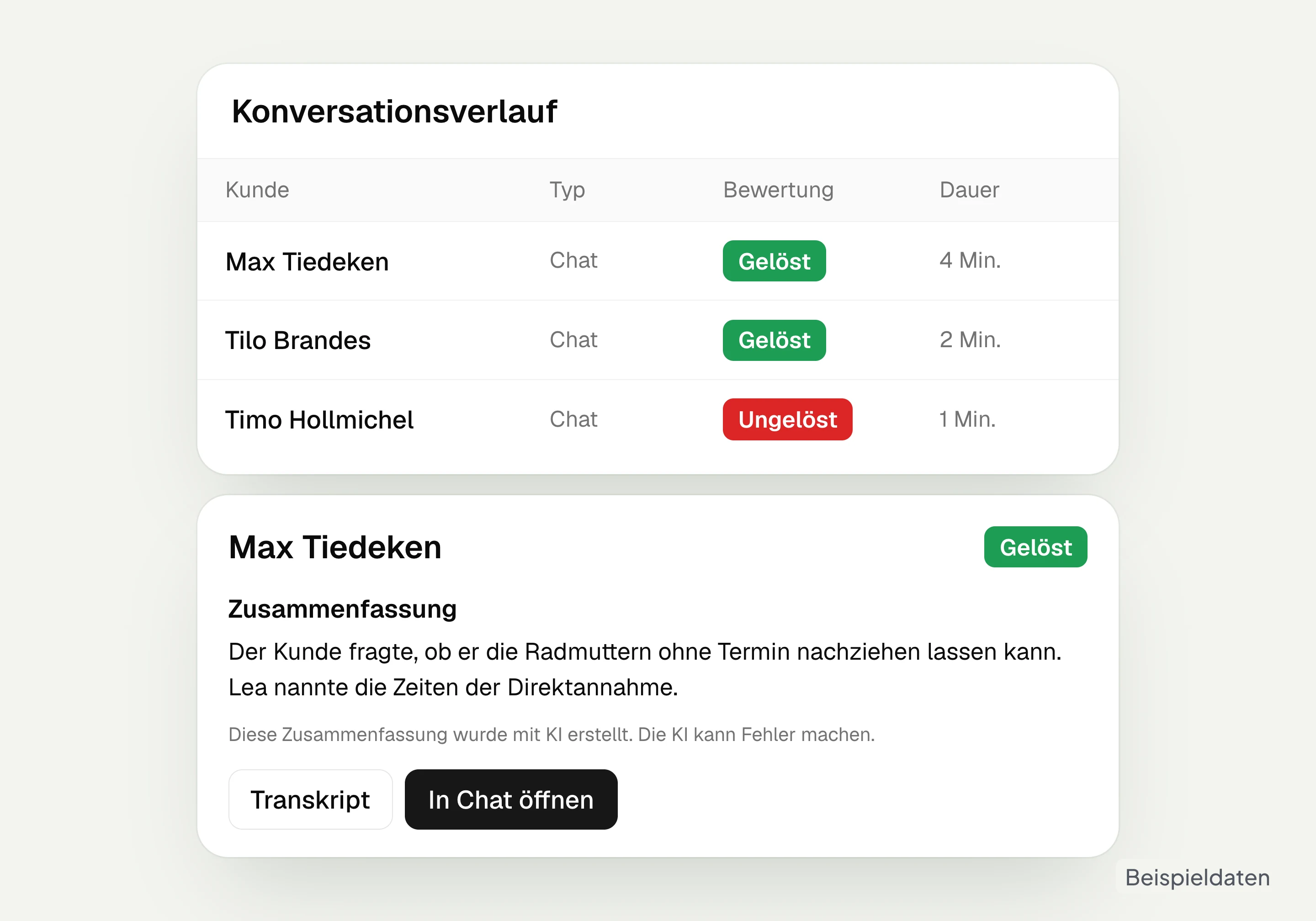
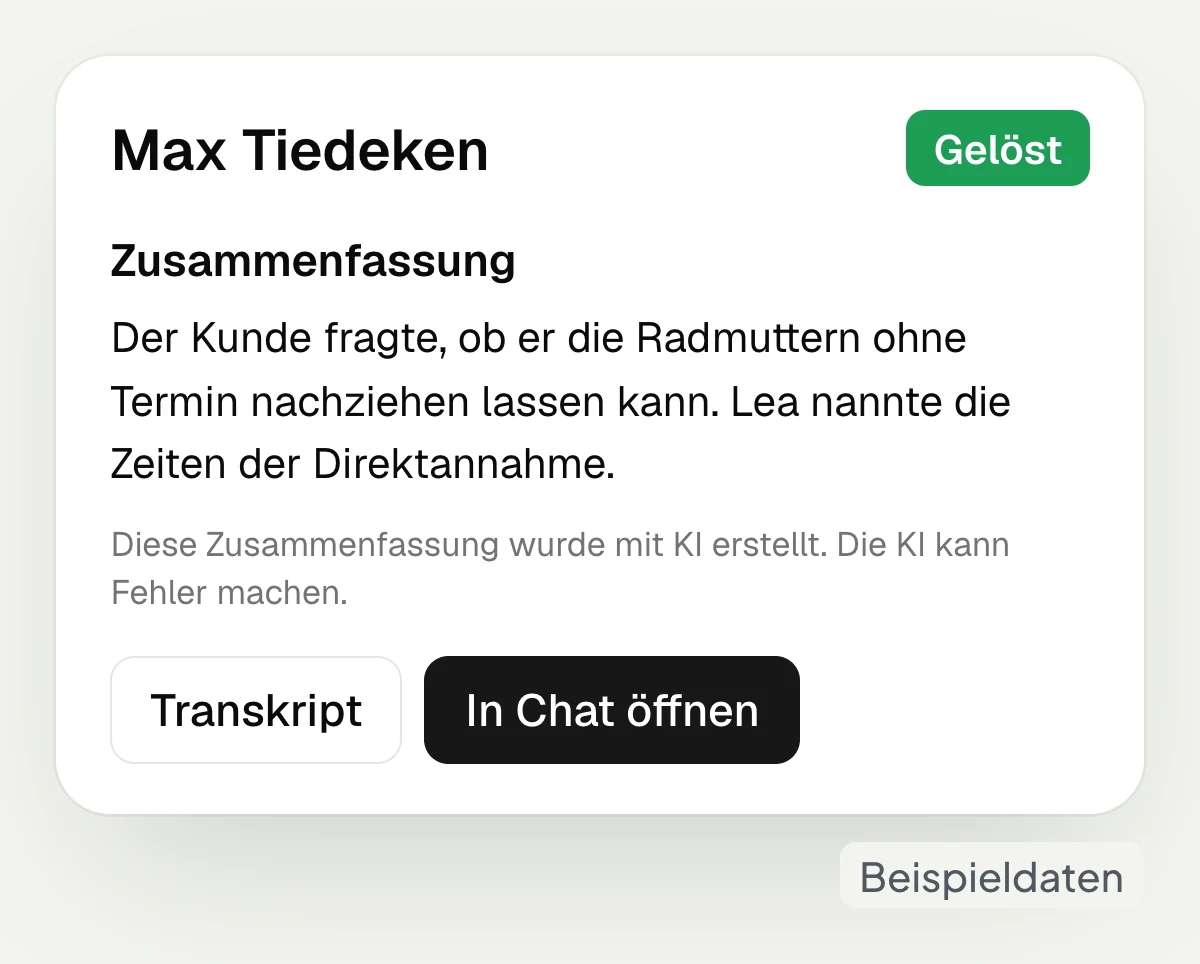
In the hellomateo conversation history you see the automatic rating of an AI session: “Resolved”, “Unresolved” or “Inconclusive”. The transcript shows the questions and answers; a summary adds to the history after the regular end of the session. In the overview per assistant you find messages sent, resolved and active sessions and the total number of sessions.
View the rating of the AI session
Read questions and answers in the transcript
Read the summary after the session ends
Check key figures per AI assistant
Let us show you how to store knowledge in hellomateo, check answers and take over a chat yourself.
Which customer questions come up again and again at your business?
The hellomateo AI assistant uses your knowledge for recurring questions; your team takes over personal requests.
Car dealership and workshop
The hellomateo AI assistant explains your walk-in service reception and shares stored booking links; the service reception discusses the cost estimate in person.
Insurance
With suitable guidelines, the hellomateo AI assistant asks for claim details and gives stored contact details; the agency takes over advice on contracts and benefits.
Fashion retail
The hellomateo AI assistant answers questions about the promotion and alteration service from your knowledge; your team checks whether a dress is available in size 38.
Hearing care
The hellomateo AI assistant understands voice messages and explains stored appointment procedures and business information; your team discusses questions about hearing in person.
Opticians
The hellomateo AI assistant gives stored procedures and prices for examinations; your team clarifies the production status of the glasses and specialist questions.
Furniture and kitchens
The hellomateo AI assistant explains your installation process and shares the stored booking link; your back office checks the delivery date of a specific kitchen.
More features for your customer communication
With hellomateo you add AI telephony, appointment booking as an add-on module and automated customer journeys to the AI assistant in chat.
Central Inbox
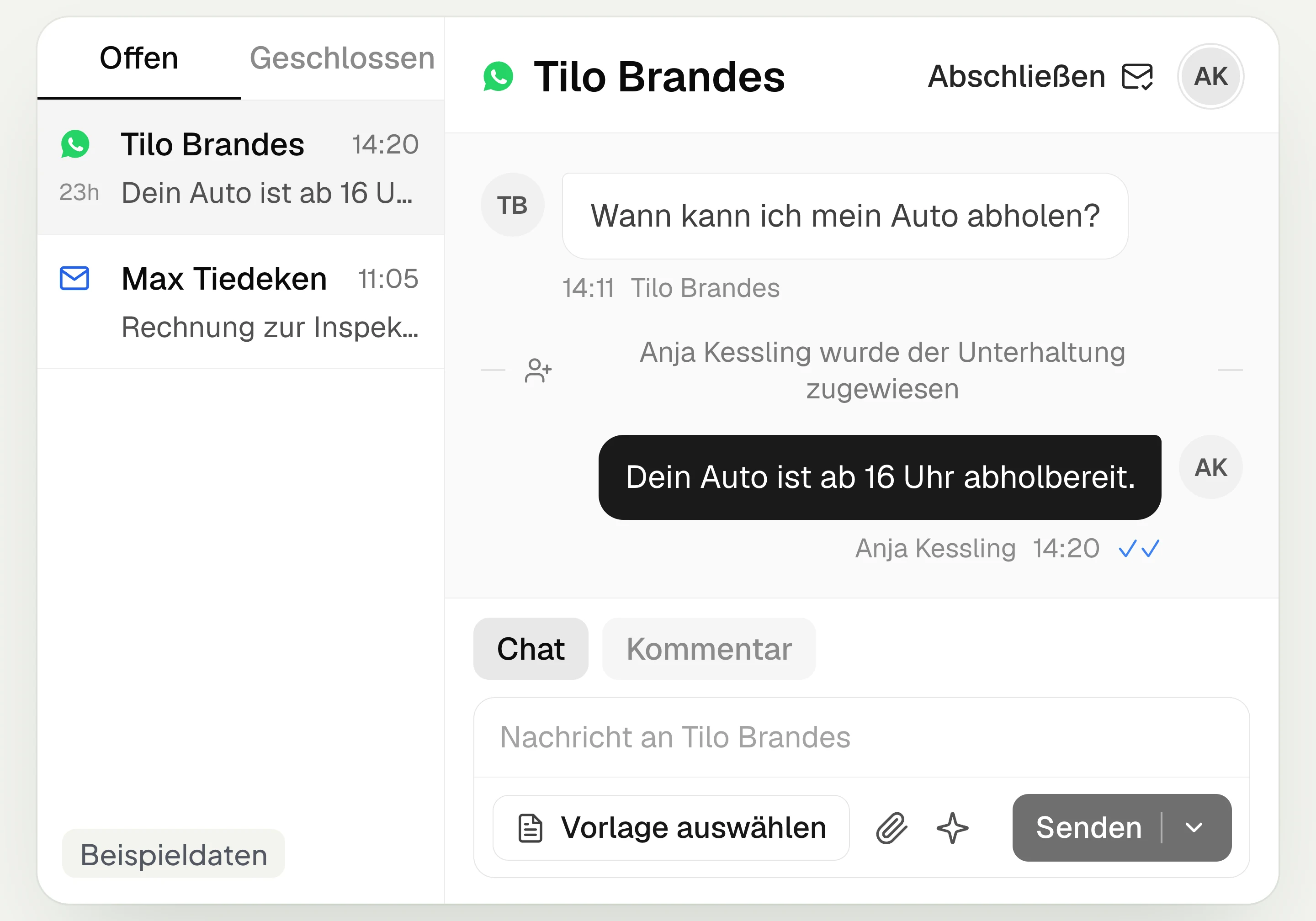
hellomateo brings together WhatsApp, email, Instagram and Facebook Messenger in one inbox. Multiple staff members write via the same WhatsApp number and assign conversations.
Automated customer journeys
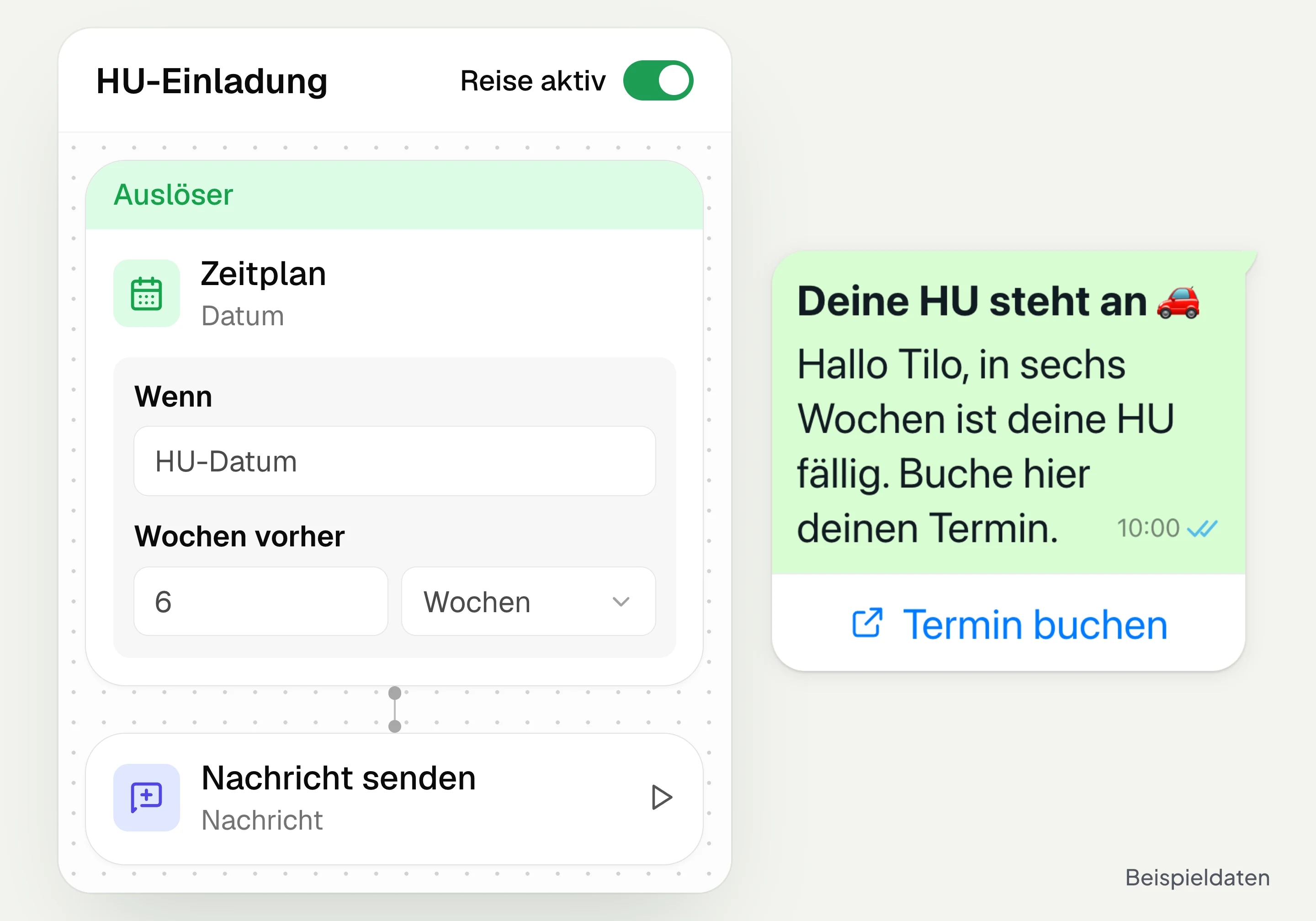
Customer journeys in hellomateo send invitations automatically based on a date or event. You set the message and follow-up steps and check the progress per contact. Business and above.
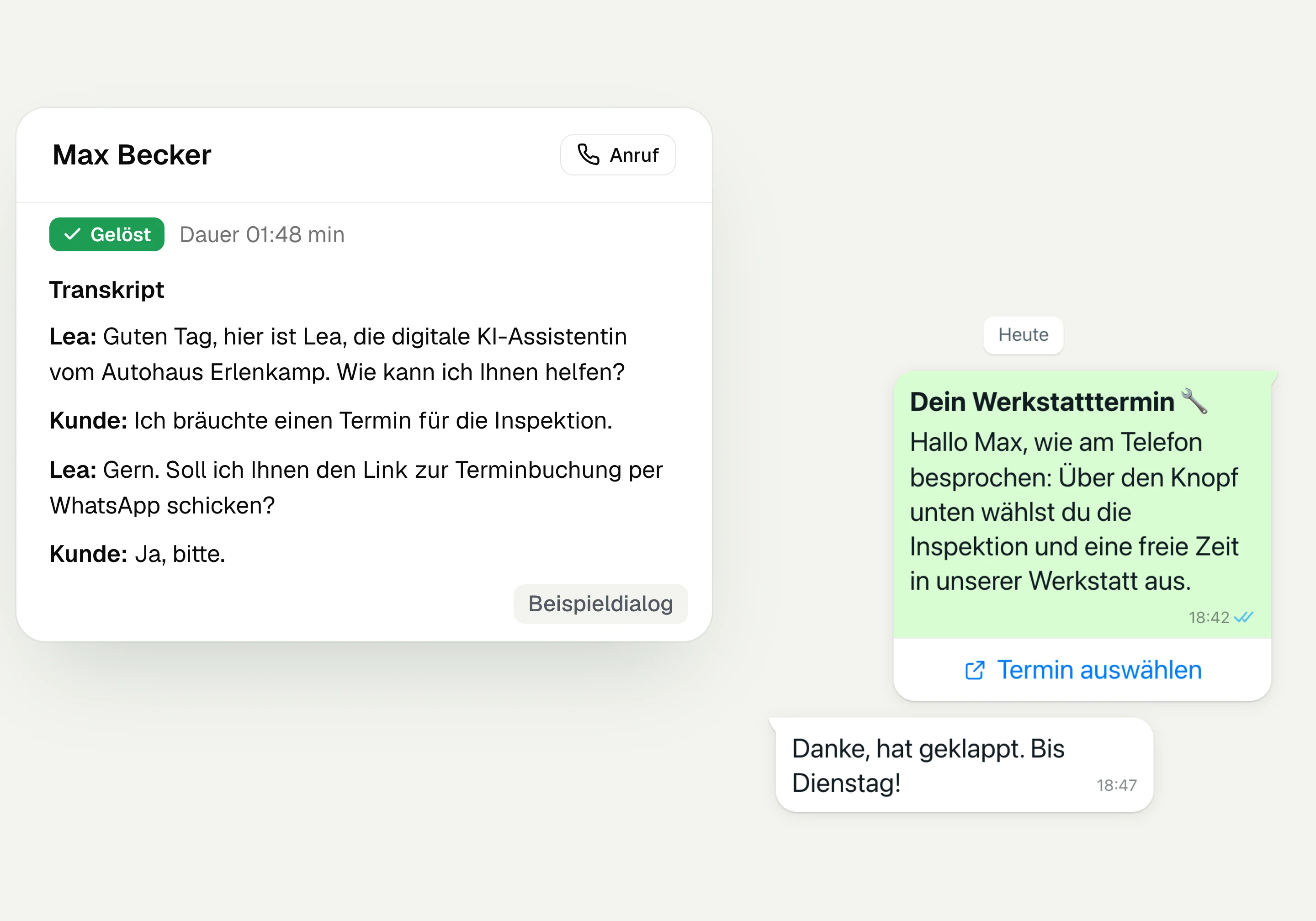
AI Telephony
hellomateo AI telephony takes calls, answers questions and sends the booking link via WhatsApp after consent. From €80 per month with 500 free minutes; additional minutes are charged on top.
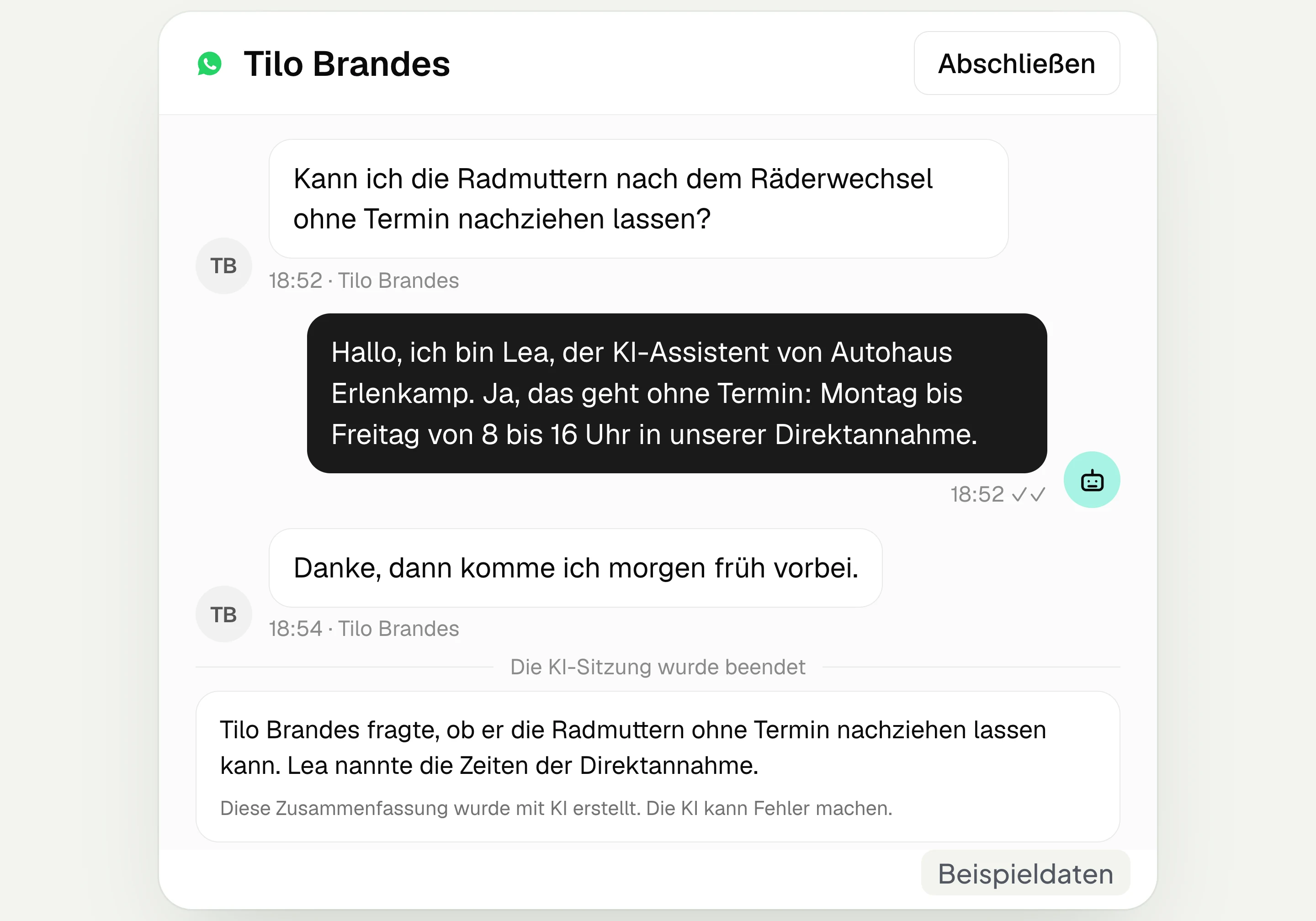
AI assistant in chat
The hellomateo AI assistant answers questions in WhatsApp, Instagram and Facebook Messenger with your knowledge. Can be added, selectable in Business Plus, included in Enterprise.

Appointment booking
With hellomateo, customers book appointments themselves on your booking page. You set services and calendars. Add-on module: €25 per month, regardless of the number of locations.
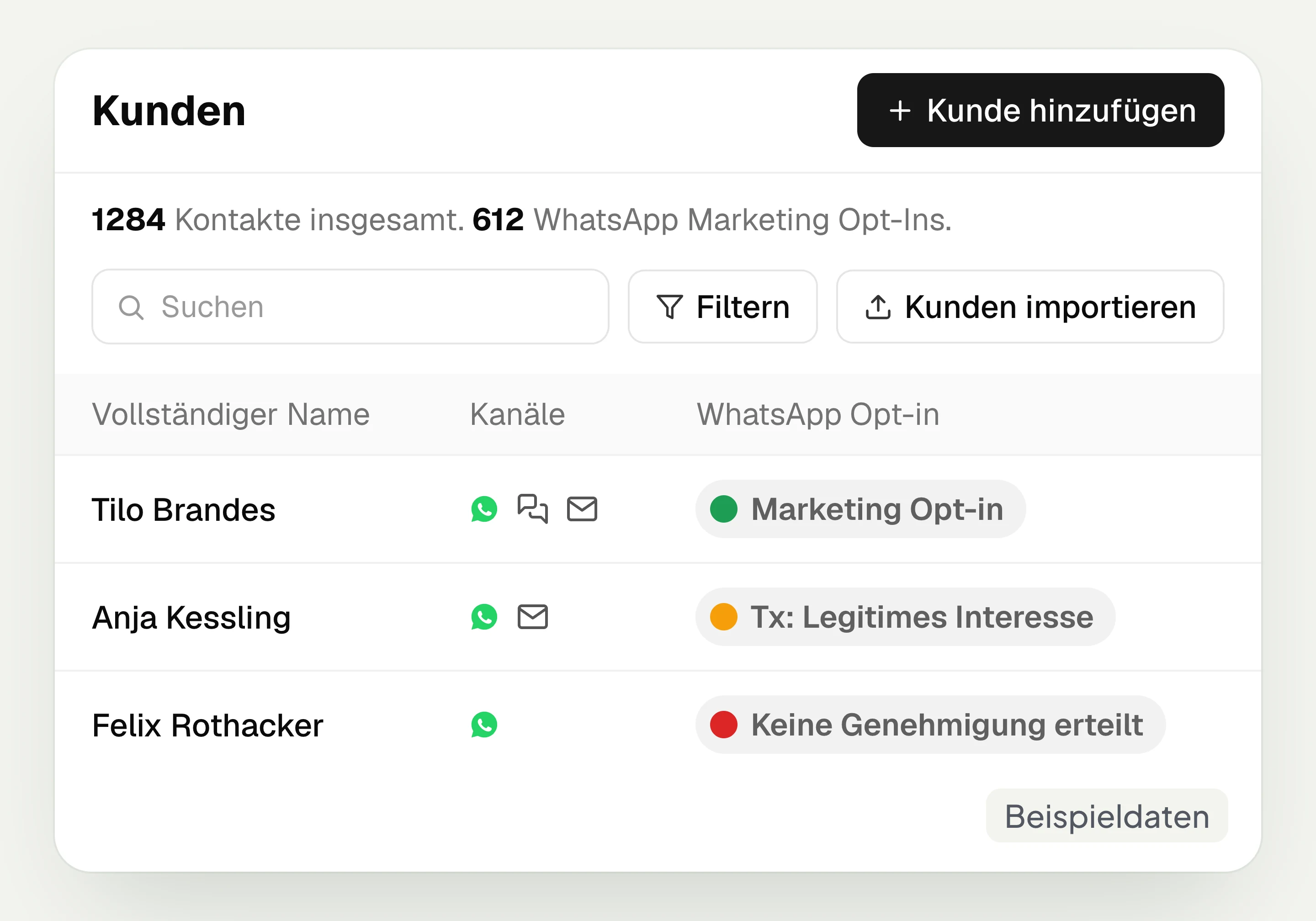
Customer and contact management
hellomateo connects contact data, conversations and consent per channel. You read notes on the contact and build recipient lists with your own filter rules.
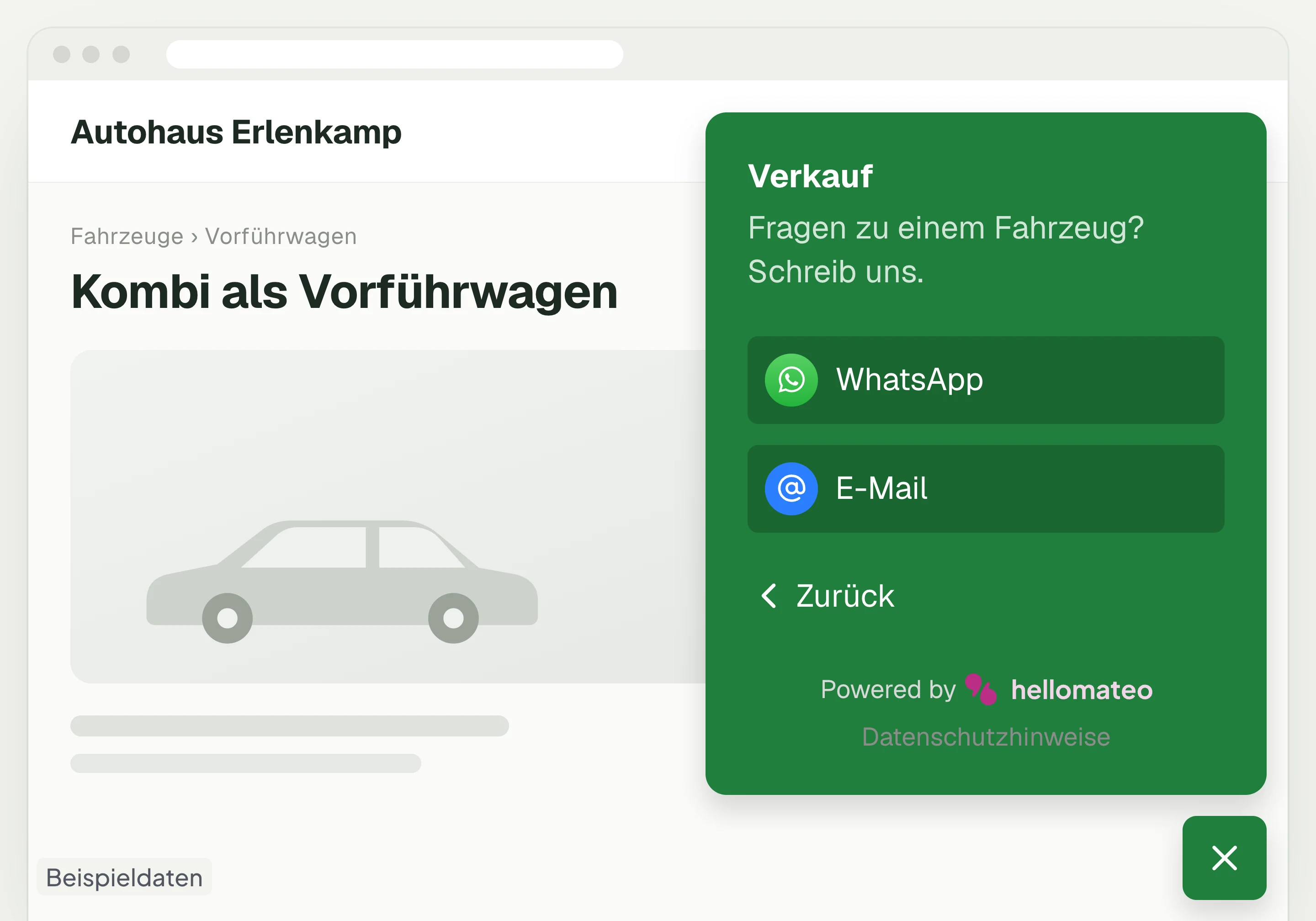
Contact through your website
A hellomateo button on your website takes visitors to WhatsApp and other channels. For connected channels, your team replies in the Central Inbox.
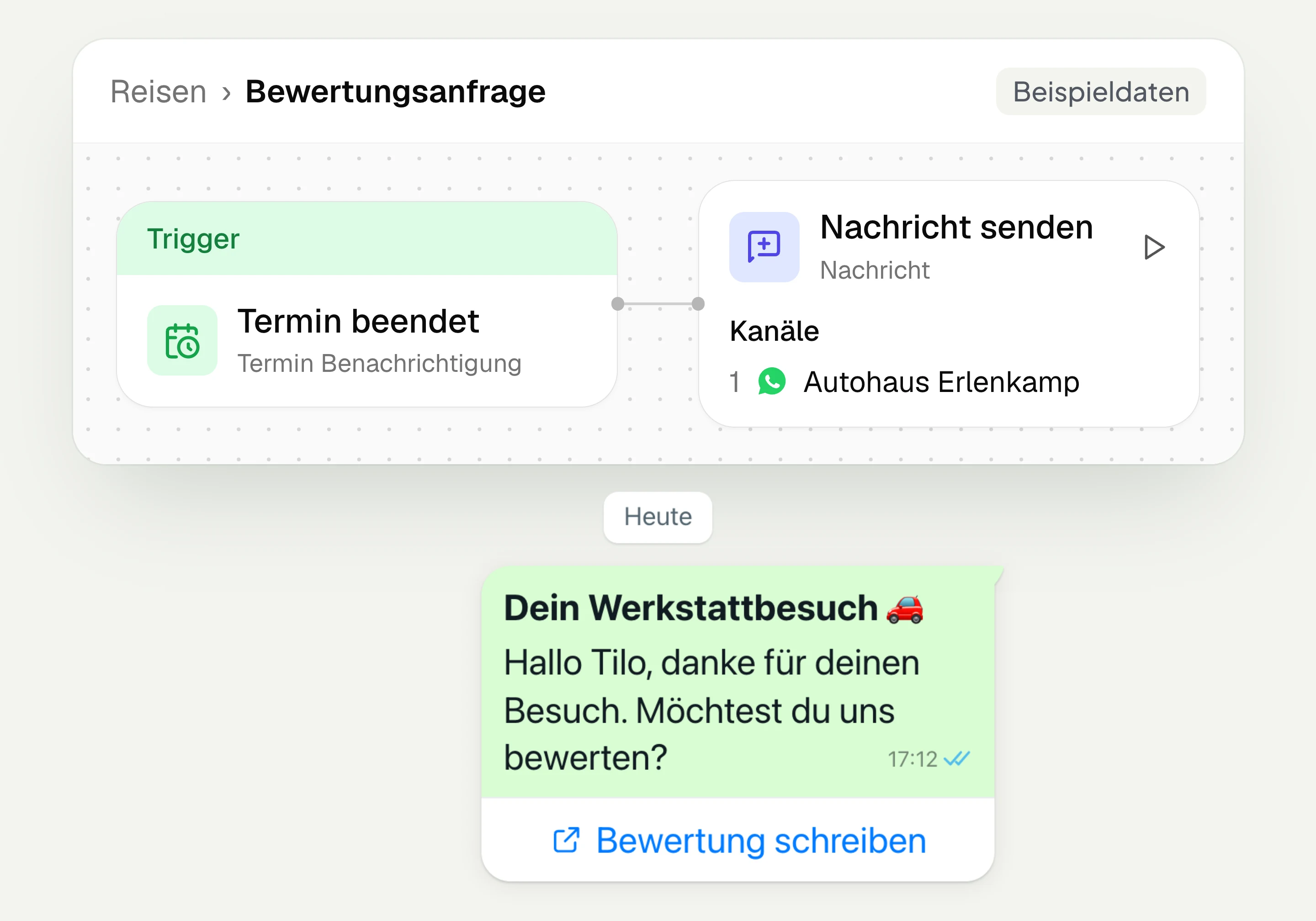
Review management
With hellomateo you request Google reviews, read reviews and reply to them. In the Business package and above, customer journeys send the review request automatically.
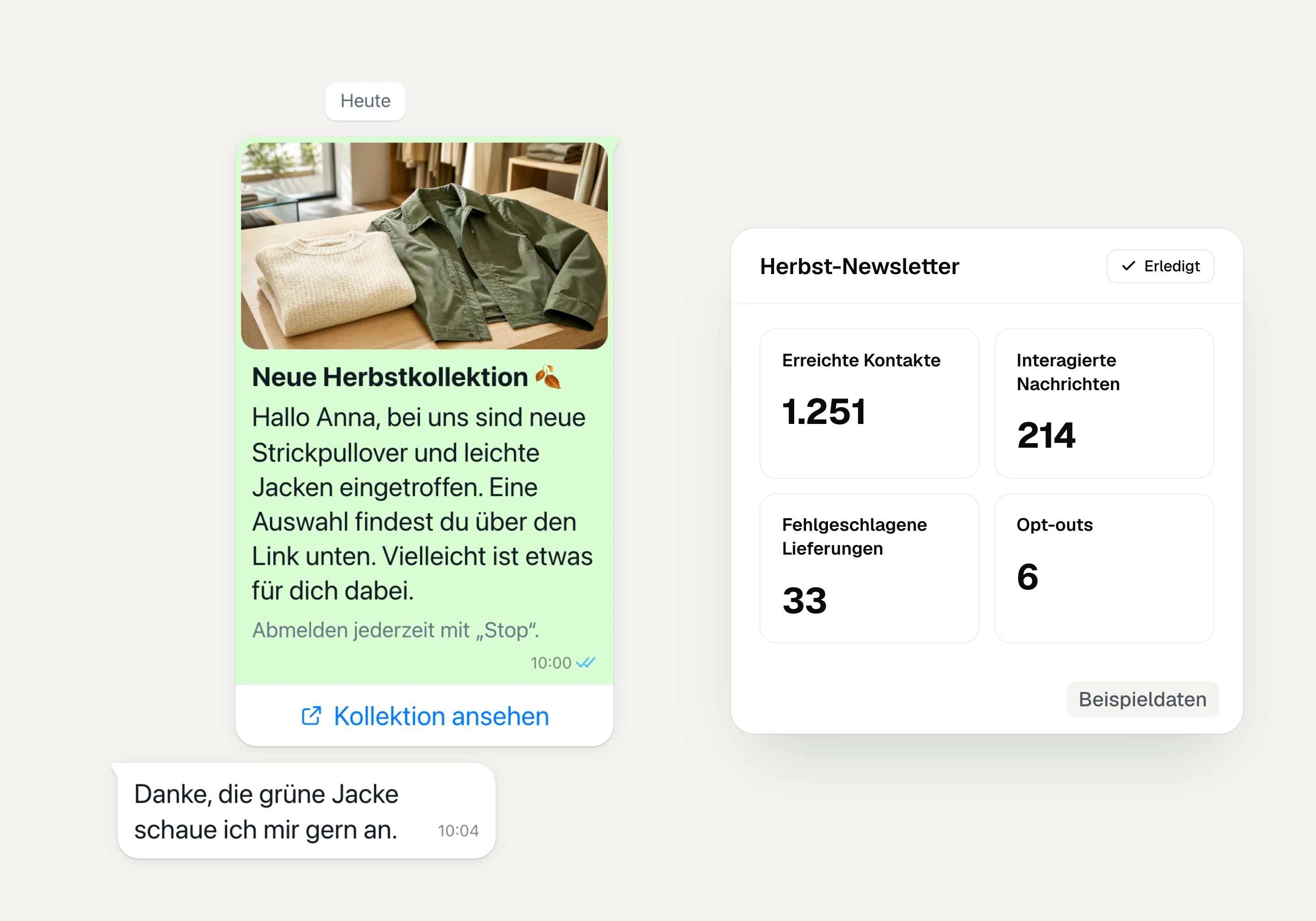
WhatsApp newsletter
With hellomateo you send WhatsApp newsletters to customers who have given consent. You choose recipients, schedule the send and see per recipient whether the message was read.
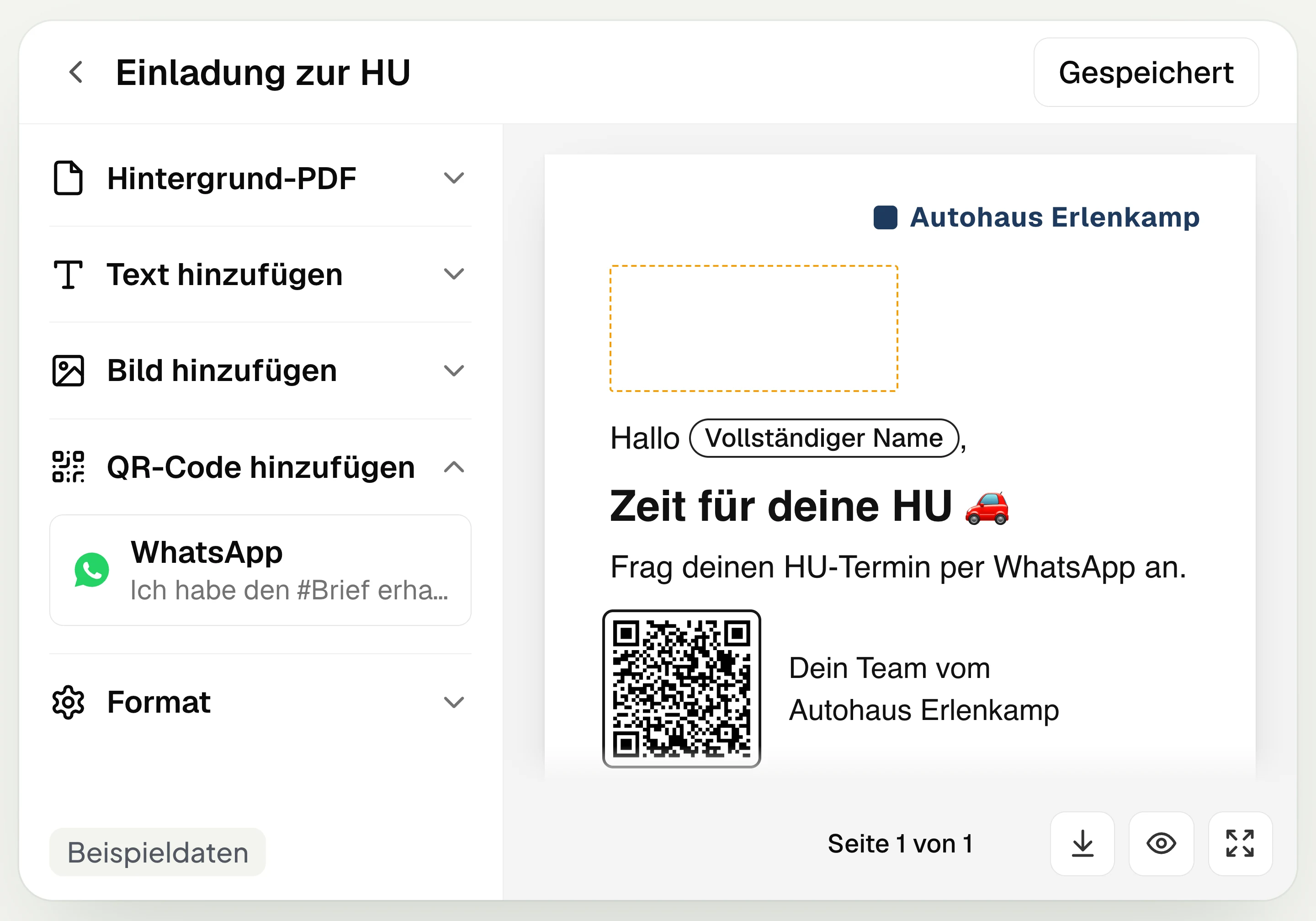
Postal mailing
With hellomateo you design and send letters with a WhatsApp QR code. Can be added in Business, selectable in Business Plus, included in Enterprise.
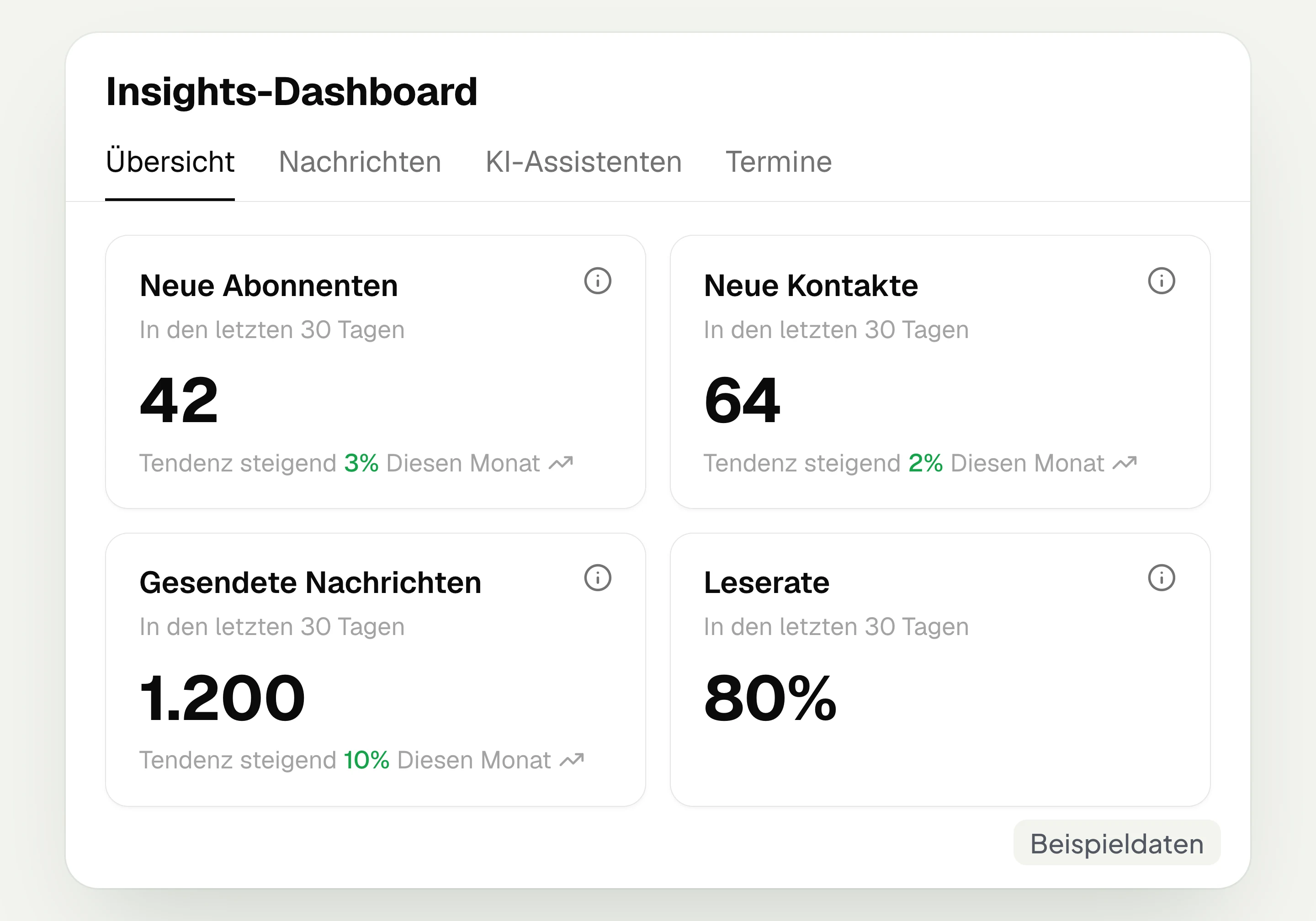
Insights
hellomateo Insights shows messages, read rate, contacts and reviews. With the respective modules, analytics on AI inquiries and appointments are added.
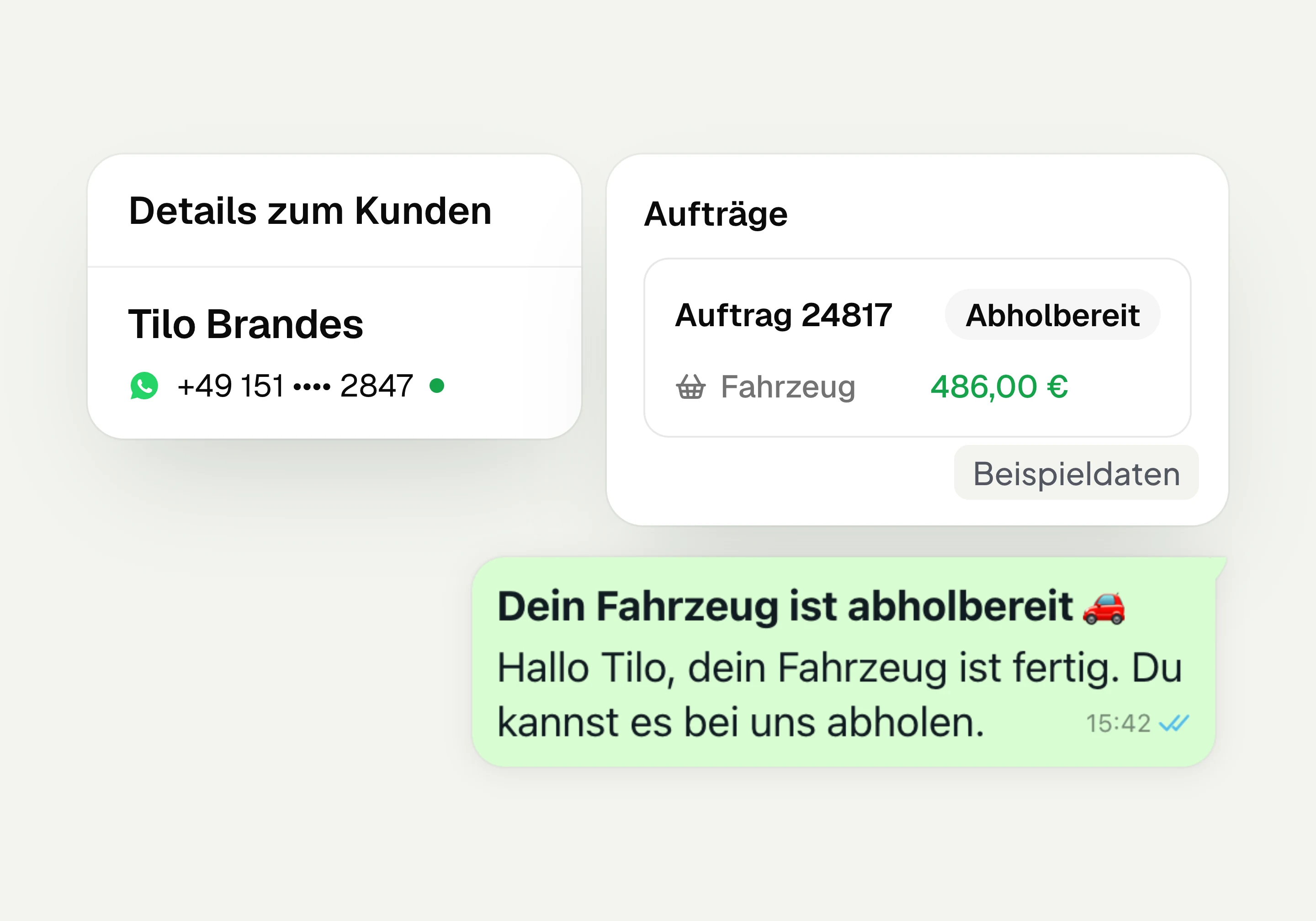
Integrations
Depending on the connection, hellomateo transfers contacts, orders and appointments from your industry software. More than 70 direct integrations are available in Business and above.
Frequently asked questions about the AI assistant for WhatsApp




Book a non-binding consultation
We would be happy to show you hellomateo in a personal demo.
Or send us an email:
What is the hellomateo AI assistant for WhatsApp?
When does the AI reply, and how does my team take over?
Does the AI assistant in chat book appointments?
What knowledge does the AI need, and how does it stay up to date?
What does the AI assistant cost, and which package includes it?
Can the AI access data from my industry software?
How do I give the AI rules for its answers?
Does contact stay personal, and can customers recognize the AI?
Does the AI also reply by email or on my website?
Does the AI assistant understand photos and voice messages?
Does the AI learn from our chats, and what happens to the data?
In which languages does the AI assistant reply?
Can I set up separate AI assistants for several locations?