WhatsApp button and contact widget for your website
The hellomateo contact widget is a button on your website through which visitors open WhatsApp or another channel you have set up. The conversation starts in the chosen channel and, for connected channels, lands in the hellomateo inbox. You decide on channels, locations and design yourself.
Visitors choose WhatsApp or another channel
Own channels and texts for every location
Replies in the hellomateo Central Inbox
Last updated: 28 October 2026
More than 2,000 customers use hellomateo

























From your website to a conversation with your team
Visitors click the button
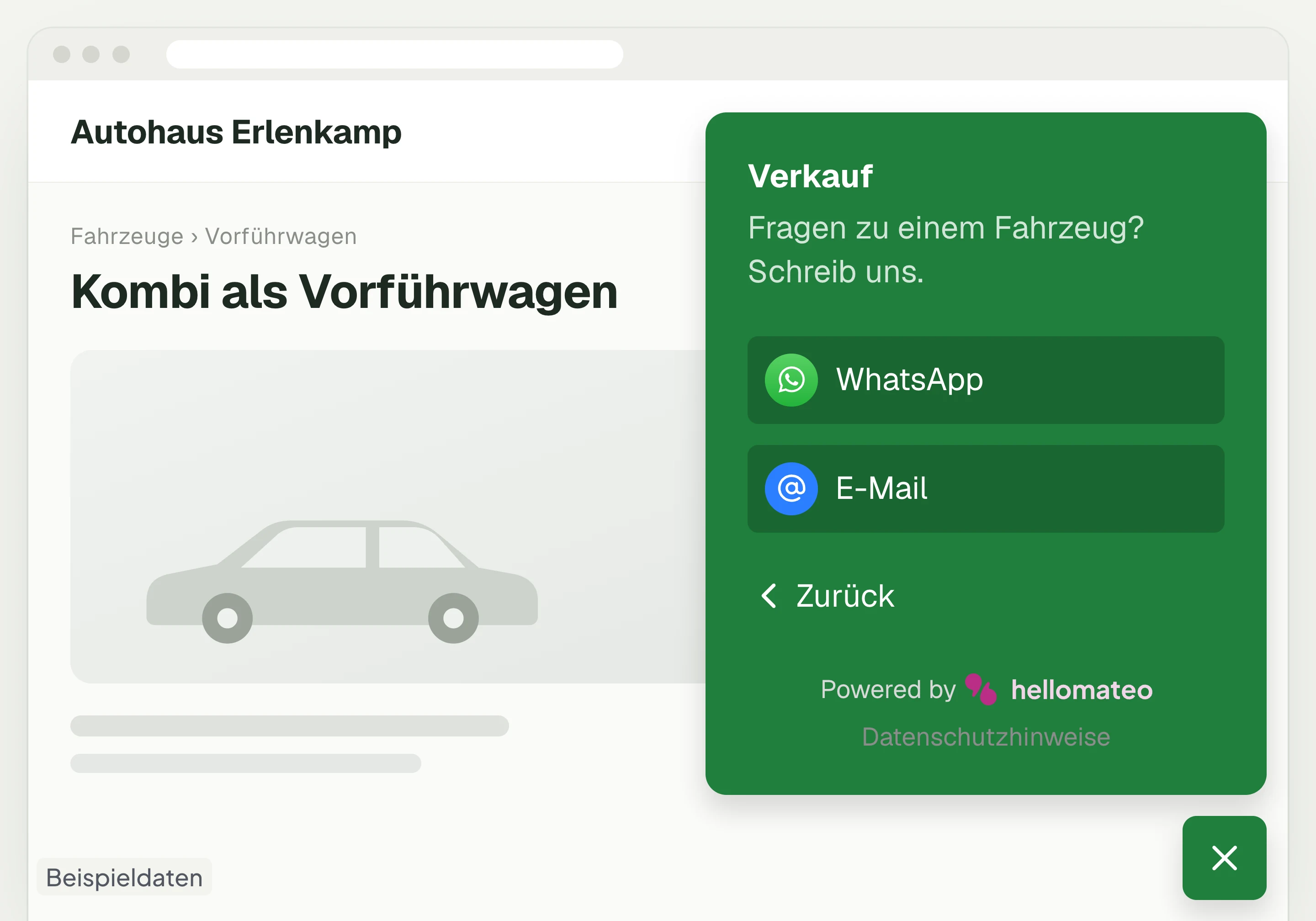
The hellomateo widget shows a contact button at the bottom of your website. A visitor clicks it, for example because they have a question about a test drive on the vehicle page.
Choose location and channel
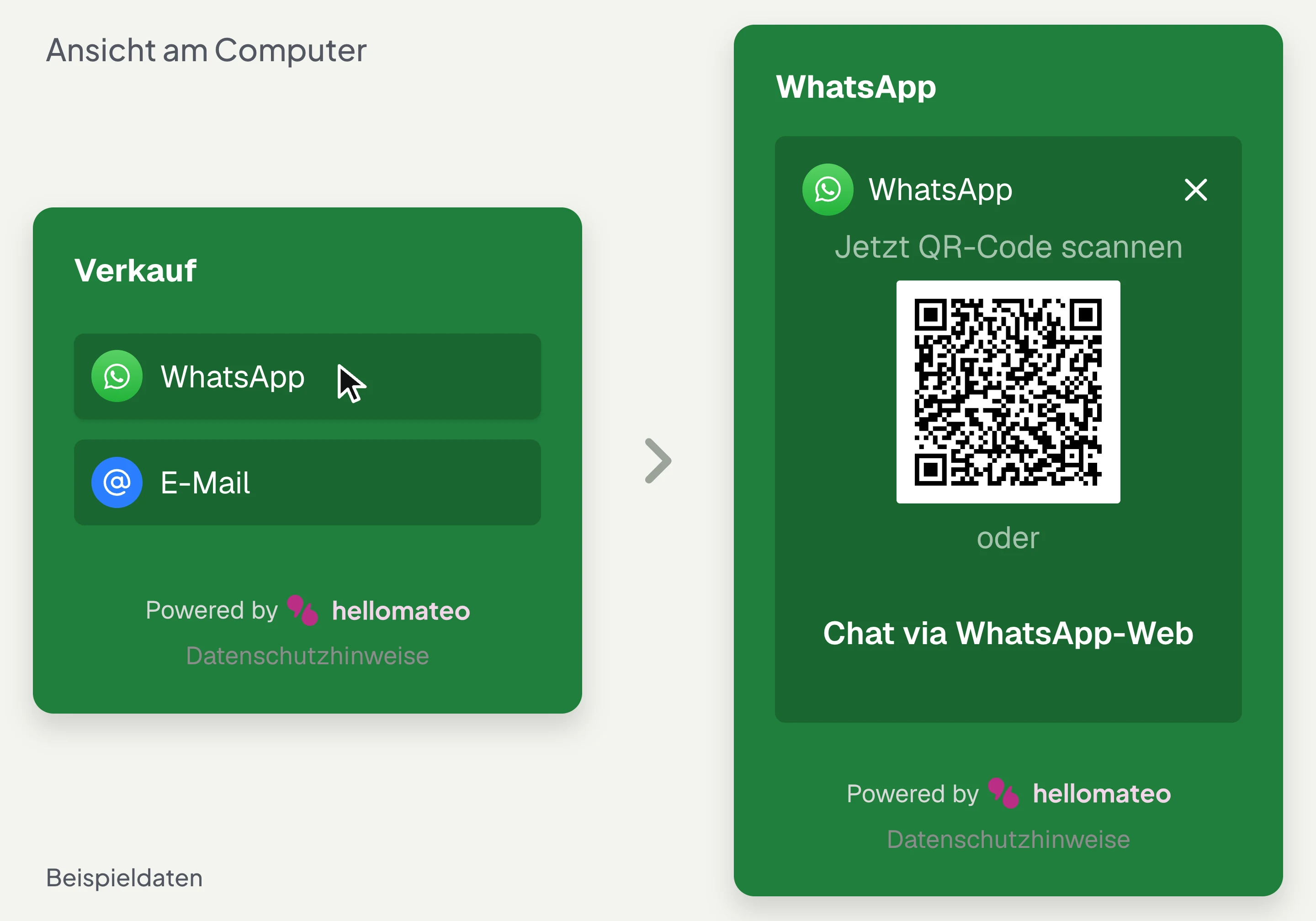
With several groups, hellomateo first shows the choice of locations or departments. The visitor chooses the sales group, for example, and opens the WhatsApp channel set up there.
Send the message
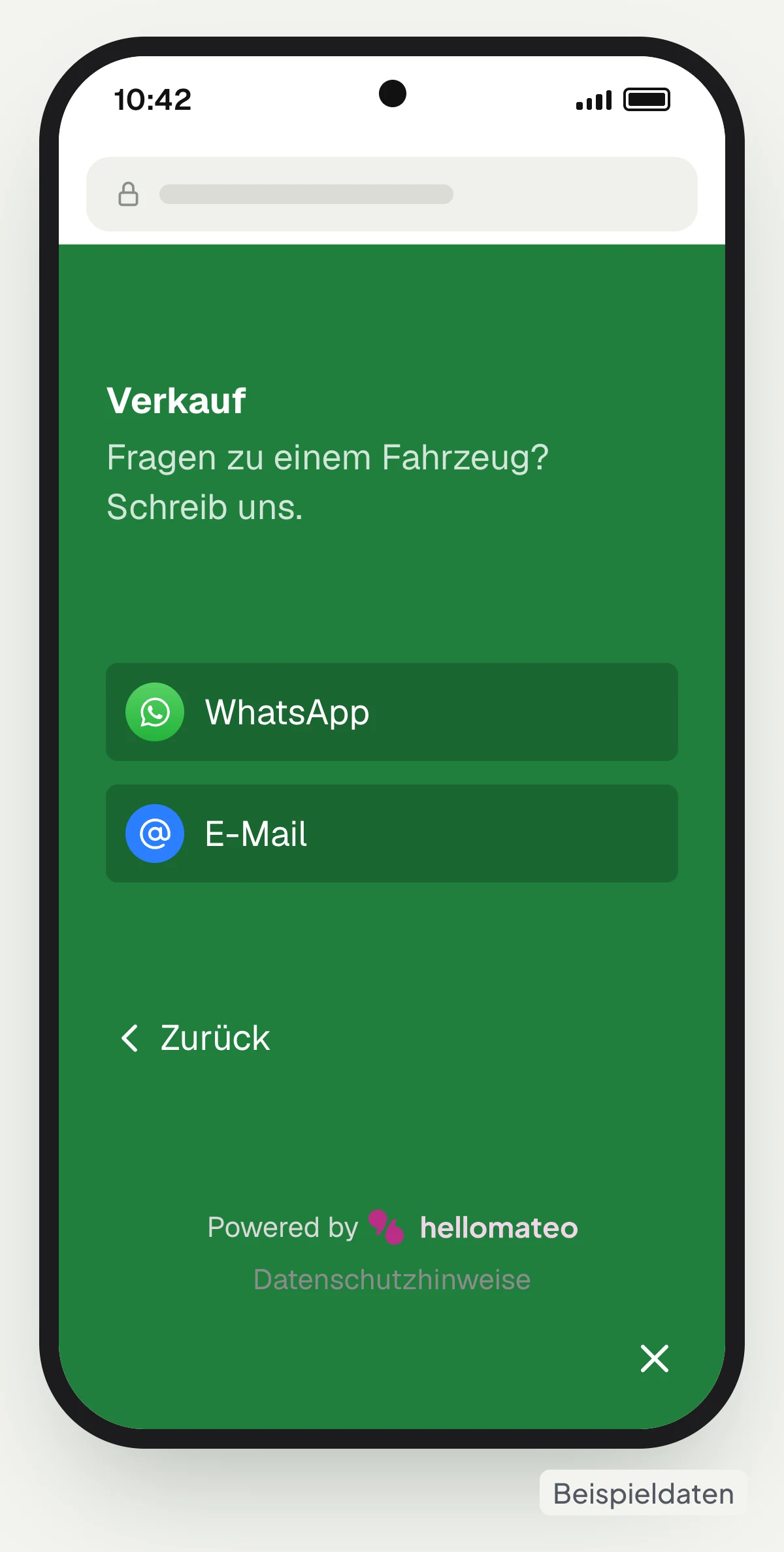
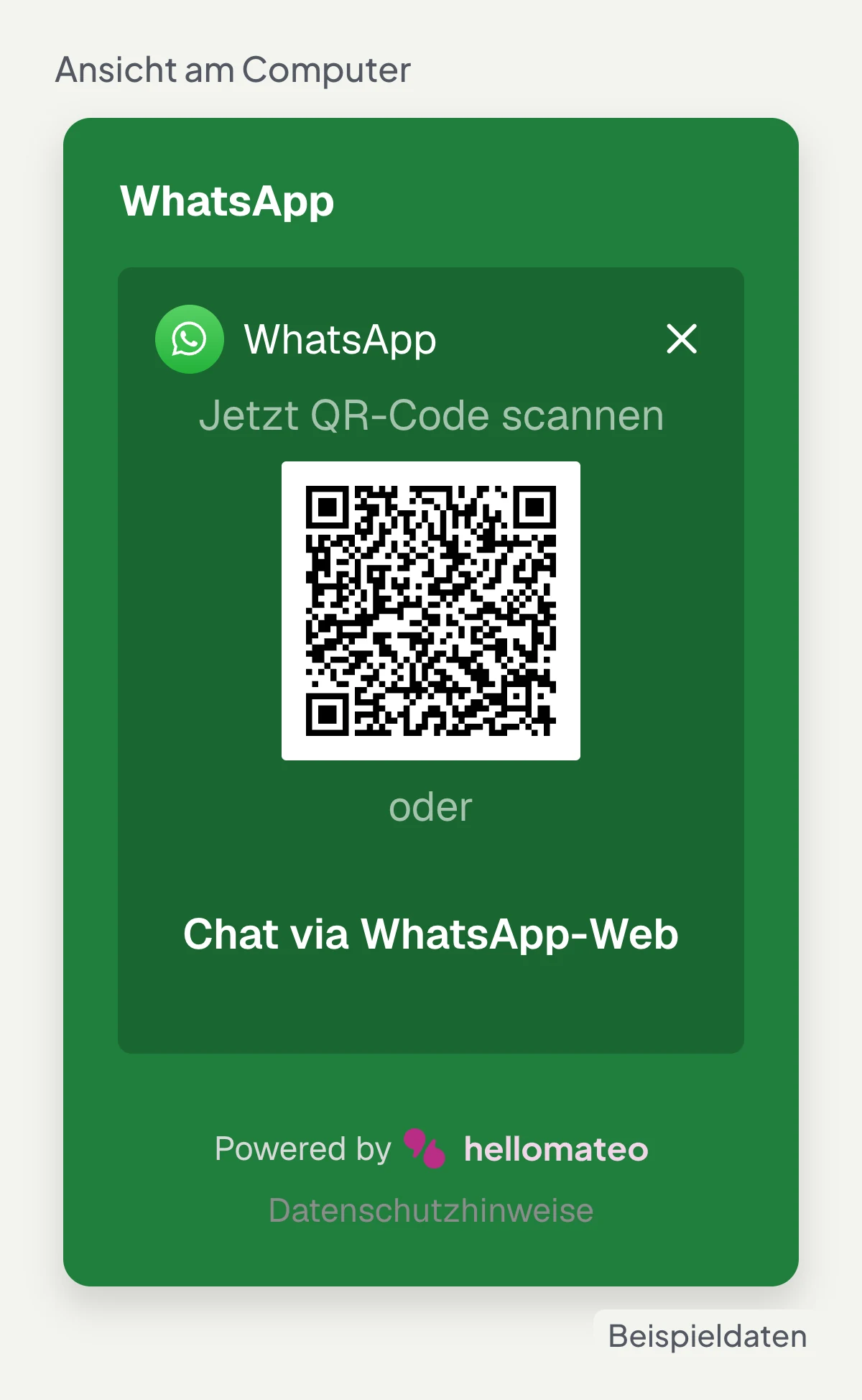
On a phone, the hellomateo widget opens WhatsApp directly. On a computer, a QR code appears. The visitor writes via WhatsApp; there is no input field for messages on the website.
Reply in the inbox
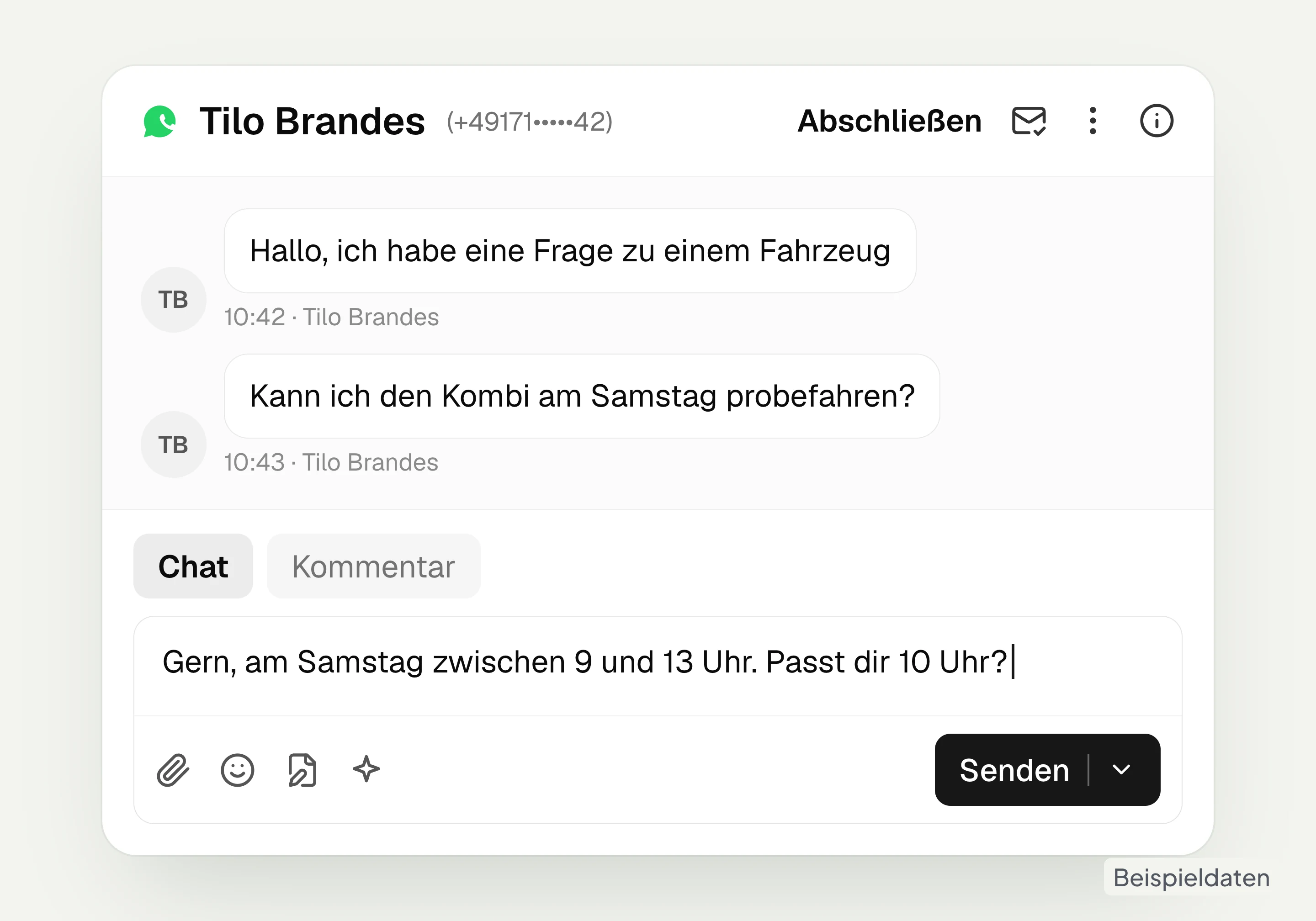
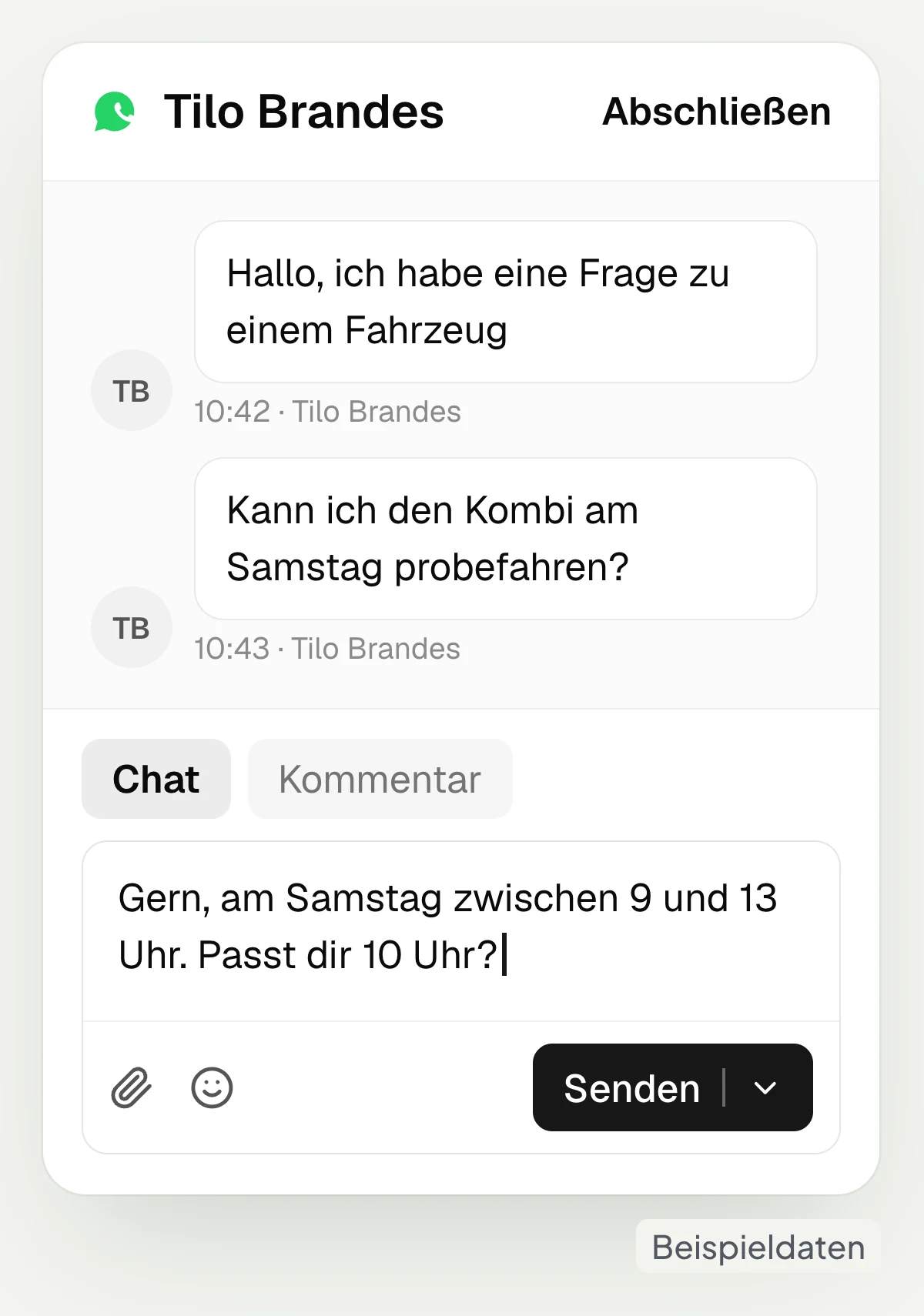
The message via the connected channel appears in the hellomateo inbox. Your team answers the question there and can assign the conversation to a staff member.
How to set up your contact button
In hellomateo you choose channels and locations, design the button and copy the code for your website.
One button leads to your contact channels
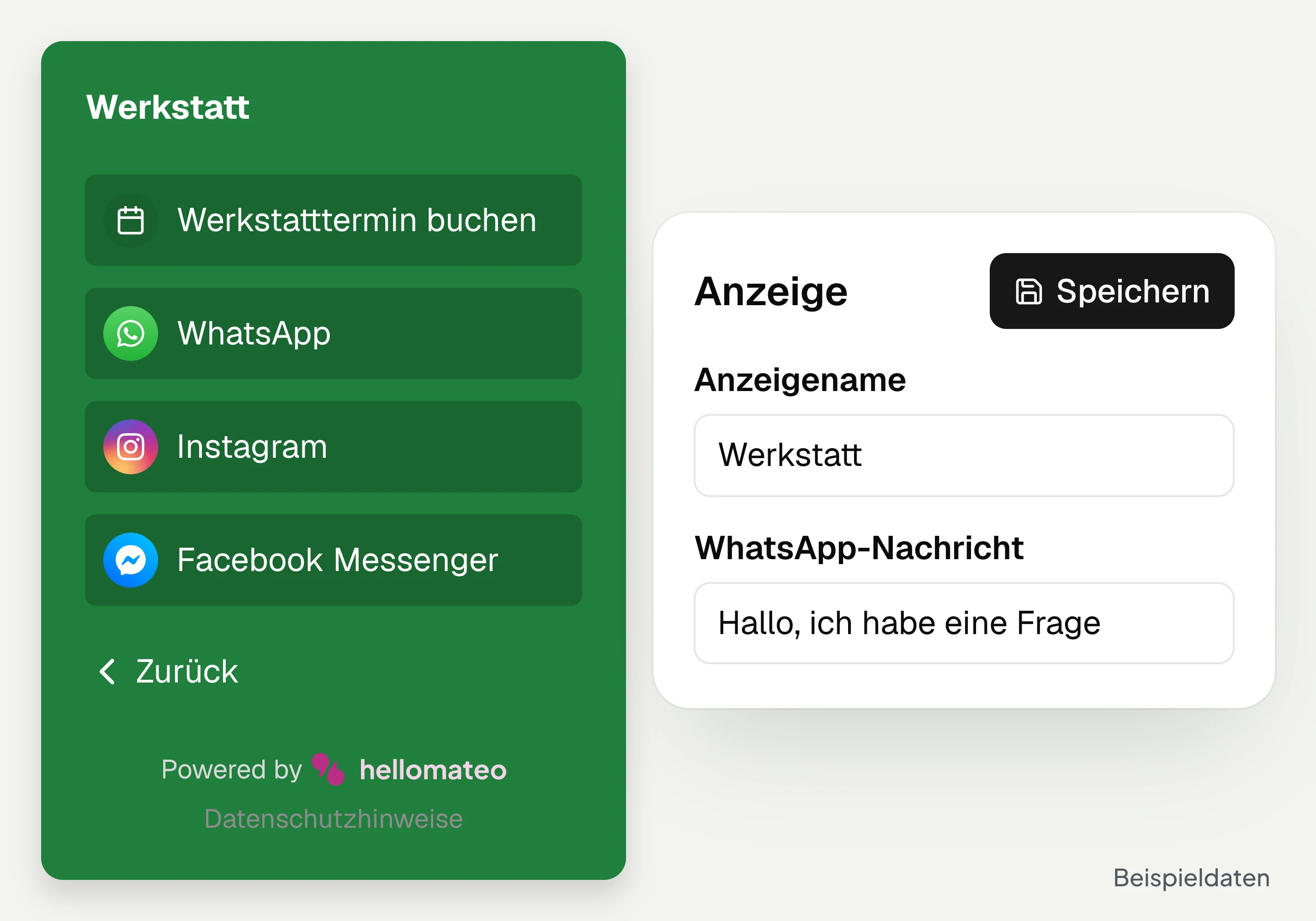
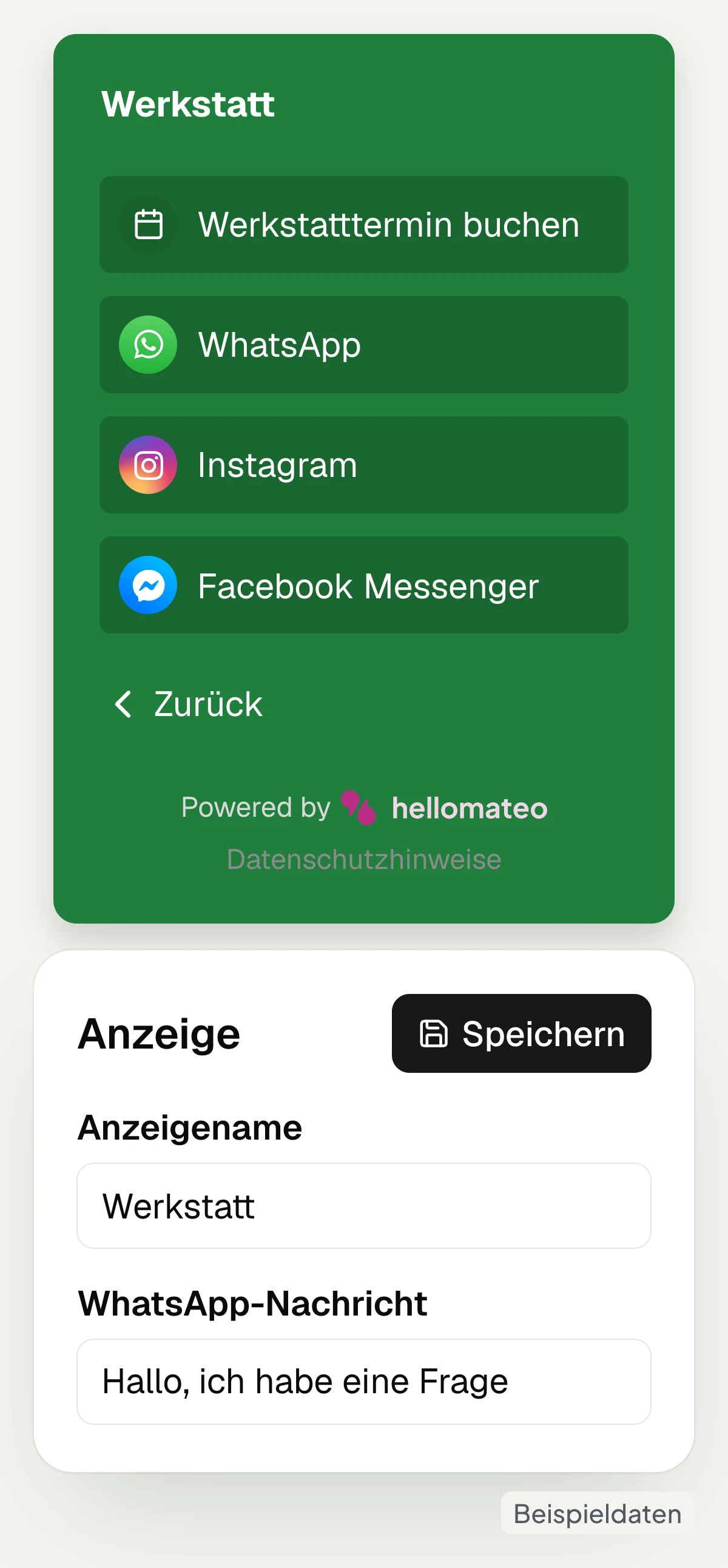
The hellomateo contact widget shows visitors the channels you have set up to choose from: WhatsApp, Facebook Messenger, Instagram and email. You add SMS if hellomateo has set up the SMS channel for you. With your own links you lead visitors to a booking page, for example. For WhatsApp you can prefill a message, for example “Hello, I have a question about my vehicle”.
Offer WhatsApp as a contact option
Add Instagram and Facebook Messenger
Show email and a set-up SMS channel
Add your own links to the booking page
Every location gets its own selection
In hellomateo you bundle several locations or departments as groups in one widget. Each group gets its own texts and channels, for example its own WhatsApp number for the workshop and one for sales. Visitors first choose the right group and then their contact option. You can also show staff photos and add your own texts such as a subtitle and a call to action for each group.
Combine locations in one widget
Create workshop and sales as groups
Define contact channels per group
Show subtitles and staff photos per group
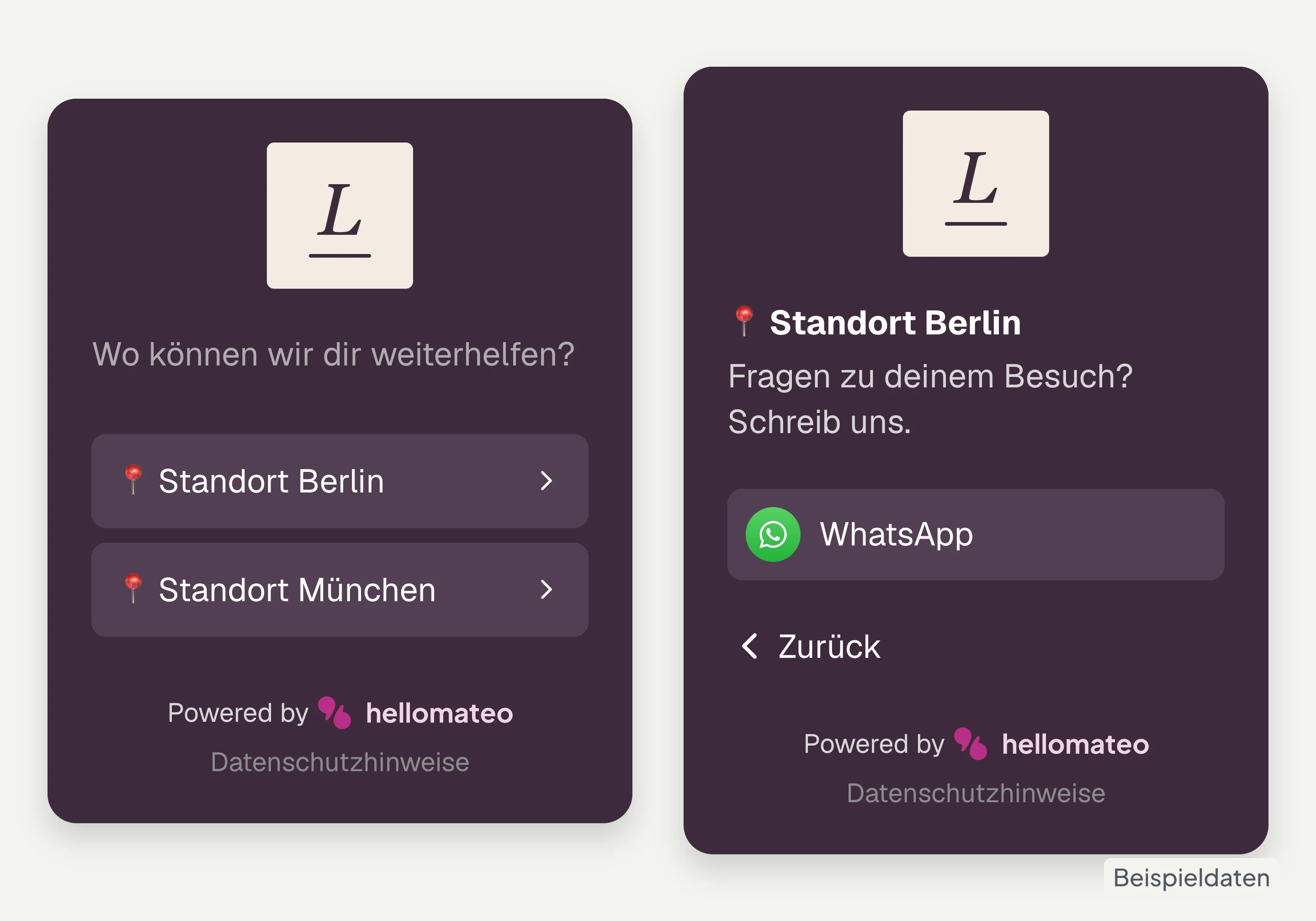
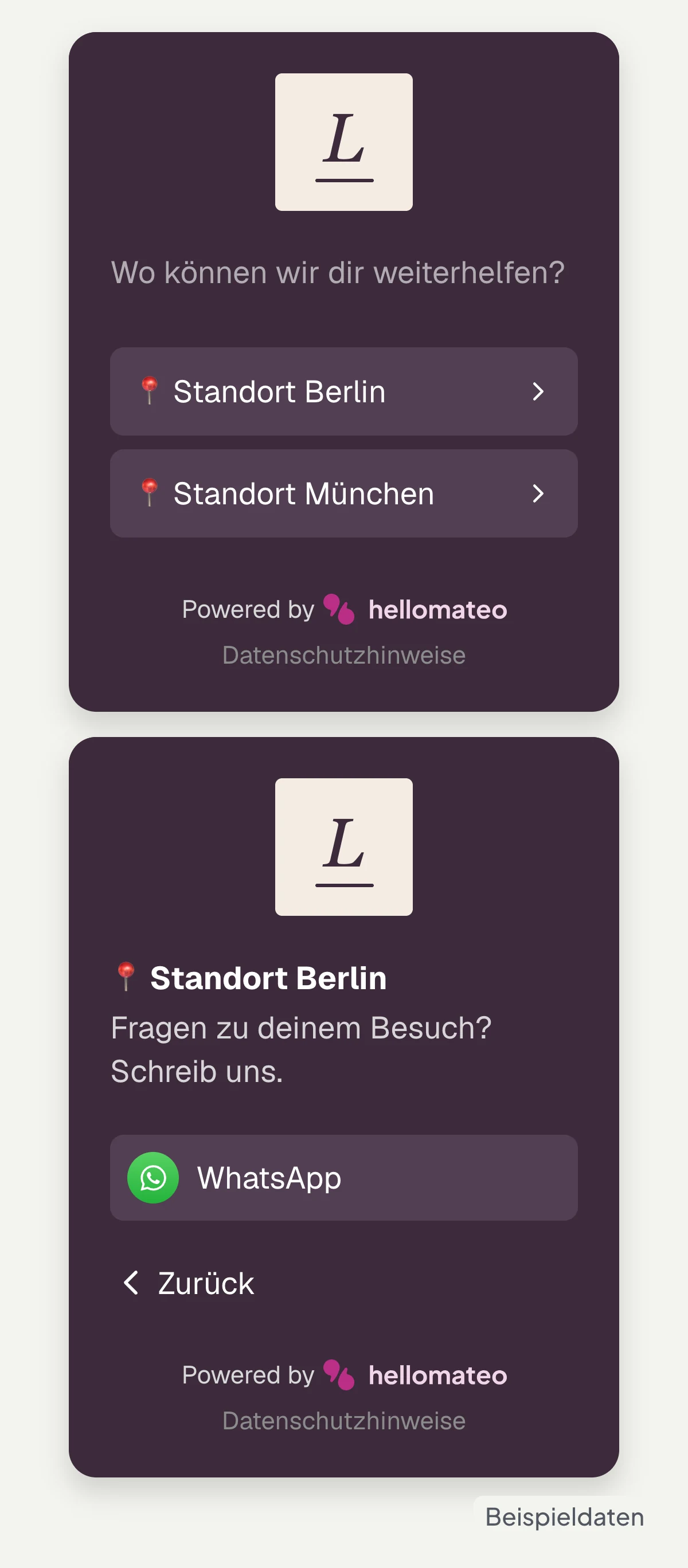
Logo, colors and button match your brand
The hellomateo website widget can be designed with your logo, your colors and your own texts. You choose a style template and adjust the colors of text, background, header and buttons. The contact button sits at the bottom left or right and can be round, square or rounded. This is how you decide how visitors see the access to your contact channels on your website.
Add logo and display name
Choose font and background colors
Place the button at bottom left or right
Select a round or angular button shape
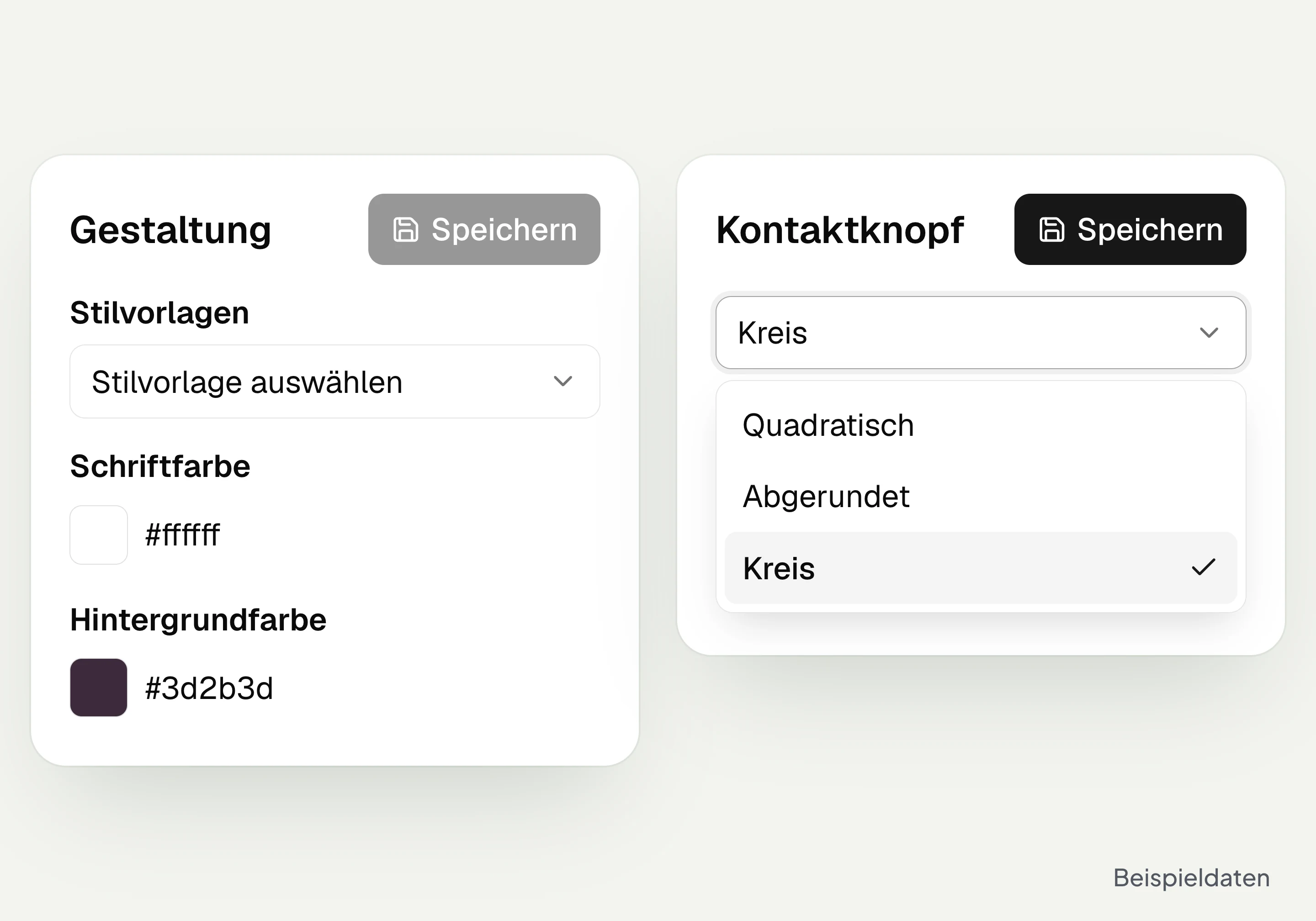
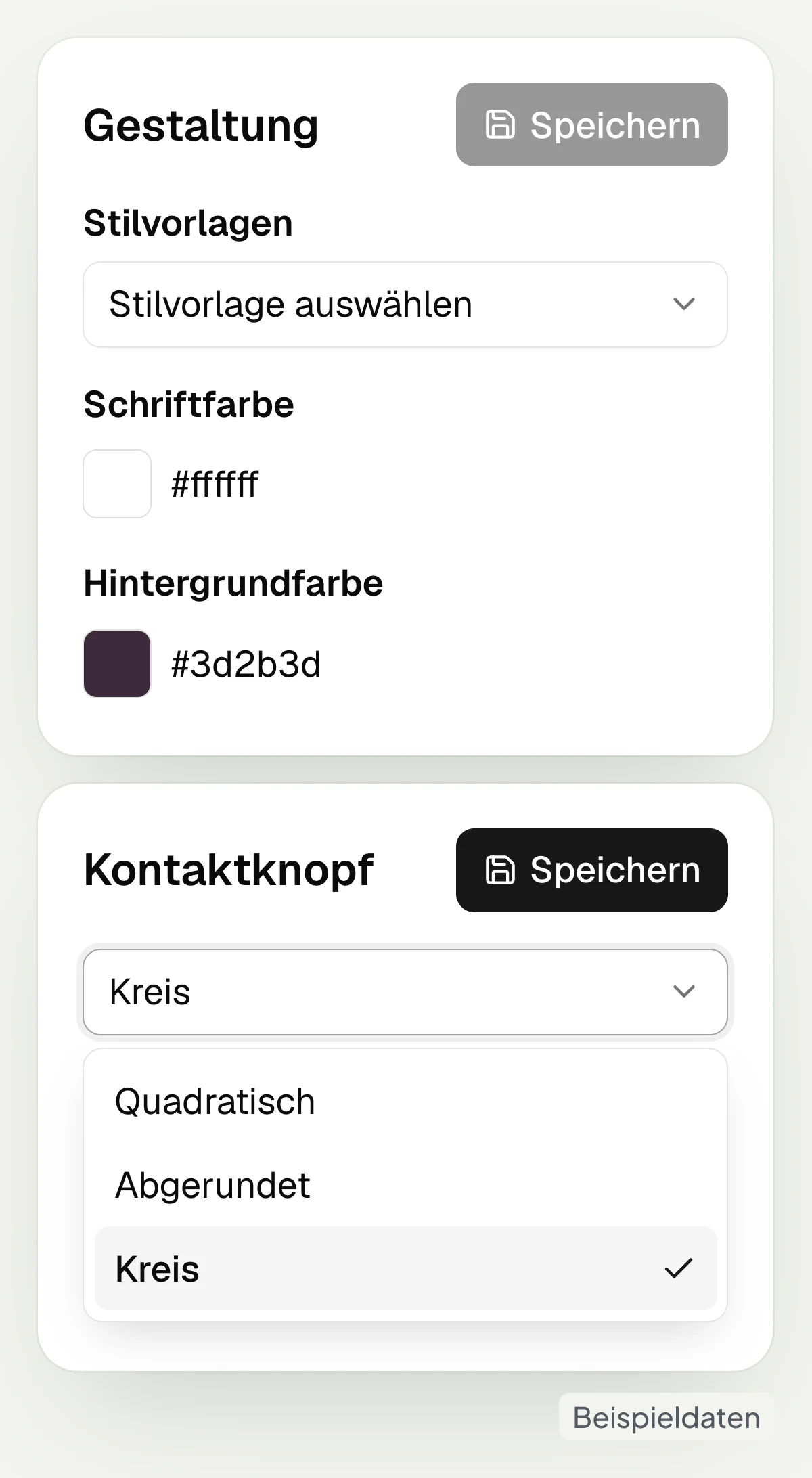
Embed WhatsApp on your website
You copy the embed code for your website widget in hellomateo and paste it into your website. With administrator access you create the widget under “Web widgets” and choose “Copy code”. The code goes before the closing body element of your page. Changes to the widget settings appear without new code; they can become visible with a delay.
On a computer, the WhatsApp option shows a QR code for the phone. Alternatively, WhatsApp can be opened in the browser.
Create the widget under “Web widgets”
Select “Copy code”
Paste the code on your website
Change settings without new code
Your team replies in the Central Inbox
Messages via connected channels land in the hellomateo inbox. Your team replies there, assigns conversations and records follow-up questions as internal comments. If you wish, the AI assistant in chat replies in WhatsApp, Instagram and Facebook Messenger. It can be added to Premium and Business, can be chosen as an option in Business Plus and is included in Enterprise. No AI replies in the widget itself.
Read messages in the Central Inbox
Assign conversations to a staff member
Record follow-up questions as internal comments
Add the AI assistant depending on package
Let us show you how to design your widget, set up channels and answer messages in hellomateo.
What do visitors to your website write to you about?
The hellomateo widget leads visitors to your business’s contact channel, matching location and request.
Car dealership and workshop
In the hellomateo widget, customers choose workshop or sales and open the respective contact channel; a separate link leads to workshop booking.
Opticians
With the hellomateo widget, customers choose their optician location, ask about pickup via WhatsApp or open the link to eye test booking.
Hearing care
The hellomateo widget offers customers and relatives written contact options to the hearing care professional and a separate link to hearing test booking.
Fashion retail
In the hellomateo widget, regular customers choose their fashion store location and write via the WhatsApp or Instagram channel set up there.
Furniture and kitchens
The hellomateo widget leads prospects to kitchen or home furnishings; they then send floor plan and photos via WhatsApp to your business.
Electronics retail
In the hellomateo widget, customers choose repair or sales and open WhatsApp or email to describe their request about the household appliance.
From first contact to ongoing support
hellomateo complements the widget with the Central Inbox, the AI assistant depending on package and appointment booking as an add-on module.
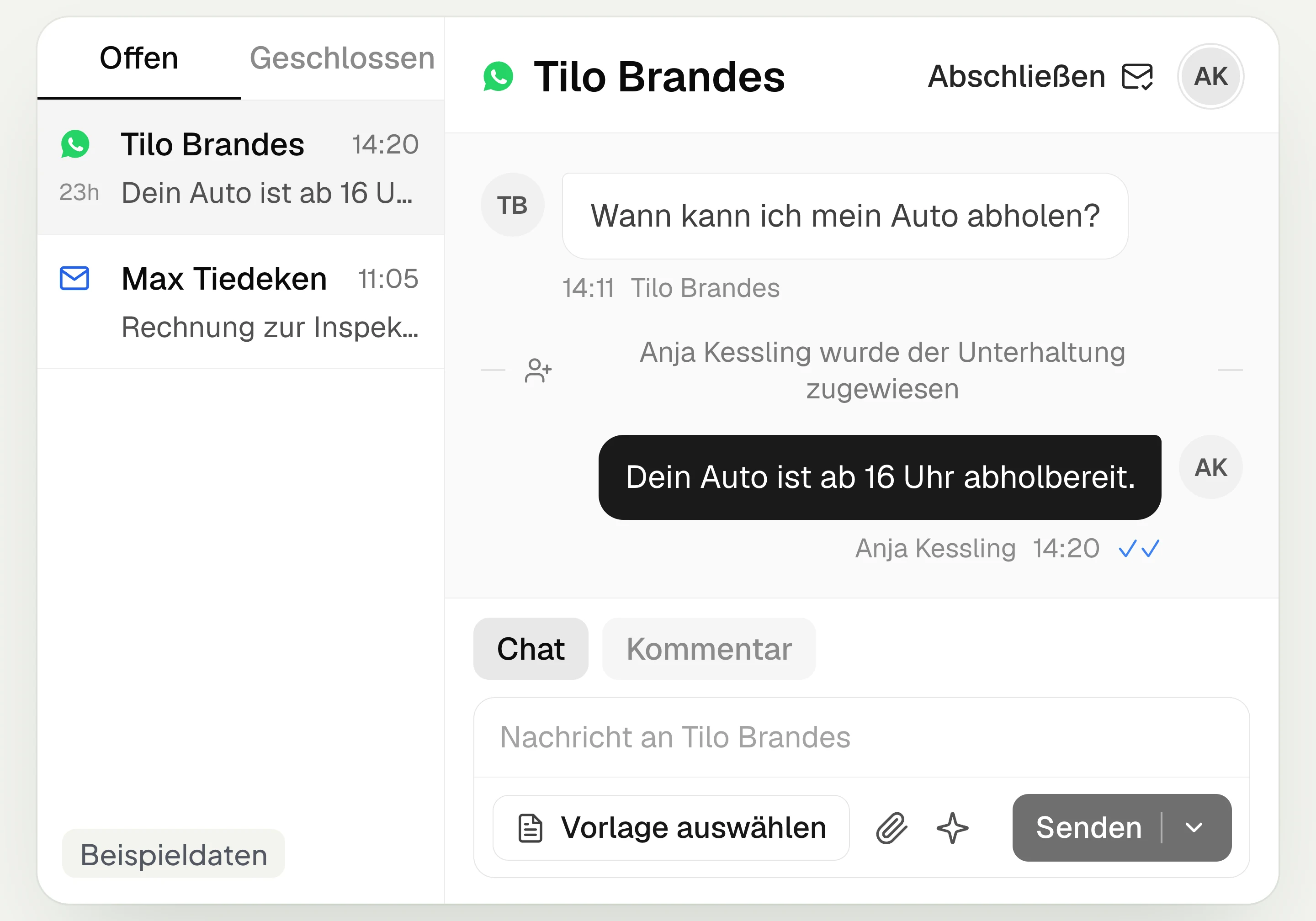
Central Inbox
hellomateo brings together WhatsApp, email, Instagram and Facebook Messenger in one inbox. Multiple staff members write via the same WhatsApp number and assign conversations.
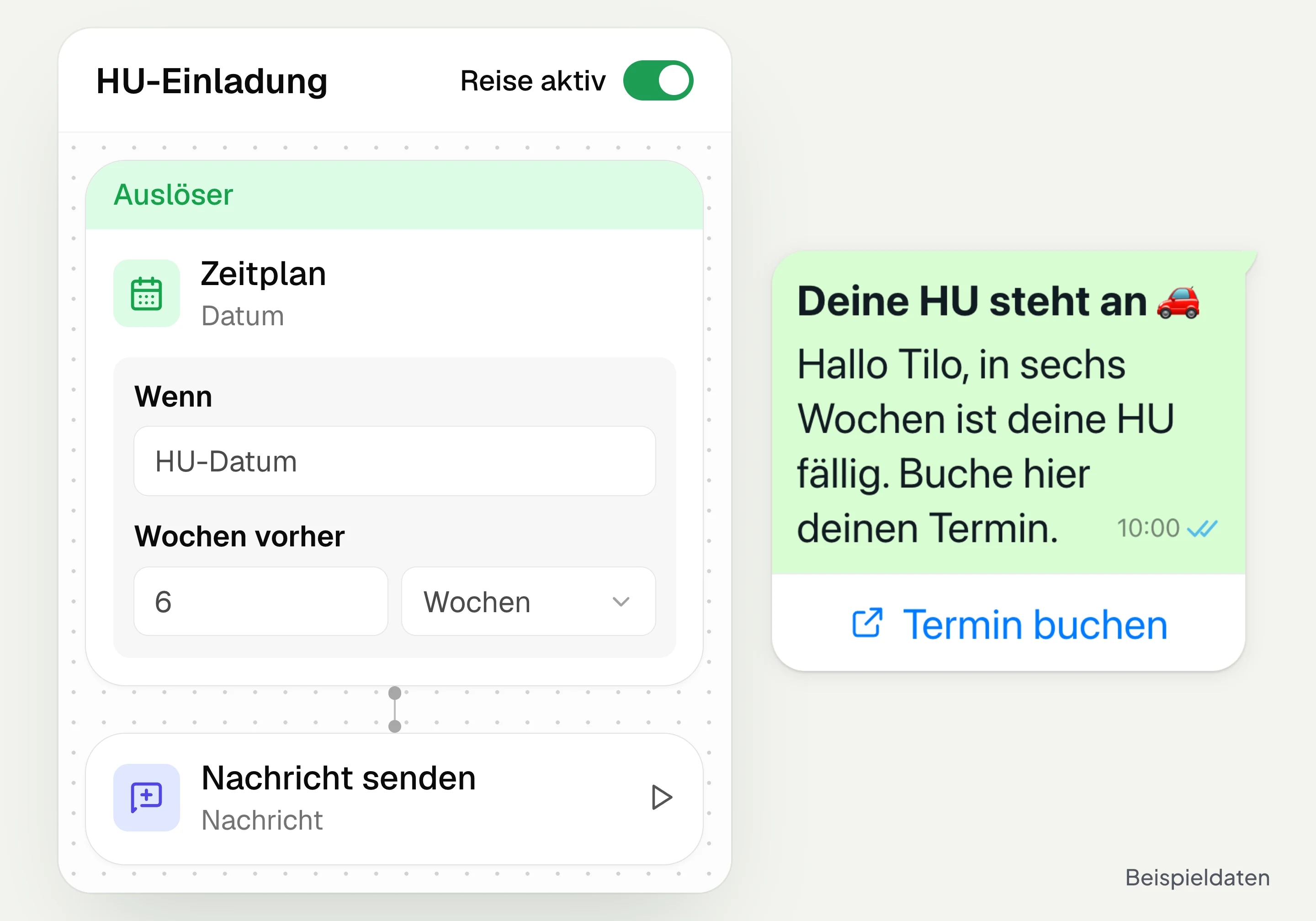
Automated customer journeys
Customer journeys in hellomateo send invitations automatically based on a date or event. You set the message and follow-up steps and check the progress per contact. Business and above.
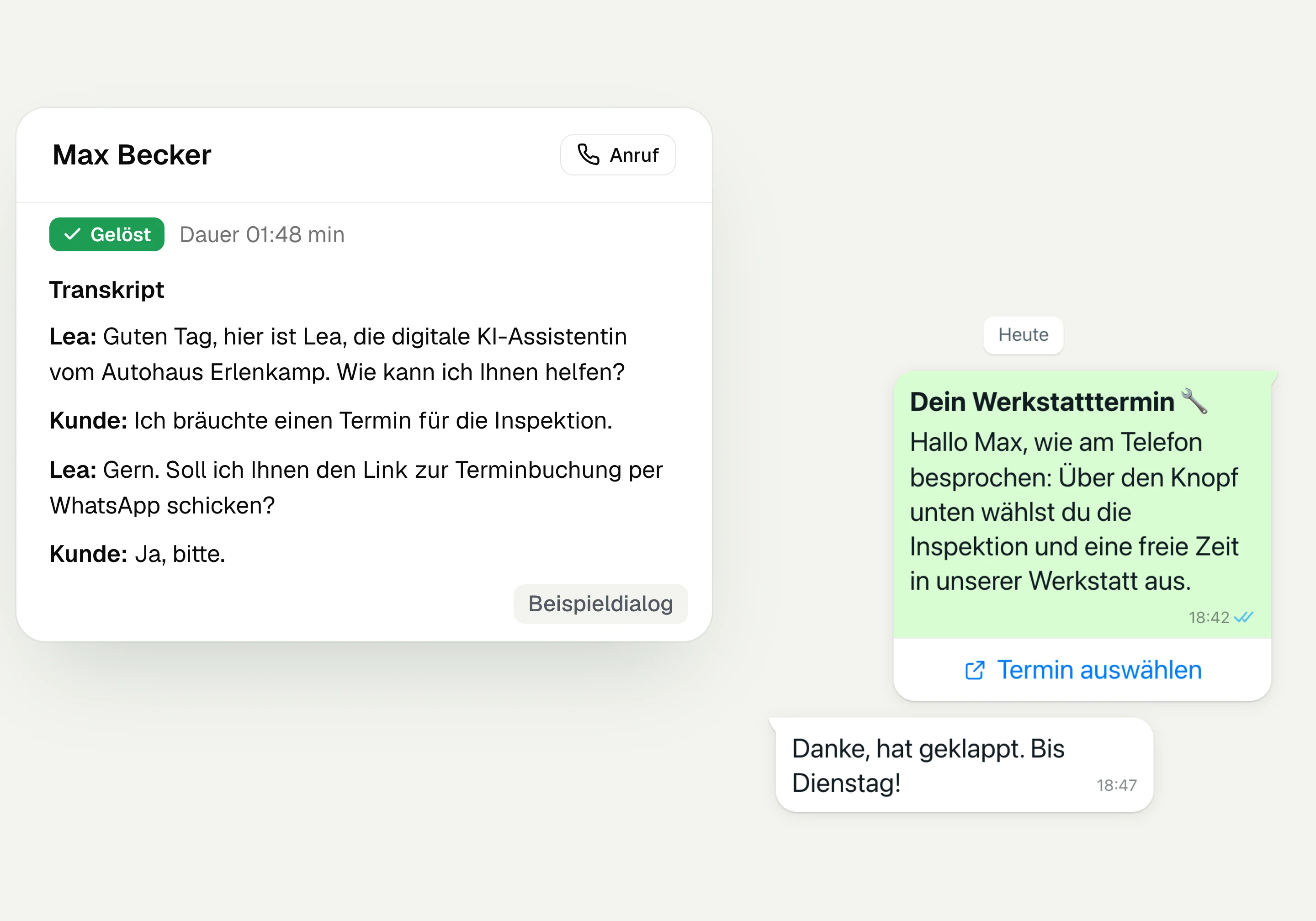
AI Telephony
hellomateo AI telephony takes calls, answers questions and sends the booking link via WhatsApp after consent. From €80 per month with 500 free minutes; additional minutes are charged on top.
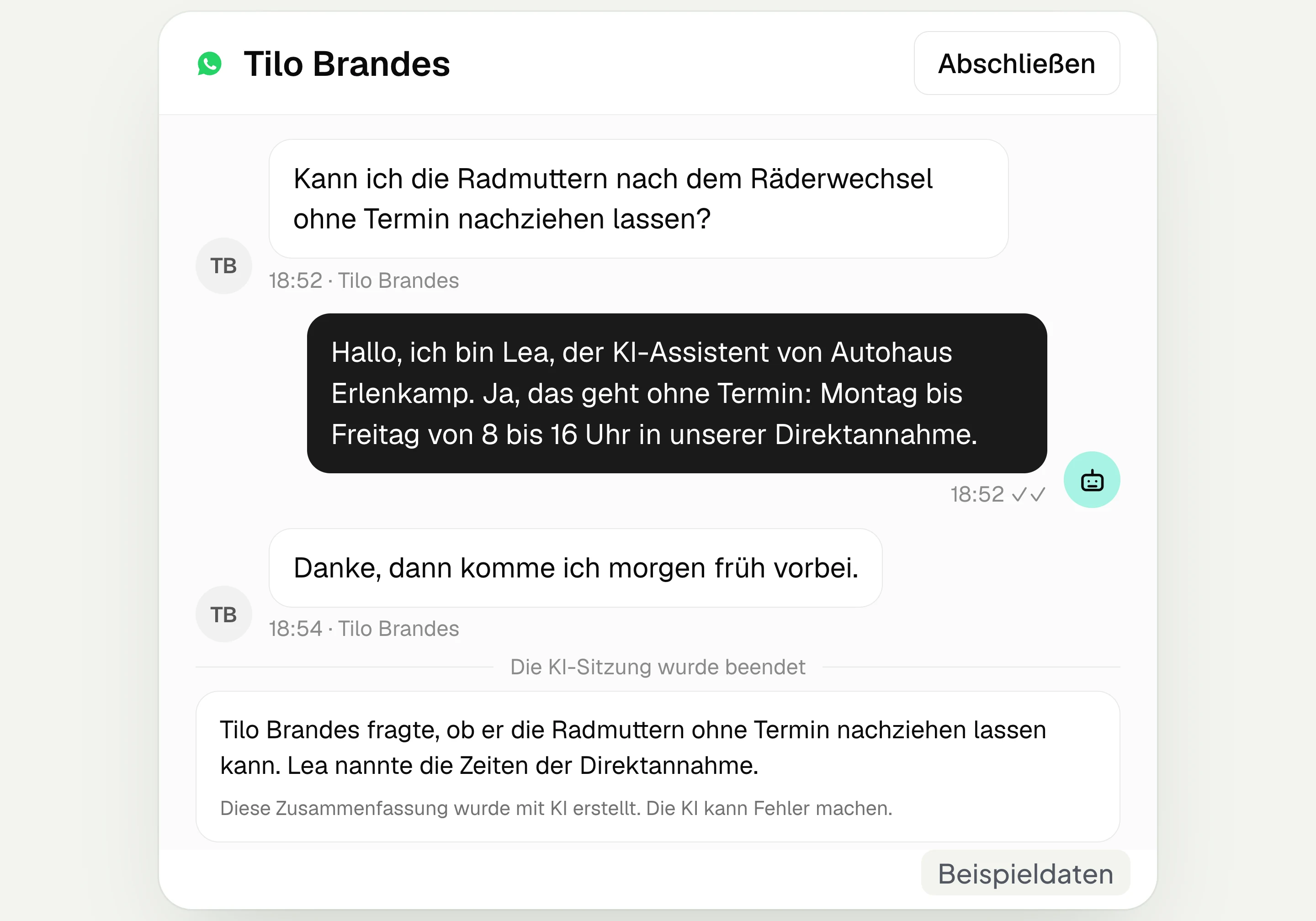
AI assistant in chat
The hellomateo AI assistant answers questions in WhatsApp, Instagram and Facebook Messenger with your knowledge. Can be added, selectable in Business Plus, included in Enterprise.

Appointment booking
With hellomateo, customers book appointments themselves on your booking page. You set services and calendars. Add-on module: €25 per month, regardless of the number of locations.
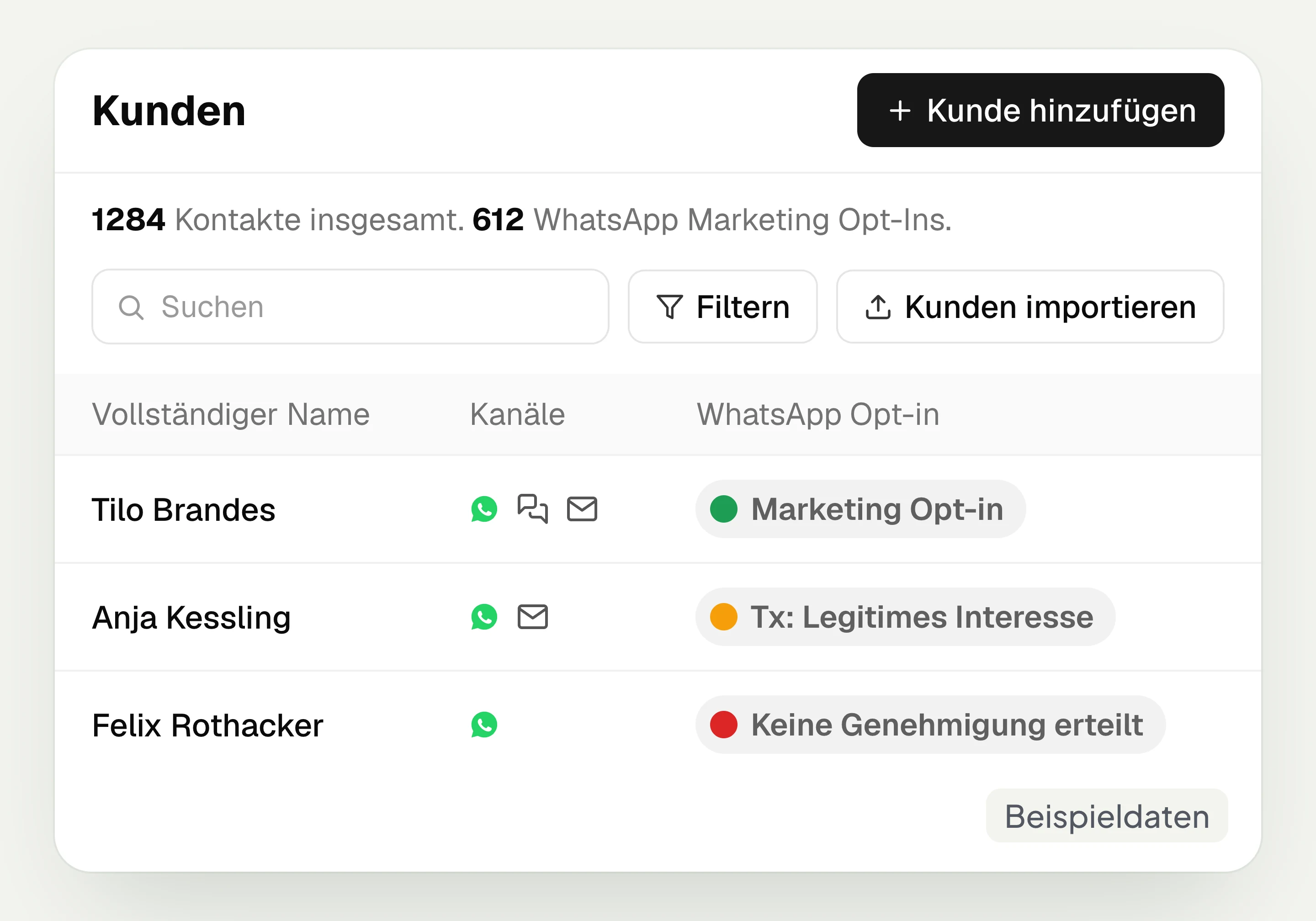
Customer and contact management
hellomateo connects contact data, conversations and consent per channel. You read notes on the contact and build recipient lists with your own filter rules.
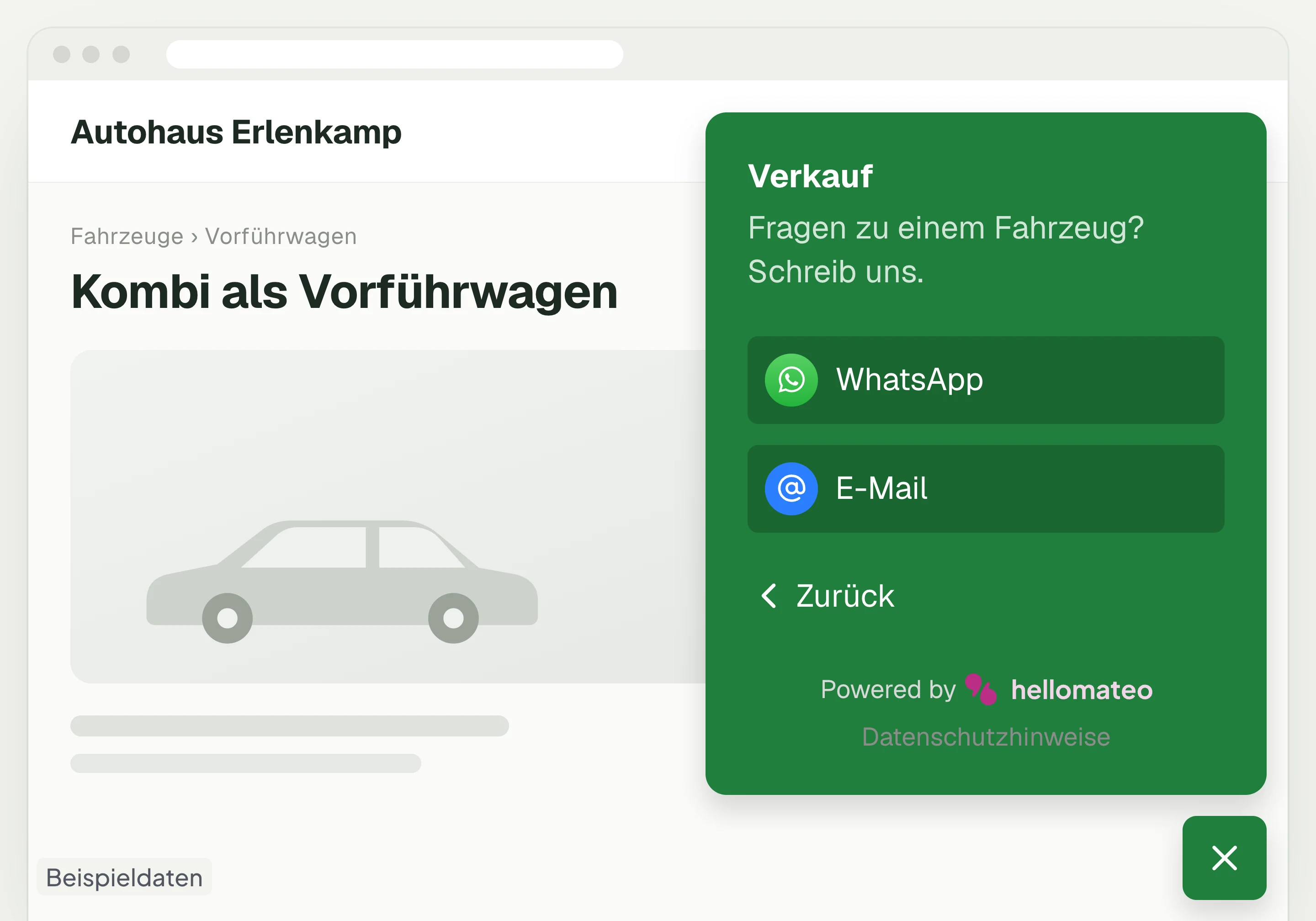
Contact through your website
A hellomateo button on your website takes visitors to WhatsApp and other channels. For connected channels, your team replies in the Central Inbox.
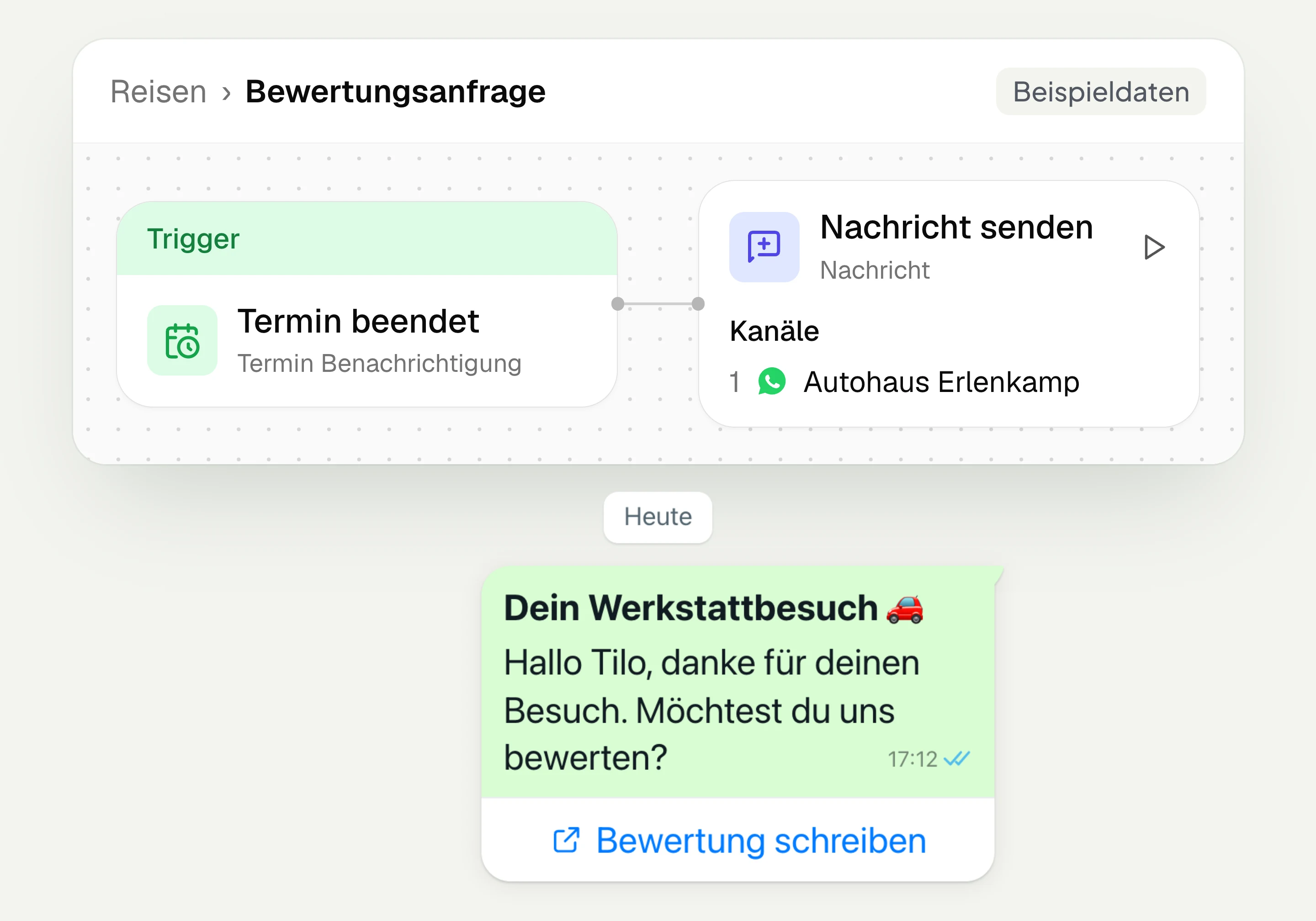
Review management
With hellomateo you request Google reviews, read reviews and reply to them. In the Business package and above, customer journeys send the review request automatically.
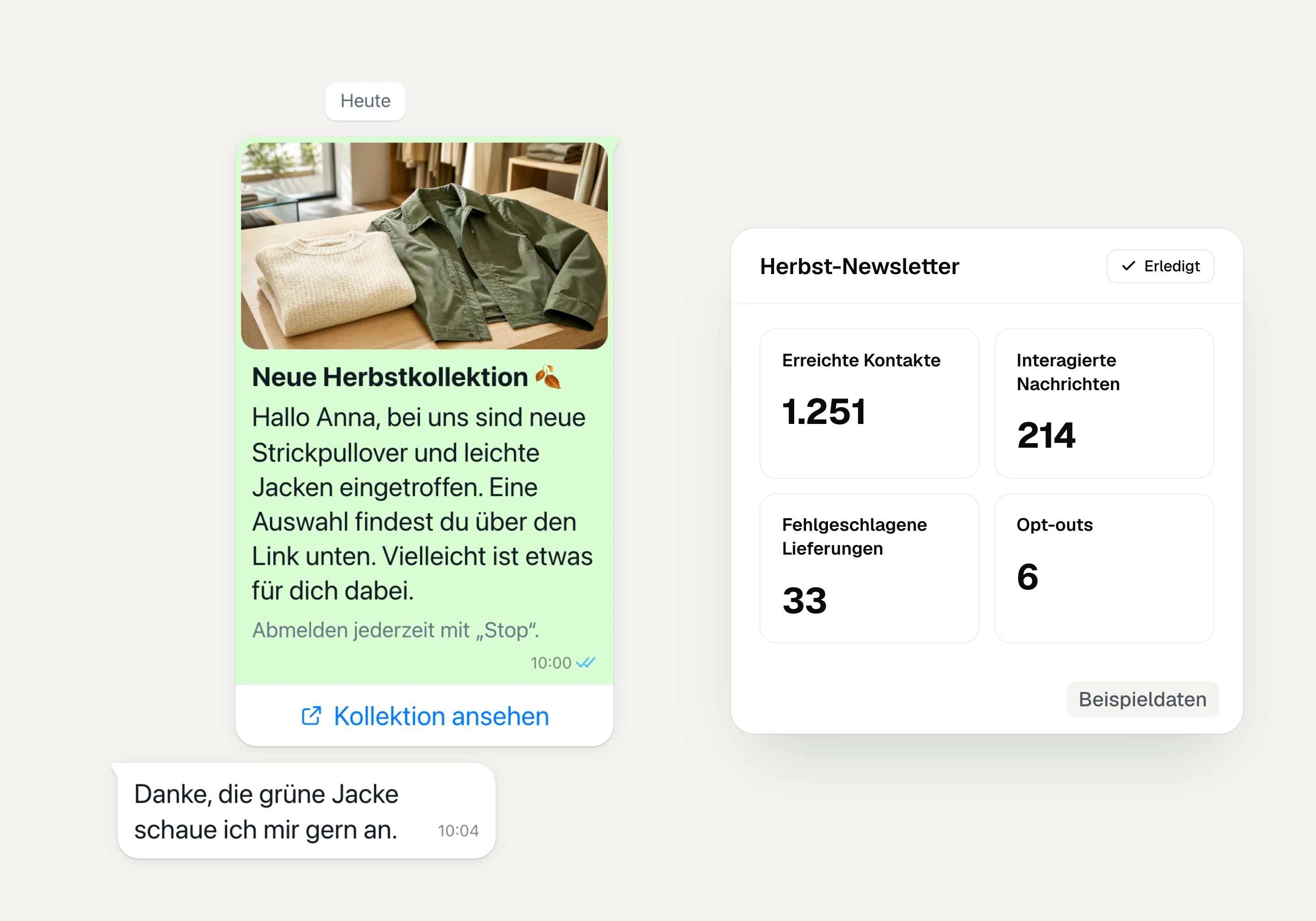
WhatsApp newsletter
With hellomateo you send WhatsApp newsletters to customers who have given consent. You choose recipients, schedule the send and see per recipient whether the message was read.
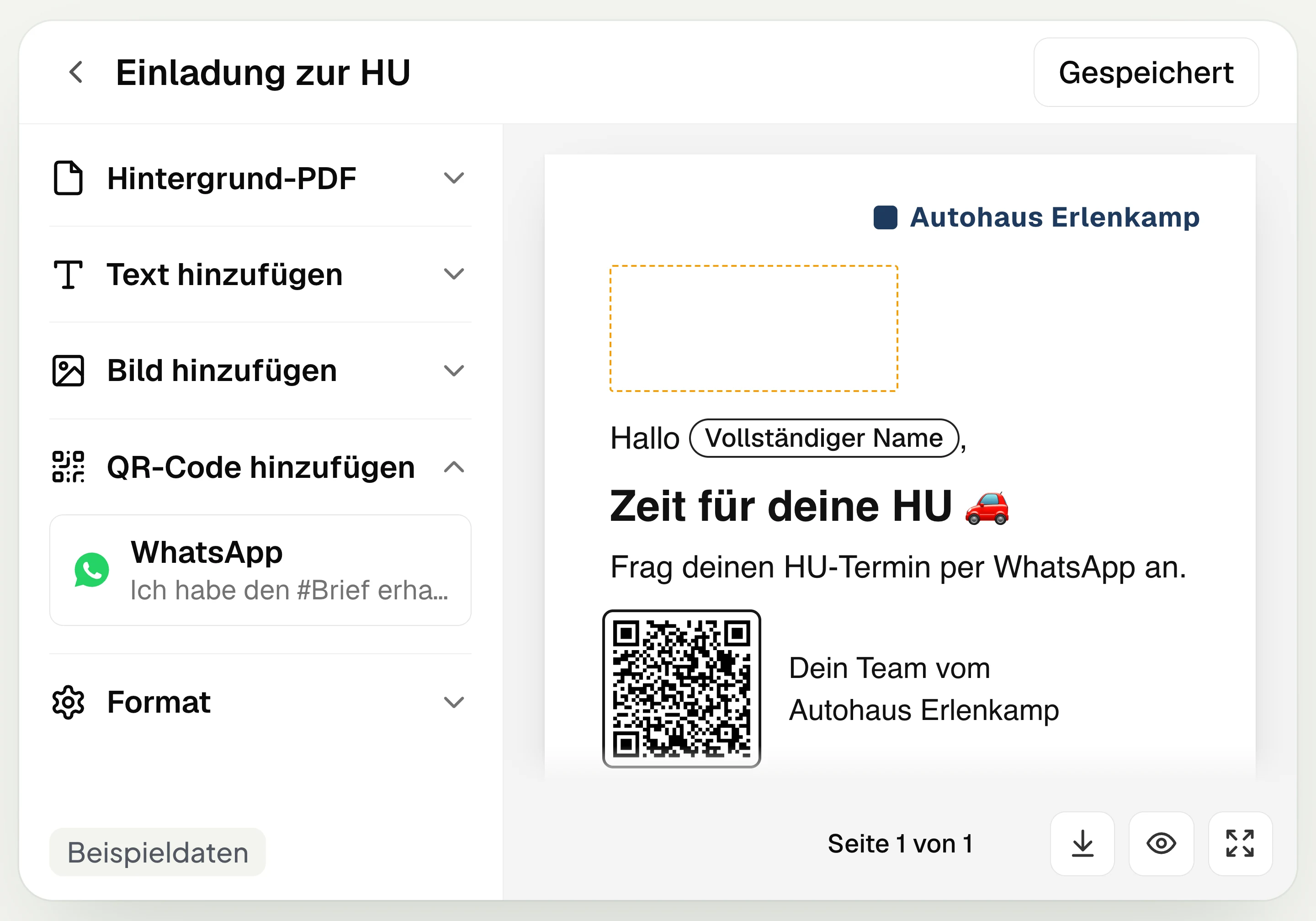
Postal mailing
With hellomateo you design and send letters with a WhatsApp QR code. Can be added in Business, selectable in Business Plus, included in Enterprise.
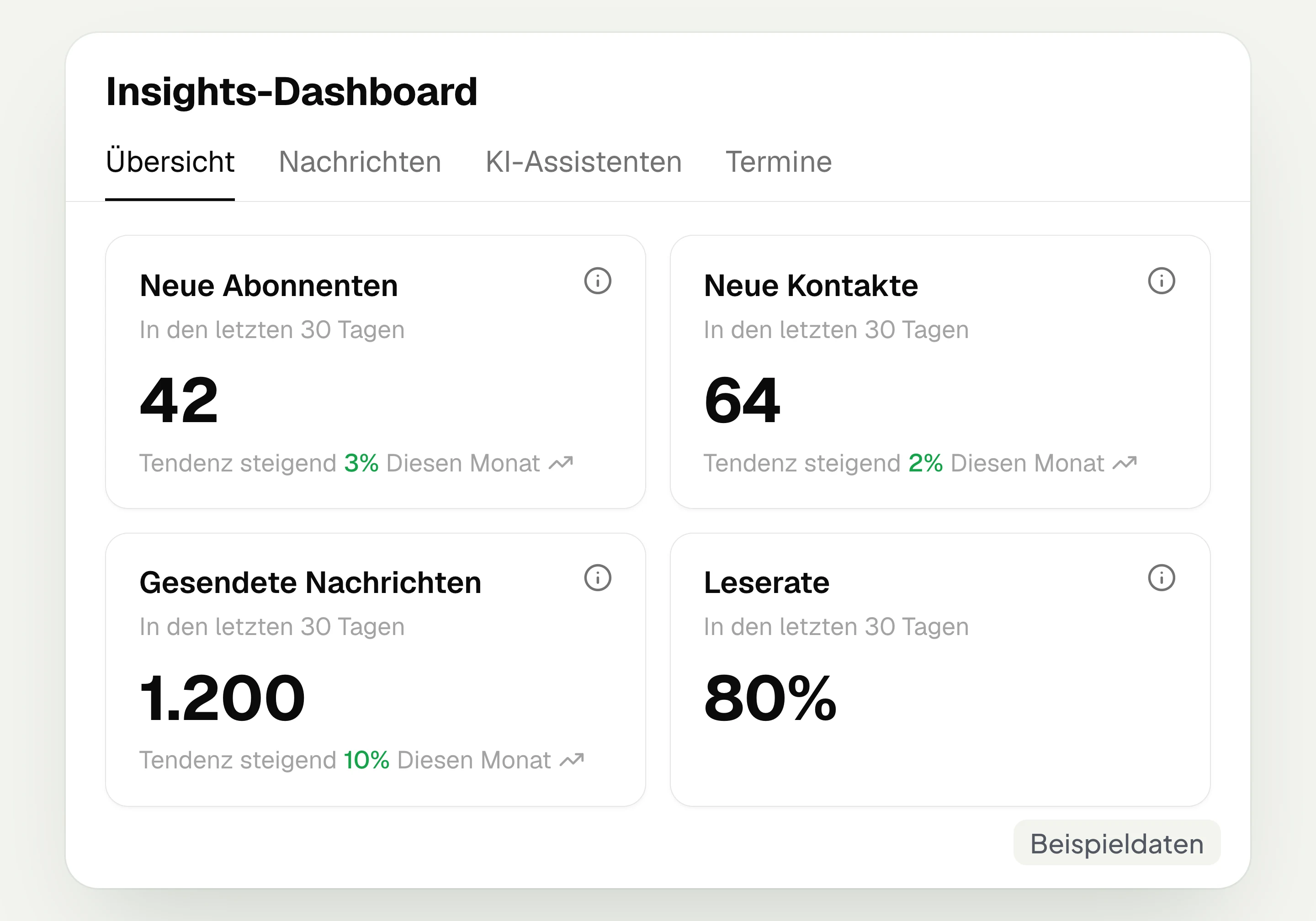
Insights
hellomateo Insights shows messages, read rate, contacts and reviews. With the respective modules, analytics on AI inquiries and appointments are added.
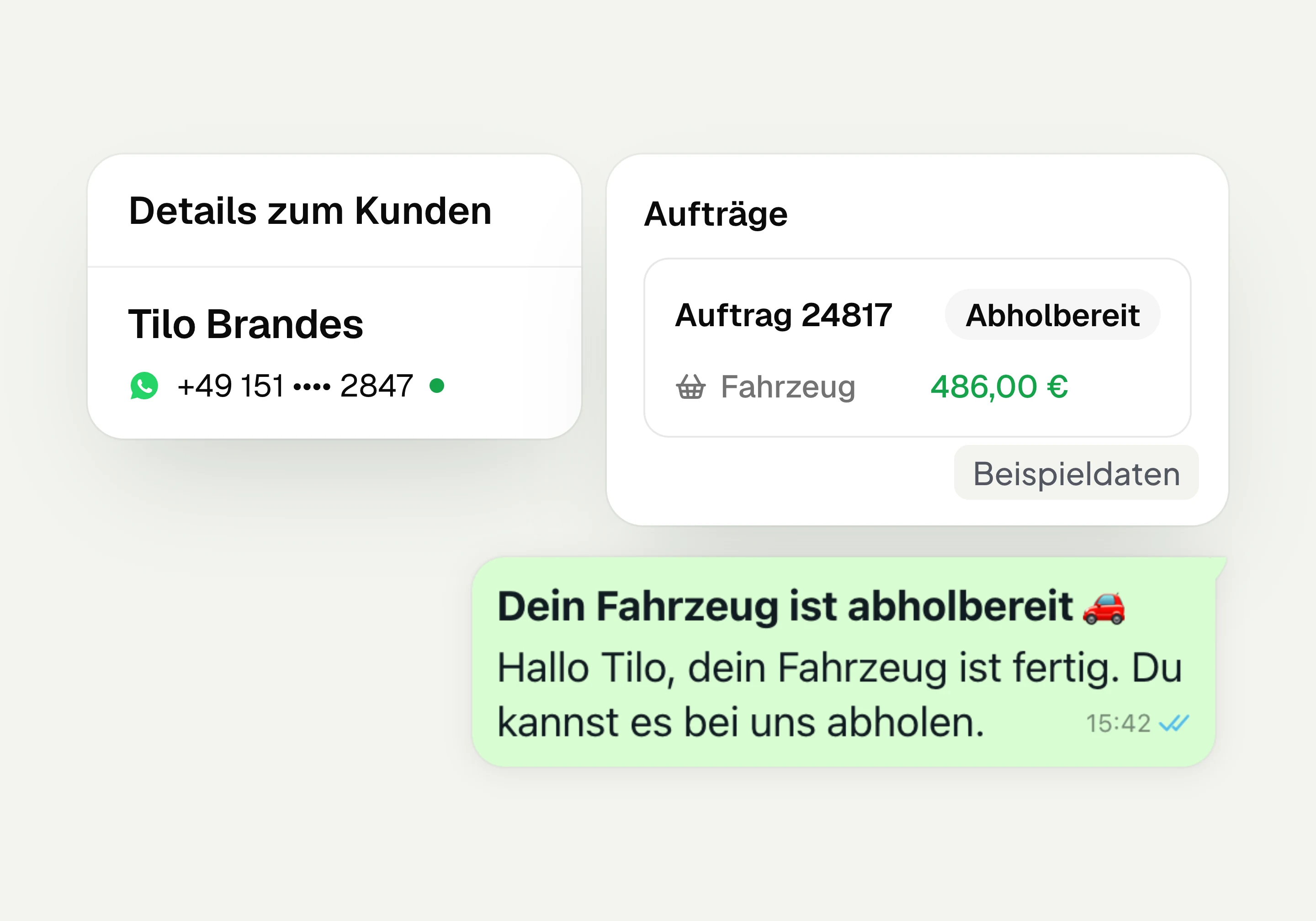
Integrations
Depending on the connection, hellomateo transfers contacts, orders and appointments from your industry software. More than 70 direct integrations are available in Business and above.
Frequently asked questions about the WhatsApp button for your website




Book a non-binding consultation
We would be happy to show you hellomateo in a personal demo.
Or send us an email:
What is the hellomateo WhatsApp button?
Is the hellomateo widget a live chat with a chat window?
How can I embed WhatsApp on my website?
Which channels can I show in the widget?
Which packages include the widget?
Can I show several locations or departments?
How does the WhatsApp button work on a computer?
How do I adapt the widget to my brand?
When do the message and contact end up in hellomateo?
Does the widget use cookies or track visitors?
What happens to inquiries outside opening hours?
Can the AI assistant reply via the website widget?
Can visitors book an appointment via the widget?