Central Inbox for WhatsApp and your whole team
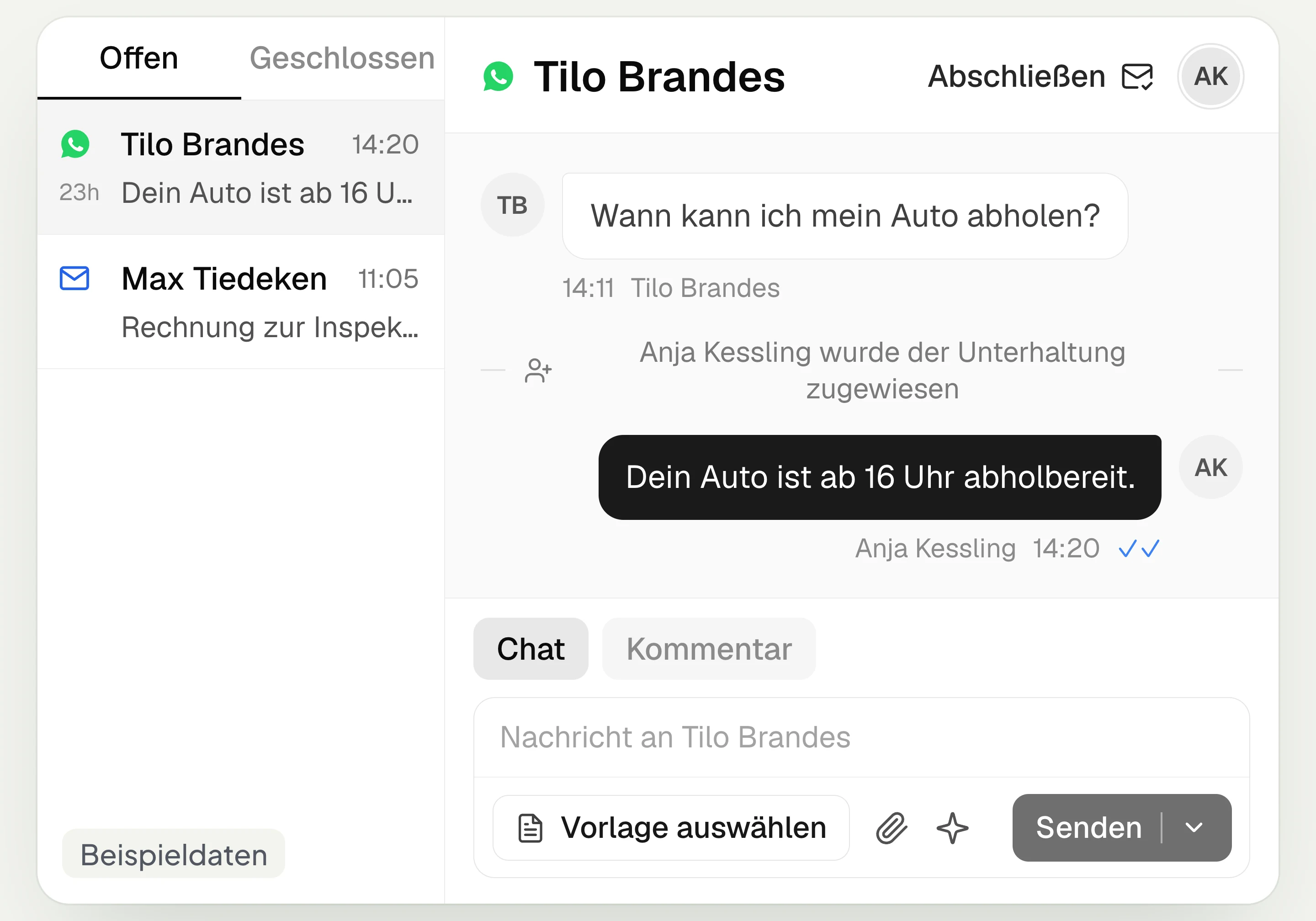
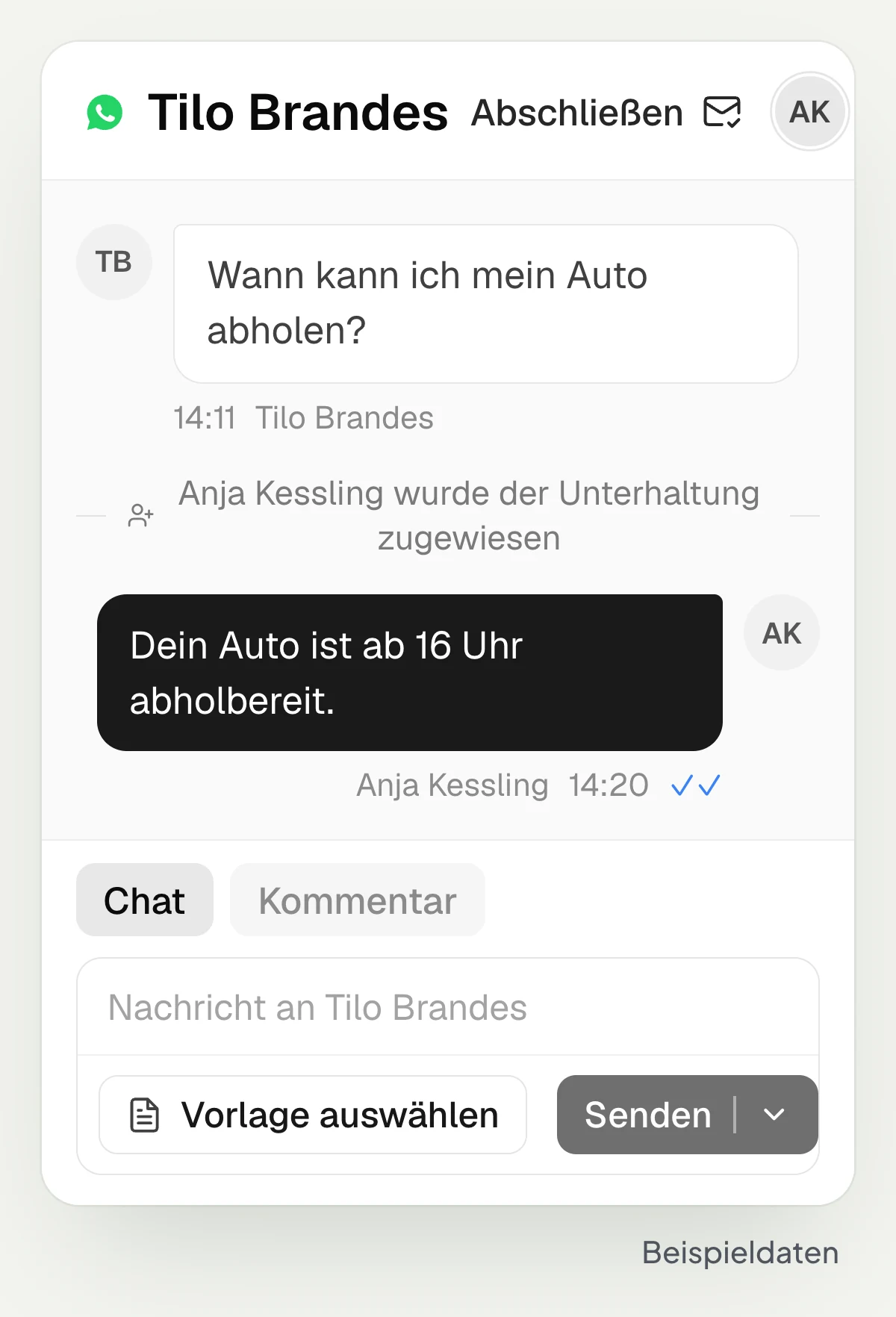
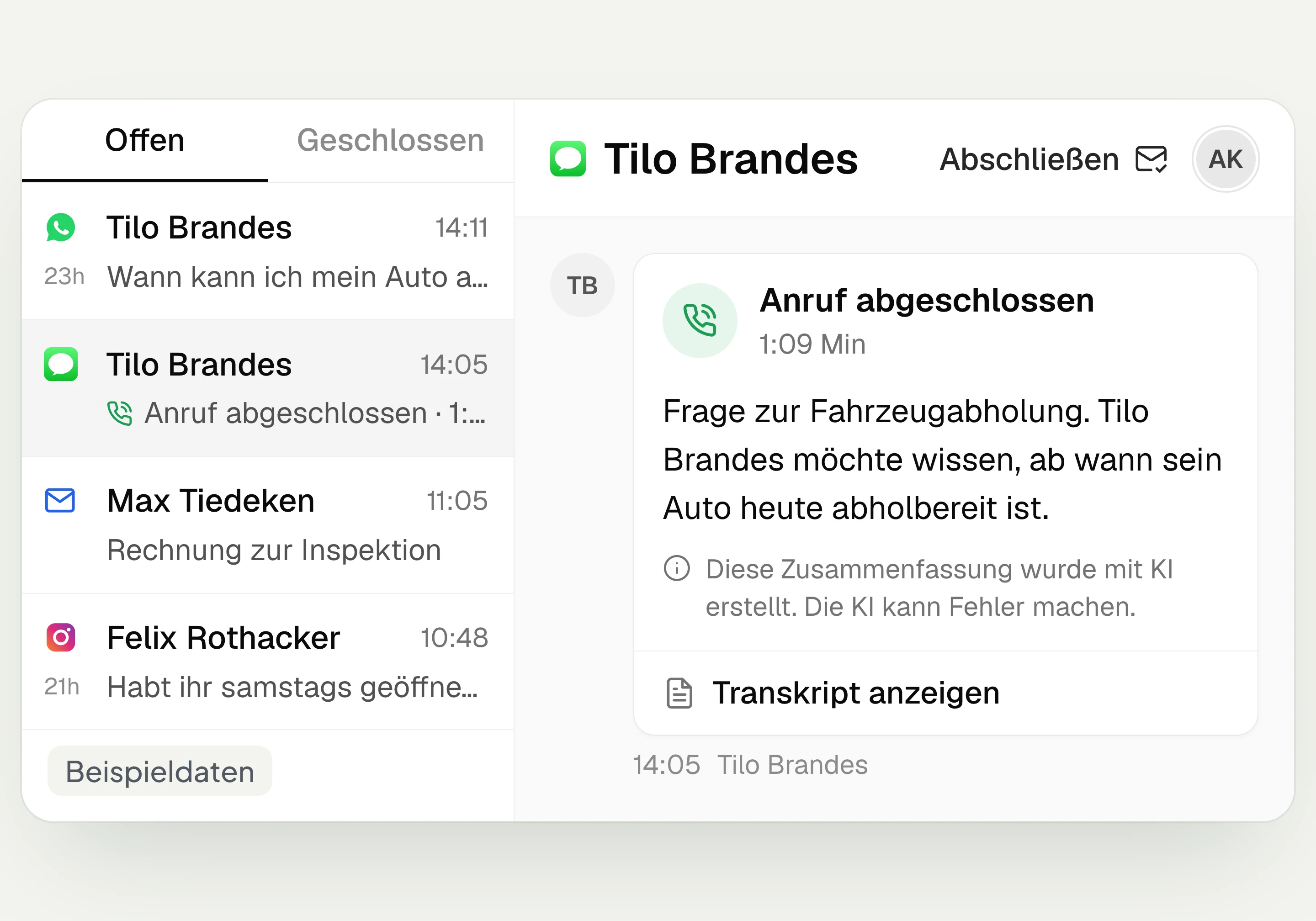
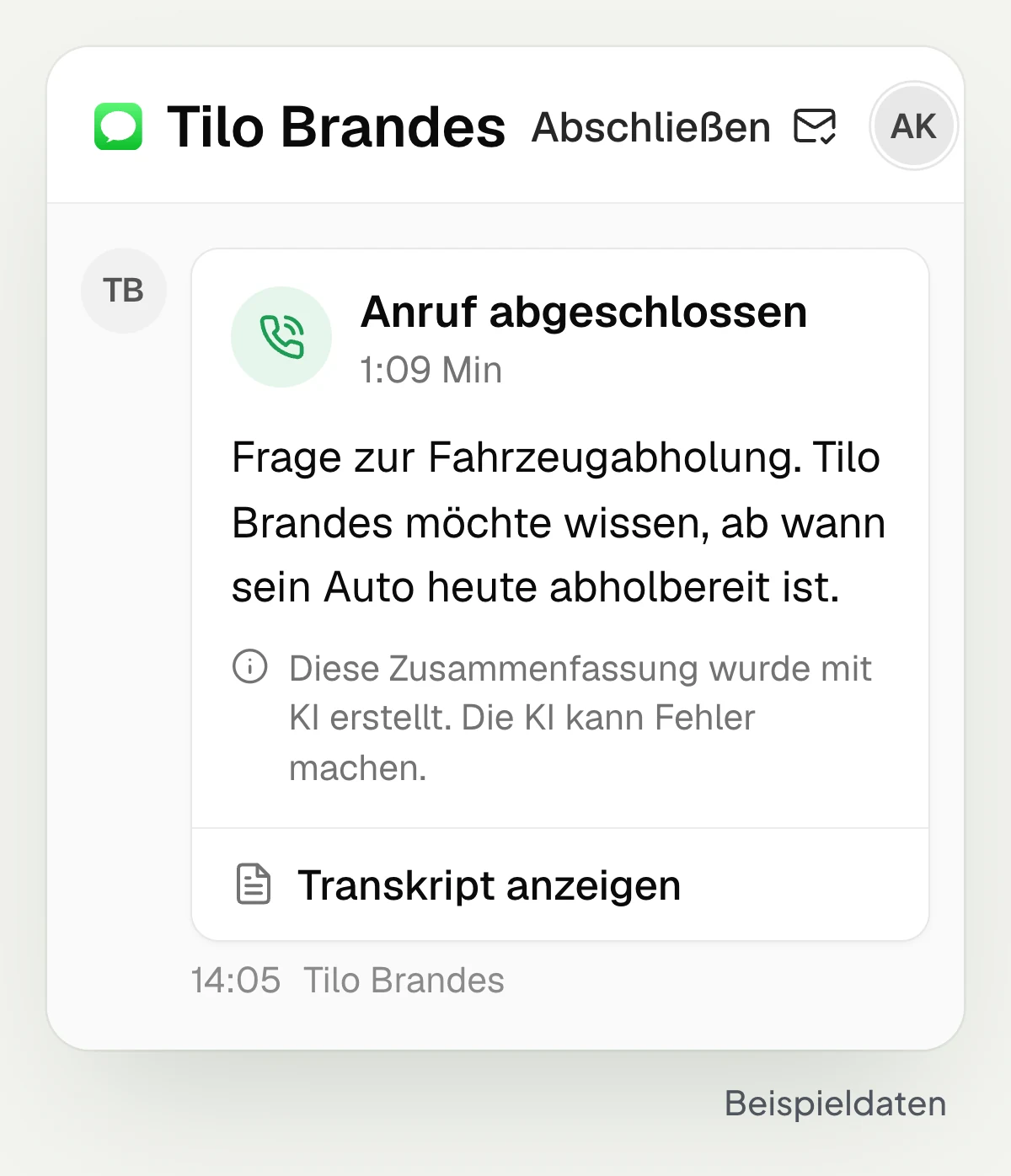
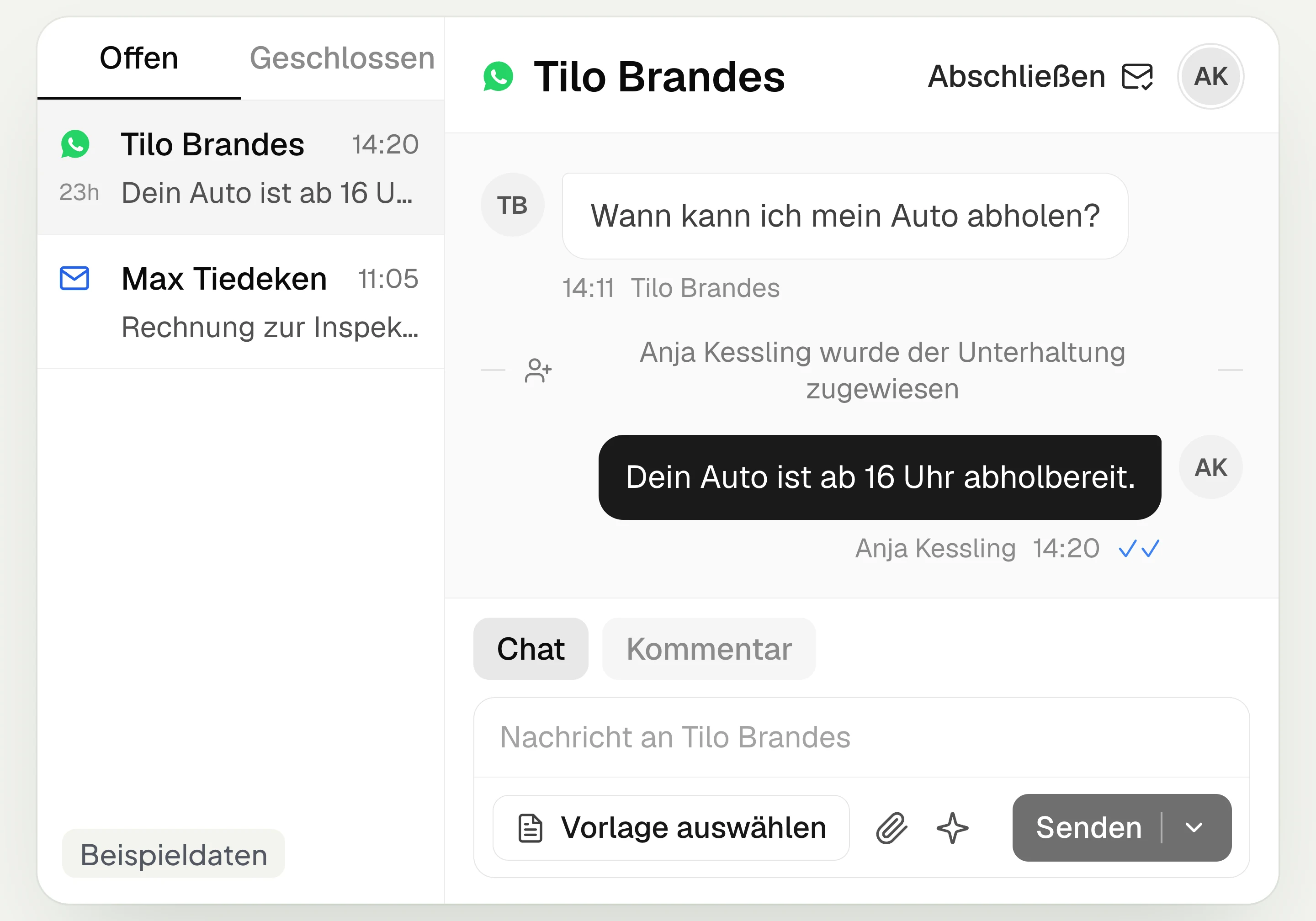
The hellomateo Central Inbox brings together WhatsApp, email, Instagram and Facebook Messenger for your team. Multiple staff members write via the same WhatsApp number and assign inquiries. With AI telephony booked, its calls also appear in the inbox with a summary and transcript.
Multiple staff members on one WhatsApp number
Assign inquiries to a staff member
AI telephony calls in the same inbox
Last updated: 28 October 2026
More than 2,000 customers use hellomateo

























From customer inquiry to handling it together
The inquiry arrives
In the hellomateo inbox you read messages from your connected channels. Whether your customer writes via WhatsApp or email, your team handles the inquiry in the same interface.
You decide who is responsible
In hellomateo you assign the conversation to a staff member with access. If the inquiry belongs to another department, you move it to that department’s team inbox.
You clarify questions internally
In the “Comment” tab in hellomateo you mention a colleague and ask, for example, about the pickup appointment. The comment stays internal; the mentioned staff member is notified.
You reply and close
In hellomateo you answer the customer’s question in the conversation. Once the matter is done, you choose “Close”. With the “Open” and “Closed” tabs you keep track of what is being handled.
Learn more: using WhatsApp together, multiple WhatsApp numbers, AI telephony and AI assistant in chat
How your team works in the Central Inbox
In hellomateo you answer customer questions, distribute conversations and clarify questions with colleagues right where the request is.
Messages and AI calls in one inbox
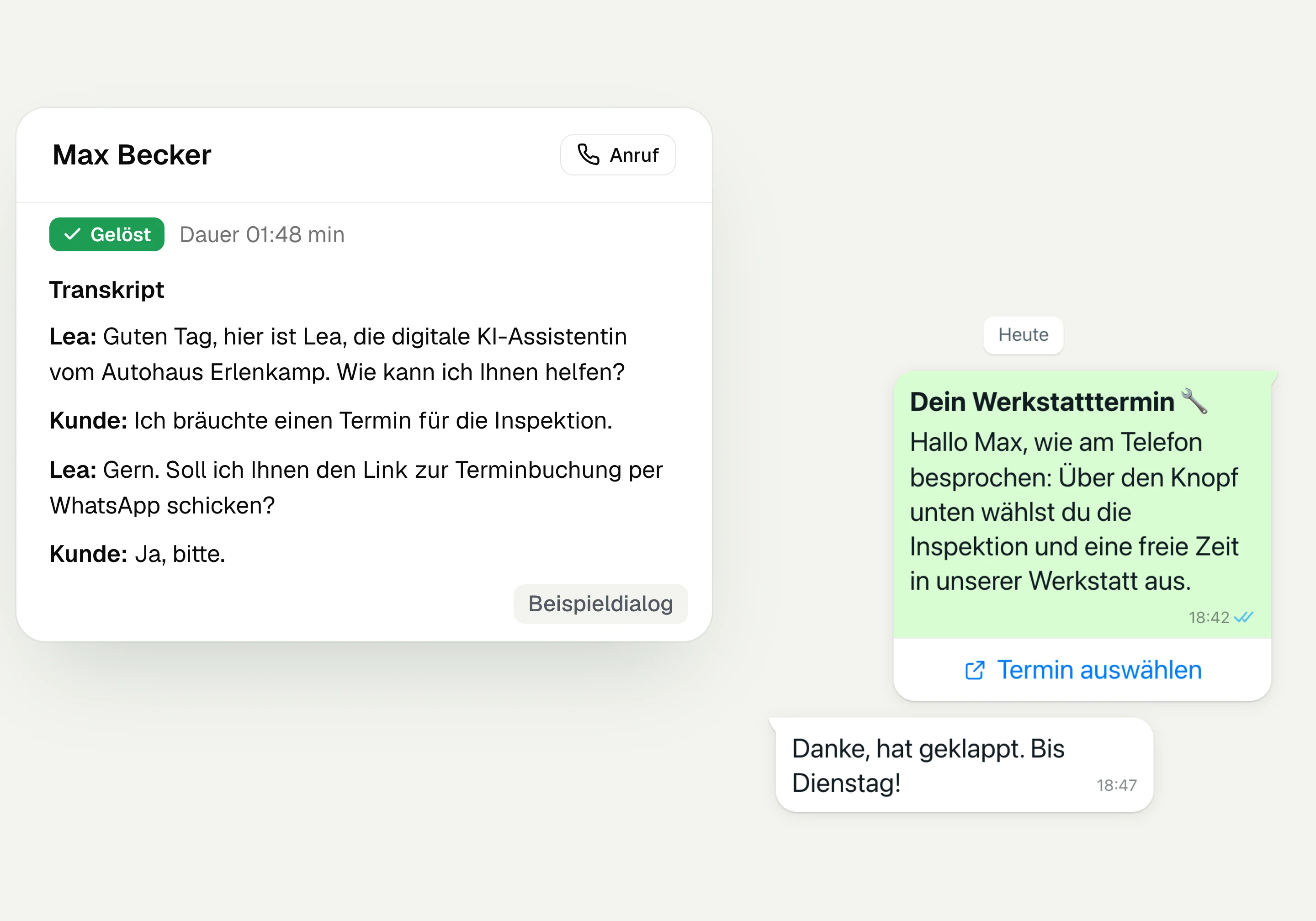
The hellomateo inbox connects WhatsApp, email, Instagram and Facebook Messenger in one interface. If you have booked AI telephony, its calls also appear in the conversation history: with status, summary and transcript. This way your team can read what the caller wanted. AI telephony can be added, can be chosen as an option in Business Plus and is included in Enterprise.
Handle WhatsApp and email together
Reply to Instagram and Facebook Messenger
Read summaries of AI calls
Open AI telephony transcripts
Multiple staff members on one WhatsApp number
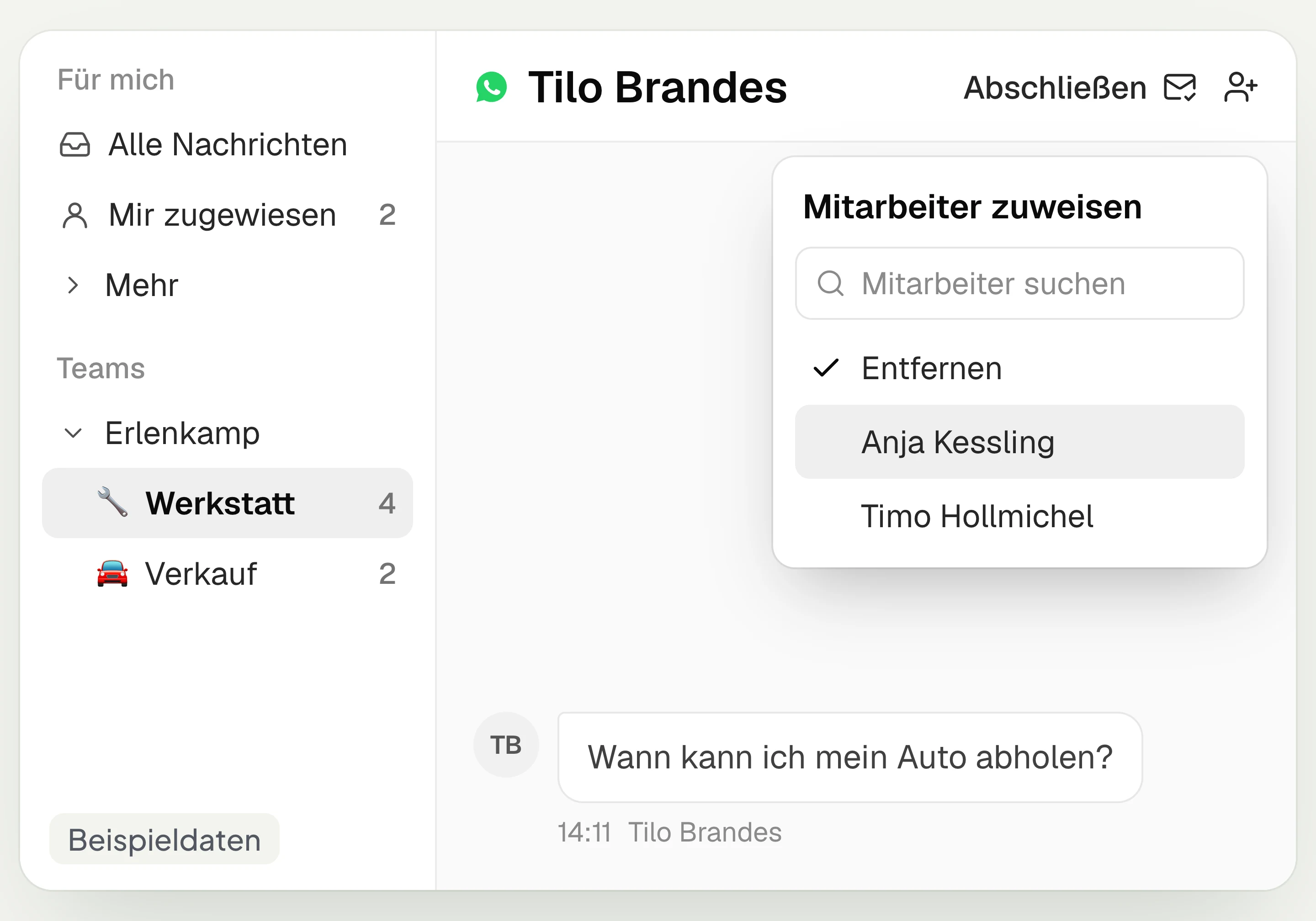
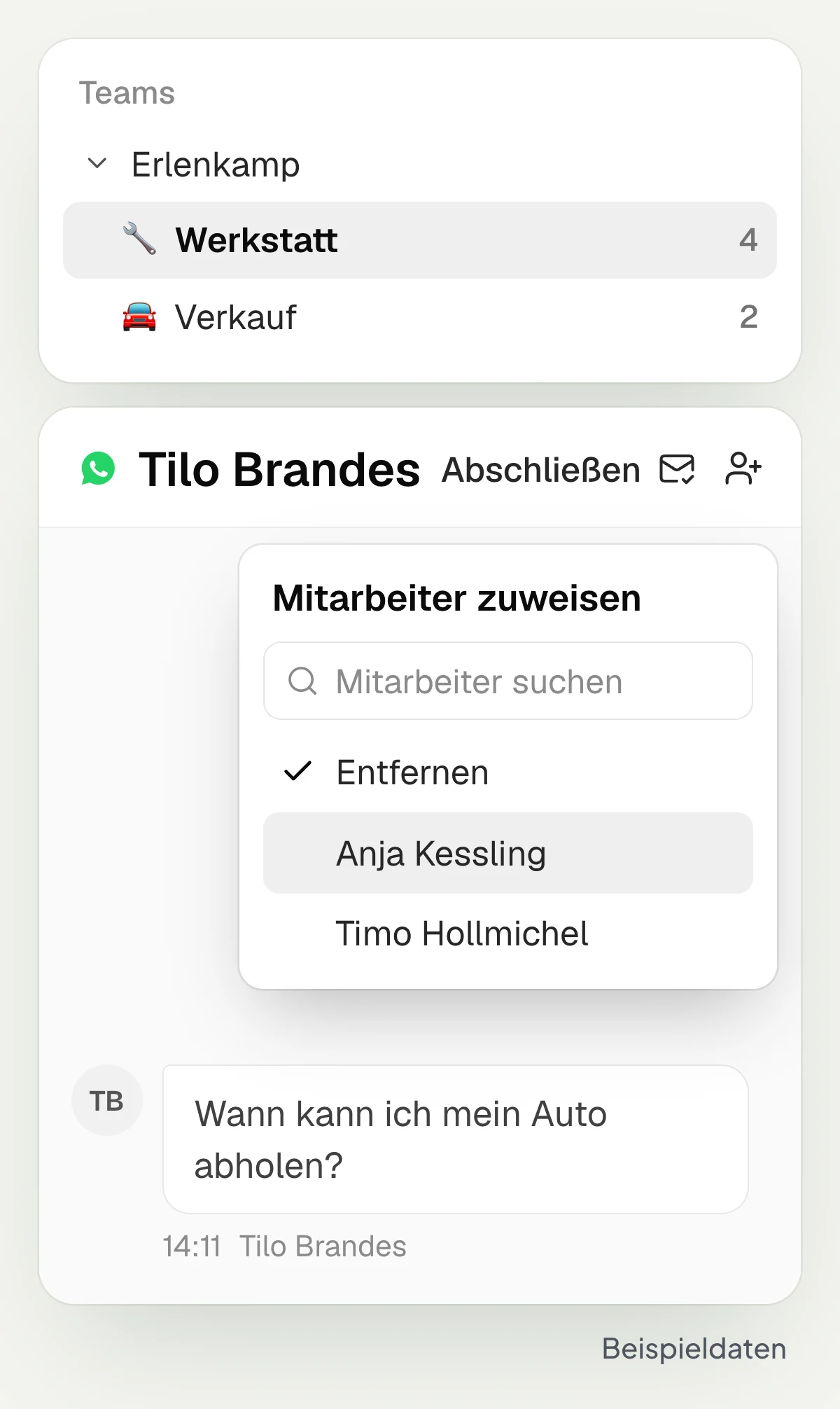
In hellomateo, multiple staff members answer messages via the same WhatsApp number. You assign a conversation to a staff member with access or move it to another inbox. For departments and locations you set up teams with their own inboxes and define access. Depending on your package, you can use additional numbers, for example for workshop and sales.
Write together via the same number
Assign conversations to a staff member
Set up team inboxes for departments
Define inbox access per team
Clarify questions internally in the conversation
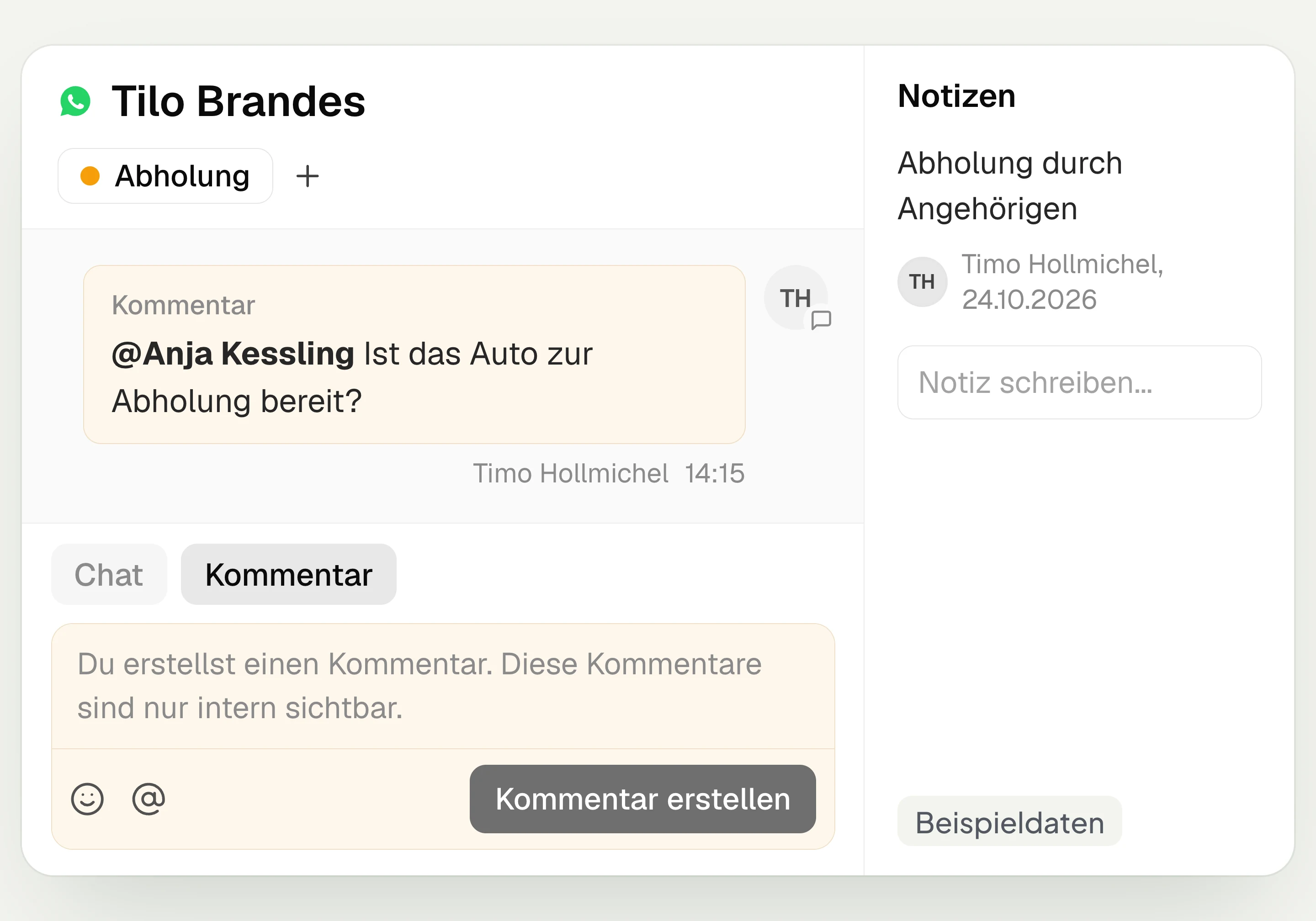
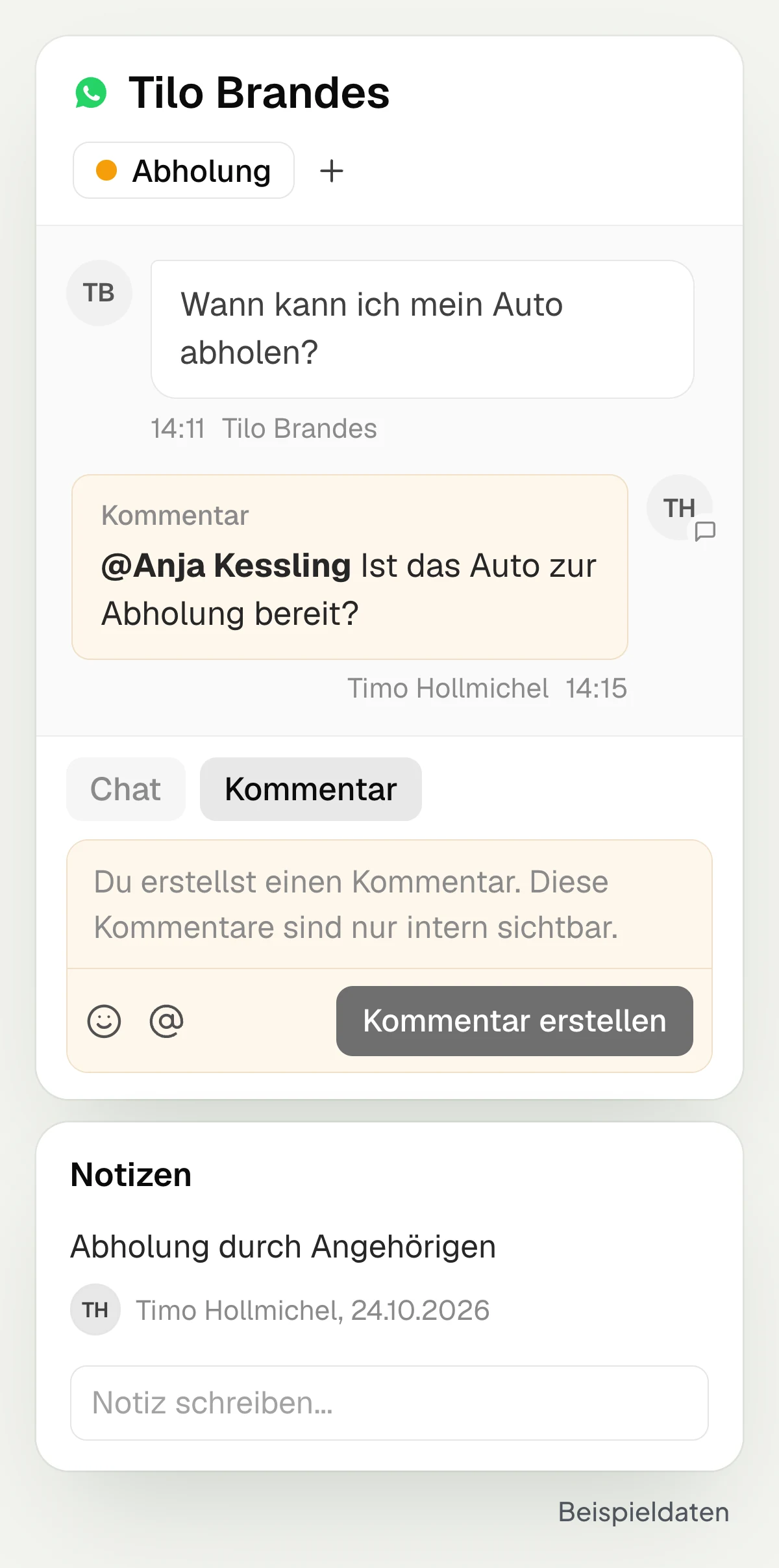
In hellomateo, comments in the conversation are only visible to your team. With a mention you bring in a colleague, for example when the workshop should confirm the pickup. Notes on the contact hold additional information. With tags you mark requests such as “Pickup” and find them again in the corresponding view.
Write internal comments in the conversation
Notify colleagues with a mention
Store notes directly on the contact
Mark conversations with tags
Prepare replies and revise your own text
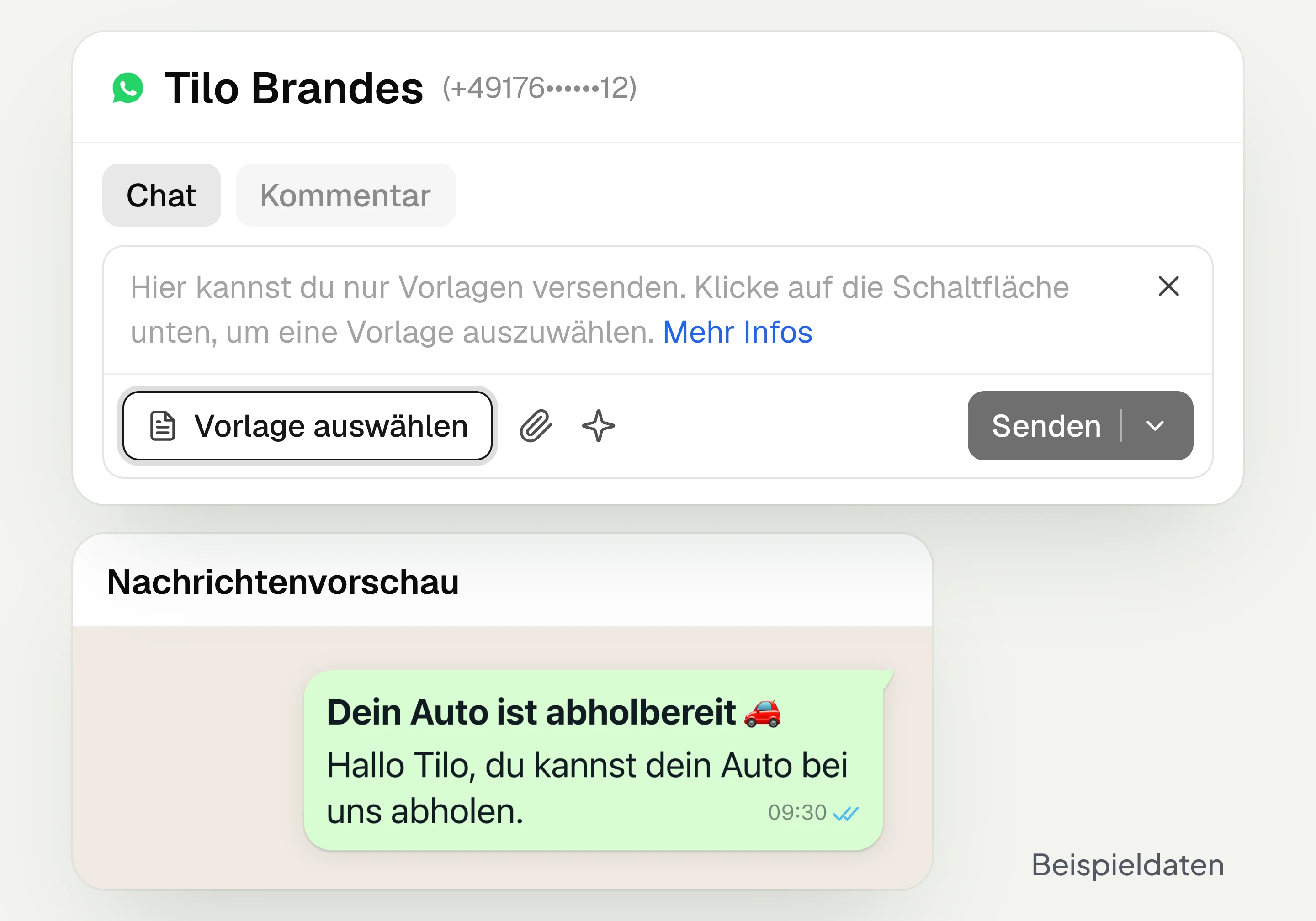
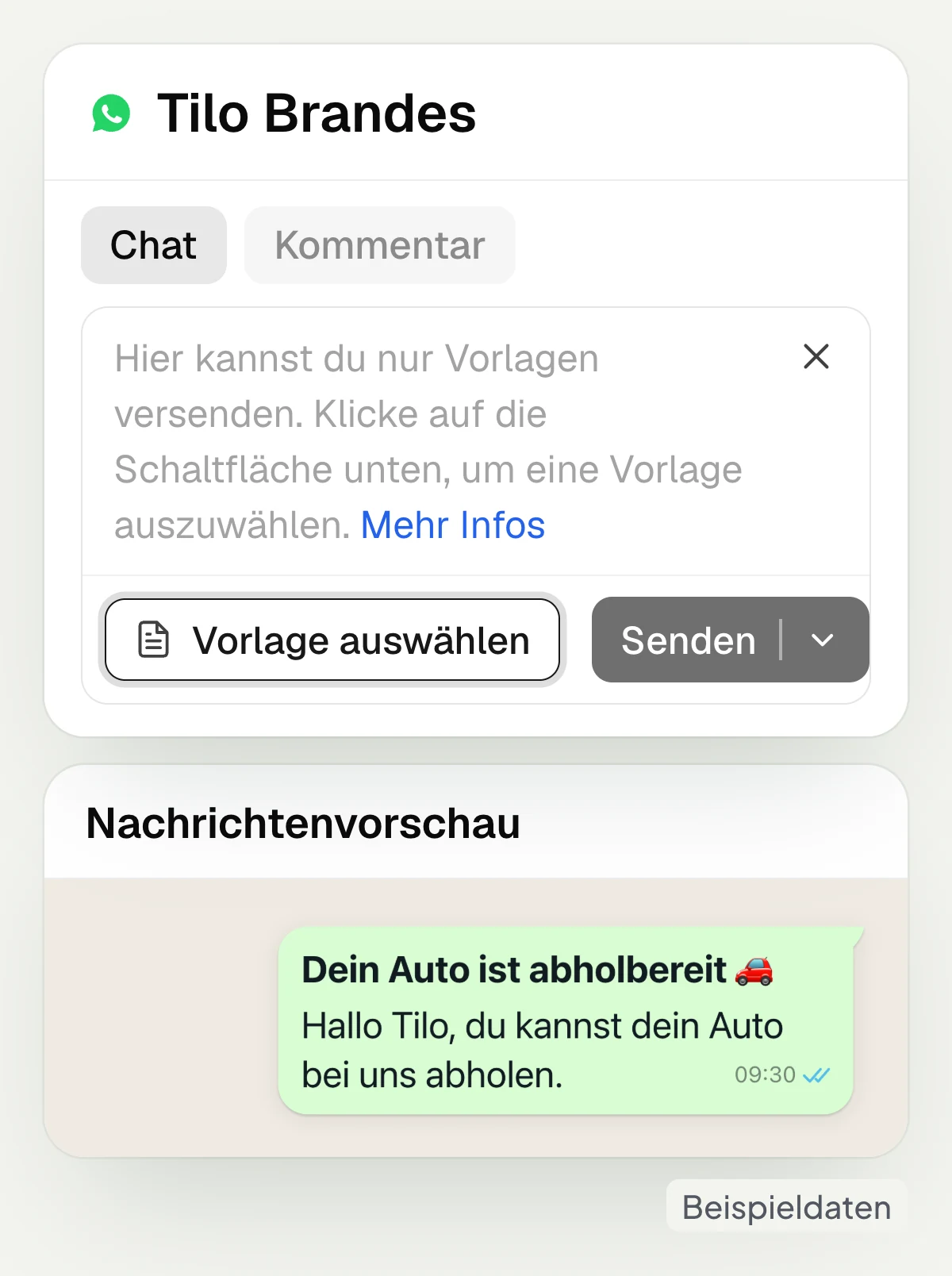
In hellomateo you use message templates, for example for vehicle pickup, and revise your own text with AI: improve, shorten, adjust the tone or translate. Incoming messages can also be translated. After a customer message on WhatsApp, the inbox shows the 24-hour window for free-form replies. Outside this window, you need a message template that Meta has approved in advance.
With the free hellomateo app for iOS and Android, you also reply on the go and receive notifications on your phone.
Use message templates for pickup
Send photos and other attachments
Record and send voice messages
Shorten or translate your own text with AI
Find and continue open requests
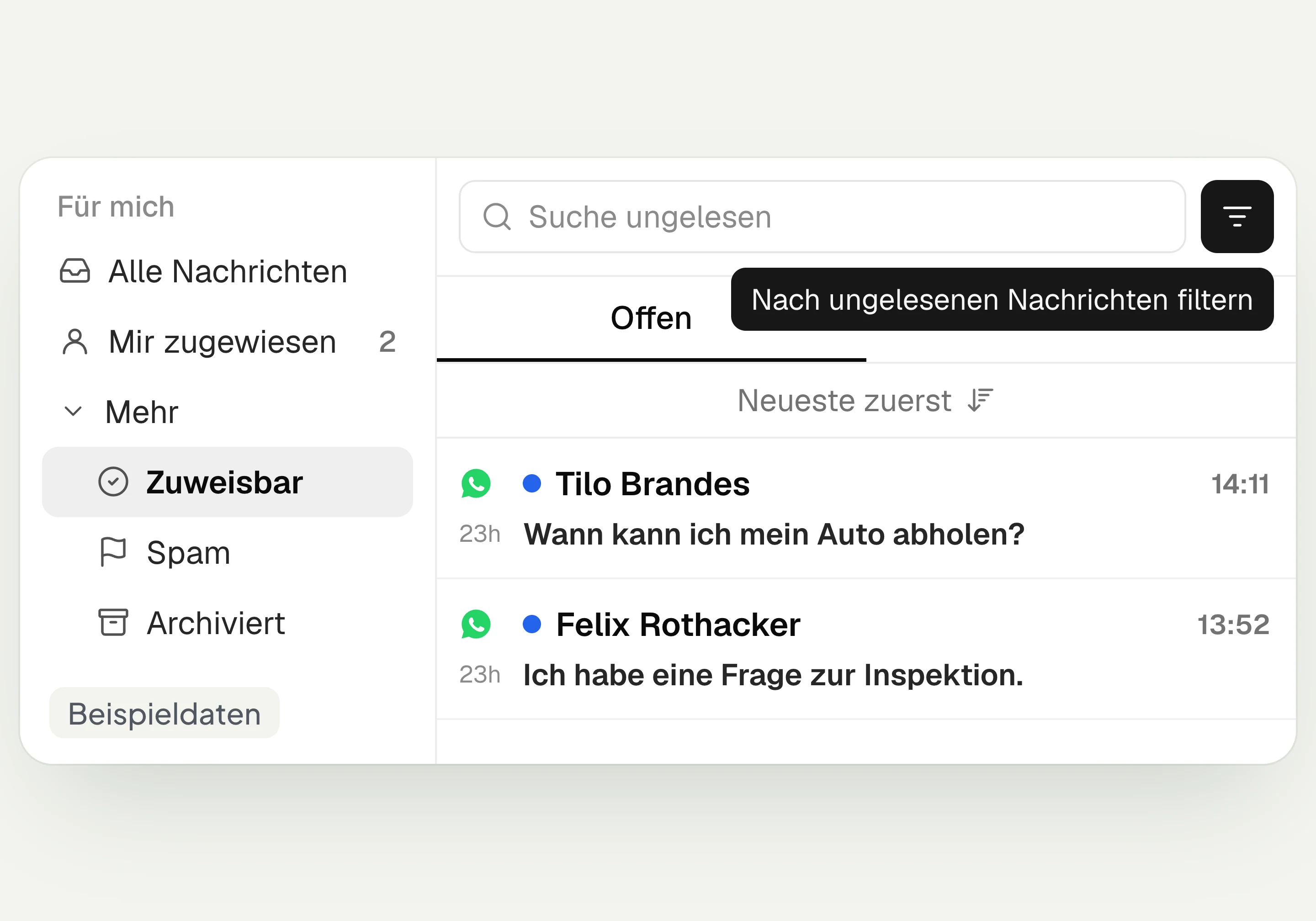
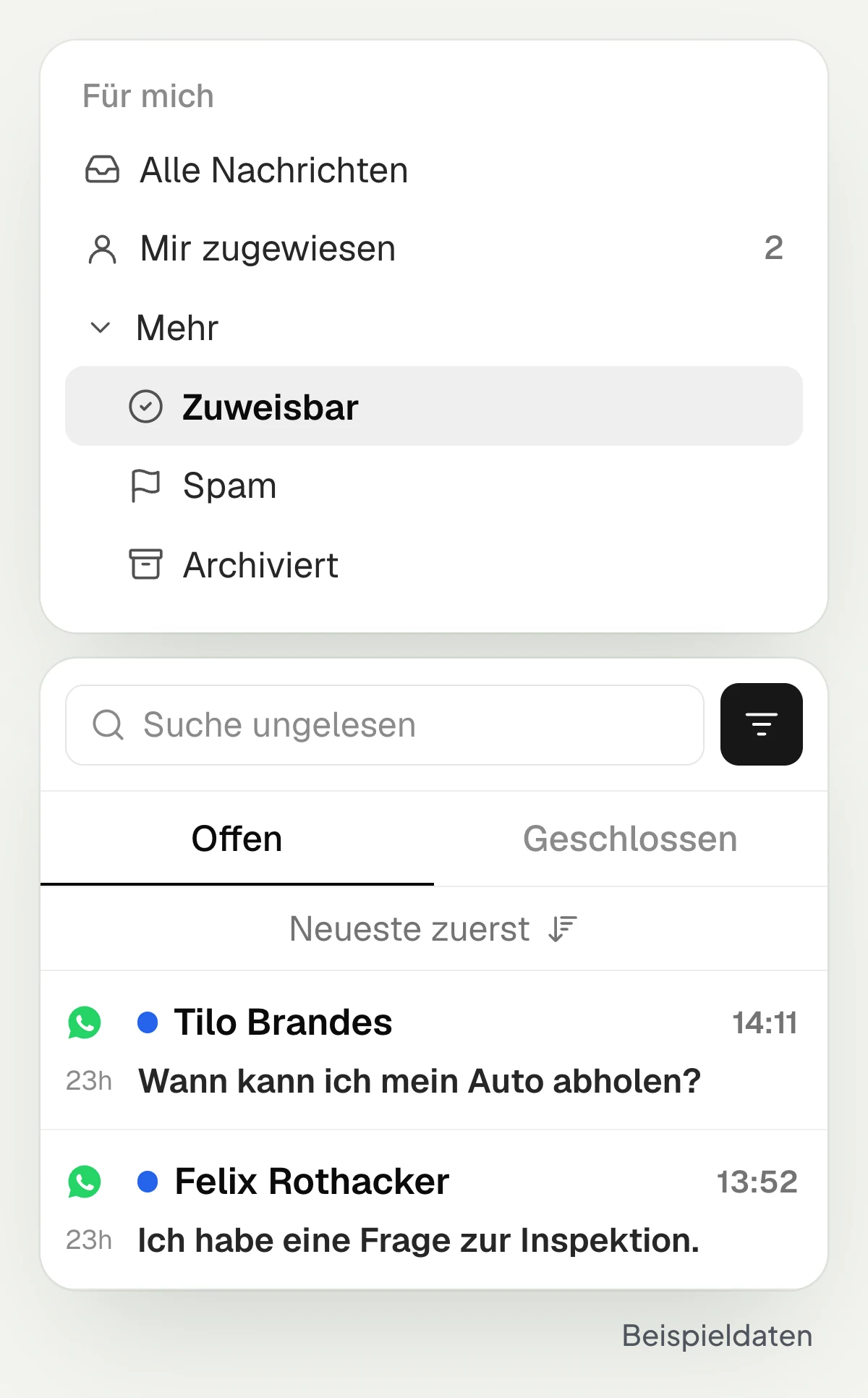
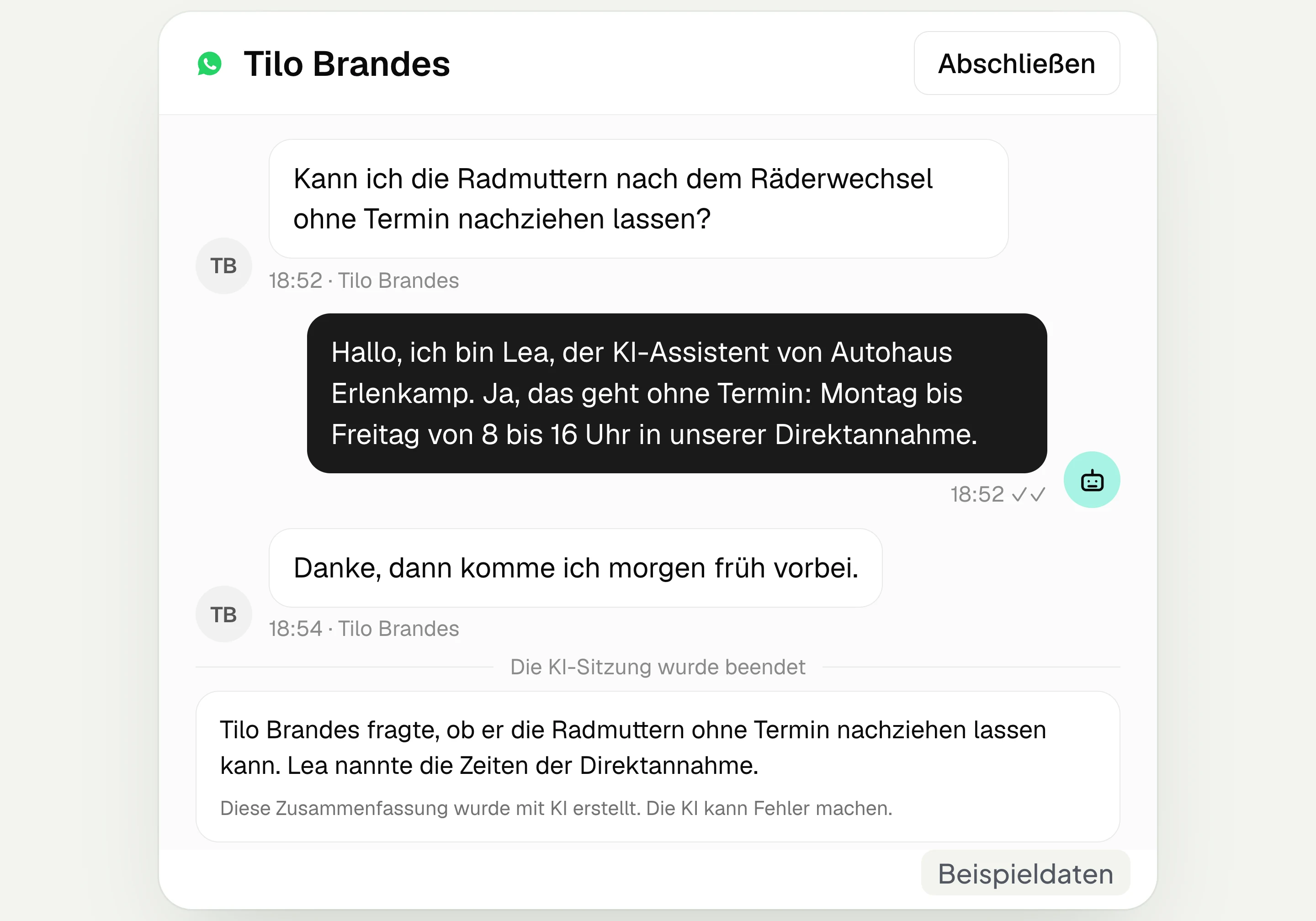
In the hellomateo inbox, “Assigned to me” and “Assignable” show which conversations are with you or can still be taken over. You filter by unread messages and search by the contact’s name, number or email address. The “Open” and “Closed” tabs separate the processing status. If you wish, the add-on AI assistant replies in unassigned chats on its connected channels.
View your own and assignable conversations
Filter by unread messages
Search contacts by name, number or email
Choose “Close” for completed conversations
Let us show you how your team assigns inquiries in hellomateo, clarifies questions internally and replies to customers.
Which inquiries reach your team?
In the hellomateo inbox, your team handles the follow-up questions that arise between advice, service and sales.
Car dealership and workshop
In the hellomateo inbox you separate workshop and sales with team inboxes and assign the question about vehicle pickup to a service advisor.
Opticians
In hellomateo you assign eye test questions to a colleague; in some optician software, for example OPA, your team works in the embedded inbox in the Business package and above.
Hearing care
In the hellomateo inbox you read questions from customers and relatives about the appointment invitation and assign the conversation to the responsible hearing care professional.
Fashion retail
In hellomateo you answer size questions from Instagram alongside WhatsApp messages, tag requests and schedule the reply about pickup for the morning.
Medical supply store
In the hellomateo inbox you forward the repair request including the photo to the workshop’s inbox and record the arrangement for the home visit as an internal note.
Insurance
In the hellomateo inbox your agency handles claim reports and emails together and assigns questions to the responsible staff member.
More features for your customer communication
Add the AI assistant in chat, AI telephony and automated customer journeys to the hellomateo inbox.
Central Inbox
hellomateo brings together WhatsApp, email, Instagram and Facebook Messenger in one inbox. Multiple staff members write via the same WhatsApp number and assign conversations.
Automated customer journeys
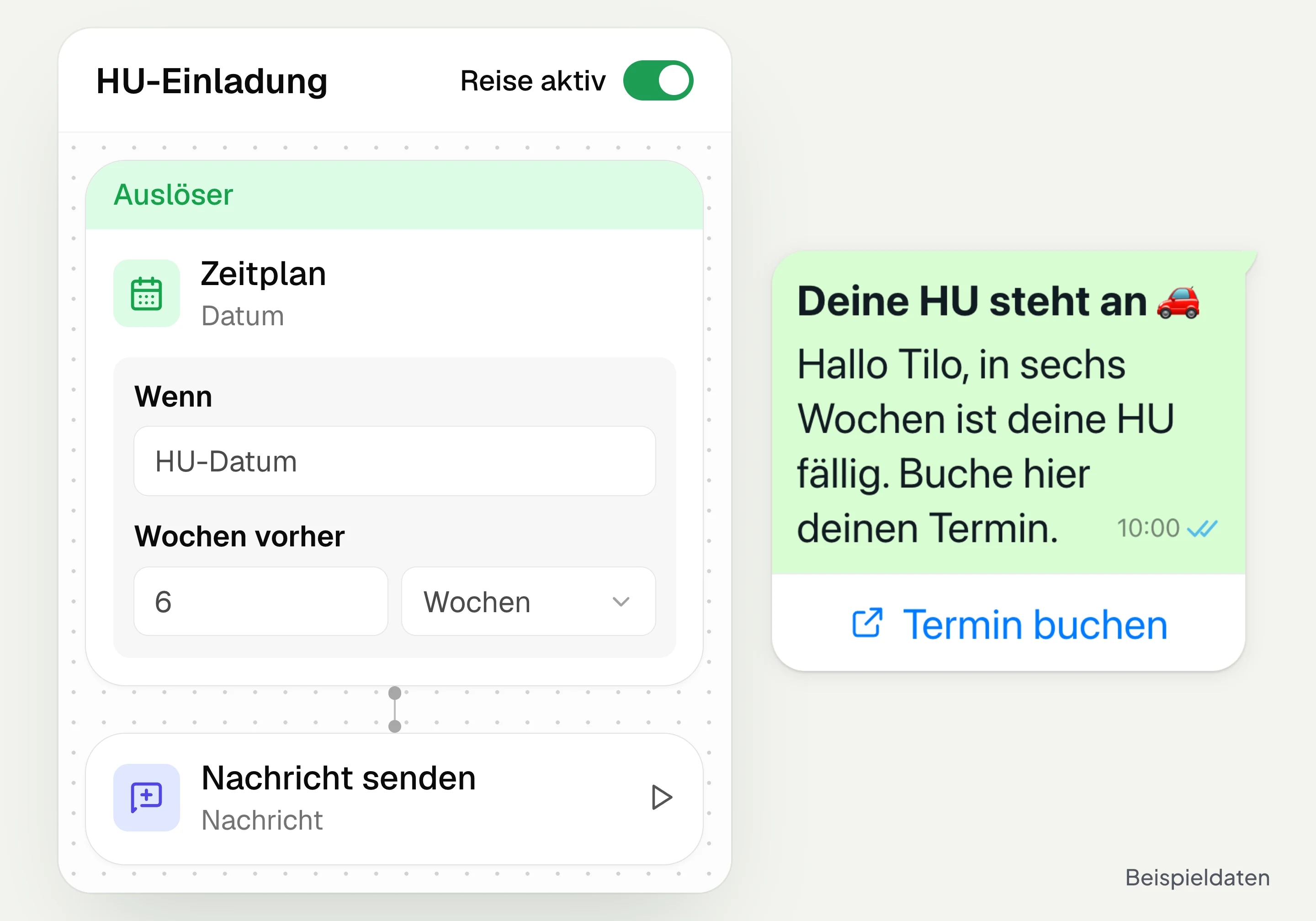
Customer journeys in hellomateo send invitations automatically based on a date or event. You set the message and follow-up steps and check the progress per contact. Business and above.
AI Telephony
hellomateo AI telephony takes calls, answers questions and sends the booking link via WhatsApp after consent. From €80 per month with 500 free minutes; additional minutes are charged on top.
AI assistant in chat
The hellomateo AI assistant answers questions in WhatsApp, Instagram and Facebook Messenger with your knowledge. Can be added, selectable in Business Plus, included in Enterprise.

Appointment booking
With hellomateo, customers book appointments themselves on your booking page. You set services and calendars. Add-on module: €25 per month, regardless of the number of locations.
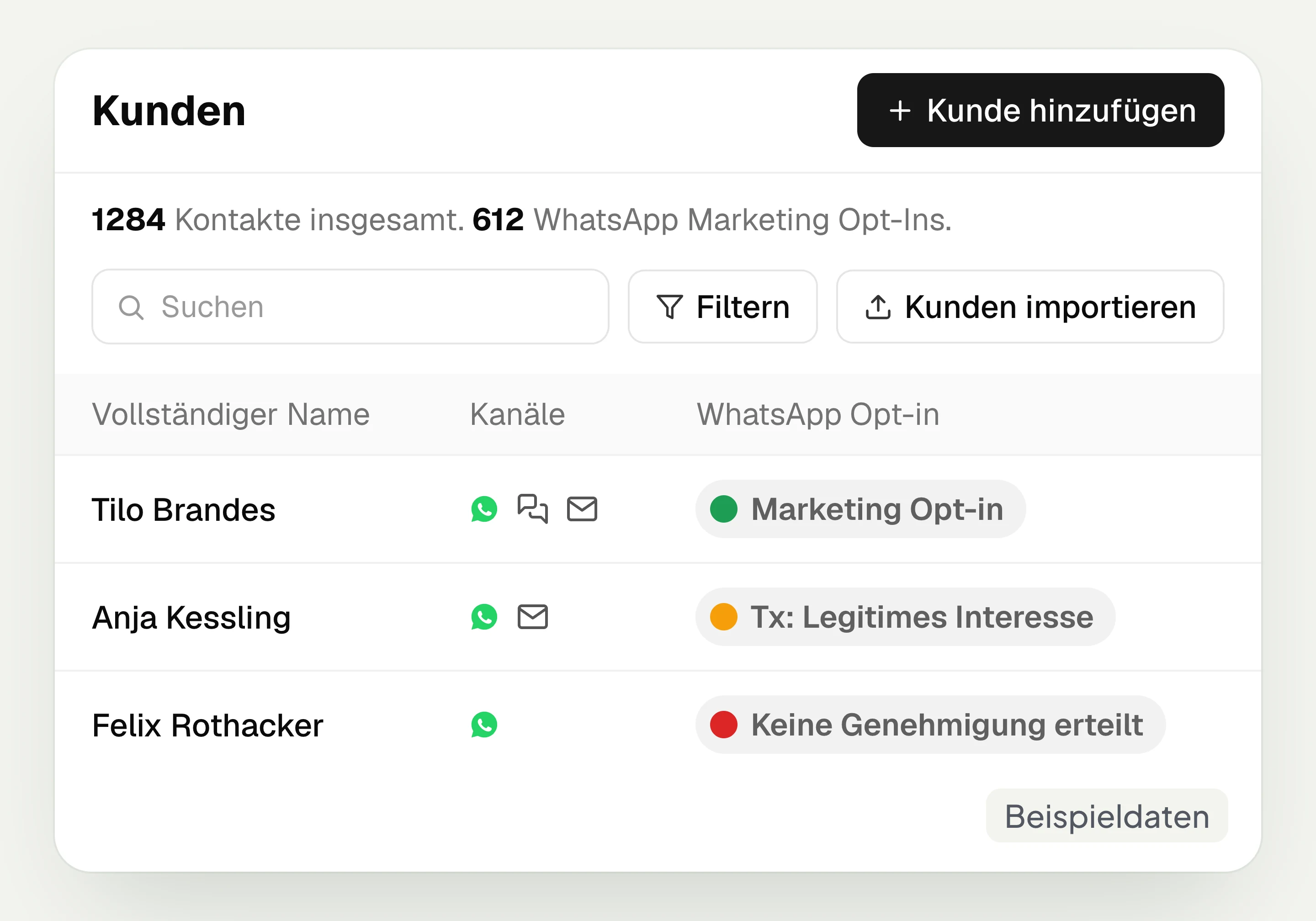
Customer and contact management
hellomateo connects contact data, conversations and consent per channel. You read notes on the contact and build recipient lists with your own filter rules.
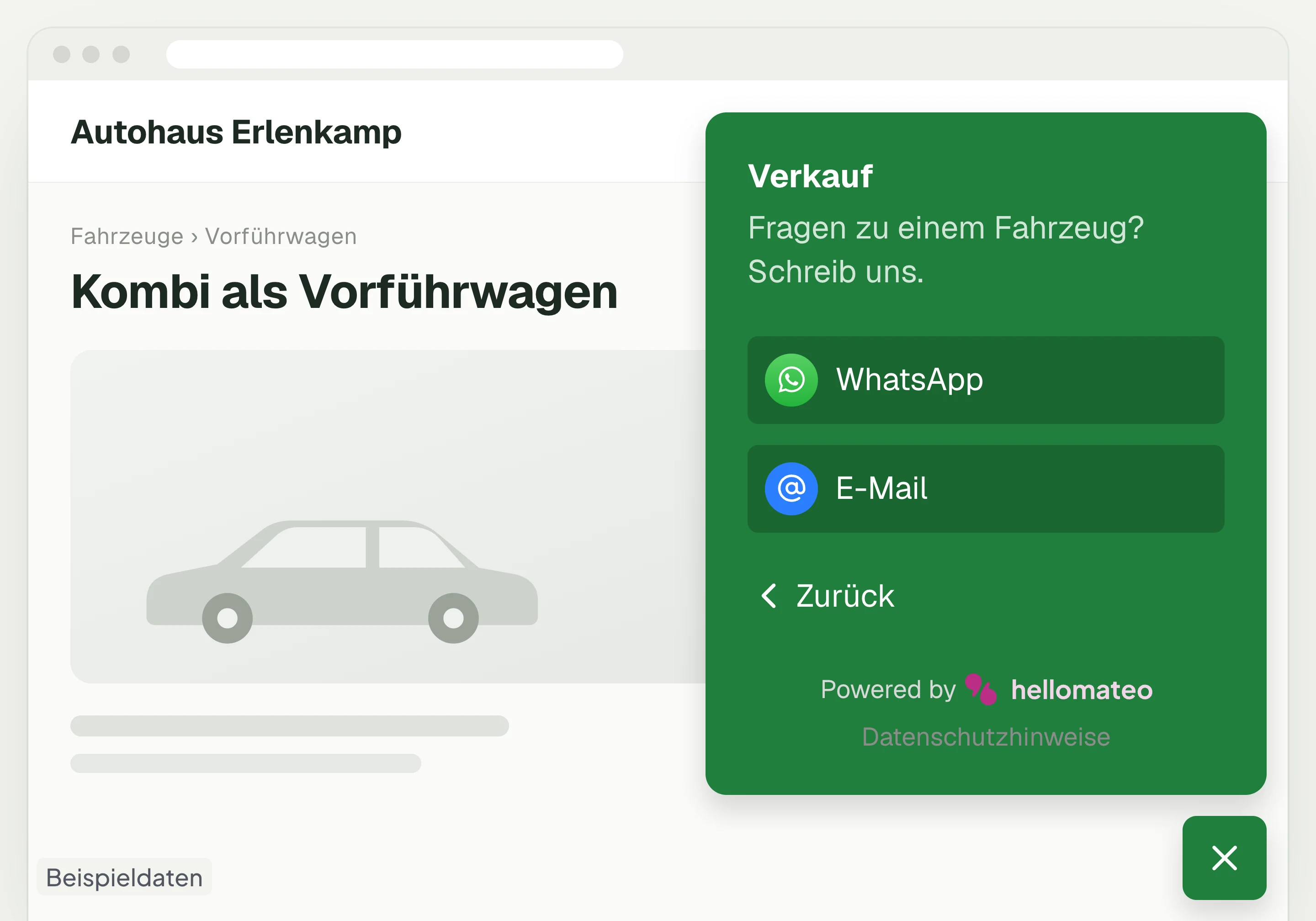
Contact through your website
A hellomateo button on your website takes visitors to WhatsApp and other channels. For connected channels, your team replies in the Central Inbox.
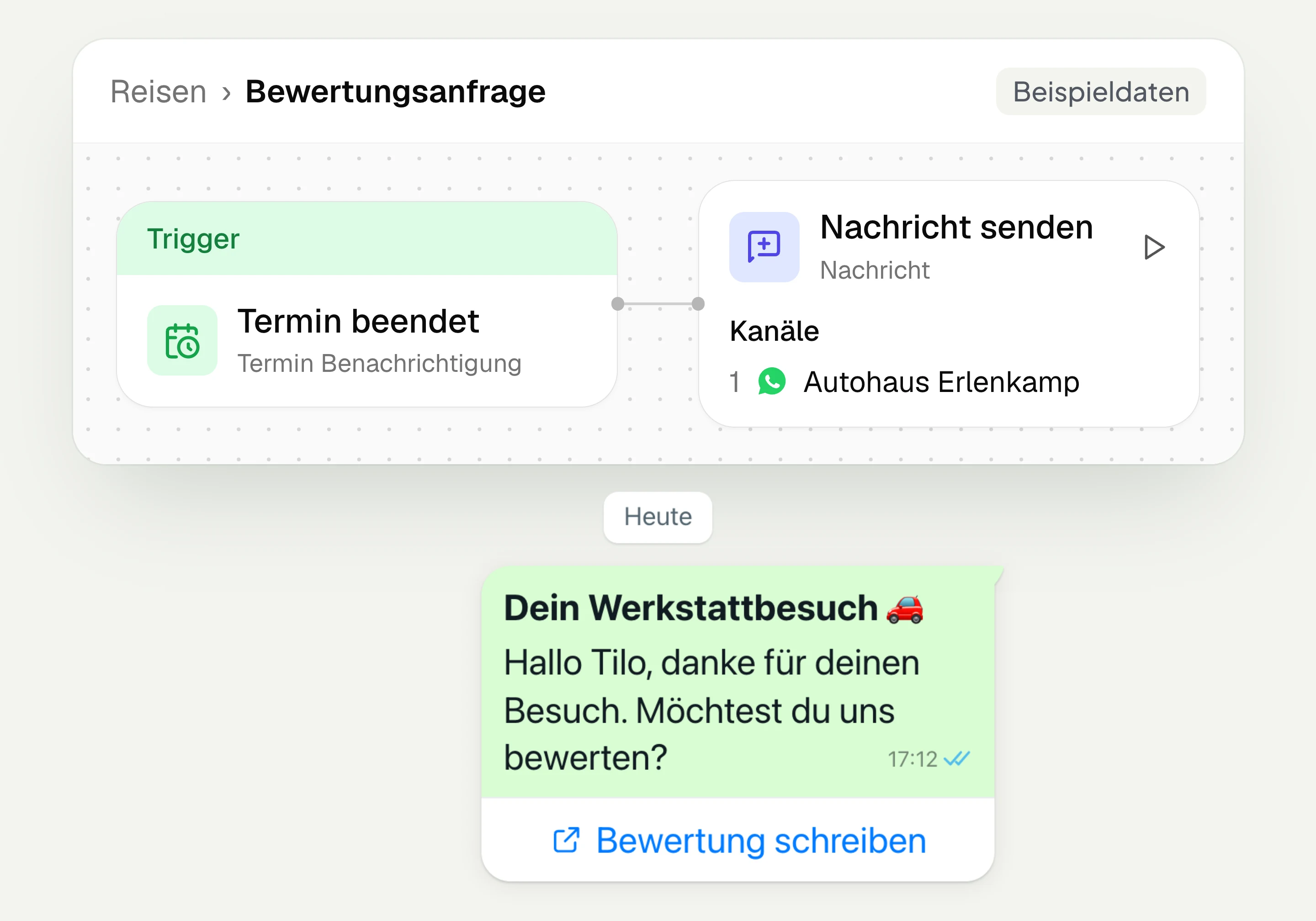
Review management
With hellomateo you request Google reviews, read reviews and reply to them. In the Business package and above, customer journeys send the review request automatically.
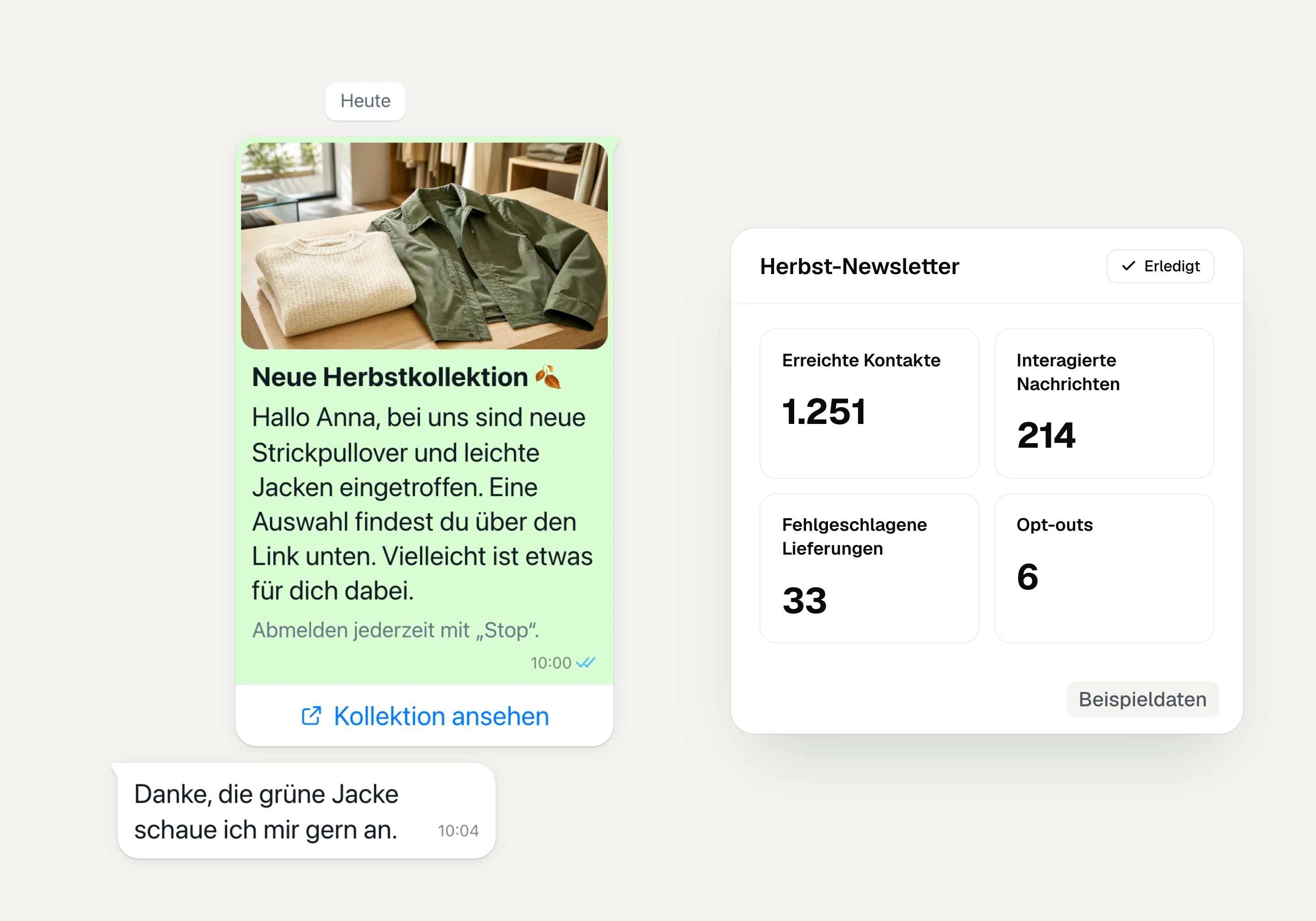
WhatsApp newsletter
With hellomateo you send WhatsApp newsletters to customers who have given consent. You choose recipients, schedule the send and see per recipient whether the message was read.
Postal mailing
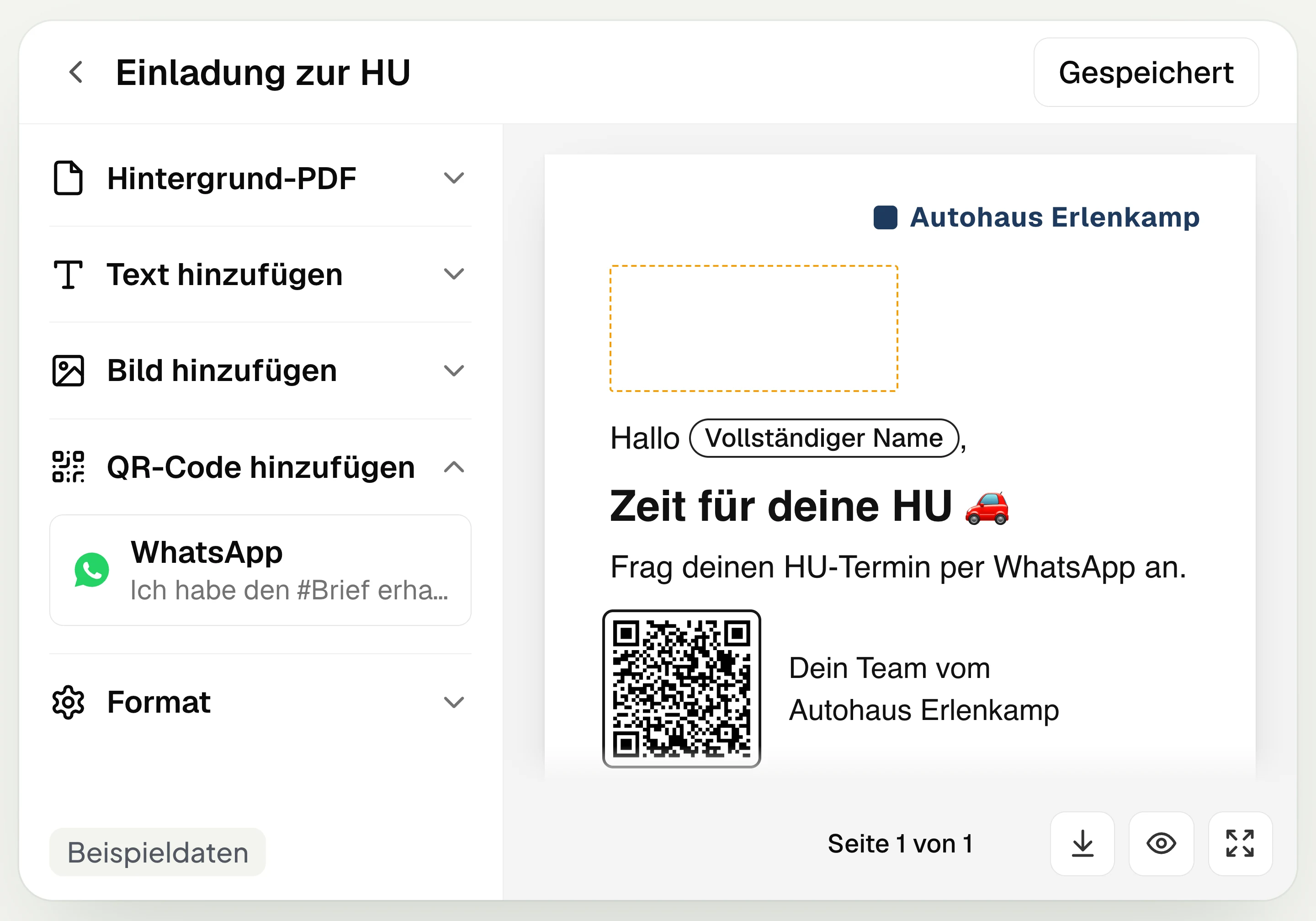
With hellomateo you design and send letters with a WhatsApp QR code. Can be added in Business, selectable in Business Plus, included in Enterprise.
Insights
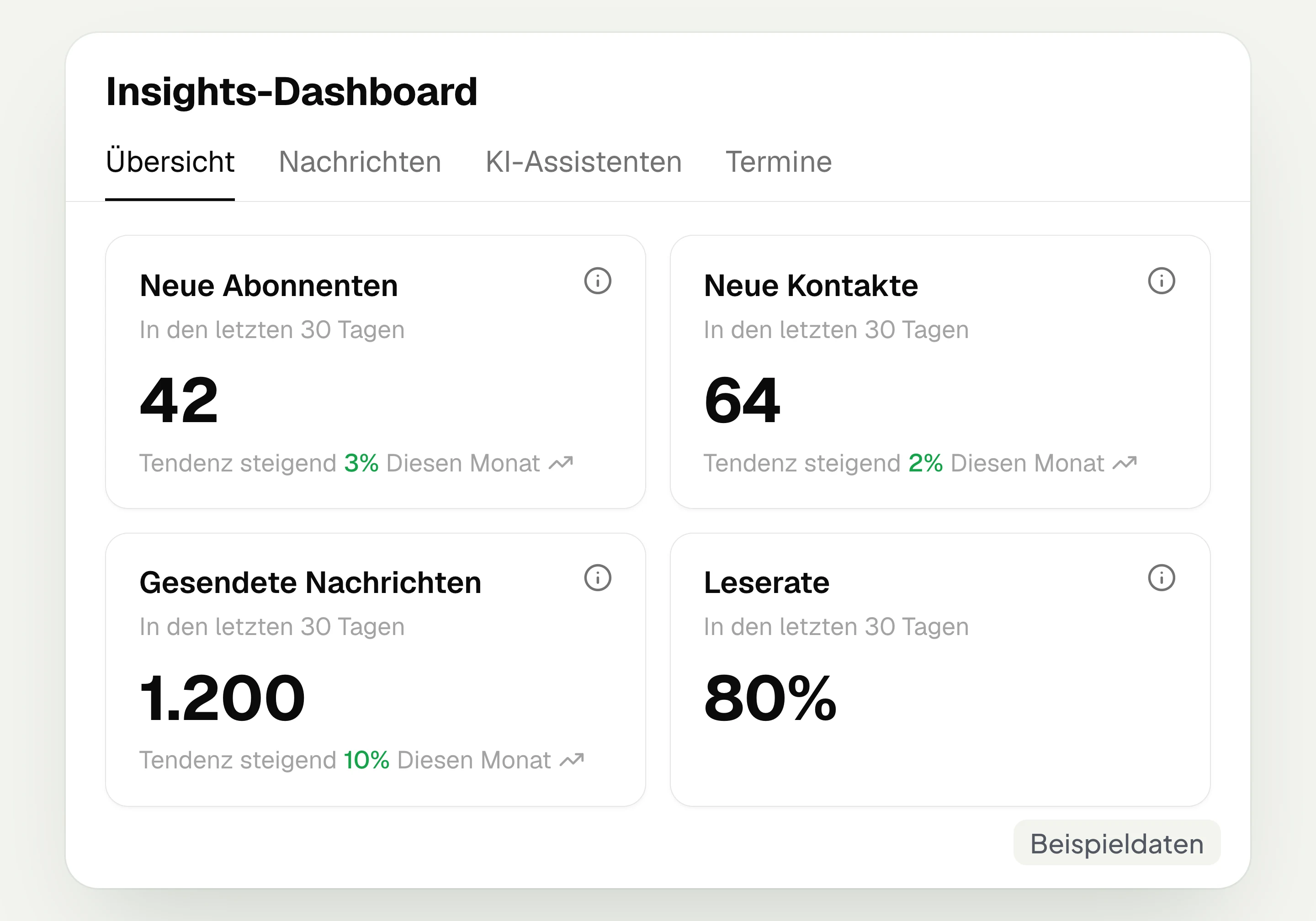
hellomateo Insights shows messages, read rate, contacts and reviews. With the respective modules, analytics on AI inquiries and appointments are added.
Integrations
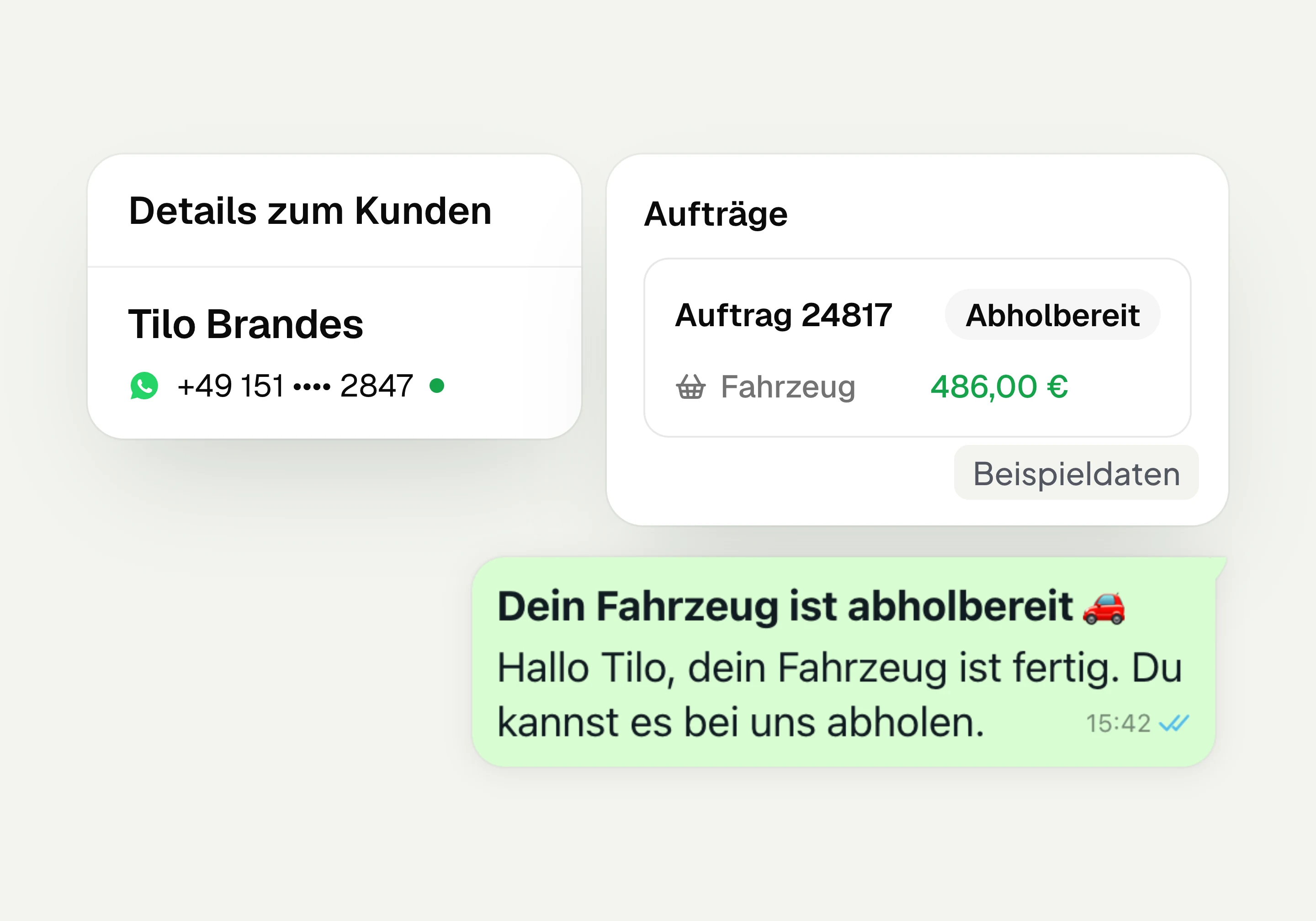
Depending on the connection, hellomateo transfers contacts, orders and appointments from your industry software. More than 70 direct integrations are available in Business and above.
Frequently asked questions about the Central Inbox




Book a non-binding consultation
We would be happy to show you hellomateo in a personal demo.
Or send us an email:
What is the hellomateo Central Inbox?
Can multiple staff members write via one WhatsApp number at the same time?
Do phone calls appear in the inbox with a summary and transcript?
How do I separate the conversations of different locations or departments?
How do I distribute inquiries and find open conversations again?
How do I find out about new messages on the go?
How does the AI help me reply?
Can I keep using my existing number and the WhatsApp Business App?
Can I connect my email inbox and reply through it?
Can I use the inbox in my industry software?
What does the hellomateo Central Inbox cost?
Can I try the inbox, and when can I start?
What does hellomateo offer for GDPR-compliant use?