Analytics for WhatsApp, AI assistant and appointments
hellomateo Insights shows you figures on messages, subscribers, contacts and reviews. You find the module in the menu under “Insights”. With the AI assistant or appointment booking, the matching analytics are added. This way you see how much customer contact takes place and which appointments are booked.
See messages and read rate per channel
See inquiries your AI assistants resolved
Analyze booked appointments by day and time
Last updated: 28 October 2026
More than 2,000 customers use hellomateo
























From your question to the matching analysis
Open the overview
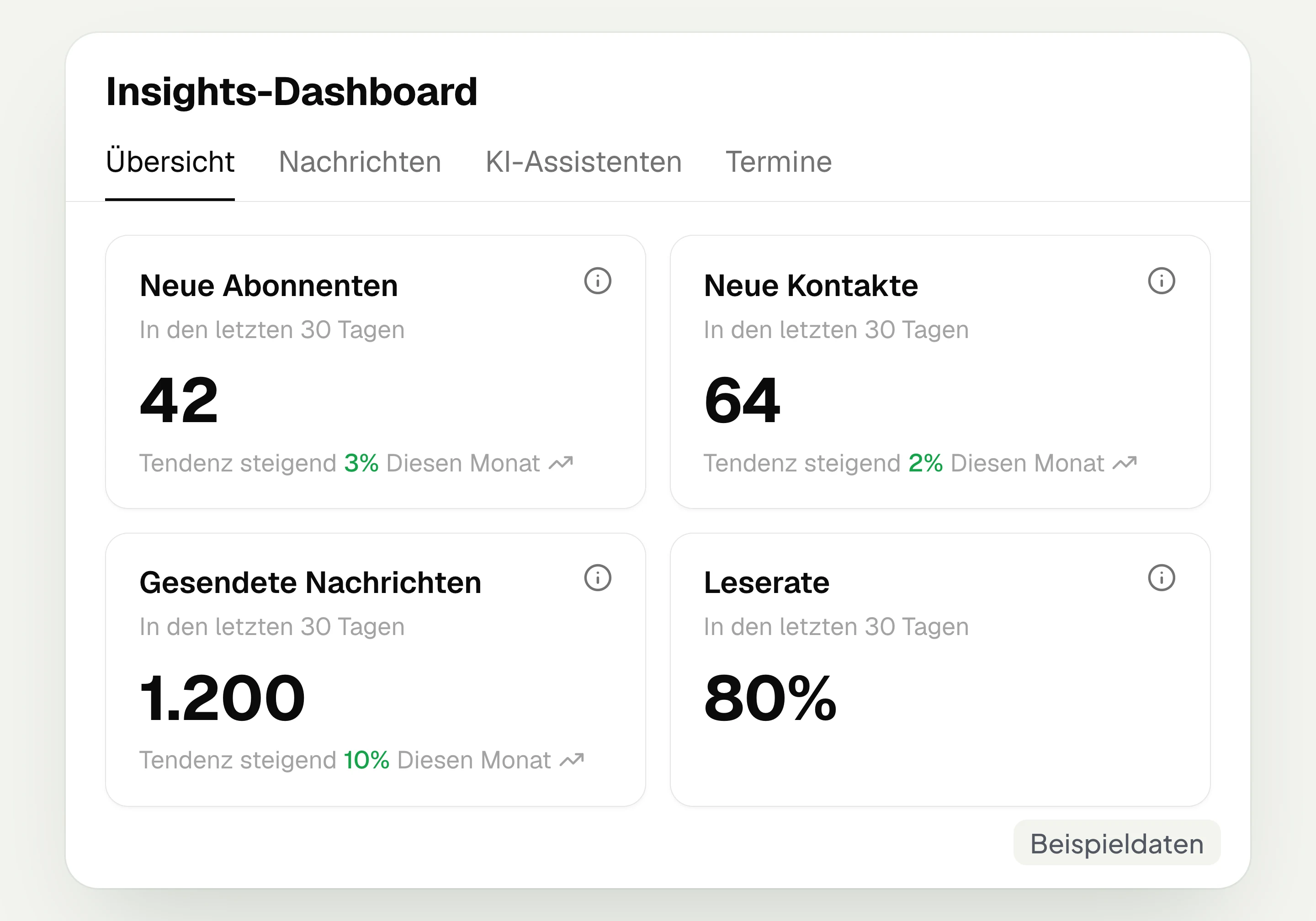
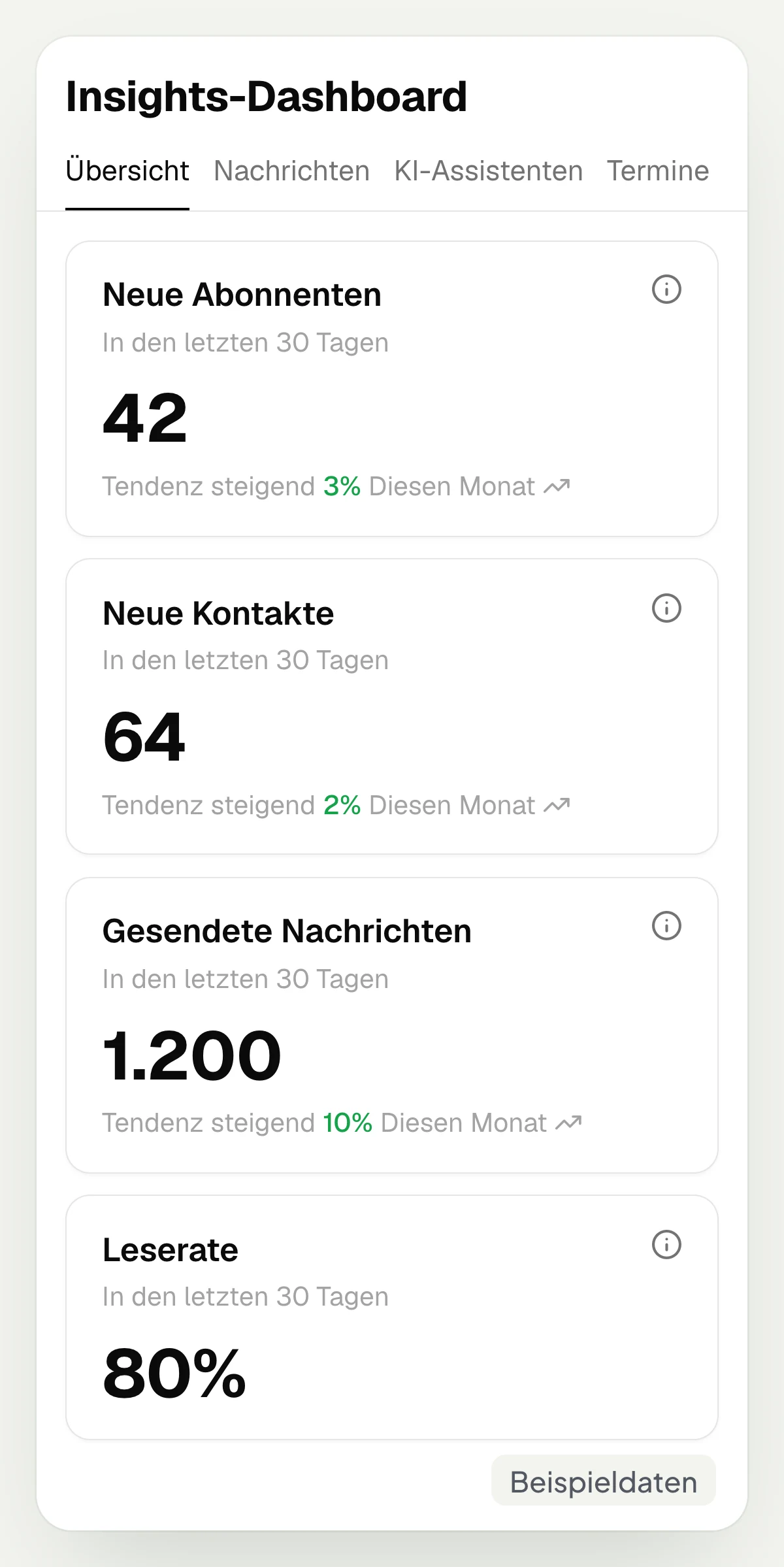
In the hellomateo overview you see new subscribers and contacts, messages sent, read rate and reviews.
Choose the area
In hellomateo you choose the tab for your question: “Messages”, “AI assistants” or “Appointments”. The last two areas appear with the respective module.
Narrow down the selection
In the hellomateo “Messages” tab you choose channel and period. This way you view, for example, the messages of one WhatsApp number for a specific month.
Check trend and details
The trend charts in hellomateo show you how the figures develop. To see the status for each recipient, open the campaign’s “Report” tab.
These analytics are available in hellomateo
hellomateo shows you messages, contacts and reviews and, with the matching modules, resolved AI inquiries and booked appointments.
New contacts, messages and reviews at a glance
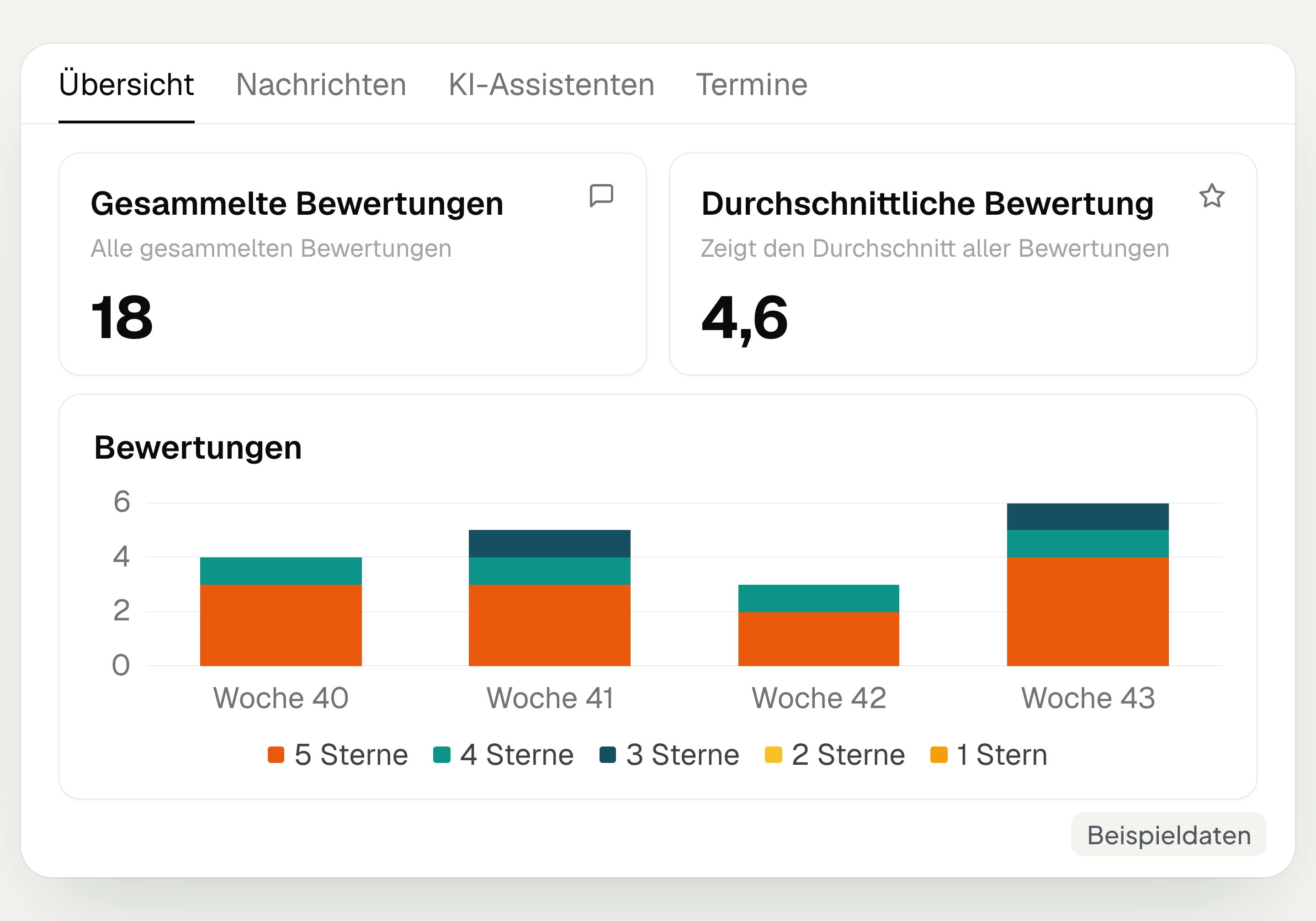
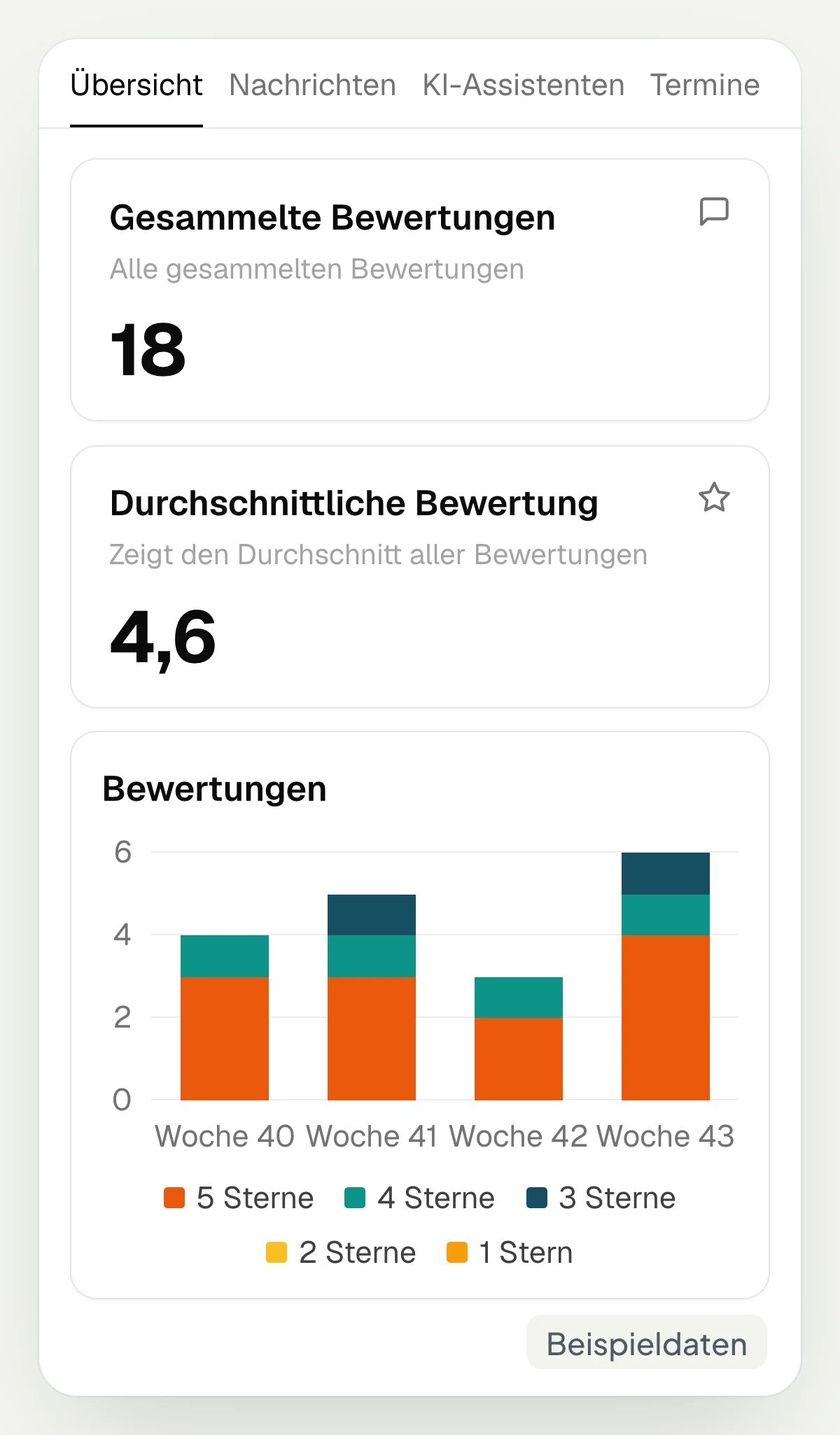
The hellomateo overview shows you new subscribers and contacts as well as messages sent in the last 30 days with the change compared to the previous period. In addition, you see the read rate, reviews collected and their average. In the “Reviews” chart you see the reviews of the last 30 days split by week and stars.
New subscribers and contacts
Messages sent and read rate
Reviews collected and average
Reviews by week and stars
Analyze WhatsApp messages by channel and period
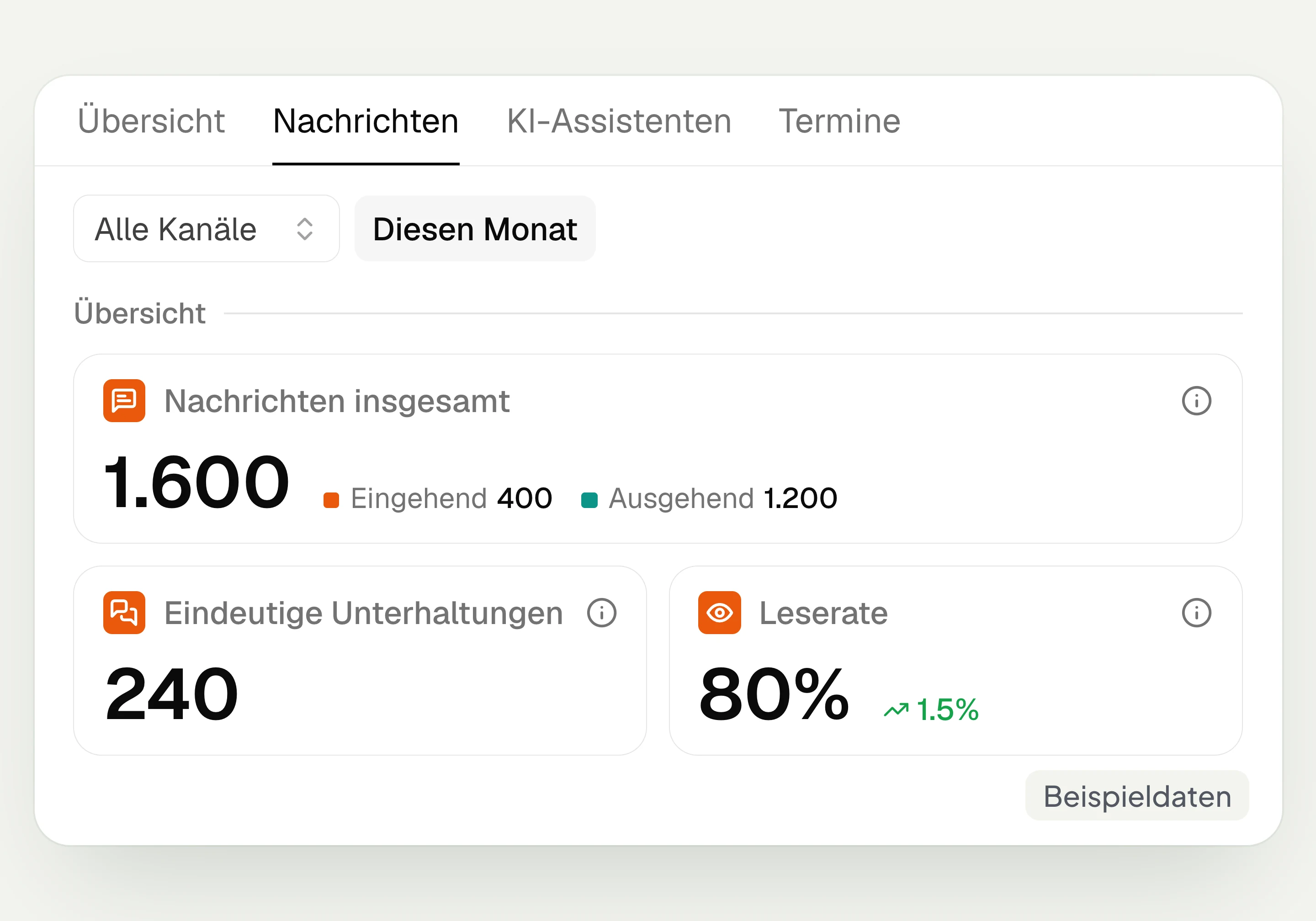
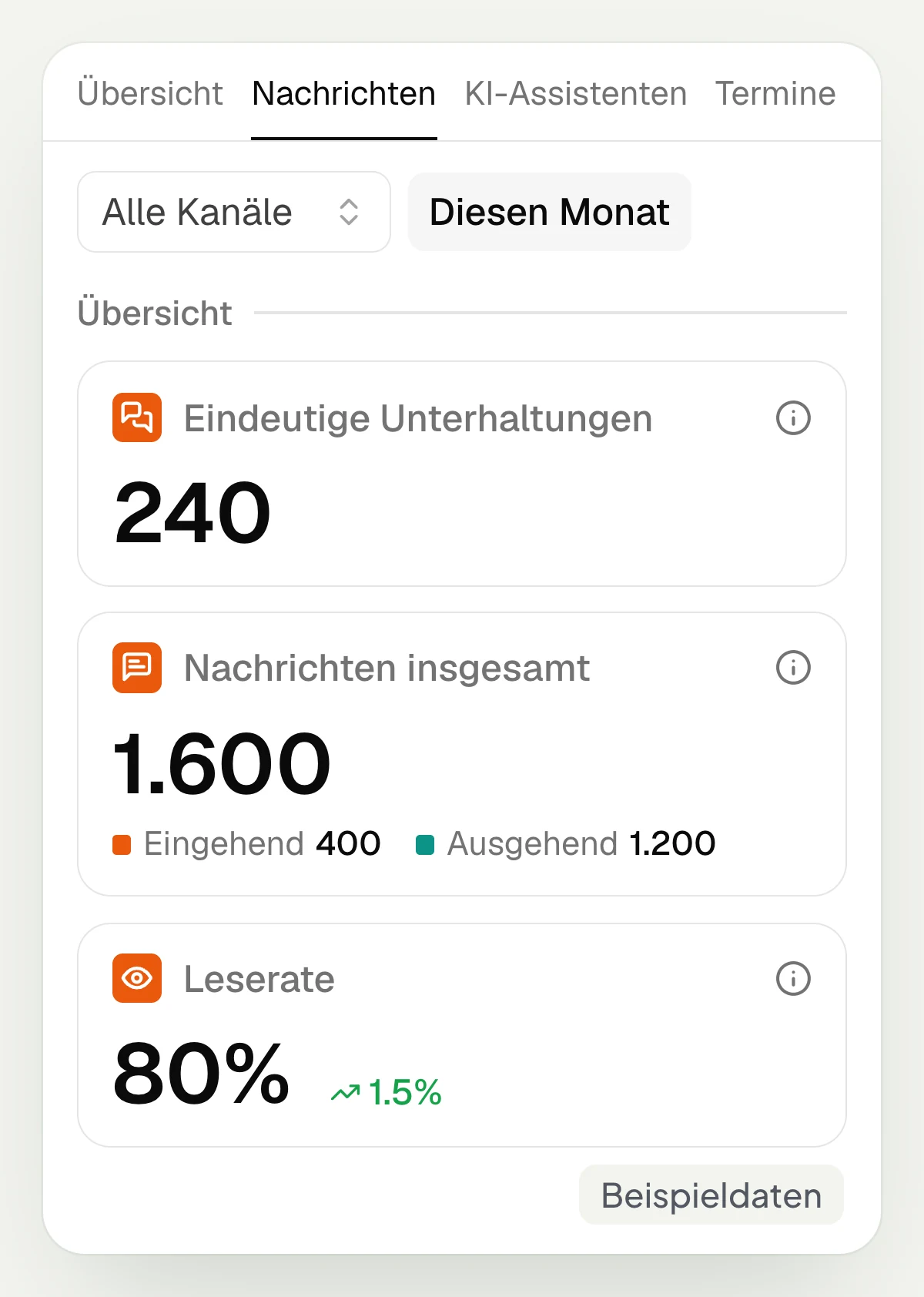
In the “Messages” tab, hellomateo shows unique conversations, incoming and outgoing messages and the read rate. You filter by channel and period. With “This month”, the trend shows six months. The origin distinguishes between staff members, customer journeys, the API and other sources. Assigned tags, such as “Claim report”, are counted as well.
Conversations and messages per channel
Incoming and outgoing messages
Break down messages by origin
Choose a period and compare read rate
Recognize resolved AI inquiries and forwarded calls
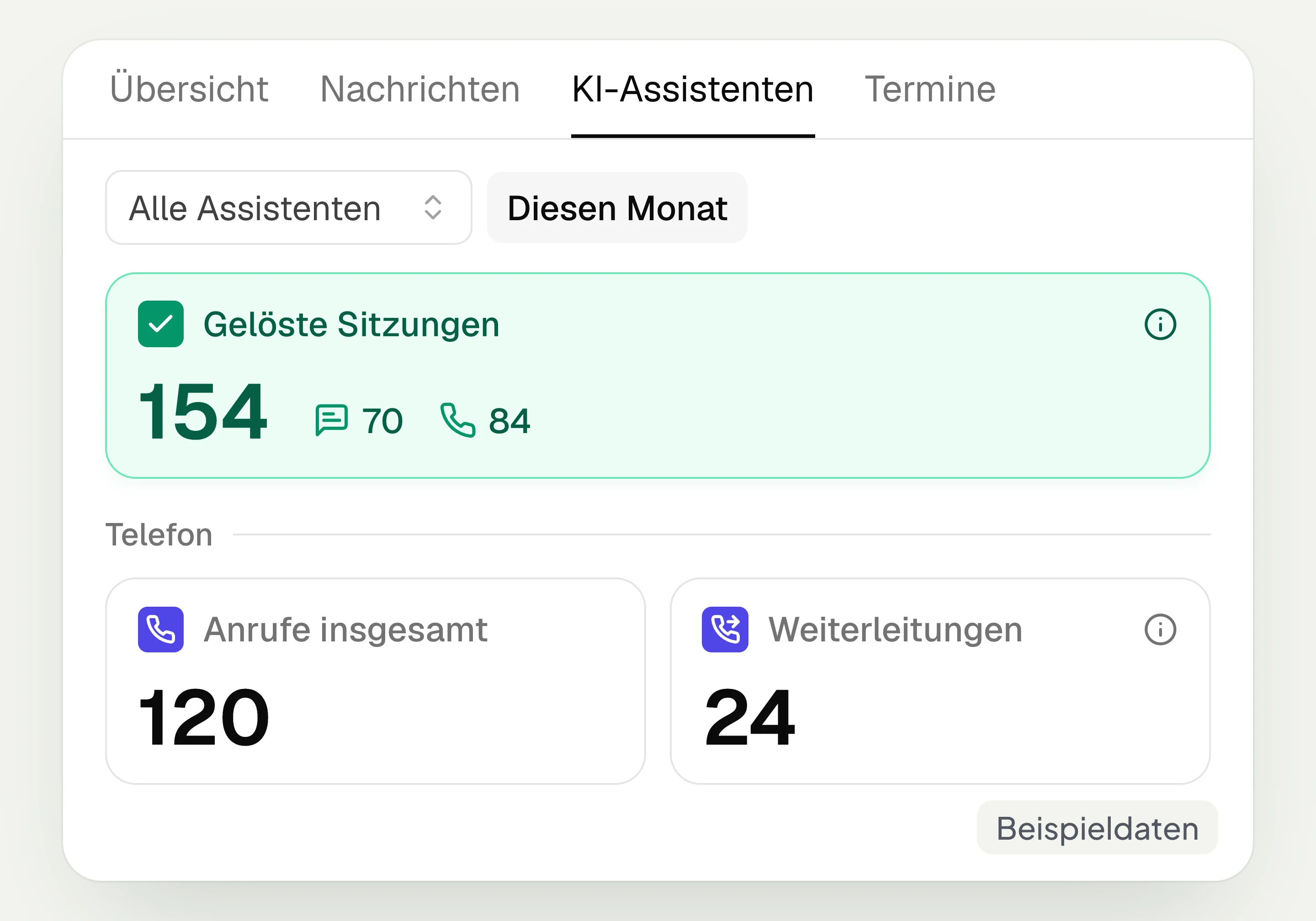
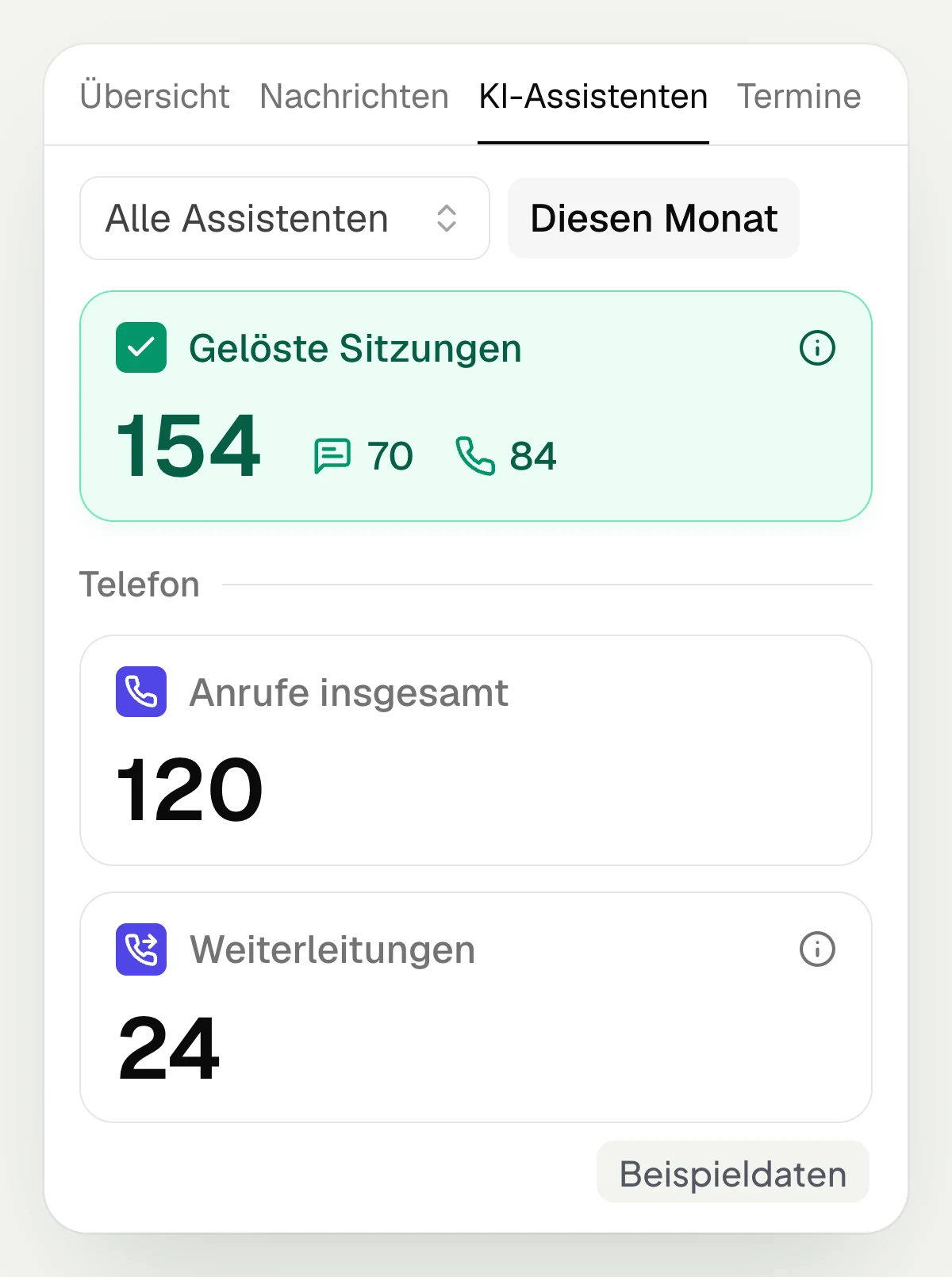
In the “AI assistants” tab, hellomateo shows resolved sessions split by chat and phone. With AI telephony, you also see calls, unique callers, average call duration and forwarded calls. For chat, the total number of sessions is shown alongside. You filter by assistant and period; the respective AI module is required.
Resolved sessions for chat and phone
Calls and unique callers
Call duration and forwarded calls
Filter by assistant and period
See when your appointments cluster
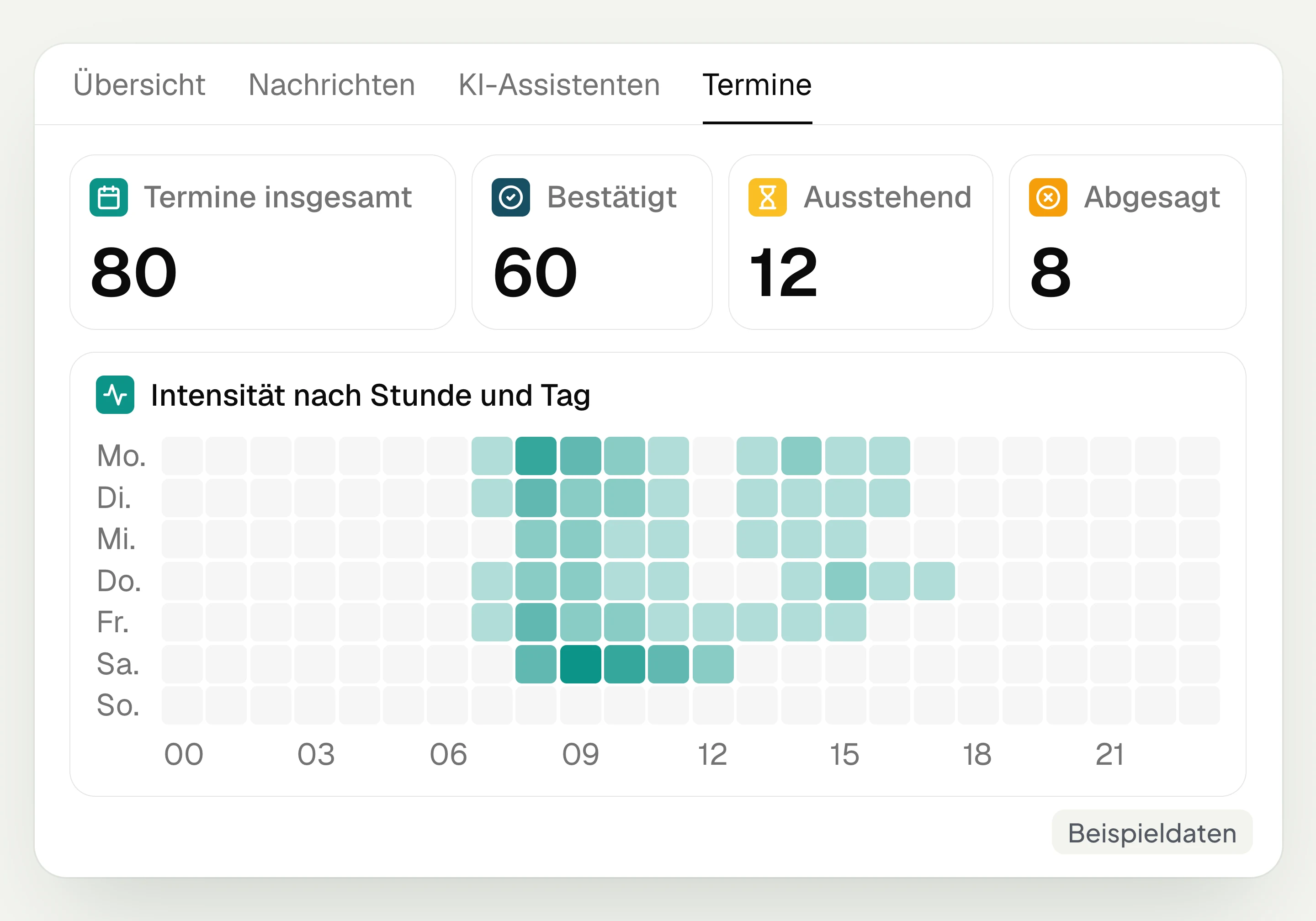
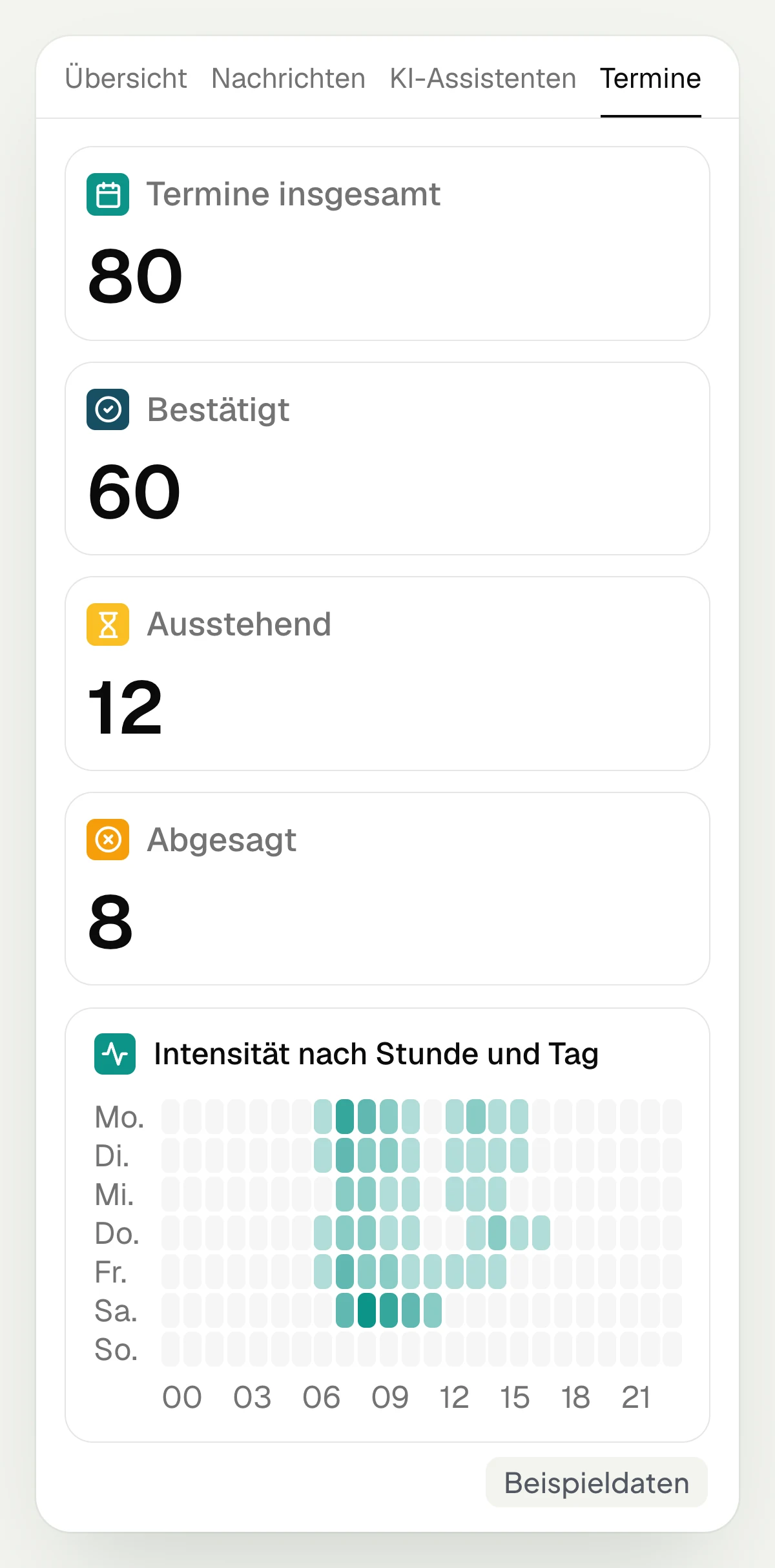
In the “Appointments” tab, hellomateo shows the total number of your appointments as well as confirmed, pending and canceled bookings. The distribution by weekday and time shows when many appointments take place. You can filter by booking page, appointment type, calendar and status and view the bookings for the selected period.
Appointment analytics require the appointment booking add-on module. You can add it for €25 per month, regardless of the number of locations.
Confirmed, pending and canceled appointments
Distribution by weekday and time
Breakdown per booking page and appointment type
Filter by calendar, status and period
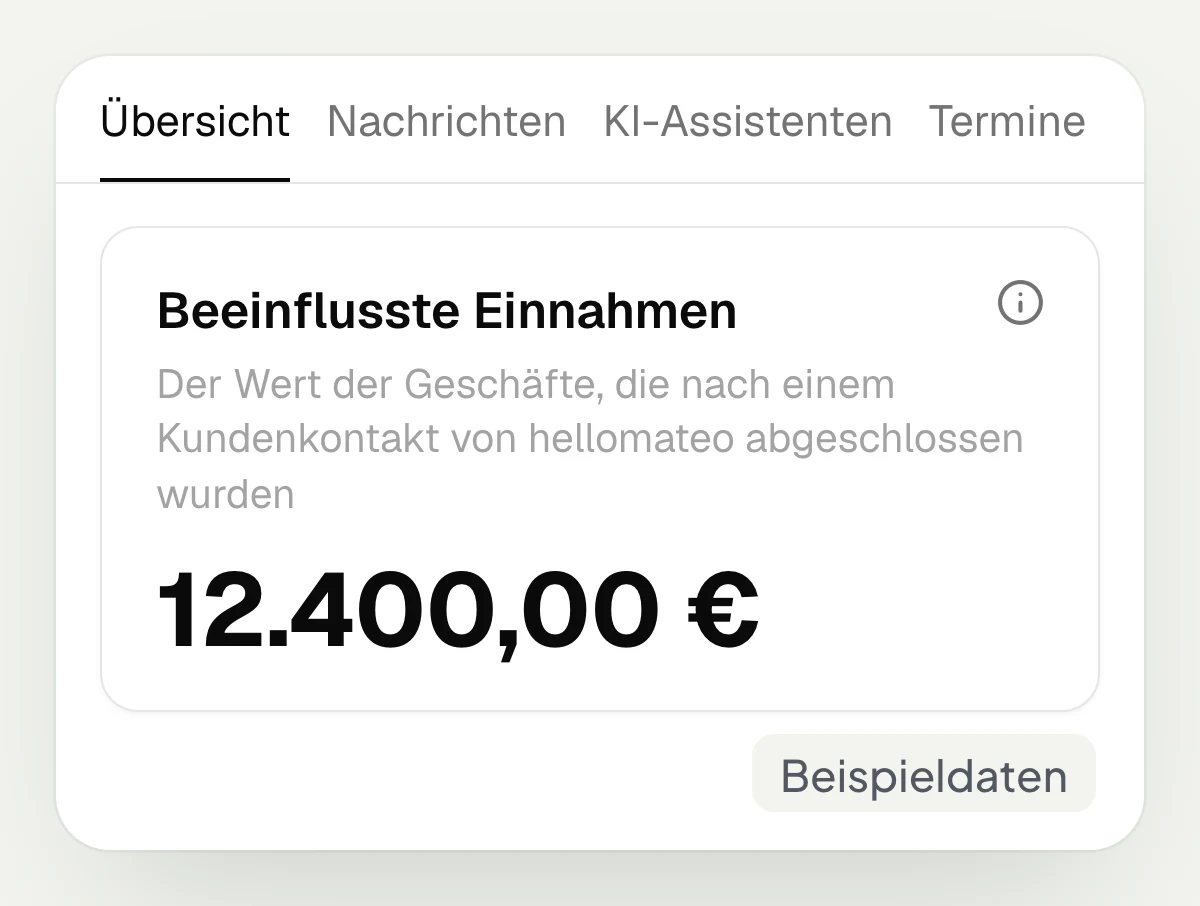
Put order values in context, check campaigns separately
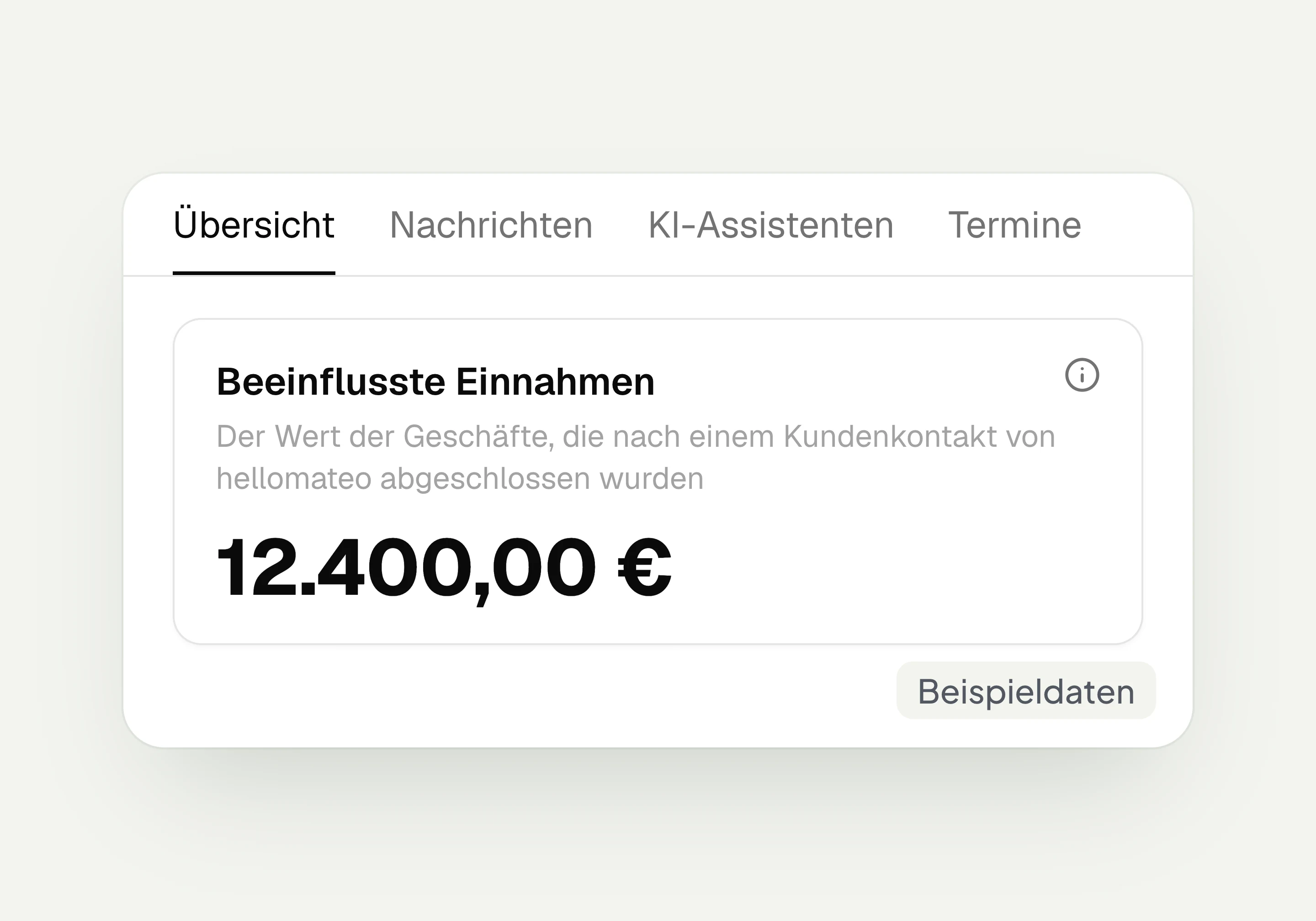
“Influenced revenue” in hellomateo shows the value of orders won after customer contact via hellomateo. This shows a temporal connection, not proof of an effect. It requires orders with an amount in hellomateo, which you create on the contact or, in the Business package and above, transfer via connected industry software or the API. You find campaign details under “Campaigns”, explained on the WhatsApp newsletter page.
Value of orders won after customer contact
Orders with an amount as a requirement
Temporal connection without proof of effect
Campaign details in the respective report
Let us show you where to analyze messages, resolved AI inquiries and booked appointments in hellomateo.
What questions do you ask of your figures?
Depending on your industry and booked modules, you find answers in hellomateo to these questions from your day-to-day business.
Car dealership and workshop
In hellomateo you find bookings by appointment type under “Appointments” with appointment booking and forwarded calls under “AI assistants” with AI telephony.
Opticians
In hellomateo, “Appointments” with the appointment booking add-on module shows your eye tests by type and time; the overview shows the reviews collected.
Hearing care
In hellomateo, “Appointments” with appointment booking shows hearing tests and annual check-ups; under “Messages” you see conversations per WhatsApp number of your business.
Fashion retail
In hellomateo you find new subscribers in the overview, resolved sessions with an AI module under “AI assistants” and assigned tags such as “Exchange” under “Messages”.
Insurance
Under “Messages” in hellomateo you find the frequency of your tags, such as “Claim report” and “Contract question”, and the completion rate of your claim intake survey.
Furniture and kitchens
In hellomateo you see the bookings of your kitchen studio under “Appointments” with the appointment booking add-on module; under “Messages” you count tags such as “Delivery date”.
The matching modules for your analytics
With hellomateo you send WhatsApp campaigns, answer questions with the AI assistant and let customers book themselves with appointment booking.
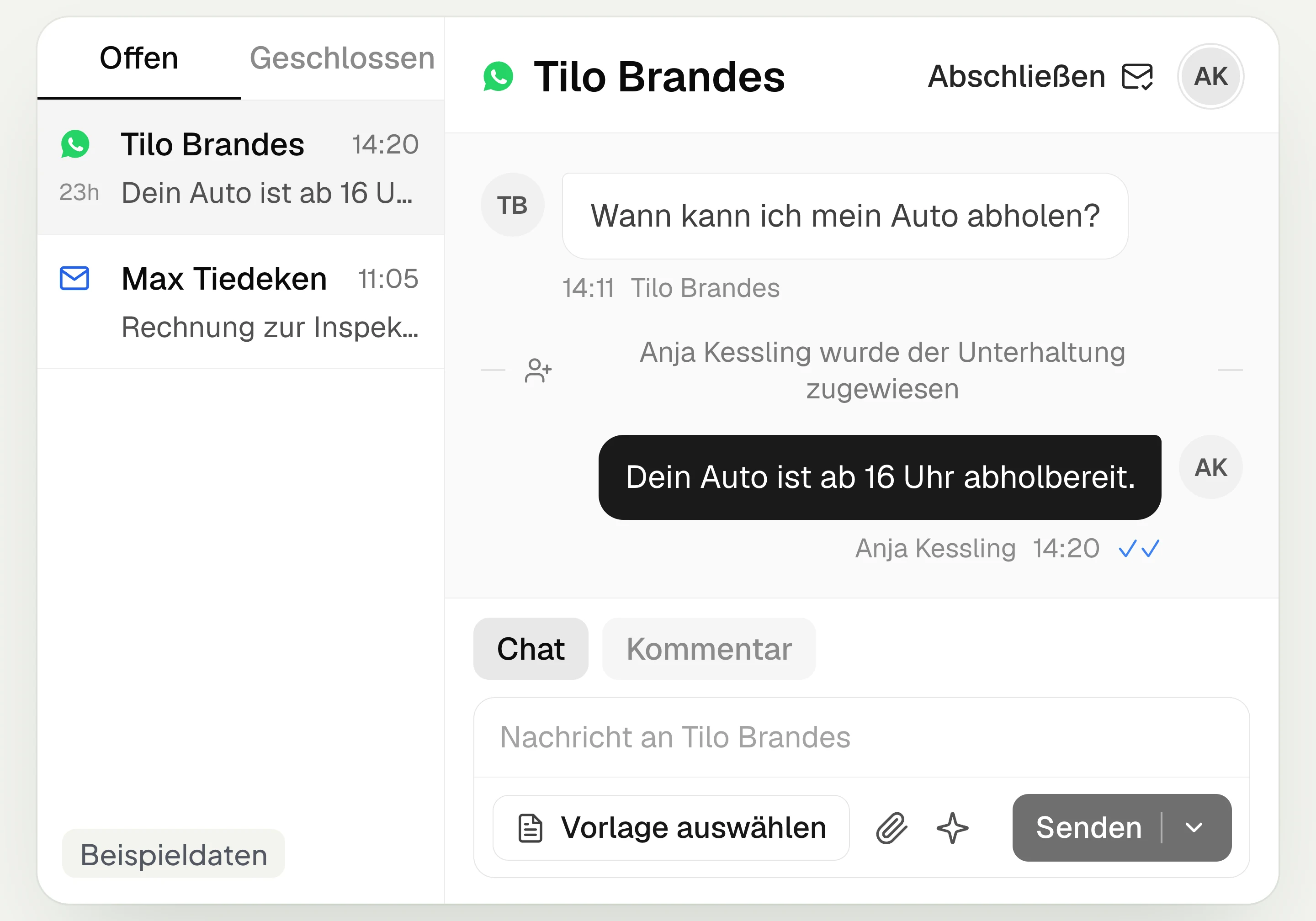
Central Inbox
hellomateo brings together WhatsApp, email, Instagram and Facebook Messenger in one inbox. Multiple staff members write via the same WhatsApp number and assign conversations.
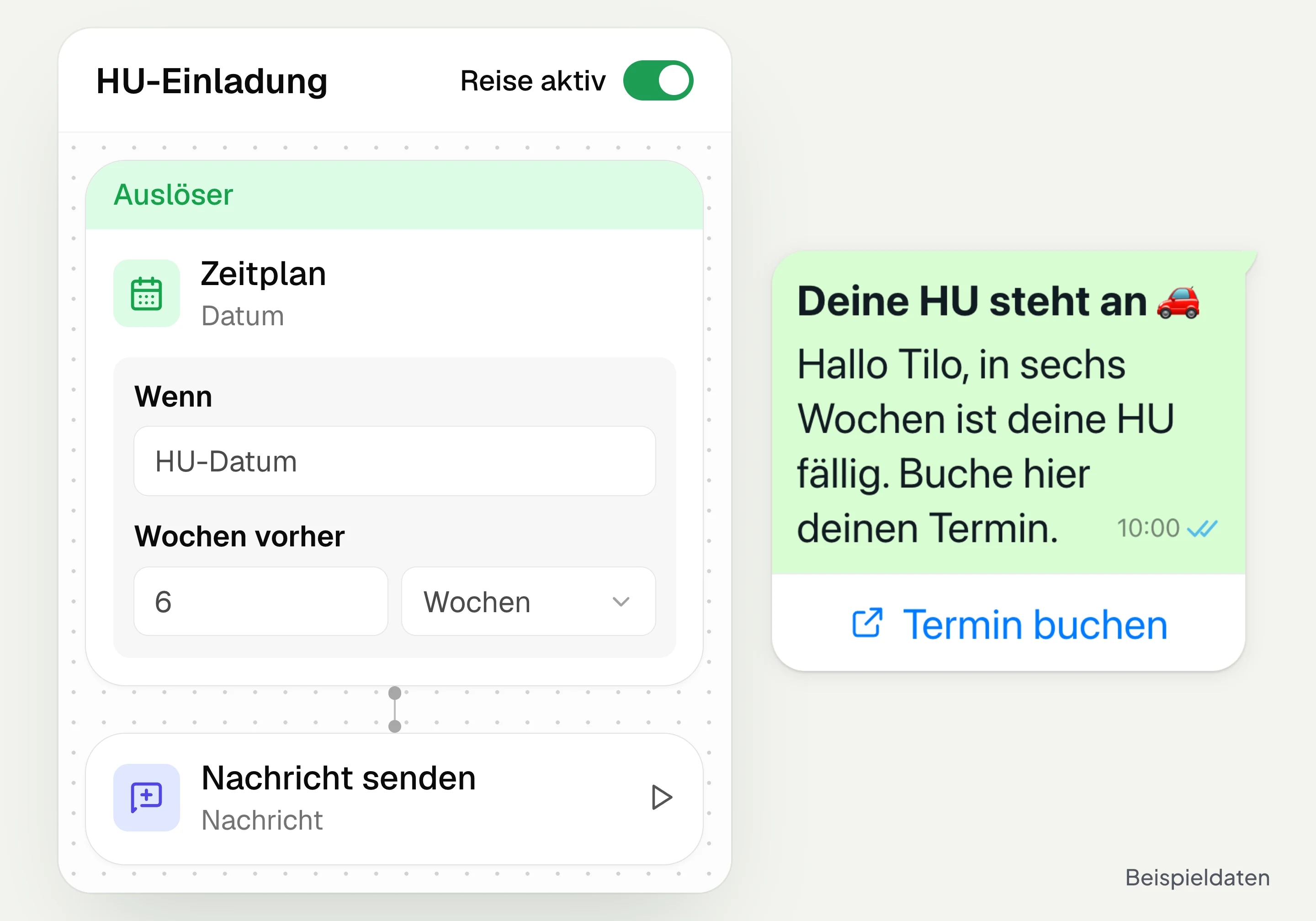
Automated customer journeys
Customer journeys in hellomateo send invitations automatically based on a date or event. You set the message and follow-up steps and check the progress per contact. Business and above.
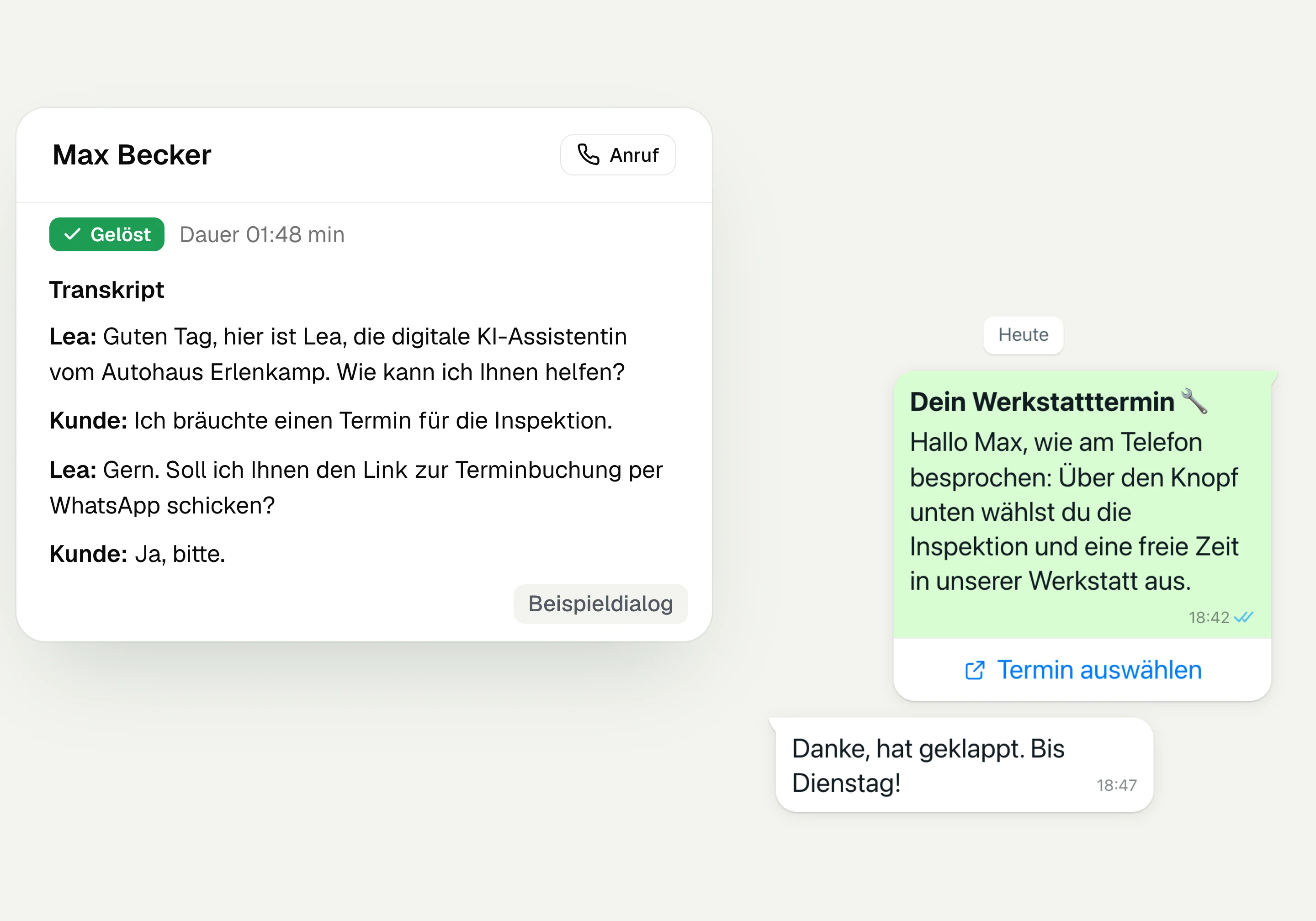
AI Telephony
hellomateo AI telephony takes calls, answers questions and sends the booking link via WhatsApp after consent. From €80 per month with 500 free minutes; additional minutes are charged on top.
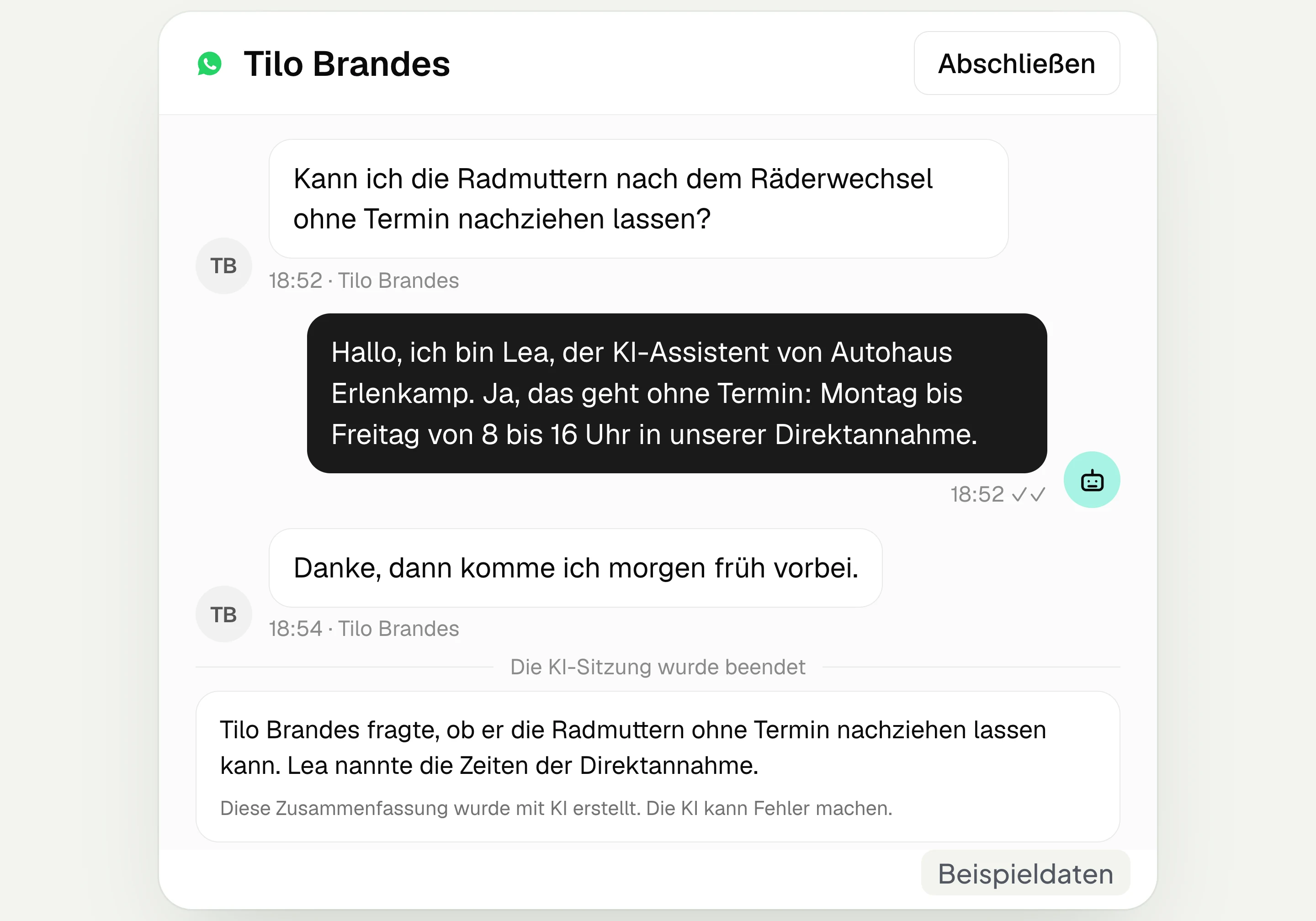
AI assistant in chat
The hellomateo AI assistant answers questions in WhatsApp, Instagram and Facebook Messenger with your knowledge. Can be added, selectable in Business Plus, included in Enterprise.

Appointment booking
With hellomateo, customers book appointments themselves on your booking page. You set services and calendars. Add-on module: €25 per month, regardless of the number of locations.
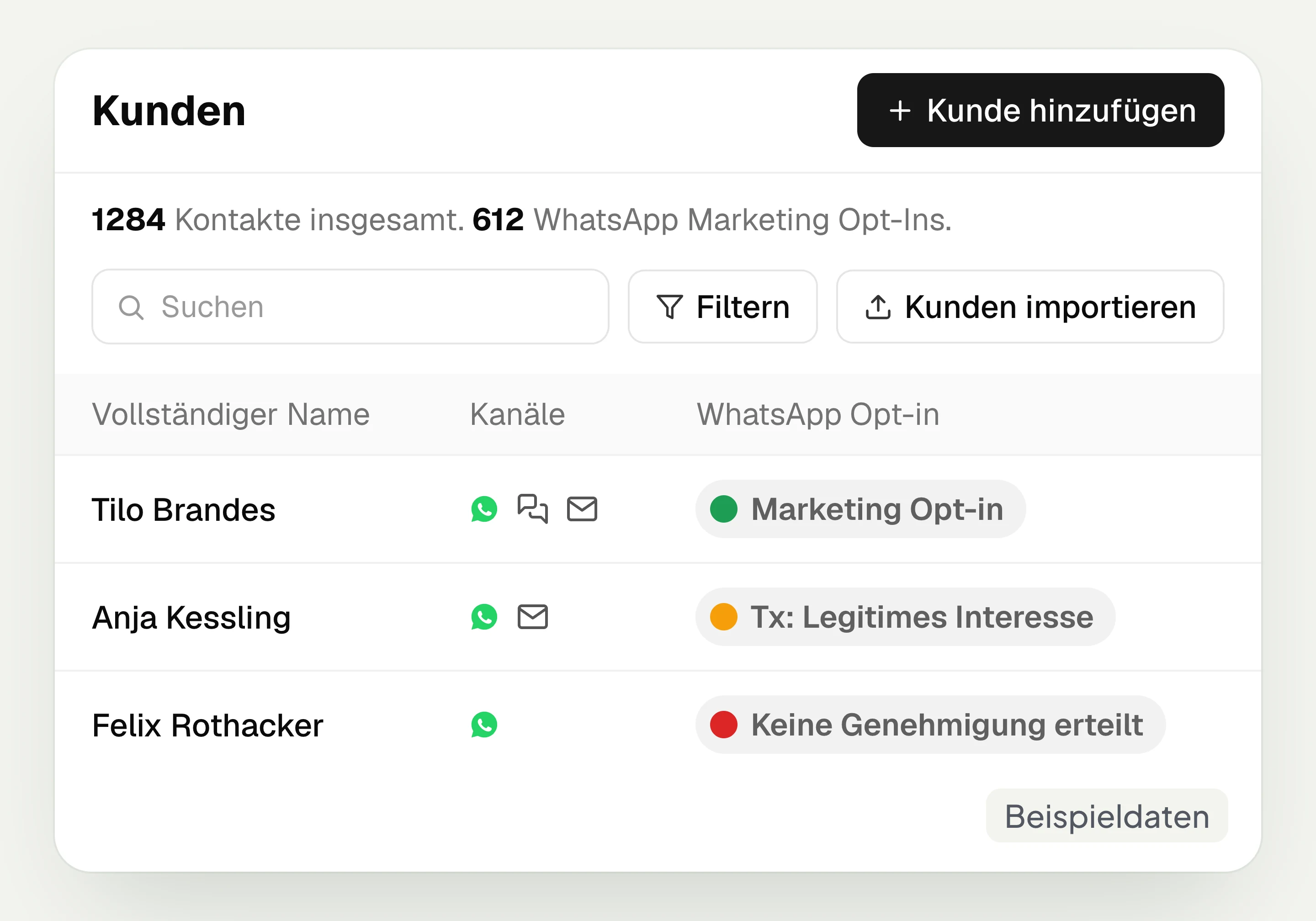
Customer and contact management
hellomateo connects contact data, conversations and consent per channel. You read notes on the contact and build recipient lists with your own filter rules.
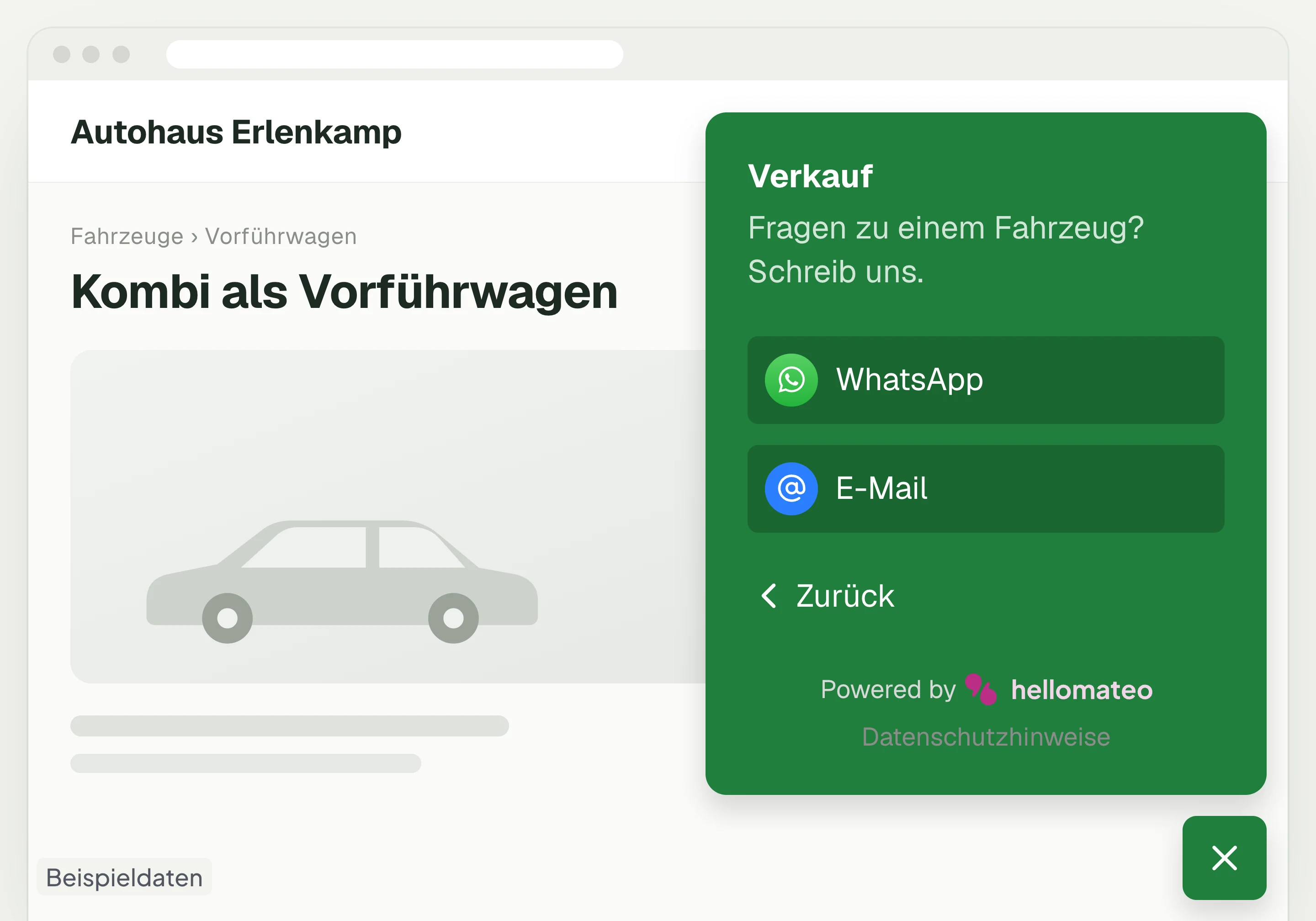
Contact through your website
A hellomateo button on your website takes visitors to WhatsApp and other channels. For connected channels, your team replies in the Central Inbox.
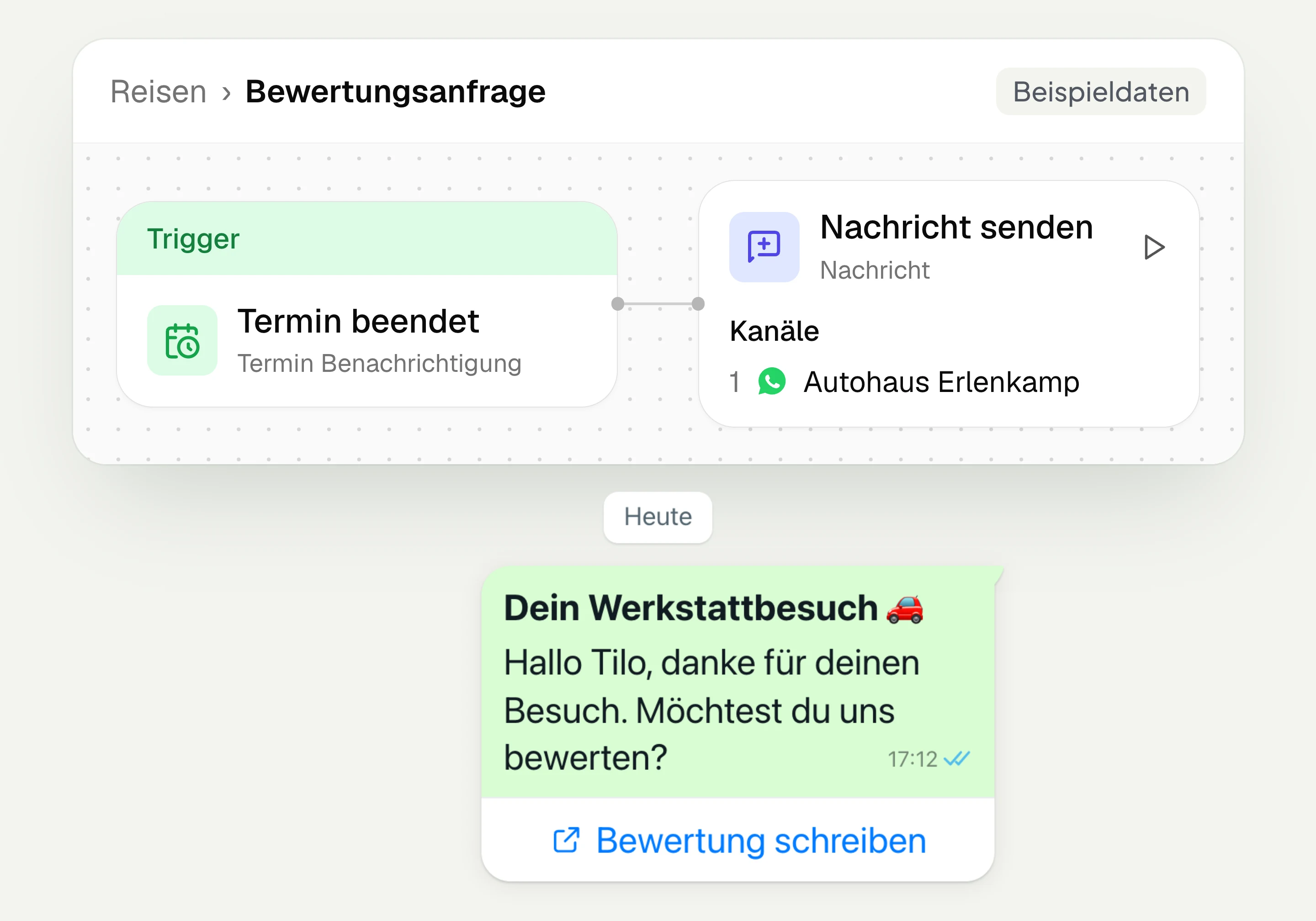
Review management
With hellomateo you request Google reviews, read reviews and reply to them. In the Business package and above, customer journeys send the review request automatically.
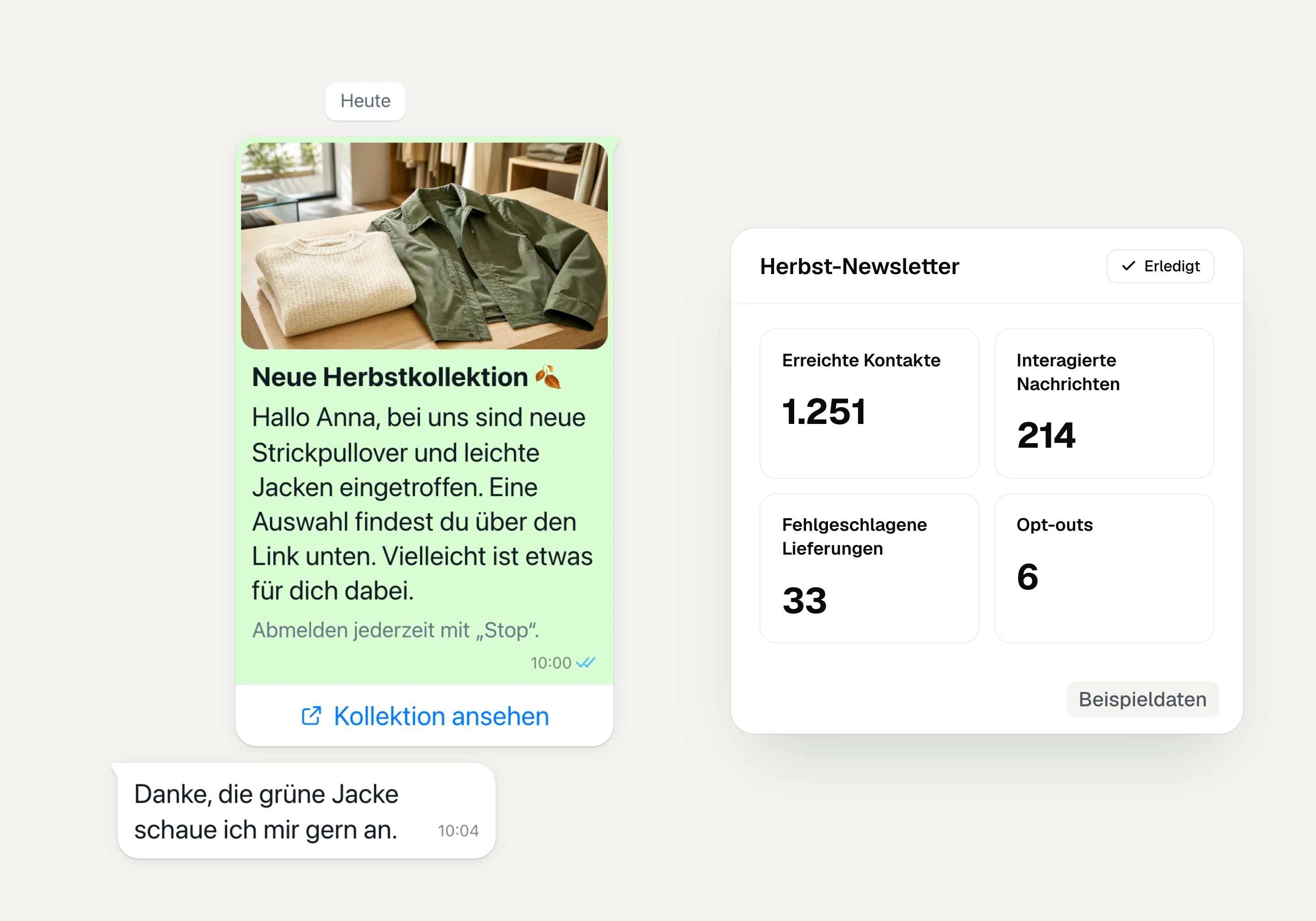
WhatsApp newsletter
With hellomateo you send WhatsApp newsletters to customers who have given consent. You choose recipients, schedule the send and see per recipient whether the message was read.
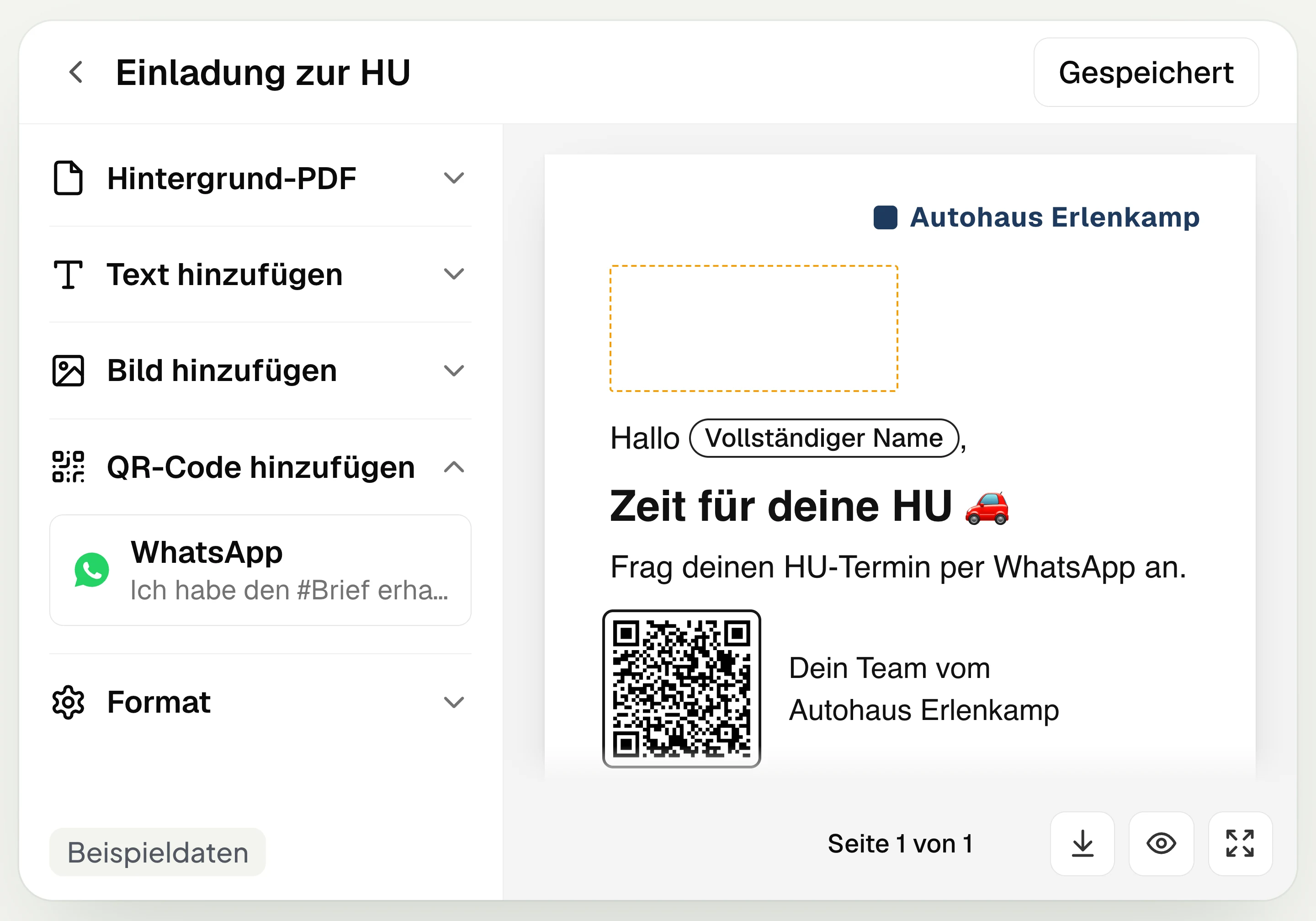
Postal mailing
With hellomateo you design and send letters with a WhatsApp QR code. Can be added in Business, selectable in Business Plus, included in Enterprise.
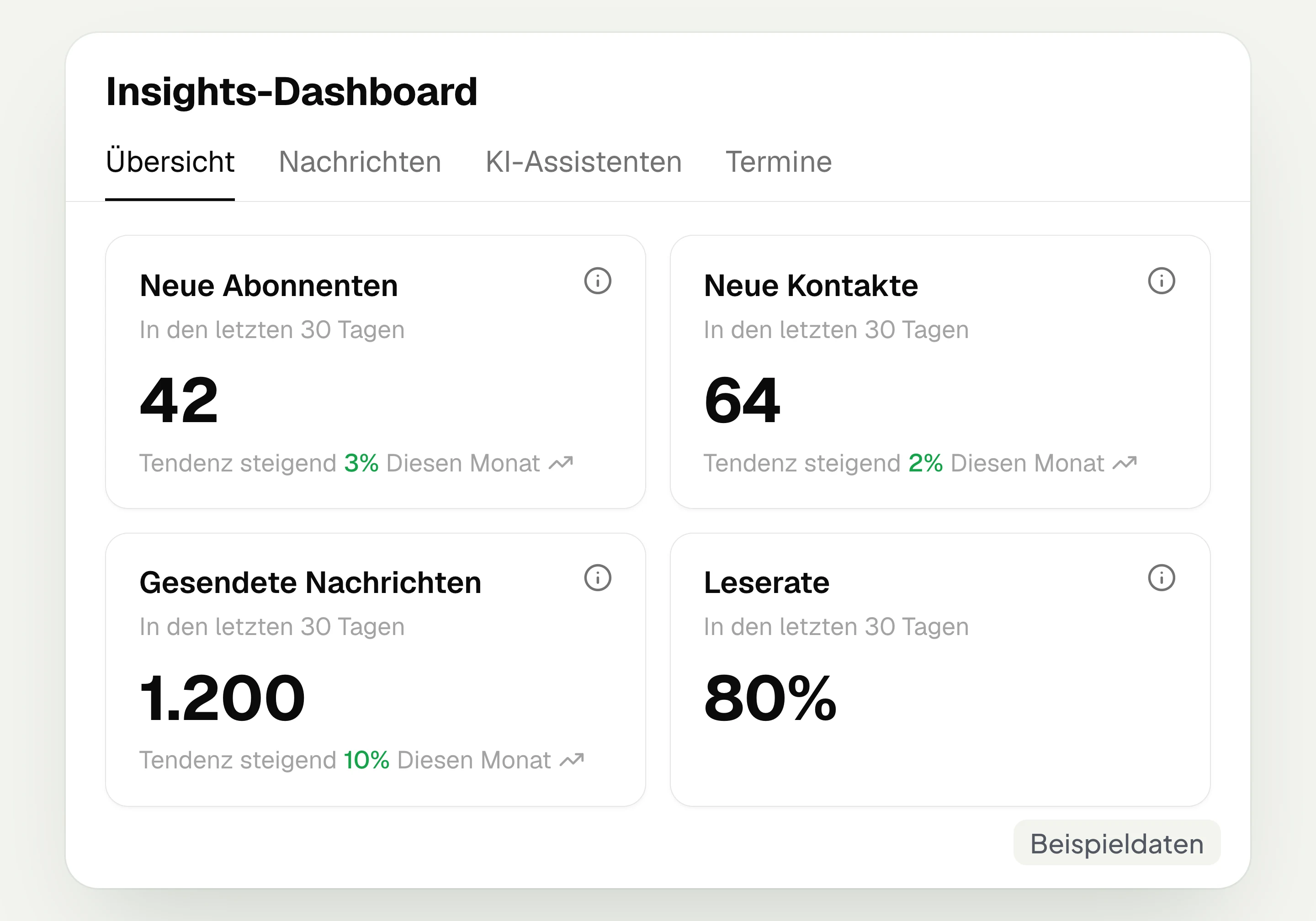
Insights
hellomateo Insights shows messages, read rate, contacts and reviews. With the respective modules, analytics on AI inquiries and appointments are added.
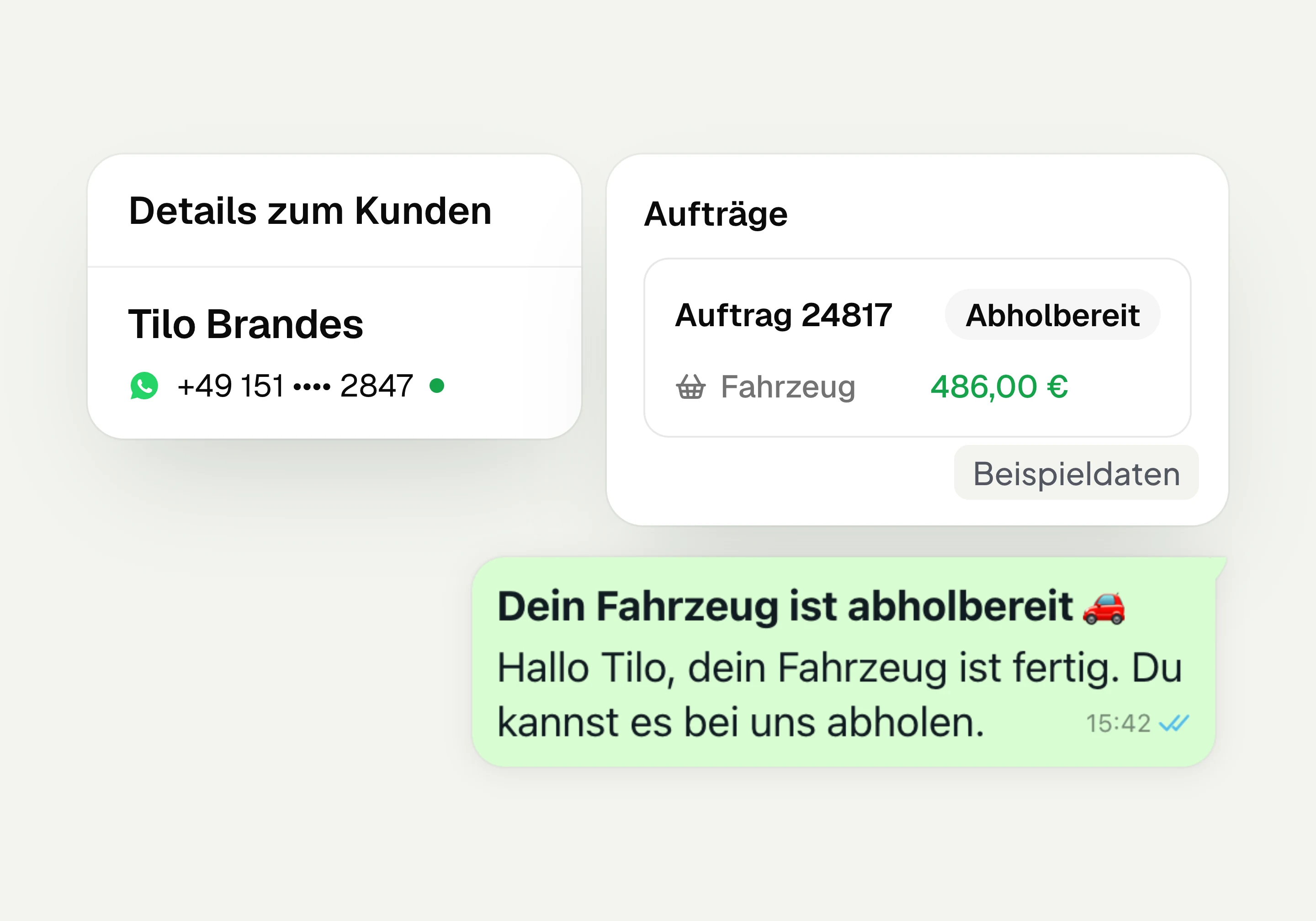
Integrations
Depending on the connection, hellomateo transfers contacts, orders and appointments from your industry software. More than 70 direct integrations are available in Business and above.
Frequently asked questions about analytics with hellomateo




Book a non-binding consultation
We would be happy to show you hellomateo in a personal demo.
Or send us an email:
What is hellomateo Insights?
Where do I see who read or clicked my campaign?
Can I measure revenue with hellomateo?
What figures do I see on messages and channels?
What do “read” and the read rate mean?
Do I see how many inquiries the AI resolved itself?
How do I analyze my booked appointments?
Which periods and filters can I select?
Can I analyze messages per location?
Is Insights included in my package?
Which reviews do I see in Insights?
Can I take a look at hellomateo in advance?
How does hellomateo handle my customer data?