Using WhatsApp Click-to-Chat — Here's How [March 2025]
Veröffentlicht am
03.03.2025
Arrange a non-binding consultation now
Im unverbindlichen Gespräch zeigen wir Ihnen, wie Sie Kunden per WhatsApp zu Terminen einladen und Anfragen gemeinsam im Team beantworten. Zusammen schauen wir, welche Abläufe sich in Ihrem Betrieb sinnvoll automatisieren lassen.

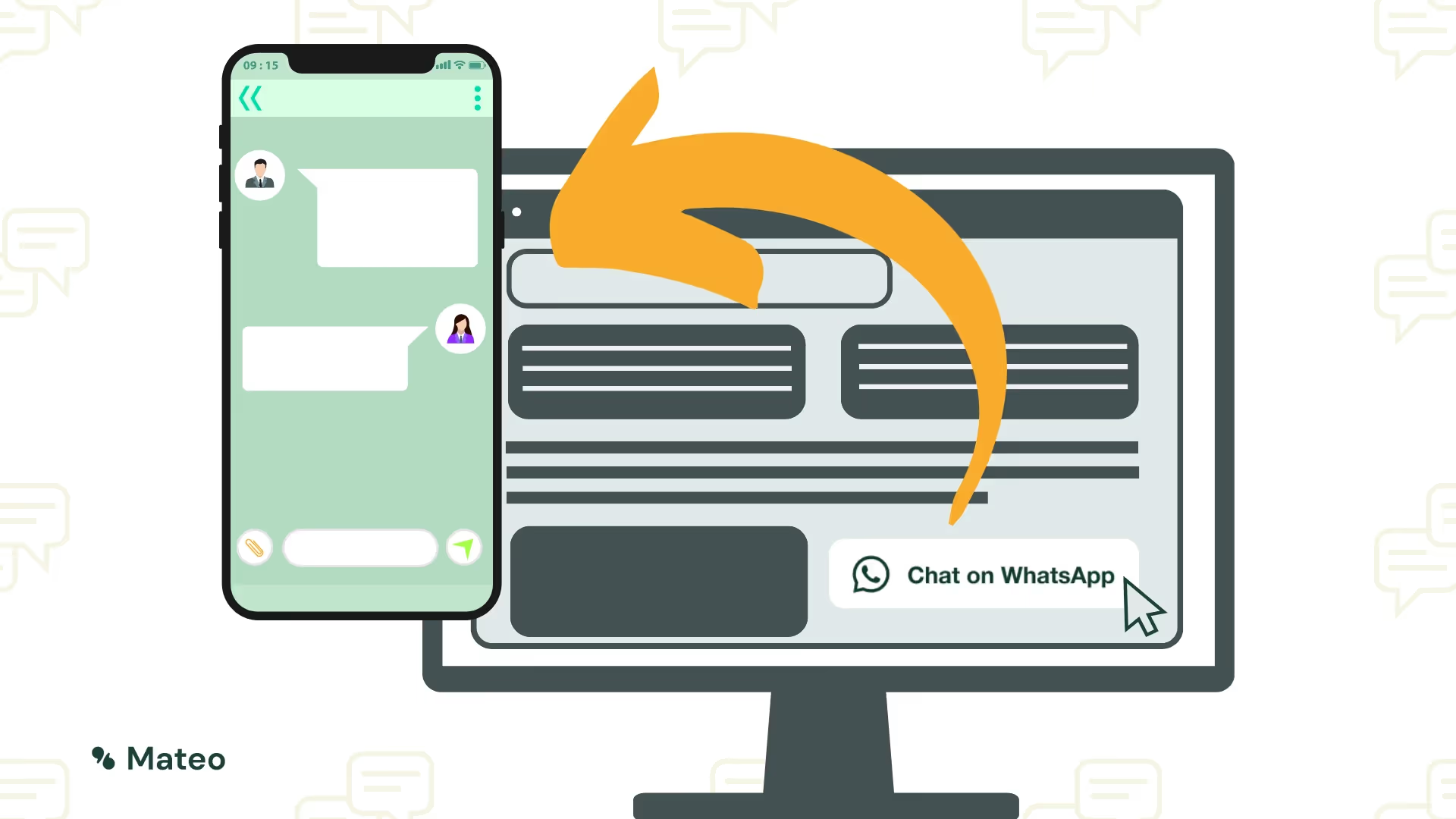
Summary: This is the most important information about WhatsApp click-to-chat for companies
https://wa.me/ attach. In addition, a pre-written message be integrated to make it easier for customers to contact them. example: https://wa.me/493030807311?text=Ich%20m%C3%B6chte%20mehr%20erfahren%20%23mateodemo
- On the website or in the online shop as a contact option
- In Email signatures or social media profiles
- Auf printed promotional materials such as business cards or brochures
What is WhatsApp click-to-chat?
WhatsApp, with over two billion users worldwide, has not only established itself as a platform for private communication, but also as effective tool for companies. One of these business-oriented features is “Click-to-chat” — also known as “Click-to-WhatsApp” or wa.me link. WhatsApp click-to-chat allows users with just one click to start a conversation via WhatsApp. Instead of conventional way Interested parties can go and save a phone number through this function Instant dialogue start. This reduces the Obstacle for potential customers and enables a smooth communication.
Another advantage is the flexibility this feature. The WhatsApp click-to-chat link can be found on websites, in email signatures or in social media be integrated — or as QR code in local stores. This allows companies to Strengthen your presence and their Extend reach.
Instructions: Set up WhatsApp click-to-chat
The WhatsApp click-to-chat feature is not only extremely convenient but also easy to set up. Creating such a link can be completed in just three easy steps. The link is also known as a WA.me link. Here is a detailed overview of how you can do this:
- Using the official “wa.me” URL template:
- Each “click-to-WhatsApp” link starts with the base URL template https://wa.me/. This template was officially provided by WhatsApp to ensure a consistent and reliable connection with the platform.
- Insert WhatsApp (business) phone number:
- The desired URL is sent directly to this base URL Phone number attached. It is important to note that this phone number must not contain special characters such as brackets, spaces, or plus signs. The leading zeros in the area code must also be omitted
- Example with the German country code (+49) and the number 030 30807311: https://wa.me/493030807311
- Add a message template (optional):
- For companies, it can be helpful to link the link with a vordefinierten Nachricht zu versehen, die den Nutzern beim Klicken auf den Link angezeigt wird. Dies kann beispielsweise eine Begrüßungsnachricht oder eine spezifische Anfrage sein. Die Nachricht wird einfach an die URL angehängt, wobei Leerzeichen und Sonderzeichen entsprechend kodiert werden müssen. Sogar das Opt-In für einen WhatsApp Newsletter kann damit simpel umgesetzt werden
- Beispiel für den Text “Ich möchte mehr erfahren #mateodemo”:
- https://wa.me/493030807311?text=Ich%20m%C3%B6chte%20mehr%20erfahren%20%23mateodemo
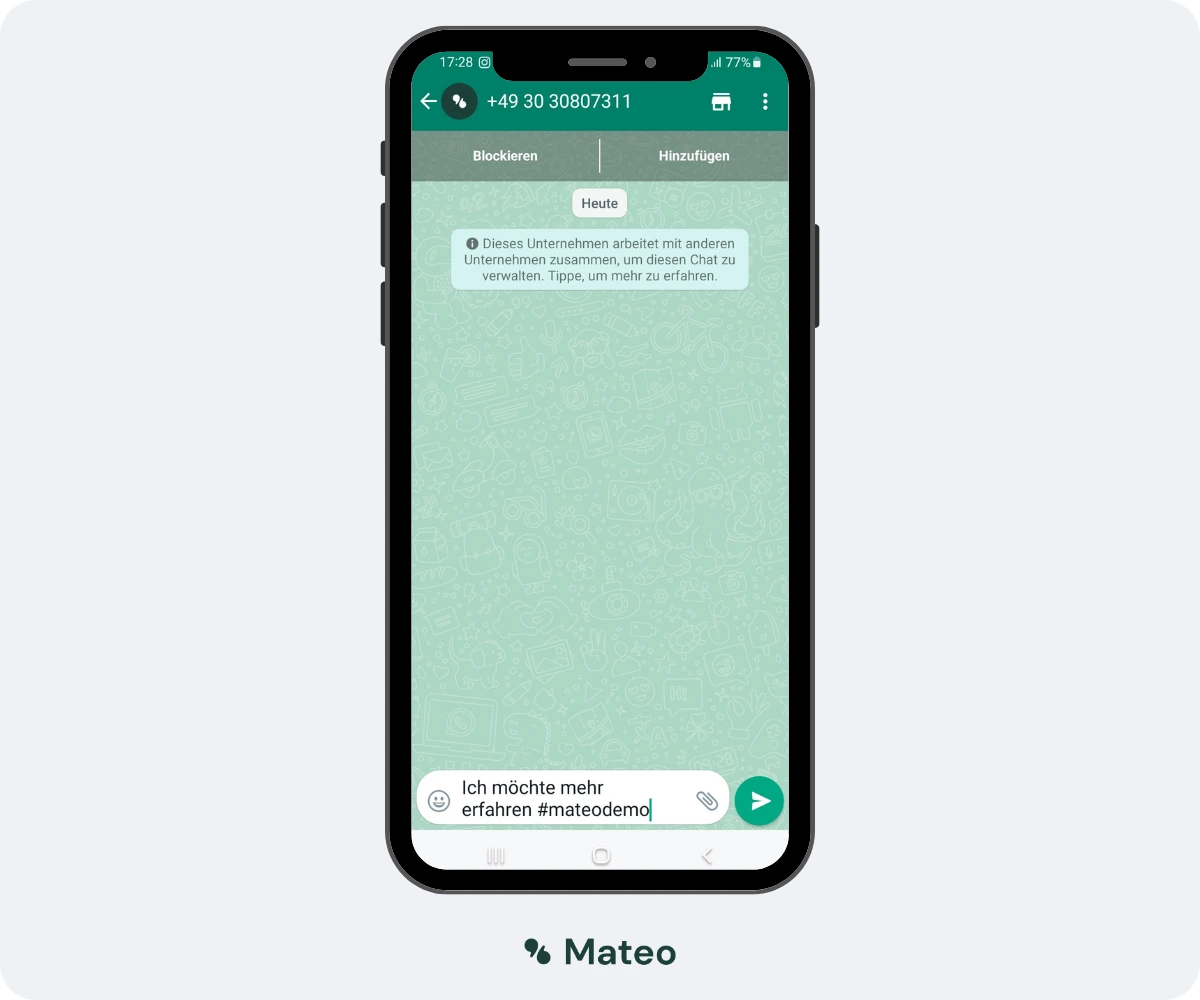
Durch die Verwendung dieser Schritte können Unternehmen sicherstellen, dass sie einen korrekten und funktionierenden Link erstellen, der ihre Kunden oder Interessenten direkt zu einem WhatsApp-Chat führt.
Click-to-Chat Link und QR-Code mit unserem praktischen online Tool erstellen
Sie können Ihren persönlichen wa.me Link und den dazugehörigen QR-Code ganz einfach mit dem kostenlosen Generator von hellomateo erstellen:
- Rufen Sie die URLour guide to WhatsApp QR codes auf
- Geben Sie Ihre WhatsApp (Business) Nummer in die entsprechende Zeile ein
- Optional können Sie eine Nachrichtenvorlage hinzufügen
- Klicken Sie auf „Create QR-Code“
- Kopieren Sie den wa.me-Link oder den QR-Code (rechtsklick auf den QR Code → Bild kopieren)
- Fertig! Den WhatsApp Click-to-Chat Link bzw. den QR Code können Sie nun an beliebig vielen Stellen auf Ihrer Webseite einbinden
- Bei Bedarf können Sie den Prozess mit weiteren Nachrichtenvorlagen wiederholen und den Link an den passenden Stellen auf Ihrer Webseite einfügen.
Wofür können Unternehmen Click-to-WhatsApp nutzen?
WhatsApp ist mehr als nur ein Tool für private Chats; es hat sich inzwischen zu einem mächtigen Instrument für geschäftliche Kommunikation entwickelt. Die Click-to-Chat Funktion eröffnet eine Fülle von Möglichkeiten, wie Unternehmen ihre Kommunikation und Marketingstrategien optimieren können. Hier sind einige der prominentesten Anwendungsfälle:
- Leadgenerierung: Ein einfacher Klick und potenzielle Kunden befinden sich in einem direkten Chat mit dem Unternehmen. Indem Unternehmen den Click-to-Chat-Link auf ihrer Webseite, in Newslettern oder auf ihren Social-Media-Profilen einbinden, können sie Interessenten unmittelbar ansprechen und sie von ihren Angeboten überzeugen.
- Newsletter Opt-in: Der herkömmliche Weg, einen Newsletter zu abonnieren, kann umständlich sein. Durch die Click-to-Chat-Funktion können Unternehmen einen eindeutigen Opt-in für WhatsApp-Newsletter oder andere Messenger-Kampagnen anbieten, was den Prozess sowohl für das Unternehmen als auch für den Kunden vereinfacht. Wie das aussehen kann, finden Sie mit einem Klick auf folgenden Link heraus:
https://wa.me/493030807311?text=Ich%20m%C3%B6chte%20mehr%20erfahren%20%23mateodemo
Einfach die vorausgefüllte Nachricht absenden, Opt-In bestätigen und schon erhalten Sie den hellomateo Newsletter!

- Kundenservice: Nutzen Sie WhatsApp für Ihren Kundenservice. Ein Klick auf Ihren WhatsApp Click-to-Chat Link ist für Kunden der einfachste Weg, den Kundenservice zu kontaktieren. WhatsApp hat im Kundenservice entscheidende Vorteile: Die Antwortzeiten sind sehr kurz und die Nutzeratmosphäre ist sehr persönlich. Dadurch können Probleme schnell gelöst werden und die Kundenzufriedenheit und -bindung wird erhöht. Durch Nachrichtenvorlagen und Textbausteine kann Ihre Serviceabteilung eingehende Anfragen hocheffizient beantworten.
- Chatbots: Unternehmen können einen automatisierten WhatsApp-Chatbot nutzen, um häufig gestellte Fragen zu beantworten. Ein bestimmtes Triggerwort im wa.me-Link könnte den Bot aktivieren. Es ist jedoch wichtig, dass der Chatbot bei Komplikationen oder Missverständnissen die Möglichkeit bietet, den Chat an einen echten Mitarbeiter weiterzuleiten. Diese Funktion ist nur mit der WhatsApp Business API nutzbar.
Jeder dieser Anwendungsfälle unterstreicht, wie die Click-to-Chat-Funktion von WhatsApp Unternehmen dabei helfen kann, ihre Kommunikation zu verbessern, Leads zu generieren und ihre Marketingstrategien zu optimieren.
So geht die Kundenkommunikation noch professioneller: Mit einem WhatsApp Web-Widget
Bei einem Web-Widget können Sie sowohl etliche andere Kommunikationskanäle wie Instagram, Facebook, E-Mail und SMS anbinden als auch das Erscheinungsbild Ihres Web-Widgets individuell gestalten. Damit sind die Anpassungsmöglichkeiten deutlich vielfältiger als bei WhatsApp Buttons über Webseitenbaukästen. Mit dem Web-Widget liegt die Entscheidungsfreiheit des präferierten Kommunikationskanals bei Ihren Kunden. Ein weiterer, enorm wichtiger Vorteil: Die Kommunikation über die Web-Widget Funktion von hellomateo läuft über die WhatsApp API Schnittstelle und ist damit im Gegensatz zu der normalen WhatsApp Business Version zu 100% DSGVO-konform.
Alle Nachrichten landen, unabhängig von Kanal, in dem zentralen Posteingang. Ihr gesamtes Team kann auf diese Nachrichten antworten, diese strukturieren und Kommentare sowie Notizen hinzufügen.
Probieren Sie gerne das Web-Widget auf unserer Webseite aus. Sie finden es unten rechts (Cookies müssen akzeptiert werden, damit das Widget sichtbar wird).
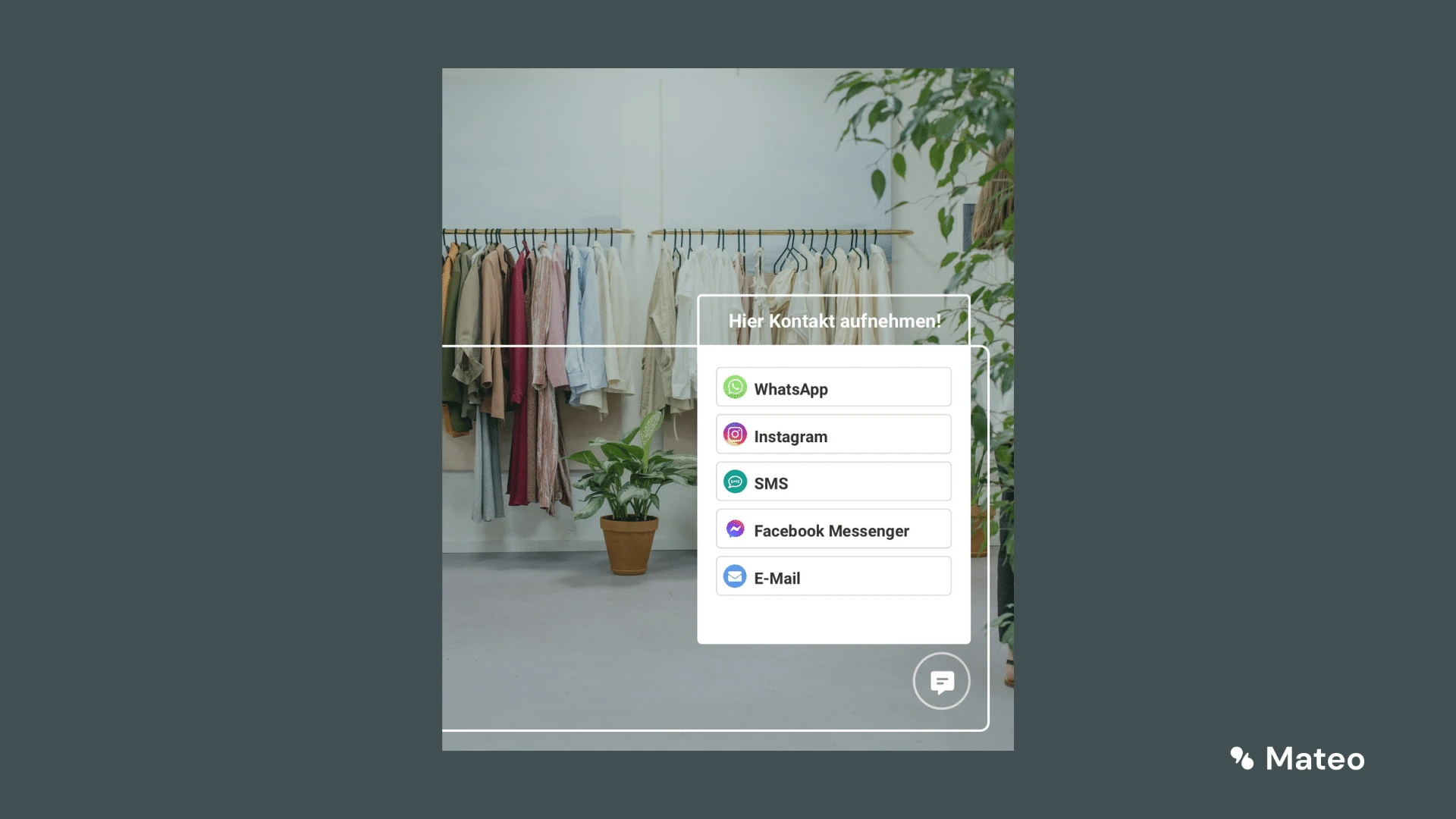
Vereinbaren Sie gerne einen kostenlosen Beratungstermin, um alle Details zu erfahren.
Weitere Vorteile von hellomateo und der WhatsApp Business Platform
Wir von hellomateo sind Ihre Messaging-Experten, wenn es um die Kundenkommunikation und das passende Marketing geht. Hunderte Unternehmen nutzen bereits hellomateo und zeigen sich begeistert. Unsere Kunden wissen folgende Vorteile besonders zu schätzen:
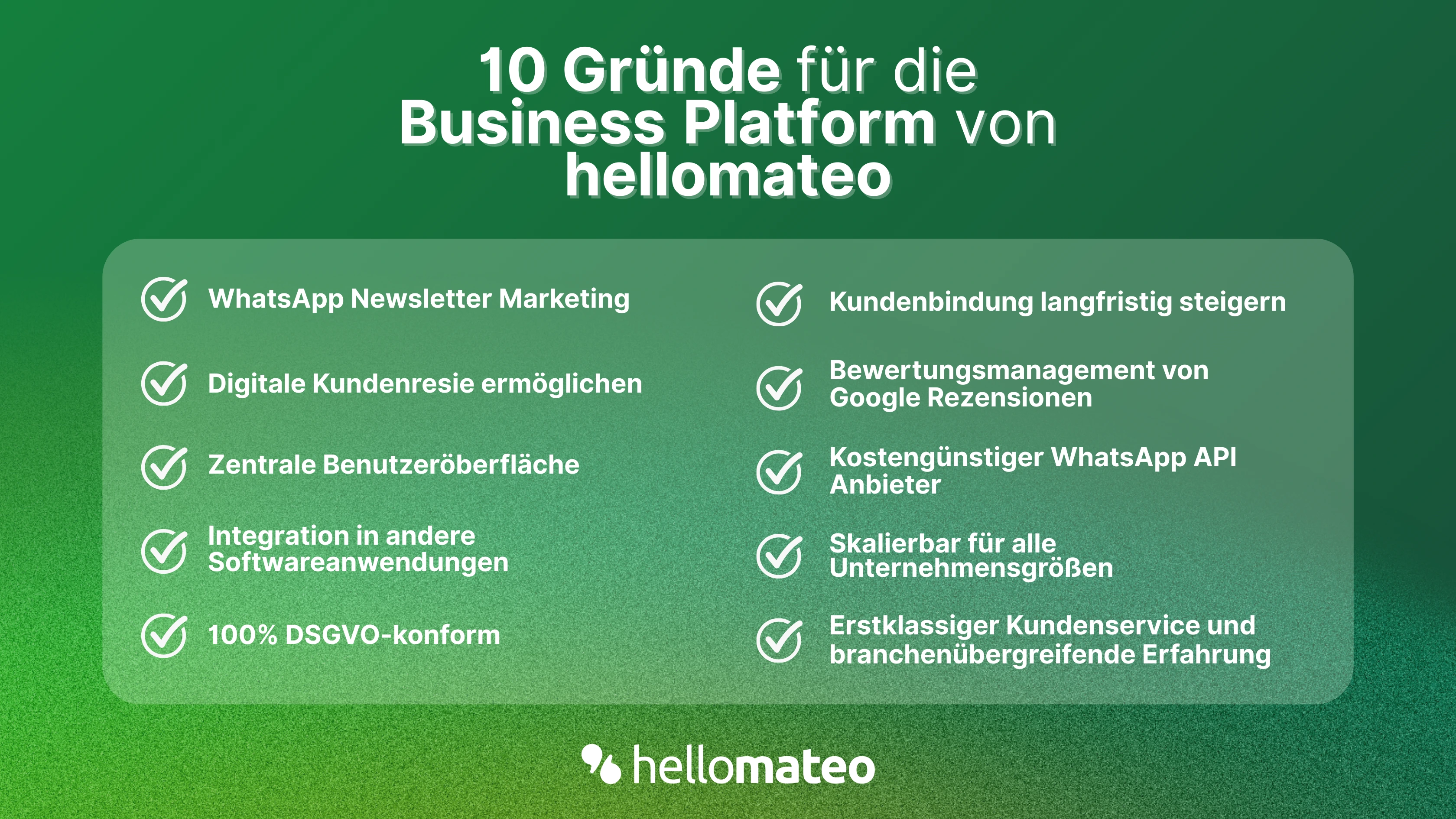
- Zentrale Benutzeroberfläche: hellomateo vereint WhatsApp Business Platform, E-Mail, Instagram, SMS und Facebook Messenger in einem zentralen Posteingang. Die intuitive Benutzeroberfläche beinhaltet diverse Tools für efficient customer communication and saves you valuable working time.
- integrations: With hellomateo, you can use WhatsApp in integrate over 6,000 software programs and fully automated Customer trips create with invitations, order confirmations, shipping information, invoices, and reminders.
- Newsletter marketing: Send GDPR-compliant Newsletter via WhatsApp or SMS and benefit from opening rates of over 90%.
- Assessment management: hellomateo can Automatically request online reviews from your customers, which boosts your Google ranking and trust in your company.
- Data protection: hellomateo meets all German and European Data protection requirements and offers end-to-end encryption for secure customer communication.
- scalability: Our software is suitable for Businesses of all sizes and can be extended indefinitely depending on the package.
- Diverse AI features: Our AI agent can automatically answer customer inquiries in chat, answer calls, help with the formulation of messages and much more.
Arrange a non-binding and free consultation and we'll show you how hellomateo covers your communication needs! Simply book an appointment here or write to us via our web widget.