WhatsApp Marketing Tip: How to Create a WhatsApp QR Code [July 2024]
05.07.2024
Arrange a non-binding consultation now
In a non-binding conversation, we'll show you how to use messenger communication in compliance with GDPR, automate processes and achieve measurably more revenue and efficiency with WhatsApp. Clear, practical and tailored to your company.


What is a WhatsApp QR code?
A WhatsApp web QR code makes it easy to contact us via WhatsApp via a smartphone. As with any other QR code, your Customers scan the WhatsApp QR code with their smartphone camera, and are then redirected to the WhatsApp app (if installed on the device). Dort unlocks It is completely automatic Chat with your company. If stored in the QR code, there is a direct text input field pre-written message stored, which your customers can then send.

What can companies use WhatsApp QR codes for?
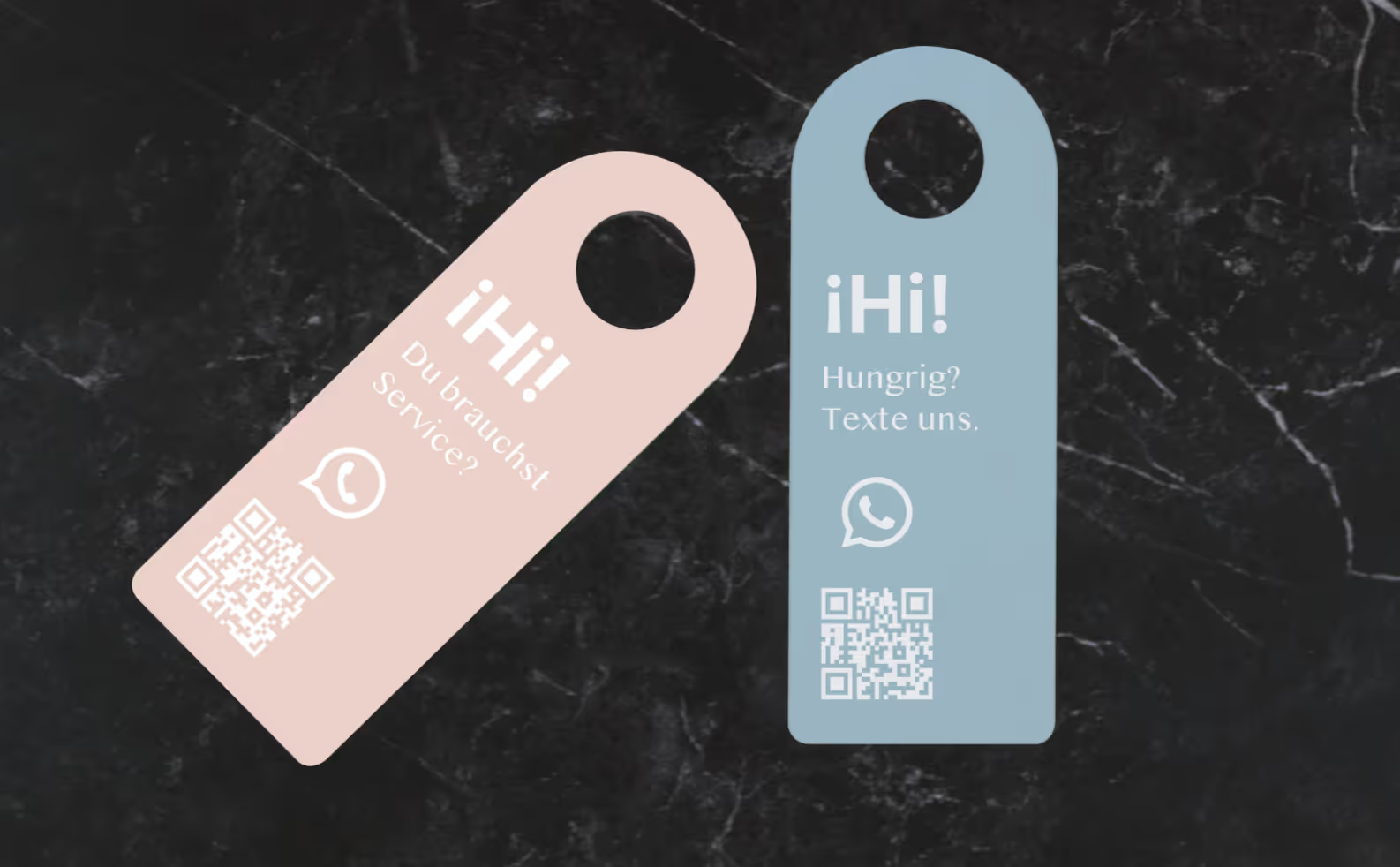
Die Application options For a WhatsApp QR code for easy contact, there are almost unlimited. This is how he can be used in all Integrate promotional materials, it is also ideal for print advertisements and creates a Combining analog and digital media. The QR code can be placed wherever customers might want to ask questions or seek contact with them. Good examples of using your WhatsApp web QR code would be:
- Printed on orders, delivery notes or invoices
- In print ads for easy contact
- Auf company flyers as a supplement to email and telephone
- On their company vehicles
But what is the point of contact with customers on WhatsApp anyway?
WhatsApp is the ideal platform for companies to communicate with customers. One obvious advantage is, of course, that you are on the channel preferred by your customers are present and available. Your customers will appreciate the quick and easy way to get in touch with us on WhatsApp and you can outstanding customer service offer and assist with all concerns.
The even bigger advantage, however, is that Marketing via WhatsApp: You can Use QR code to register (opt-ins) to your WhatsApp newsletter collect. The personal and informal user atmosphere is ideal for selling additional products and services to your customers. WhatsApp newsletters impress with opening rates well over 90% and conversion rates that are unachievable with email marketing. Read more about this in our article”Why WhatsApp newsletter? 7 reasons for marketing via WhatsApp“.
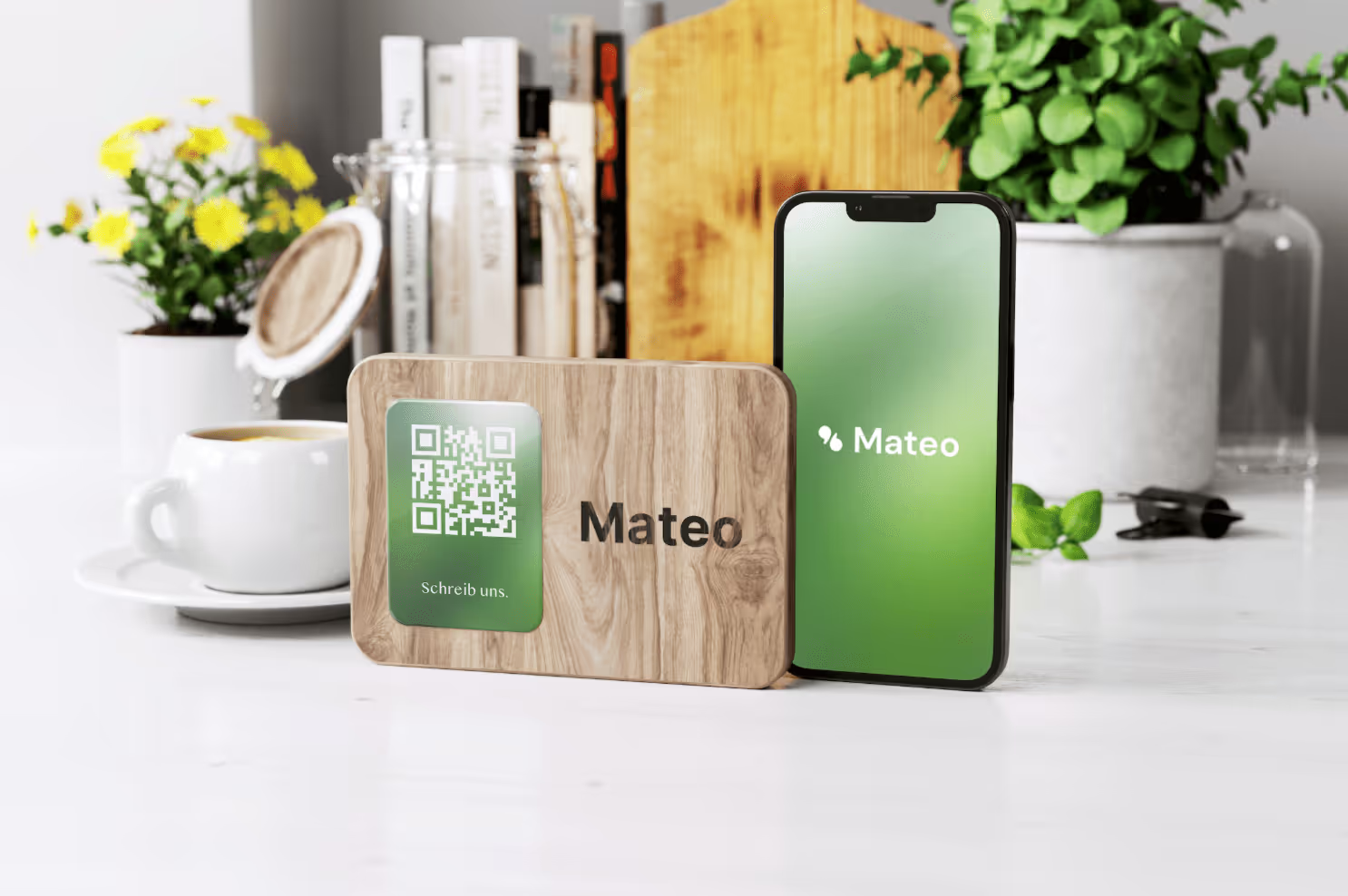
How do you create WhatsApp QR codes with a hellomateo account?
As a hellomateo user, creating a personal WhatsApp web QR code is very easy. To do this, log in to your hellomateo web app and use the gear icon at the top right to open the takes. Then select the Message channels tab under Communication on the left. Now navigate to your connected WhatsApp channel. About the “QR Code” button At the top right, open the integrated QR code editor. Now you can have another Set predefined text and choose whether you want your logo want to integrate QR code into the WhatsApp. About the button Download Save the generated WhatsApp QR code to your device.
Not a hellomateo user yet? It is best to arrange a free, non-binding Consultation appointment and learn more about the future of customer communication!
Simply a QR code free of charge with an online generator
Even as a non-HelloMateo user, you can create a WhatsApp QR code. And it's free of charge, simply in the browser without a user account. Use any QR code generator after you have followed the following steps to create a WhatsApp link:
- Using the official “wa.me” URL template:
- Every WhatsApp QR Code starts with the base URL template https://wa.me/. This template was officially provided by WhatsApp to ensure a consistent and reliable connection with the platform.
- Insert WhatsApp (business) phone number:
- The desired URL is sent directly to this base URL Phone number attached. It is important to note that this phone number must not contain special characters such as brackets, spaces, or plus signs. The leading zeros in the area code must also be omitted
- Example with the German country code (+49) and the number 030 30807311: https://wa.me/493030807311
- Add a message template (optional):
- For companies, it can be helpful to link the link with a predefined message that is displayed to users when they click on the link. This could be, for example, a welcome message or a specific request. The message is simply attached to the URL, with spaces and special characters having to be encoded accordingly. Even the opt-in for a WhatsApp newsletter Can therefore be easily implemented
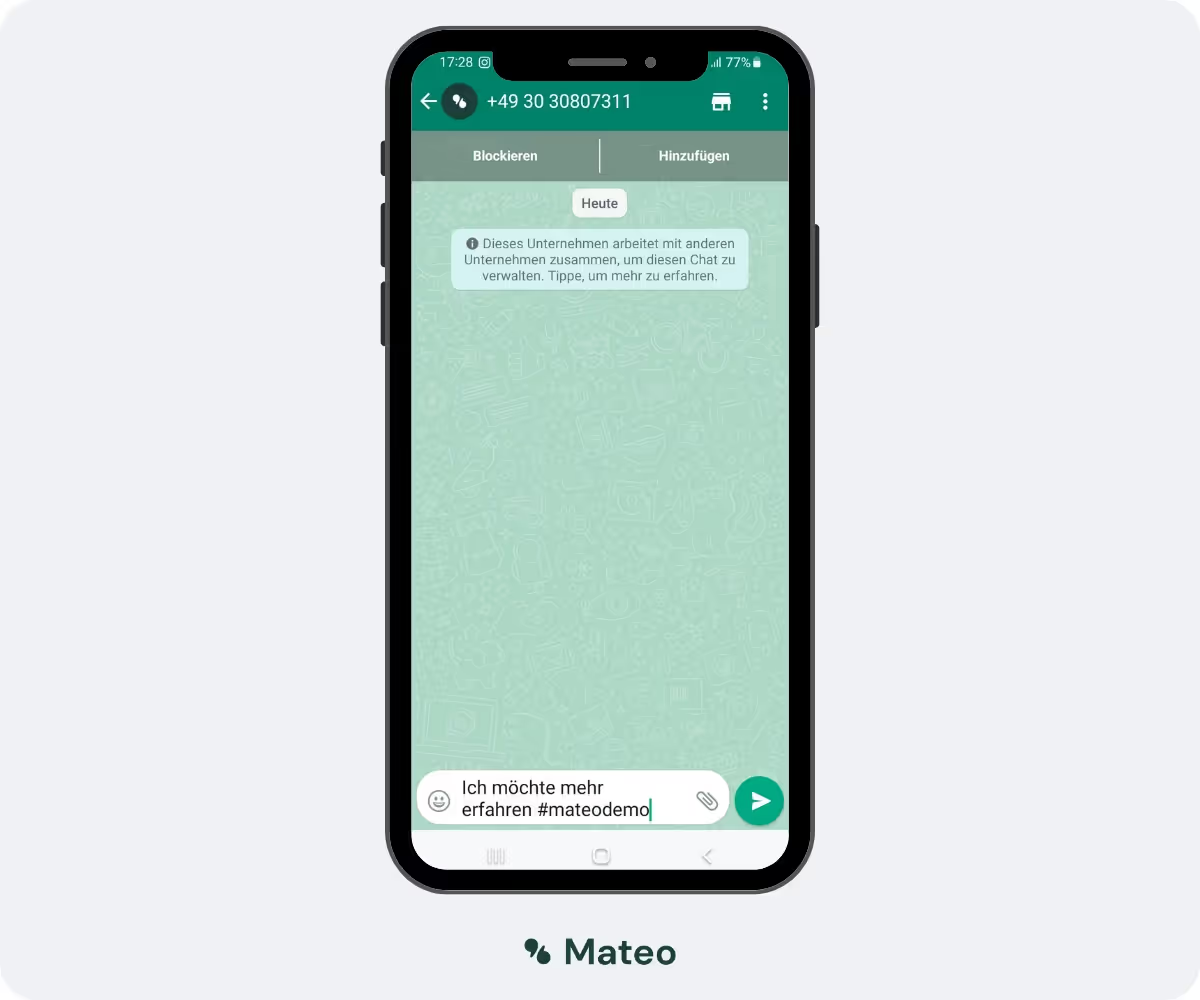
- instance for the text”I want to know more #mateodemo”:
- https://wa.me/493030807311?text=Ich%20m%C3%B6chte%20mehr%20erfahren%20%23mateodemo
Start the future of customer communication now with hellomateo
With the hellomateo communication platform, you simply send your newsletter via WhatsApp. With the central inbox, you can manage all news channels in one place and edit them as a team. 100% DSGVO compliant and made in Germany, of course! Intelligent customer segments help you deliver messages to the right customers at just the right time. And it's completely automated. Hellomateo also offers you other benefits:
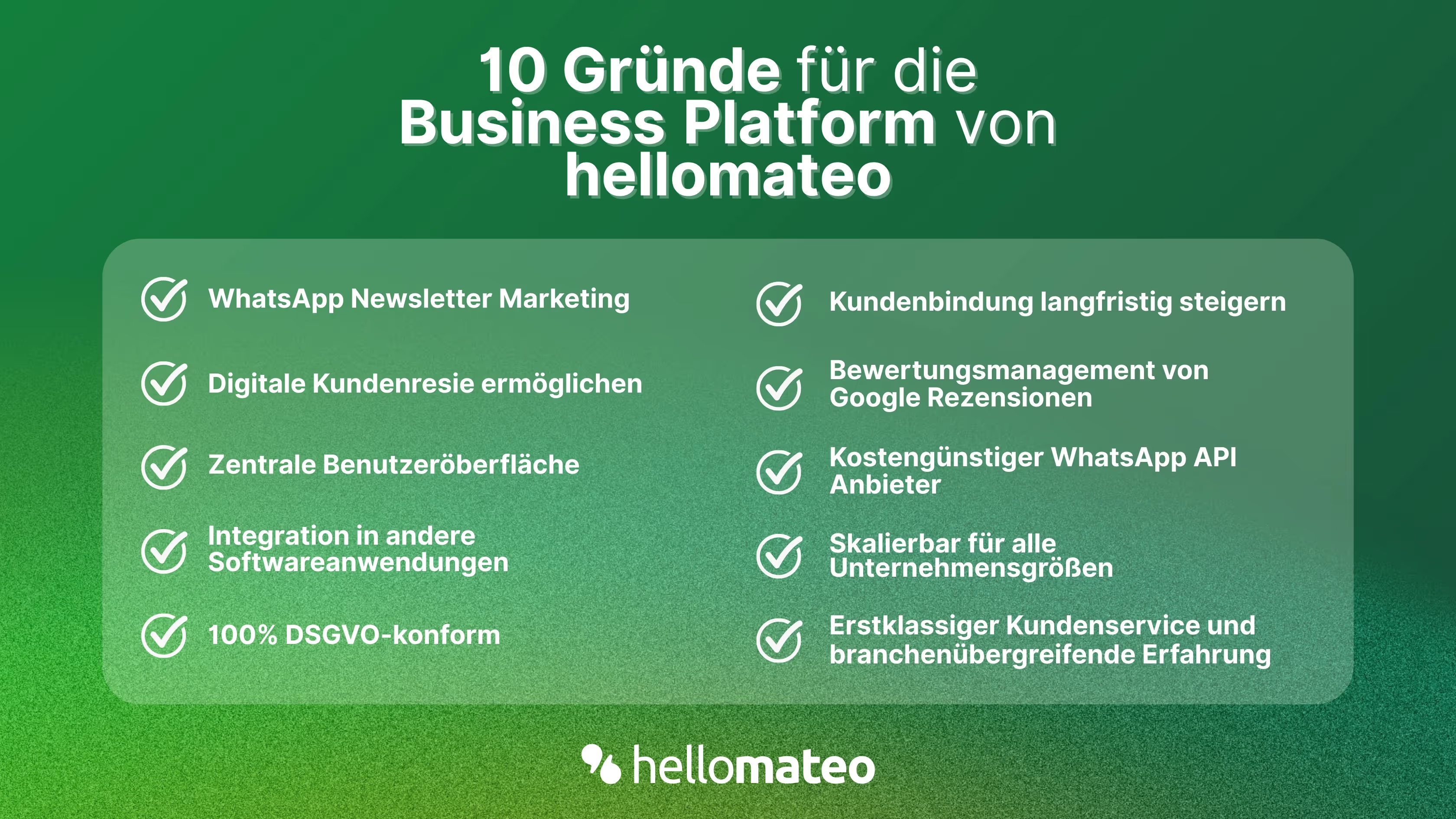
- Central user interface: hellomateo combines WhatsApp Business Platform, email, Instagram, SMS and Facebook Messenger in one central inbox. The intuitive user interface includes various tools for efficient customer communication and saves you valuable working time.
- integrations: With hellomateo, you can use WhatsApp in integrate over 6,000 software programs and fully automated Customer trips create with invitations, order confirmations, shipping information, invoices, and reminders.
- Newsletter marketing: Send GDPR-compliant Newsletter via WhatsApp or SMS and benefit from opening rates of over 95%.
- Assessment management: hellomateo can Automatically request online reviews from your customers, which boosts your Google ranking and trust in your company.
- Data protection: hellomateo meets all German and European Data protection requirements and offers end-to-end encryption for secure customer communication.
- scalability: Our software is suitable for Businesses of all sizes and can be extended indefinitely depending on the package.
- Diverse AI features: Our AI agent can automatically answer customer inquiries in chat, answer calls, help with the formulation of messages and much more.
Arrange a non-binding and free consultation and we'll show you how hellomateo covers your communication needs! Simply book an appointment here or write to us via our web widget.
About the author
Christian Strauch
Co-Founder and CEO
Christian Strauch is CEO and co-founder of hellomateo and is responsible for the strategic and operational management of the company. In his role, he is particularly responsible for sales, marketing and partners. Under his leadership, hellomateo has developed into a central tool for customer loyalty via WhatsApp, e-mail and letter for more than 2,000 companies.
More interesting articles
WhatsApp Business Data Processing Agreement— all information for companies
WhatsApp is an integral part of customer communication for many companies. High opening rates and quick responses make the channel attractive. But as soon as you use WhatsApp Business, you process personal data — and therefore there are clear GDPR requirements. In this article, you will find out what role the order processing contract plays and why it is indispensable for companies.
![Set up WhatsApp Business Auto Reply — Quick Guide [2025]](https://cdn.prod.website-files.com/68b19e5233a4641b9e2e4f95/692dd05228900f9fa9834bd4_whatsapp-automatische-antwort.avif)
Set up WhatsApp Business Auto Reply — Quick Guide [2025]
With automatic Reply messages Is there for them in the WhatsApp Business App provides a practical way to your customers in the digital chat channel automatically greet And in a flash one first reaction to show. Because day-to-day business is often stressful; you can't always respond personally to incoming messages and write back to the customer immediately.
But there are also many other reasons why it makes sense to use automatic reply messages when using the WhatsApp Business app. With this Quick guide Automatic answers are set up in a flash!

![Grüner Haken in WhatsApp – So bekommen Unternehmen die Verifizierung [Oktober 2025]](https://cdn.prod.website-files.com/68b19e5233a4641b9e2e4f95/692dcf56fb67605603b34297_gruener-haken.avif)
Grüner Haken in WhatsApp – So bekommen Unternehmen die Verifizierung [Oktober 2025]
WhatsApp hat eine neue Funktion eingeführt: Unternehmen können Ihr Konto verifizieren lassen und bei erfolgreicher Legitimation einen grünen Haken in dem WhatsApp Business Unternehmensprofil erhalten. Das sorgt für mehr Vertrauen bei Kaufinteressenten Ihres Unternehmens und steigert Ihre Umsätze! Zudem können Sie sich durch einen grünen Haken in WhatsApp Business von Ihren Wettbewerbern abheben. Doch wie funktioniert die Beantragung des beliebten Symbols? In diesem Beitrag zeigen wir es Ihnen!