Instructions: Add a WhatsApp button to contact you on Instagram
Veröffentlicht am
06.12.2022
Arrange a non-binding consultation now
Im unverbindlichen Gespräch zeigen wir Ihnen, wie Sie Kunden per WhatsApp zu Terminen einladen und Anfragen gemeinsam im Team beantworten. Zusammen schauen wir, welche Abläufe sich in Ihrem Betrieb sinnvoll automatisieren lassen.


The benefits of linking WhatsApp and Instagram
Due to the vast amounts of user data that Instagram's parent company Meta has collected about users over time, Instagram and Facebook Ads may be the best variant of target group-specific marketing. Through various settings, it is possible to address advertisements to a very selected group of users with a high level of buying interest. Influencer marketing campaigns also offer another way to drive high-quality traffic to your company's Instagram accounts. In order to convert this traffic into leads and ultimately happy customers, users should be offered an opportunity to contact the company quickly and easily. Since 87% of Germans use WhatsApp regularly (Source: 2022 Statista), is a link to your WhatsApp corporate account So an ideal addition to your Instagram profile.
Instructions: Set up a WhatsApp button on Instagram
Setting up the button is pretty simple. The only requirements are a professional Instagram account (business or creator account) and a WhatsApp business account (app or API). To complete the setup, the following steps must be followed:
1) Open the Instagram profile page and click “Edit Profile.”
2) Click “Contact Options”
3) In this section, you can enter your contact information, such as email, phone number, address, and more recently WhatsApp
4) Click on “WhatsApp”
5) Here, you must enter the number associated with WhatsApp Business, to which the verification code will then be sent
6) Enter the verification code on the Instagram profile
The new WhatsApp button should now appear, which allows all users who visit your Instagram profile to get in touch with your company with just one click.
Note: For only the WhatsApp button to appear, you must remove all other contact options (phone number and email).
Alternative ways to connect WhatsApp and Instagram
If the requirements for adding the WhatsApp button are not met, there are some useful alternatives that you can use to alert Instagram users to your WhatsApp account.
1) The first alternative is to include the WhatsApp link in the biography: First, you need a Create a WhatsApp link. Then click on “Edit Profile” on your Instagram profile and paste the created link in the “Website” section.
In this way, a clickable link appears in the biography of your Instagram profile, which redirects potential customers directly to the WhatsApp chat.
2) The second alternative is to use stories with a link to WhatsApp. Here you need to create a story with the image of the WhatsApp logo and insert the (previously created) WhatsApp link, which can be clicked within the story. Then simply add the story to the “Featured Stories” section and rename it with the name “WhatsApp” or “Contact us via WhatsApp.” The story is permanently displayed on your Instagram profile and allows potential customers to easily contact your company.
With hellomateo, Instagram and WhatsApp messages are bundled centrally
Checking and tracking multiple inboxes such as Instagram Direct Messages and WhatsApp at the same time is not only confusing, but also very tedious and therefore an inefficient component in the customer service area. Hellomateo offers you the option of centralizing communication channels such as Instagram and WhatsApp in one inbox. In addition, message templates for quickly processing customer inquiries and the optional sending of newsletters as well as various other tools ensure not only highly efficient and at the same time very personal customer service, but also effective marketing. Hellomateo is through a API connection In contrast to the standard version of WhatsApp Business, it is 100 percent GDPR-compliant. Know the range of the following features hellomateo's customers particularly appreciated:
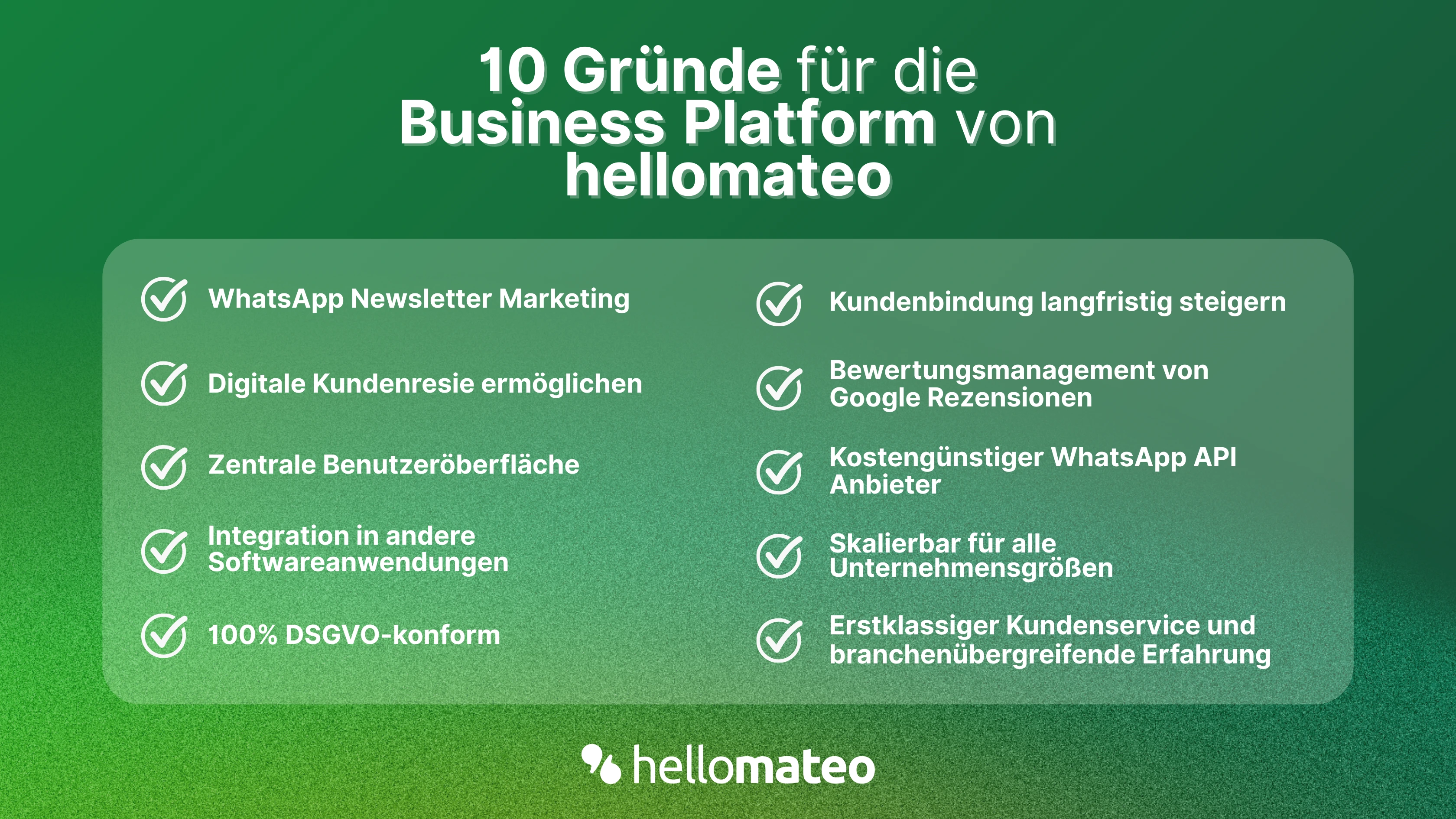
- Central user interface: hellomateo combines WhatsApp Business Platform, email, Instagram, SMS and Facebook Messenger in one central inbox. The intuitive user interface includes various tools for efficient customer communication and saves you valuable working time.
- integrations: With hellomateo, you can use WhatsApp in integrate over 6,000 software programs and fully automated Customer trips create with invitations, order confirmations, shipping information, invoices, and reminders.
- Newsletter marketing: Send GDPR-compliant Newsletter via WhatsApp or SMS and benefit from opening rates of over 90%.
- Assessment management: hellomateo can Automatically request online reviews from your customers, which boosts your Google ranking and trust in your company.
- Data protection: hellomateo meets all German and European Data protection requirements and offers end-to-end encryption for secure customer communication.
- scalability: Our software is suitable for Businesses of all sizes and can be extended indefinitely depending on the package.
- Diverse AI features: Our AI agent can automatically answer customer inquiries in chat, answer calls, help with the formulation of messages and much more.