Setting up WhatsApp Quick Reply — Instructions [April 2025]
04.04.2025
Arrange a non-binding consultation now
In a non-binding conversation, we'll show you how to use messenger communication in compliance with GDPR, automate processes and achieve measurably more revenue and efficiency with WhatsApp. Clear, practical and tailored to your company.


WhatsApp Quick Replies are predefined text messages that enable you to efficiently answer frequently asked customer inquiries. However, this feature goes a step further by allowing you to not only serve customers reactively, but also actively greet and convey important information. This is particularly valuable for initial customer contact or for proactively initiating interactions.
In this article, we not only introduce you to the basics of WhatsApp Quick Reply, but also show you how you can use them to instantly welcome customers and initiate valuable interactions. In addition, we'll present a few examples of Quick Replies to help you get started. The {{text modules}} in curly brackets are customizable variables that make it possible to seamlessly integrate customer-specific information into WhatsApp Quick Replies.
What is Quick Reply in WhatsApp Business?
Quick Replies in WhatsApp Business (also known as WhatsApp Quick Replies) are predefined chat messages that are automatically sent to customers when certain events occur. This feature enables companies to efficiently process customer inquiries and provide important information. WhatsApp Quick Replies can have a variety of functions and are extremely useful for customer communication.
Quick replies in WhatsApp Business can either be sent automatically or manually. General topics are suitable for automated messages, such as the Greeting the customer after an incoming message. As soon as a customer starts the chat, an automatic welcome message can be sent. This signals to the customer that their message has been received and is being processed by the company. A clear and immediate response to customer inquiries helps to avoid uncertainties and increase customer satisfaction.
Manual quick replies make it easier thanks to the message template Using text modules, the formulation of the answer. This means that only a few words need to be adjusted instead of writing the entire message manually. This is suitable for all frequently occurring customer concerns.
WhatsApp Quick Reply is available both for users of the WhatsApp Business app and in the WhatsApp Business Platform available. Private WhatsApp accounts do not have access to this company-specific feature.
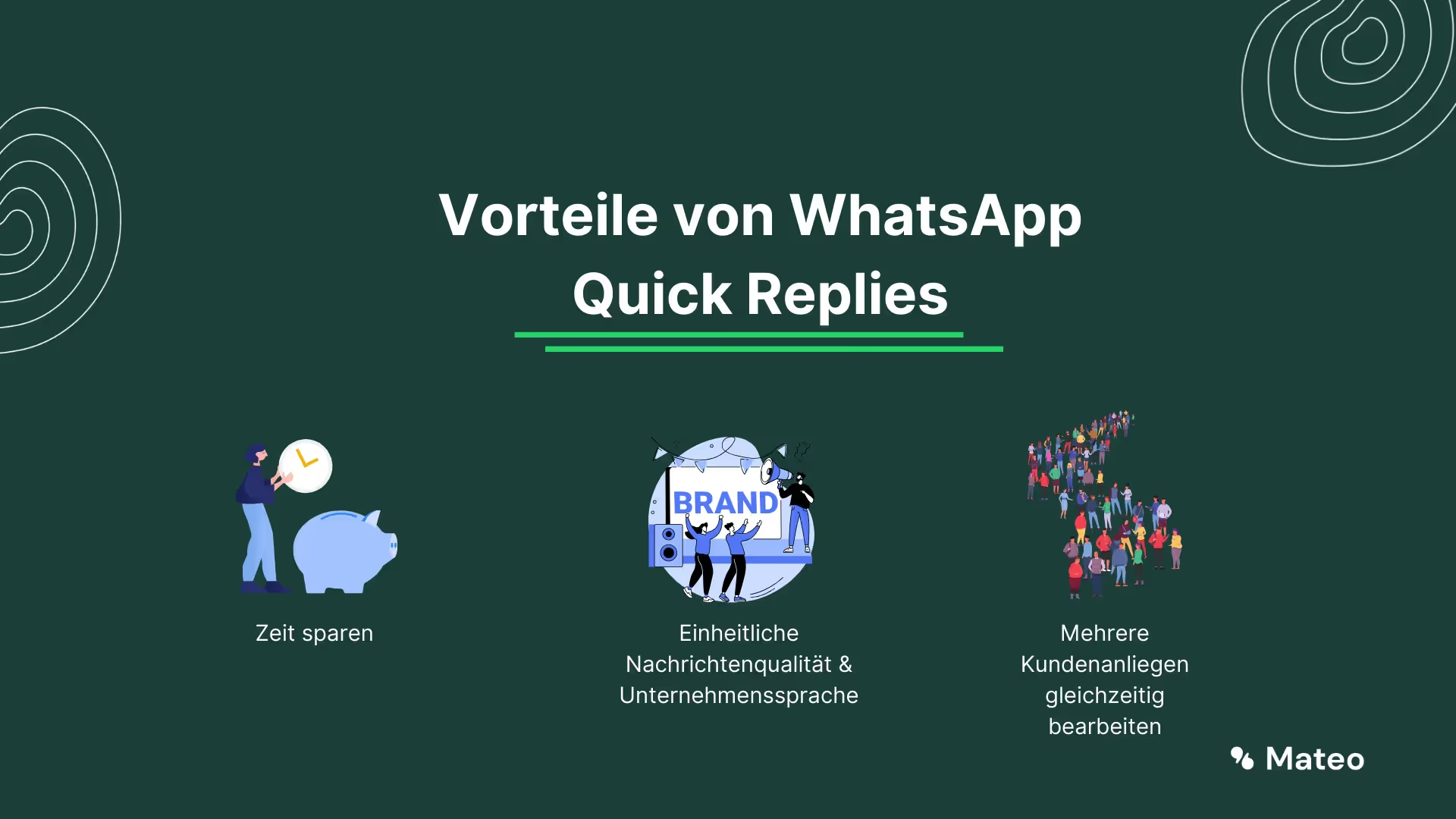
By the way: With the WhatsApp Business Platform, you can even connect thousands of other programs to WhatsApp. They can Integrate WhatsApp into your shop system, for example and thus send automated order and shipping confirmations.
Are you currently still using a private WhatsApp account for your company? Find out why switching to the WhatsApp Business Platform is worthwhile here.
How to set up WhatsApp Quick Reply
Create a quick reply in the WhatsApp business app:
Quick Replies in WhatsApp Business are very easy to set up. Just follow these instructions (Source: WhatsApp FAQs):
For Android
- In the WhatsApp Business app, tap”More options > Business Tools > Quick Answers”.
- Tap “Add.”
- Tap Message to compose your message.
- Tap Shortcuts to set the keyboard shortcut for your Quick Reply.
- Tap “SAVE.”
For iPhone
- In the WhatsApp Business app, tap Settings.
- Tap Business Tools > Quick Replies.
- Tap “Add.”
- Tap “Type a message” and compose your message.
- Tap Shortcuts to set the keyboard shortcut for your Quick Reply.
- Tap Save.

Note: WhatsApp web and desktop don't support media files in Quick Replies.
Create a quick reply using the WhatsApp Business Platform and hellomateo:
If you the WhatsApp Business Platform via hellomateo , Quick Replies are of course available as a feature. The setup process is as follows:
- Open the hellomateo web app.
- Click on the cogwheel at the top right to access the settings.
- Navigate to “News channels” and select your WhatsApp channel.
- Activate the Autoresponder option.
- They can now save automatic messages.
- Click on “Confirm” to save your entries.

Use cases for Quick Reply in WhatsApp Business
Welcoming customers
One of the most important uses of Quick Reply in WhatsApp Business is to greet your customers. Similar to the friendly “hello” when entering a retail store, an automatic welcome message in the WhatsApp chat signals to your customers that they are welcome and that their concerns are being dealt with quickly. If there are currently longer response times, you can inform customers directly and set realistic expectations regarding response times. If a customer sends a message outside of your business hours, you can also use an automated out-of-office message to let them know that you're currently unable to respond and ask them to get back to you during your regular opening hours.
WhatsApp customer support
Automatic responses play a crucial role in customer support via WhatsApp. Customers today expect fast and reliable answers to their inquiries. This is where Quick Replies come in to meet these demands. When customers make a request, the system can automatically send a response that confirms that the message was received and that the support team will respond with a solution soon. This interim confirmation alone can strengthen customer trust and reduce frustration caused by long waiting times. In cases where the response time could be longer, the automatic response can inform the customer of the estimated time frame and may offer alternative sources of information. In this way, customer support is made more efficient and customer satisfaction is increased.
WhatsApp absence messages
Absences occur in every company, whether due to holidays, vacations or planned/unplanned closures. Quick Replies are extremely useful here. If a customer sends you a message while your store is closed, an automatic out-of-office message can tell them that you're temporarily unavailable and when they can expect a response. This creates transparency and reduces customer frustration. At the same time, you can provide alternative contact options or resources that could help the customer while you're away. This type of automatic response not only increases your company's professionalism, but also shows that you take your customers' needs seriously.
Quick Replies in WhatsApp Business therefore offer a wide range of applications to make customer communication more efficient and customer-friendly.
5 Nachrichtenvorlagen für WhatsApp Quick Reply
1. Willkommensnachricht innerhalb Öffnungszeit
Vorgeschlagener Name: autoreply_geoeffnet
Textbeispiel: Hallo {{Kunde}}, vielen Dank für Ihre Nachricht. Ein Mitarbeiter wird sich in Kürze bei Ihnen melden. Wenn es um eine Bestellung geht, halten Sie bitte Ihre Bestellnummer bereit.
2. Willkommensnachricht außerhalb Öffnungszeit
Vorgeschlagener Name: autoreply_geschlossen
Textbeispiel: Hallo {{Kunde}}, vielen Dank für Ihre Nachricht. Leider erreichen Sie uns außerhalb unserer Öffnungszeiten. Sobald wir wieder geöffnet haben, werden wir uns bei Ihnen melden.
3. Opt-In Anfrage
Vorgeschlagener Name: optin_anfrage
Textbeispiel: Hallo {{Kunde}}. Für eine einfache Kommunikation mit Ihnen würden wir Sie gerne per WhatsApp anschreiben. Um die Unterhaltung zu beginnen, antworten Sie bitte mit “Ja”.
4. Weiterleitung an die zuständige Abteilung oder Person
Vorgeschlagener Name: zustaendige_abteilung_info
Textbeispiel: Für eine bestmögliche Bearbeitung Ihres Anliegens wurde die Nachricht an die zuständige Abteilung übergeben. Ein Mitarbeiter wird sich in Kürze hier bei Ihnen melden.
5. Reklamationseingang
Vorgeschlagener Name: reklamation_eingang
Textbeispiel: Hallo {{Kunde}}. Es tut uns Leid zu hören, dass Sie auf ein Problem gestoßen sind. Wir sind stets bemüht, unseren Kunden in solchen Fällen bestens zur Seite zu stehen. Wir werden uns sofort um ihr Anliegen kümmern.

Übrigens: Mit der WhatsApp Business Platform können Sie im Gegensatz zu der normalen WhatsApp Business Version sogar WhatsApp Newsletter versenden und damit äußerst effektives Bestandskundenmarketing betreiben um Ihre Umsätze zu steigern. Alle Infos zum WhatsApp Newsletter gibt´s hier!
Viel mehr Möglichkeiten als WhatsApp Business: Entdecken Sie die WhatsApp Business Platform!
Die WhatsApp Business Platform wurde für Unternehmen entwickelt, die Ihre Kunden mit Kundenkommunikation und Marketing begeistern, Ihre Umsätze maximieren und den internen Arbeitsaufwand minimieren möchten. Integrationen von tausenden anderen Softwareanwendungen, WhatsApp Newsletter Marketing, unbegrenzte Skalierbarkeit und Flexibilität, automatische Antworten, DSGVO-Konformität, etc. - die WhatsApp Business Platform hat so viel zu bieten. Vereinbaren Sie einfach einen kostenlosen Beratungstermin, um alle Details zu erfahren. Unsere Kunden wissen folgende Vorteile besonders zu schätzen:
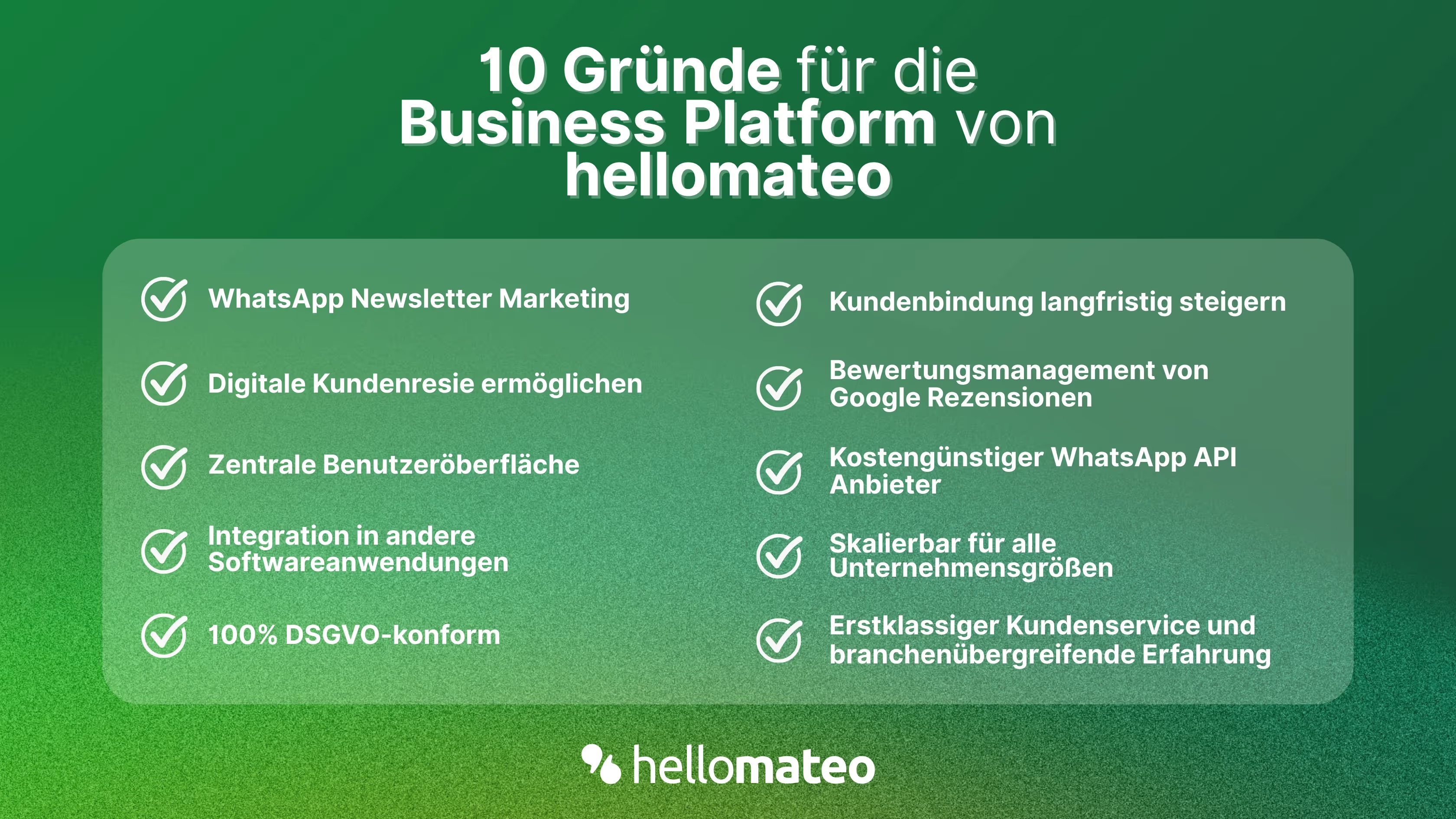
- Zentrale Benutzeroberfläche: hellomateo vereint WhatsApp Business Platform, E-Mail, Instagram, SMS und Facebook Messenger in einem zentralen Posteingang. Die intuitive Benutzeroberfläche beinhaltet diverse Tools für effiziente Kundenkommunikation und spart Ihnen wertvolle Arbeitszeit.
- Integrationen: Mit hellomateo können Sie WhatsApp in über 6.000 Softwareprogramme integrieren und vollautomatisierte Kundenreisen mit Einladungen, Bestellbestätigungen, Versandinformationen, Rechnungen und Erinnerungen erstellen.
- Newsletter Marketing: Versenden Sie DSGVO-konforme Newsletter über WhatsApp oder SMS und profitieren Sie von Öffnungsraten über 95 %.
- Bewertungsmanagement: hellomateo kann automatisiert Online-Bewertungen von Ihren Kunden anfordern, was Ihr Google-Ranking und das Vertrauen in Ihr Unternehmen stärkt.
- Datenschutz: hellomateo erfüllt alle deutschen und europäischen Datenschutzanforderungen und bietet Ende-zu-Ende Verschlüsselung für sichere Kundenkommunikation.
- Skalierbarkeit: Unsere Software eignet sich für Unternehmen jeder Größe und lässt sich je nach Paket unbegrenzt erweitern.
- Diverse KI-Funktionen: Unser KI-Agent kann Kundenanfragen im Chat automatisiert beantworten, Anrufe entgegennehmen, bei der Formulierug von Nachrichten unterstützen und vieles mehr.
Vereinbaren Sie ein unverbindliches und kostenloses Beratungsgespräch und wir zeigen Ihnen, wie hellomateo Ihre Kommunikationsbedürfnisse abdeckt! Buchen Sie dazu einfach hier einen Termin or write to us via our web widget.

About the author
Christian Strauch
Co-Founder and CEO
Christian Strauch is CEO and co-founder of hellomateo and is responsible for the strategic and operational management of the company. In his role, he is particularly responsible for sales, marketing and partners. Under his leadership, hellomateo has developed into a central tool for customer loyalty via WhatsApp, e-mail and letter for more than 2,000 companies.
More interesting articles
WhatsApp Business Data Processing Agreement— all information for companies
WhatsApp is an integral part of customer communication for many companies. High opening rates and quick responses make the channel attractive. But as soon as you use WhatsApp Business, you process personal data — and therefore there are clear GDPR requirements. In this article, you will find out what role the order processing contract plays and why it is indispensable for companies.
![Set up WhatsApp Business Auto Reply — Quick Guide [2025]](https://cdn.prod.website-files.com/68b19e5233a4641b9e2e4f95/692dd05228900f9fa9834bd4_whatsapp-automatische-antwort.avif)
Set up WhatsApp Business Auto Reply — Quick Guide [2025]
With automatic Reply messages Is there for them in the WhatsApp Business App provides a practical way to your customers in the digital chat channel automatically greet And in a flash one first reaction to show. Because day-to-day business is often stressful; you can't always respond personally to incoming messages and write back to the customer immediately.
But there are also many other reasons why it makes sense to use automatic reply messages when using the WhatsApp Business app. With this Quick guide Automatic answers are set up in a flash!

![Grüner Haken in WhatsApp – So bekommen Unternehmen die Verifizierung [Oktober 2025]](https://cdn.prod.website-files.com/68b19e5233a4641b9e2e4f95/692dcf56fb67605603b34297_gruener-haken.avif)
Grüner Haken in WhatsApp – So bekommen Unternehmen die Verifizierung [Oktober 2025]
WhatsApp hat eine neue Funktion eingeführt: Unternehmen können Ihr Konto verifizieren lassen und bei erfolgreicher Legitimation einen grünen Haken in dem WhatsApp Business Unternehmensprofil erhalten. Das sorgt für mehr Vertrauen bei Kaufinteressenten Ihres Unternehmens und steigert Ihre Umsätze! Zudem können Sie sich durch einen grünen Haken in WhatsApp Business von Ihren Wettbewerbern abheben. Doch wie funktioniert die Beantragung des beliebten Symbols? In diesem Beitrag zeigen wir es Ihnen!