Creating WhatsApp templates - Here's how [August 2024]
23.08.2024
Arrange a non-binding consultation now
In a non-binding conversation, we'll show you how to use messenger communication in compliance with GDPR, automate processes and achieve measurably more revenue and efficiency with WhatsApp. Clear, practical and tailored to your company.

What are WhatsApp templates?
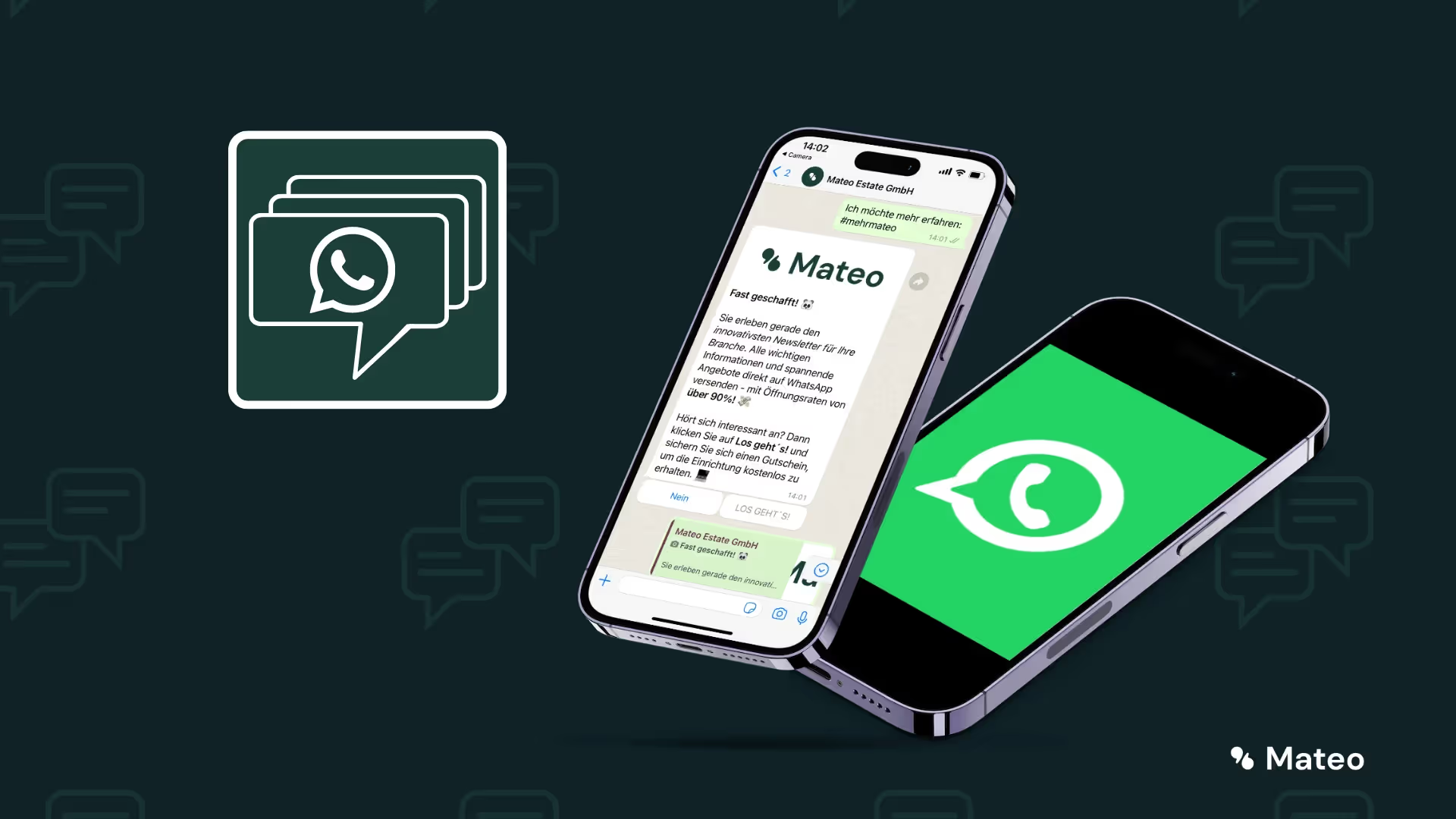
Message templates are standardized templates verified by WhatsApp that you can use to edit common customer concerns be able to use. In contrast to individual answers, you can also use message templates for your customers Actively write. This is not possible with individual messages. In accordance with WhatsApp business messaging policy You can only send individual messages to a customer if they have sent them a WhatsApp message beforehand. And that only within a 24-hour time window after receiving the first message from your customer. As you can see, individual chat messages are subject to relatively severe restrictions — the greater are the Benefits of message templates, because they can also be sent to customers outside the 24-hour time window.
Essential for WhatsApp templates: Consider the right category
whatsapp Templates must when creating a specific Be assigned to a category. WhatsApp parent company Meta differentiates the templates (English: “template”) according to the purpose of use. There are the categories stewardship (English: “utility”), authentication (English: “authentication”) and marketing.

Since the changes The WhatsApp guidelines in spring 2023 and the WhatsApp API prices Has Meta become very meticulous when it comes to categorization Go from WhatsApp templates. When the category not correct Is, will the Message template not approved. The main reason That's probably what Meta is for at WhatsApp API different pricee required to send messages from the various categories.
- Administration: Entertainment that was initiated by the company and contains important information for the customer. For example, information about orders, transactions and customer accounts. Costs in Germany: 4.56 cents
- Authentication: A conversation initiated by the company that includes verification codes to access the customer account. Costs in Germany: 6.36 cents
- marketing: Entertainment that was initiated by the company and includes promotional messages such as product announcements or discount campaigns. Costs in Germany: 11.31 cents
Reading tip: In our article”How much does the WhatsApp Business API cost in 2026?” Get all information about WhatsApp Business API prices.
What rules must be followed when creating templates?
When creating WhatsApp message templates, it is important to have a few basic rules to ensure that your messages meet requirements and are received positively by recipients. Here are the key aspects to keep in mind:
Content rules for WhatsApp message templates
WhatsApp sets strict rules to ensure the quality of messages and the protection of users. This includes:
- No threatening content: Messages that threaten customers with legal action are not allowed. This applies in particular to financial matters such as unpaid invoices.
- No data collection: Companies are not allowed to query sensitive information such as credit card numbers via message templates. There are exceptions for customer satisfaction surveys.
- No prohibited services: Message templates may not be used for services that violate WhatsApp usage guidelines. This includes specific categories such as personal services, events, or non-veterinary services.
- No quizzes or competitions: Message templates must not contain content related to abilities or random games.

Formatting rules for WhatsApp message templates
The formatting of the message templates must also comply with WhatsApp requirements:
- The name of the message template should lowercase alphanumeric letters and underscores included. Special characters and spaces are not allowed.
- The body of the message template may no tabulators or contain more than 4 consecutive spaces. Die character limit is 1,024 characters, including letters, numbers, special characters, and emojis.
- wildcard Should in double curved parentheses be written, for example {{1}}. They can include letters, numbers, and special characters.
- When using media templates such as images, videos, or documents, make sure that the Size of media complies with the WhatsApp platform guidelines. Only the PDF format is allowed for attached documents.
Compliance with these rules is essential to ensure that your WhatsApp message templates accepted become. If you follow these guidelines, not only will your templates be approved extremely quickly, but you will be able to customer communication too more effective and professional design.
How are WhatsApp message templates created?
If you the WhatsApp Business API via hellomateo , automatic welcome messages are of course available as a feature. But users of the WhatsApp Business app also have access to the feature. The setup process is as follows:
How to add message templates in the WhatsApp Business app
Of course, the message templates can also be used in the WhatsApp Business app — even though we strongly recommend the WhatsApp Business API for use in your company. Here you can find out why: “What is the WhatsApp Business API?” You can add a new message template to the WhatsApp Business app like this:
- Open the Meta Business Manager.
- In the menu on the left, click on the three lines or”All tools”.
- Select”WhatsApp Manager” from the overview.
- Select the account, for which you want to create the message template.
- Click on the”Three points” Icon.
- Click on”Managing message templates”.
- Click on”Create a message template”.
- Wear it now contents add to your message template.
- Header: Content in the header is optional.
- text: Content of your message template including variables.
- footer: Short line of text at the end of the message.
- badges: Add a call-to-action button (CTA) or a quick response button.
- To complete the process, click”Senden”. The message template is now sent to Meta or Facebook (the WhatsApp parent company) for verification and is approved for use after a review has been completed.
How do I use the templates in the hellomateo chat solution?
Of course, you can use the message templates from this article directly in the hellomateo chat solution use. And not just for WhatsApp. With hellomateo, you can access the stored message templates in all connected news channels. To add a new message template to hellomateo, proceed as follows:
- Open the hellomateo app in the browser.
- Click on the cogwheel icon at the top right to takes to open.
- In the menu on the left under “Personalization,” click”Message templates”.
- About the button”+ Add” At the top right, add a new message template.
- In the pop-up window, enter the Message template name, enter the category and the content.
- Add Placeholders and customer fields one. Customer fields are automatically filled in via hellomateo's integrated contact management when the message template is sent.
- Make sure that the check mark at”Request WhatsApp verification“is set. This is the only way you can use the message template outside the 24-hour time window.
- Ready! If your message template is verified by WhatsApp, you can use it across all channels.

WhatsApp template examples
1. “Administration” category
Suggested name: shipment tracking
Text example:
Hi {{customer}},
Your order number {{order number}} is on its way to you! Here is your shipment number: {{shipment number}}
We are happy to answer any questions you may have about delivery!
Best regards,
Hellomateo!

2nd category “Authentication”
Suggested name: authentication code
Text example:
Hi {{customer}}. Please use the following authentication code to log into your customer account: {{authentication code}}. Never share this code.
If you have problems logging in, you can simply reply to this message.
3rd category “Marketing”
Suggested name: Tire change
Text example:
Hi {{customer}},
The gingerbread is back on supermarket shelves, the frost is back on the streets.
It's time for a tire change!
We would like to remind you so that you can travel safely even during the cold season.
Best regards,
Your car specialist Hellomateo!

Why is the WhatsApp API interface more suitable for companies than WhatsApp Business?
Die WhatsApp API interface was developed for companies that want to inspire their customers with customer communication and marketing, maximize their sales and minimize internal workload. integrations with thousands of other software applications, WhatsApp newsletter marketing, unlimited scalability and flexibility, automatic responses, GDPR compliance, etc. — the WhatsApp API has so much to offer. Just arrange a free consultationto find out all the details Our customers know the following benefits particularly appreciated:
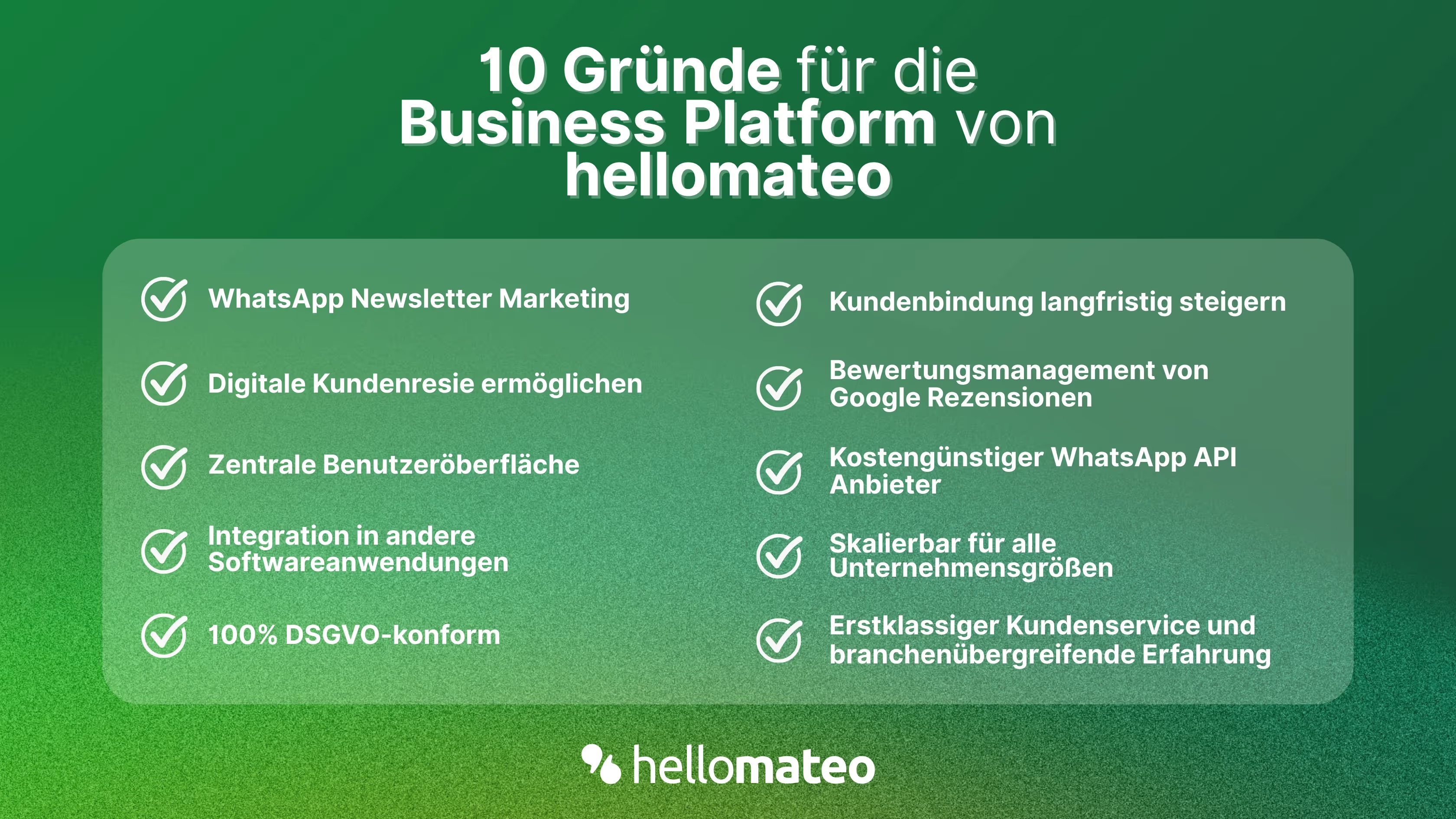
- Central user interface: hellomateo combines WhatsApp Business Platform, email, Instagram, SMS and Facebook Messenger in one central inbox. The intuitive user interface includes various tools for efficient customer communication and saves you valuable working time.
- integrations: With hellomateo, you can use WhatsApp in integrate over 6,000 software programs and fully automated Customer trips create with invitations, order confirmations, shipping information, invoices, and reminders.
- Newsletter marketing: Send GDPR-compliant Newsletter via WhatsApp or SMS and benefit from opening rates of over 95%.
- Assessment management: hellomateo can Automatically request online reviews from your customers, which boosts your Google ranking and trust in your company.
- Data protection: hellomateo meets all German and European Data protection requirements and offers end-to-end encryption for secure customer communication.
- scalability: Our software is suitable for Businesses of all sizes and can be extended indefinitely depending on the package.
- Diverse AI features: Our AI agent can automatically answer customer inquiries in chat, answer calls, help with the formulation of messages and much more.
Arrange a non-binding and free consultation and we'll show you how hellomateo covers your communication needs! Simply book an appointment here or write to us via our web widget.

About the author
Christian Strauch
Co-Founder and CEO
Christian Strauch is CEO and co-founder of hellomateo and is responsible for the strategic and operational management of the company. In his role, he is particularly responsible for sales, marketing and partners. Under his leadership, hellomateo has developed into a central tool for customer loyalty via WhatsApp, e-mail and letter for more than 2,000 companies.
More interesting articles
WhatsApp Business Data Processing Agreement— all information for companies
WhatsApp is an integral part of customer communication for many companies. High opening rates and quick responses make the channel attractive. But as soon as you use WhatsApp Business, you process personal data — and therefore there are clear GDPR requirements. In this article, you will find out what role the order processing contract plays and why it is indispensable for companies.
![Set up WhatsApp Business Auto Reply — Quick Guide [2025]](https://cdn.prod.website-files.com/68b19e5233a4641b9e2e4f95/692dd05228900f9fa9834bd4_whatsapp-automatische-antwort.avif)
Set up WhatsApp Business Auto Reply — Quick Guide [2025]
With automatic Reply messages Is there for them in the WhatsApp Business App provides a practical way to your customers in the digital chat channel automatically greet And in a flash one first reaction to show. Because day-to-day business is often stressful; you can't always respond personally to incoming messages and write back to the customer immediately.
But there are also many other reasons why it makes sense to use automatic reply messages when using the WhatsApp Business app. With this Quick guide Automatic answers are set up in a flash!

![Grüner Haken in WhatsApp – So bekommen Unternehmen die Verifizierung [Oktober 2025]](https://cdn.prod.website-files.com/68b19e5233a4641b9e2e4f95/692dcf56fb67605603b34297_gruener-haken.avif)
Grüner Haken in WhatsApp – So bekommen Unternehmen die Verifizierung [Oktober 2025]
WhatsApp hat eine neue Funktion eingeführt: Unternehmen können Ihr Konto verifizieren lassen und bei erfolgreicher Legitimation einen grünen Haken in dem WhatsApp Business Unternehmensprofil erhalten. Das sorgt für mehr Vertrauen bei Kaufinteressenten Ihres Unternehmens und steigert Ihre Umsätze! Zudem können Sie sich durch einen grünen Haken in WhatsApp Business von Ihren Wettbewerbern abheben. Doch wie funktioniert die Beantragung des beliebten Symbols? In diesem Beitrag zeigen wir es Ihnen!