WhatsApp automatic response: info and setup [August 2024]
14.08.2024
Arrange a non-binding consultation now
In a non-binding conversation, we'll show you how to use messenger communication in compliance with GDPR, automate processes and achieve measurably more revenue and efficiency with WhatsApp. Clear, practical and tailored to your company.

What are automatic reply messages in WhatsApp Business?
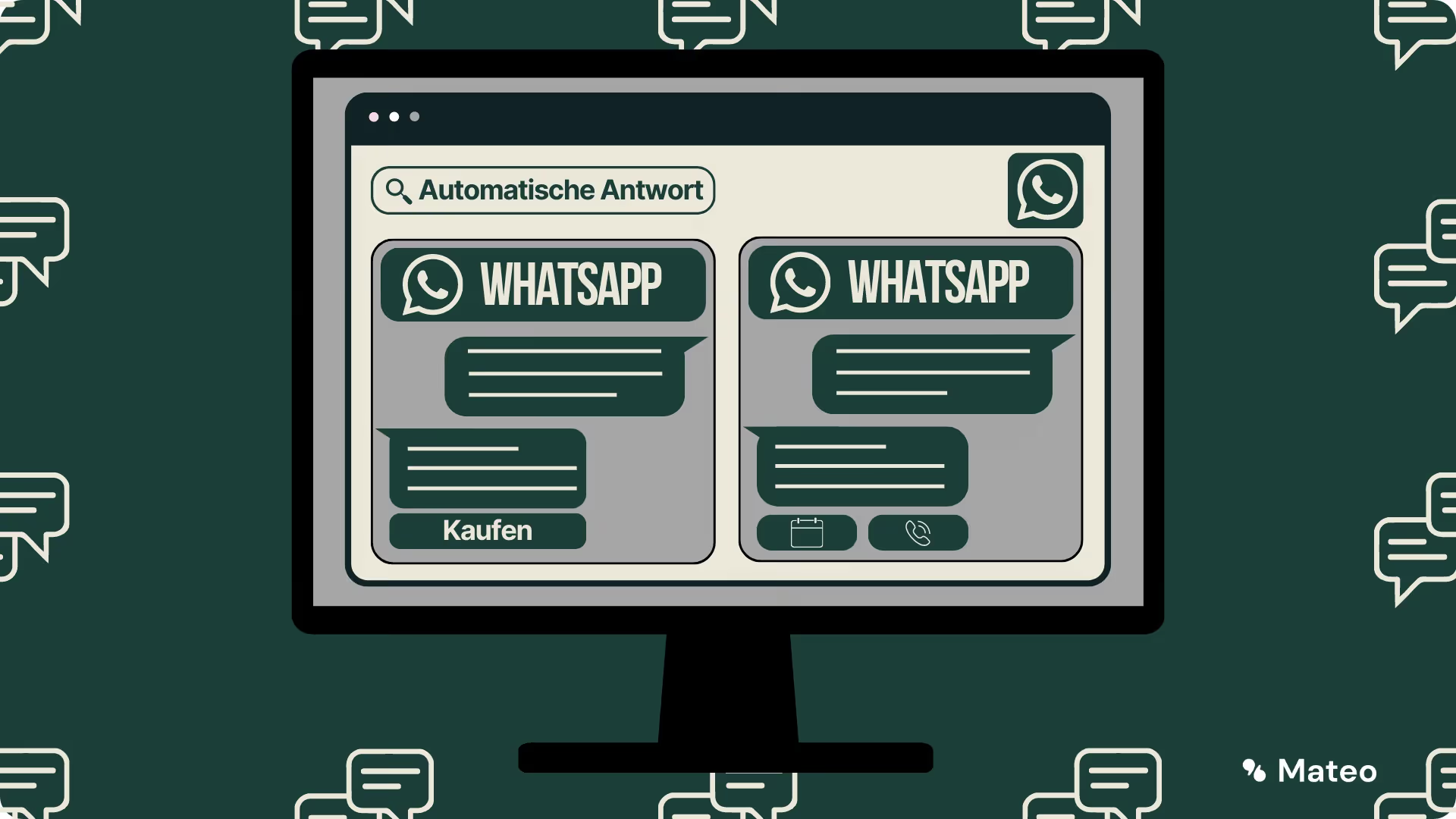
As mentioned above, automatic reply messages or autoresponders are chat messages, which — once predefined — automatically sent to the respective customer with every incoming message become. The message itself can be freely defined by the company. Automatic reply messages can be multiple functions have. The most classic is probably the welcome of the customer. In this way, he knows directly that his request has also been received by the company and is being processed. Because almost nothing frustrates customers more than communication that they don't know whether it will actually be received. Automatic reply messages are available to both users of WhatsApp business app as well as the WhatsApp Business API available. For private WhatsApp accounts, this is company-specific Feature not available.

Are you currently still using a private WhatsApp account for your company? Why switching to the WhatsApp Business API is worthwhile Find out here.
Instructions: How do you create an automatic reply message?
If you the WhatsApp Business API via hellomateo , automatic reply messages are of course available as a feature. But also users of WhatsApp business app have access to the feature. Die furnishings Proceeds as follows:
Set up automatic response in the WhatsApp Business app:
- Open Use the WhatsApp business app.
- Click on the “Three Dots” to open the takes.
- Navigate to”Business tools” —”Absence messages” or “Welcome message.”
- Activate Write the welcome message and type the Message content one.
- Swap the {{wildcard}} against your information.
- About”timetable” you can specify when your automatic replies should be sent. Here you can choose between “Always”, “Custom Schedule” and “Outside Business Hours.”
- Finally, you can decide whether all or only certain personals should receive the welcome message. This is where you should usefully”all”, as the message is also aimed at new contact requests.

Automatic reply messages via WhatsApp Business API and hellomateo:
- Open the hellomateo web app.
- Click on the cogwheel at the top right to enter the takes to get there.
- Navigate to”news channels” and select your WhatsApp channel.
- Activate the option”autoresponder”.
- Now they can each have an automatic Formulate a message, the during or outside their opening hours is sent to their customers. To do so, you can choose from the templates above.
- By clicking on”confirming” save your entries.

Use cases for automatic replies in WhatsApp Business
Welcoming customers
The most classic and common use case for automatic response messages is to greet customers. Just like the “hello” when you enter a retail store, a automatic welcome messaget in your WhatsApp chat channel, customers know that you are welcome and that they will address their concerns as quickly as possible. Should there currently be longer response times come, could you point this out to customers directly and the right Expectations Determine when you can expect an answer. Should you outside opening hours In this case, too, you can send an automatic absence message to alert the customer that you cannot answer them personally at the moment and ask them to get back to you within regular opening hours.
WhatsApp customer support
Automatic answers play a crucial role in the area of Customer support via WhatsApp. Customers today expect fast and reliable answers to their inquiries. This is where automatic answers come in to meet these requirements. When customers make a request, the system can automatically an answer send, confirming that the Message received was and that that Support team will get back to you soon with a solution. This Interim confirmation By itself, it can strengthen customer trust and reduce the frustration caused by long waiting times. In cases where the response time could be slightly longer, the automatic response can inform the customer of the estimated time frame and may offer alternative sources of information. So will the Customer support more efficient designed and the customer satisfaction increased.
WhatsApp absence messages
Absences are unavoidable in every company — whether due to holidays, vacations and scheduled or unscheduled closures. This is where automatic answers are extremely useful. Imagine a customer sending you a message while your store is closed. Instead of leaving the customer uncertain when they can expect an answer, a automatic absence message Tell him that you are temporarily unavailable and when he can expect an answer. This creates transparency and reduces customer frustration. At the same time, you can provide alternative contact details or resources that could help customers while you're away. This type of automatic response not only increases the professionalism of your company, but also shows that you Take your customer's needs seriously.
Automation of work steps
If you're in your customer communication Can tell that customers can tell you Contact again and again for the same reason, does it make sense to use the required information directly in an automatic Reply message toward Include. This gives customers an immediate answer to their question. A classic example of such automation using automatic response messages is arranging service or consultation appointments. If your customers often write to you to book an appointment, you can include a link to make an online appointment directly in the automatic WhatsApp response message.

Revolutionize your customer communications with WhatsApp Business API
We at hellomateo are your messaging experts when it comes to customer communication. Hundreds of companies are already using hellomateo and are impressed. Our customers particularly appreciate the following benefits:
Everyday business is often stressful and takes up a lot of time — it is not always possible to respond immediately to new customer inquiries. Or it is just a company vacation when the customer tries to get in touch. There is a A variety of reasonsWhy companies do not immediately respond to customer inquiries. As a company, you should only ensure that the customer is made aware of when an answer can be expected at the earliest possible time. This is exactly what it is for automatic replies and absence notes. In this article, we'll explain what absence notes are and how they can be used in WhatsApp Business. We also have 4 prefabricated Absence note templates compiled, which you can use directly.
What are absence notes?
Absence notes are Reply messages, the automatically for a customer always then sent When he contacts you via WhatsApp. I'm sure you've already received such messages from a company yourself. Absence notes are freely defined by the company. They should be used to inform the customer when they will receive an answer to their request. So he doesn't have to puzzle over whether his message has arrived and is being processed or not. You may already know absence notes from emails — the principle is the same. For more basic information, read our article “WhatsApp automatic response: What is it?”.
4 absence notes that you can use right away
1. Absence notice when transaction is closed
Suggested name: autoresponder_closed
Text example:
Hello! Unfortunately, you can reach us outside our opening hours. Our opening hours are Monday to Friday from {{time 1}} to {{time 2}} and Saturday from {{time 3}} to {{time 4}}. As soon as we are open again, we will get back to you immediately.
2. Absence notice during vacation
Suggested name: autoresponder_urlaub
Text example:
Hi, thanks for your message! Unfortunately, we are currently on our company vacation. From {{holiday end date}}, we will be back at your disposal, fully recovered.
3. Absence notice in case of vacation with substitute
Suggested name: autoresponder_urlaub_vertretung
Text example:
Hi, thanks for your message. Unfortunately we are on our company vacation. From {{holiday end date}}, we will be back at your disposal, fully recovered. In urgent cases, please contact {{company representative}} at {{company representative}}. They will provide you with temporary assistance.
4. Absence notice in case of longer waiting times
Suggested name: autoresponder_wartezeit
Text example:
Hi, thanks for your message! Since we are currently receiving a lot of inquiries, there may be slightly longer waiting times. Please be patient for a moment. We will get back to you as soon as possible.
How to set up automatic reply messages in the WhatsApp Business app:
Of course, automatic reply messages can be set up in the WhatsApp Business app. However, we always recommend that companies use Using WhatsApp Business via WhatsApp Business API.
- Open the WhatsApp business app.
- Click on the “Three Dots” to open the takes.
- Go to “Business Tools” —”Absence messages”.
- Activate the absence message and enter the Message content one. The templates from this article can be inserted here.
- Swap the {{wildcard}} against your information.
- About”timetable” you can specify when your absence note should be sent. Here you can choose between “Always”, “Custom Schedule” and “Outside Business Hours.”
- Finally, you can decide whether all or only specific contacts The absence note should be sent. It makes sense to select “all” here, as the message is also aimed at new contact requests.
How to store automatic reply messages in the hellomateo software:
Just like in the WhatsApp Business app, automatic reply messages can also be configured in hellomateo. In addition, the solution offers many other benefits that are essential for companies. Find out more here.
- Open the hellomateo web app.
- Click on the cogwheel at the top right to enter the takes to get there.
- Under”news channels” - “WhatsApp” click on the “Three Dots” and then on”Edit”.
- Activate the option”autoresponder”.
- Now they can each have an automatic Leave a message, which is sent to its customers during or outside their opening hours. To do so, you can choose from the templates above.
- By clicking on”confirming” save your entries.

These other message types can be standardized with message templates
Absence notes aren't the only messages that can be standardized — and automated — using the WhatsApp Business API or WhatsApp Business app. For example, you can use message templates to store individual, pre-filled messages and thus standardize a large part of customer communication. On the one hand, this saves time and, on the other hand, ensures a consistent, uniform quality of your customer communication. Across employees and departments. In our post “15 message templates that you can use right away” Let's explain more about message templates in WhatsApp Business.
Here's how it works even better: Revolutionize your customer communication with the WhatsApp Business API
We at hellomateo are your messaging experts when it comes to customer communication. Hundreds of companies are already using hellomateo and are impressed. Our customers particularly appreciate the following benefits:
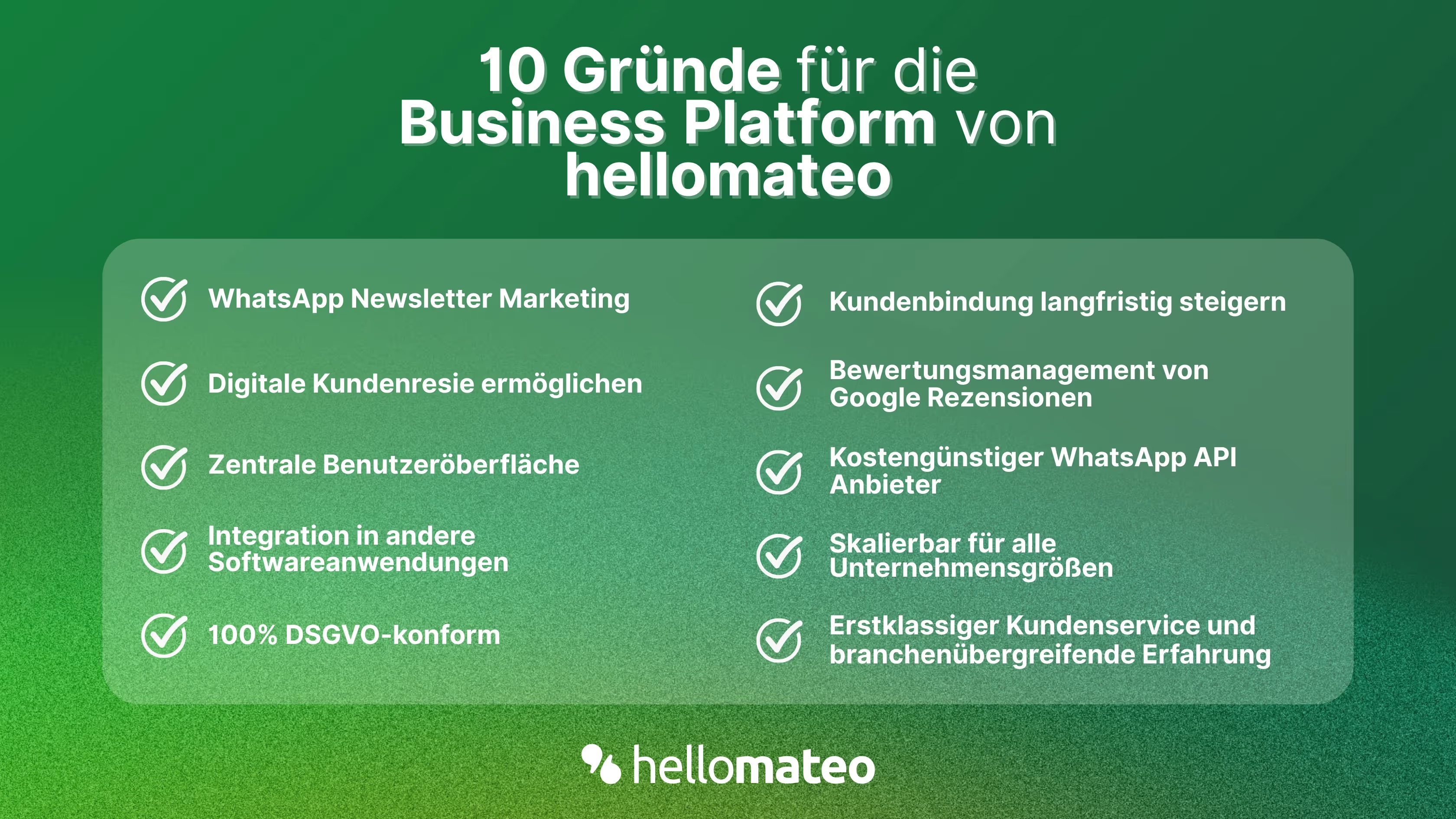
- Central user interface: hellomateo combines WhatsApp Business Platform, email, Instagram, SMS and Facebook Messenger in one central inbox. The intuitive user interface includes various tools for efficient customer communication and saves you valuable working time.
- integrations: With hellomateo, you can use WhatsApp in integrate over 6,000 software programs and fully automated Customer trips create with invitations, order confirmations, shipping information, invoices, and reminders.
- Newsletter marketing: Send GDPR-compliant Newsletter via WhatsApp or SMS and benefit from opening rates of over 95%.
- Assessment management: hellomateo can Automatically request online reviews from your customers, which boosts your Google ranking and trust in your company.
- Data protection: hellomateo meets all German and European Data protection requirements and offers end-to-end encryption for secure customer communication.
- scalability: Our software is suitable for Businesses of all sizes and can be extended indefinitely depending on the package.
- Diverse AI features: Our AI agent can automatically answer customer inquiries in chat, answer calls, help with the formulation of messages and much more.
Arrange a non-binding and free consultation and we'll show you how hellomateo covers your communication needs! Simply book an appointment here or write to us via our web widget.

About the author
Henri Hoepfner
SEO marketer
Henri Hoepfner ist bei hellomateo für Website und Content zuständig. Der studierte Wirtschaftsingenieur ist Mitarbeiter der ersten Stunde und kann dank seiner langjährigen Erfahrung wertvolles Wissen über verschiedene Themen wie WhatsApp API, Marketing, Kundenbindung und auch über branchenspezifische Problemstellungen in seinen Blogbeiträgen teilen.
More interesting articles
WhatsApp Business Data Processing Agreement— all information for companies
WhatsApp is an integral part of customer communication for many companies. High opening rates and quick responses make the channel attractive. But as soon as you use WhatsApp Business, you process personal data — and therefore there are clear GDPR requirements. In this article, you will find out what role the order processing contract plays and why it is indispensable for companies.

![Set up WhatsApp Business Auto Reply — Quick Guide [2025]](https://cdn.prod.website-files.com/68b19e5233a4641b9e2e4f95/692dd05228900f9fa9834bd4_whatsapp-automatische-antwort.avif)
Set up WhatsApp Business Auto Reply — Quick Guide [2025]
With automatic Reply messages Is there for them in the WhatsApp Business App provides a practical way to your customers in the digital chat channel automatically greet And in a flash one first reaction to show. Because day-to-day business is often stressful; you can't always respond personally to incoming messages and write back to the customer immediately.
But there are also many other reasons why it makes sense to use automatic reply messages when using the WhatsApp Business app. With this Quick guide Automatic answers are set up in a flash!
![Grüner Haken in WhatsApp – So bekommen Unternehmen die Verifizierung [Oktober 2025]](https://cdn.prod.website-files.com/68b19e5233a4641b9e2e4f95/692dcf56fb67605603b34297_gruener-haken.avif)
Grüner Haken in WhatsApp – So bekommen Unternehmen die Verifizierung [Oktober 2025]
WhatsApp hat eine neue Funktion eingeführt: Unternehmen können Ihr Konto verifizieren lassen und bei erfolgreicher Legitimation einen grünen Haken in dem WhatsApp Business Unternehmensprofil erhalten. Das sorgt für mehr Vertrauen bei Kaufinteressenten Ihres Unternehmens und steigert Ihre Umsätze! Zudem können Sie sich durch einen grünen Haken in WhatsApp Business von Ihren Wettbewerbern abheben. Doch wie funktioniert die Beantragung des beliebten Symbols? In diesem Beitrag zeigen wir es Ihnen!