Linking WhatsApp Business to Microsoft Teams — Instructions [February 2025]
Veröffentlicht am
28.02.2025
Arrange a non-binding consultation now
Im unverbindlichen Gespräch zeigen wir Ihnen, wie Sie Kunden per WhatsApp zu Terminen einladen und Anfragen gemeinsam im Team beantworten. Zusammen schauen wir, welche Abläufe sich in Ihrem Betrieb sinnvoll automatisieren lassen.

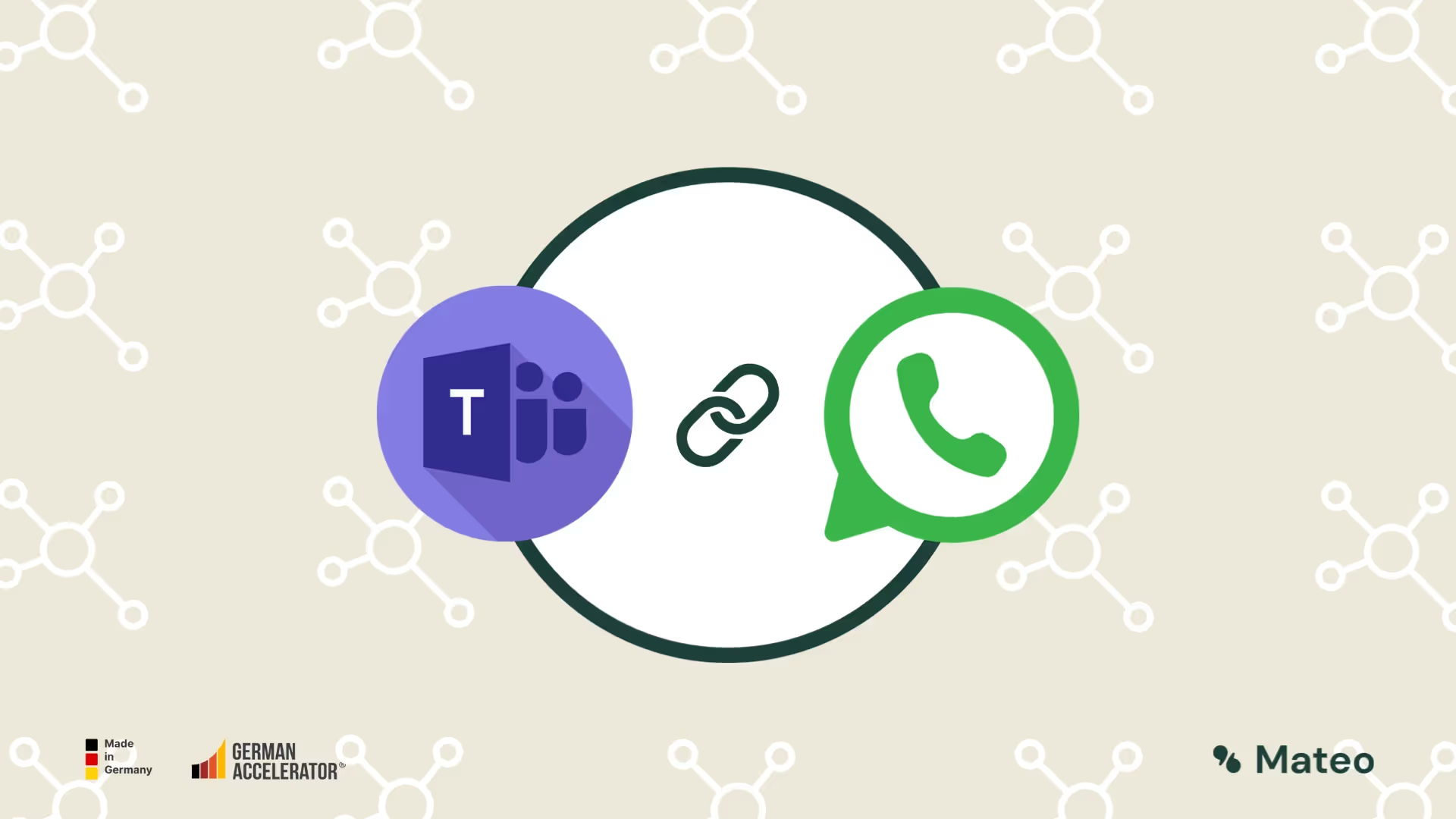
What is Microsoft Teams?
Microsoft Teams is integrated into the Office 365 suite Communication and collaboration tool, which was developed by Microsoft. Since its launch in 2017, it has rapidly become one of the preferred tools for teamwork and communication, particularly in times of increasing remote work and distributed teams.
At its core, Microsoft Teams offers features for Chats, video and audio conferences, teamwork in channels and the integration of third-party apps and services. Teams allows users to collaborate in real time, whether they're working in the same office or across different continents.
Some of the key features of Microsoft Teams include:
- Chat feature: Enables individual and group chats, with files, notes, and calendars integrated.
- Team channels: Here, teams can work together on specific topics. Each channel can include files, apps, and other resources that are relevant to the project or topic.
- Meetings & video conferences: Teams supports both scheduled and ad hoc meetings, allowing participants to share notes, present screens, and even interact virtually in large groups.
- integration: One of the strengths of Microsoft Teams is deep integration with other Office products such as Word, Excel, PowerPoint, and SharePoint. But third-party apps can also be easily added.
- surety: Microsoft has equipped teams with advanced security measures to ensure that data and communications are secure. This includes data encryption, multi-factor authentication, and advanced threat detection.
MS Teams has proved to be an invaluable tool for companies of all sizes proven who are looking for a robust, secure and flexible communication solution. Whether for quick arrangements, scheduled meetings, or comprehensive projects, Microsoft Teams provides the necessary resources to work efficiently and effectively. In view of this diversity and flexibility, it is obvious to also integrate the messaging service WhatsApp Business, which is used worldwide, into Microsoft Teams in order to create a consistent and consistent communication and collaboration environment.
What is the WhatsApp Business Platform?
In order to offer larger companies a secure, scalable and GDPR-compliant solution that is tailored to their needs, WhatsApp parent company Meta launched the WhatsApp Business Platform introduced. This application programming interface (API) allows companies to receive and respond to WhatsApp messages from their customers.
In contrast to the WhatsApp business app, the business platform itself does not have a user interface. The business platform connects WhatsApp with a professional messaging tool, as offered by Hellomateo, for example. Companies integrate the WhatsApp interface endpoint into the software of an official WhatsApp Business Solution provider. With its in-house software, Hellomateo offers corporate customers the appropriate integration into a clear user interface.
The WhatsApp Business Platform can be powered by Distinguishing the following functions from the normal WhatsApp business app. Which functions can actually be used depends on your WhatsApp Business Platform provider. All of the above functions are available at hellomateo:
- GDPR-compliant utilization
- WhatsApp newsletter marketing
- Unlimited number of users per account
- Unlimited number of devices per account
- integration into thousands of other software programs (e.g. Shopify, Hubspot, Salesforce, Zendesk, etc.)
- Fully automated message delivery possible (e.g. shipping information, order confirmations, billing documents)
- Profound stats
Instructions: Integrate WhatsApp with Microsoft Teams
Unfortunately, the integration of WhatsApp into Microsoft Teams is not possible for every company. The prerequisite is that you use WhatsApp via API interface and your WhatsApp business platform provider provides a web app that is compatible with MS Teams. With hellomateo, you can use this feature. The setup is very simple and only takes about 1 minute:
1. Open the Microsoft Teams desktop app or web app
2. In the “Teams” tab, click on the “+” icon in the top bar

3. Click on “Website”

4. Create any tab name and paste the following URL: https://app.getmateo.com/conversations

5. Click “Save” or “Save”
A new tab has been created in MS Teams. Log in with your hellomateo login details and use all functions of the hellomateo web app (such as WhatsApp) in Microsoft Teams

Benefits of integrating WhatsApp with MS Teams
Integrating WhatsApp with Microsoft Teams brings a number of benefits that can significantly improve both communication and collaboration within companies:
- Centralized communication: By linking WhatsApp and MS Teams, companies can all of their Bundle communication flows in one place. This means teams no longer need to switch between different platforms to review and respond to messages from customers, prospects, partners, or colleagues.
- Improved customer satisfaction: The rapid response time made possible by integration allows customer inquiries or problems to be resolved quickly and efficiently, resulting in higher customer satisfaction.
- GDPR compliance: With the WhatsApp Business Platform, it is possible to ensure that all customer data and communications are handled in a GDPR-compliant manner while seamlessly integrating them with MS Teams.
- Real time updates: Each team member is always aware of the latest interactions or messages received via WhatsApp, reducing response times and avoiding communication delays.
Important note: The integration of external sites (such as hellomateo) into Microsoft Teams is not available in all versions of Teams. This functionality is not available in the Teams web app. Depending on the version of the desktop app, there may also be occasional problems with logging in.
In summary, the integration of WhatsApp with MS Teams helps companies optimize their communication, automate workflows and ultimately increase customer satisfaction. It is an investment in the efficiency and future security of the company.
Use hellomateo and easily integrate WhatsApp into Microsoft Teams
If you are a hellomateo customer, you can simply follow the steps in the instructions and thus integrate hellomateo into MS Teams within a very short time and receive and send WhatsApp messages directly from the teams user interface. Are you not yet a hellomateo customer? Feel free to arrange a free consultation and find out how your company can revolutionize customer communication, increase sales and reduce workload with hellomateo.
Hundreds of companies are already using hellomateo and are impressed. Our customers know the following benefits particularly appreciated:
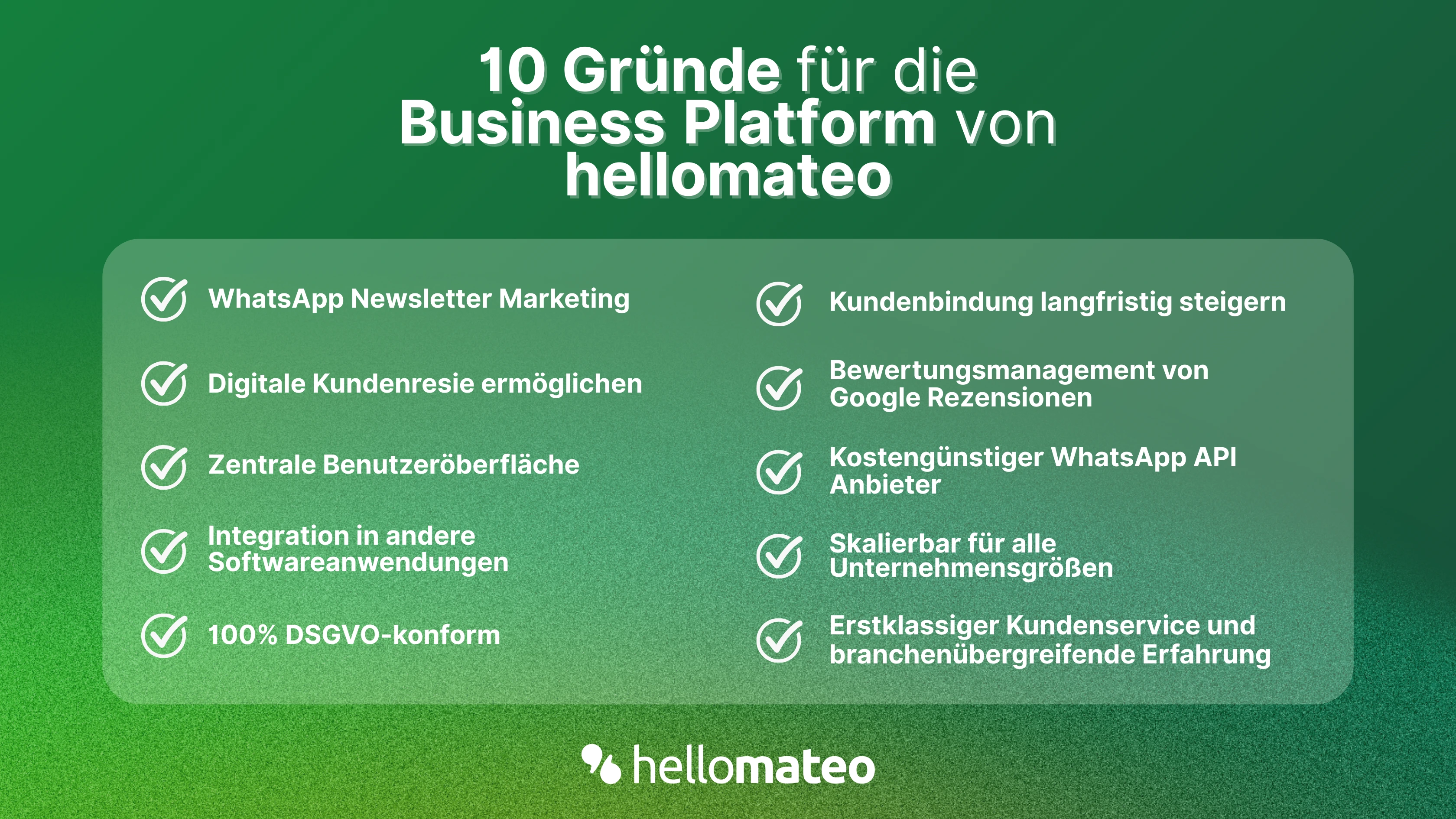
- Central user interface: hellomateo combines WhatsApp Business Platform, email, Instagram, SMS and Facebook Messenger in one central inbox. The intuitive user interface includes various tools for efficient customer communication and saves you valuable working time.
- integrations: With hellomateo, you can use WhatsApp in integrate over 6,000 software programs and fully automated Customer trips create with invitations, order confirmations, shipping information, invoices, and reminders.
- Newsletter marketing: Send GDPR-compliant Newsletter via WhatsApp or SMS and benefit from opening rates of over 90%.
- Assessment management: hellomateo can Automatically request online reviews from your customers, which boosts your Google ranking and trust in your company.
- Data protection: hellomateo meets all German and European Data protection requirements and offers end-to-end encryption for secure customer communication.
- scalability: Our software is suitable for Businesses of all sizes and can be extended indefinitely depending on the package.
- Diverse AI features: Our AI agent can automatically answer customer inquiries in chat, answer calls, help with the formulation of messages and much more.