How do you create a QR code for a Google rating? [Septembre 2024]
Veröffentlicht am
06.09.2024
Arrange a non-binding consultation now
Im unverbindlichen Gespräch zeigen wir Ihnen, wie Sie Kunden per WhatsApp zu Terminen einladen und Anfragen gemeinsam im Team beantworten. Zusammen schauen wir, welche Abläufe sich in Ihrem Betrieb sinnvoll automatisieren lassen.

Why Google reviews are important
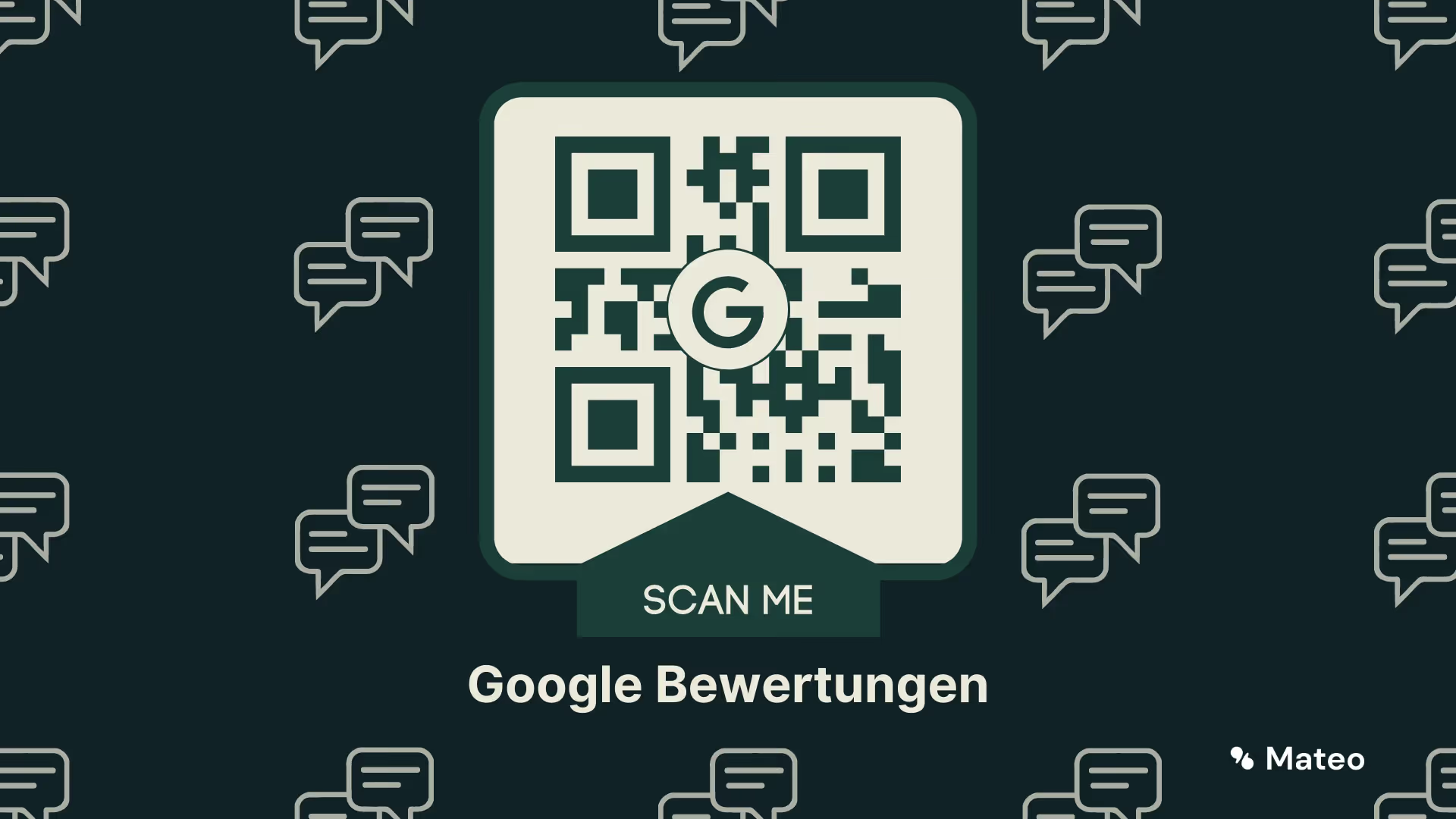
Google is by far the most used search engine worldwide. It is therefore not surprising that Google MyBusiness That too most used review portal is in the world. It is easy to use, clear and familiar to almost anyone who has ever searched for a company in Google search. Also interesting for companies: Google reviews influence a company's position in Google search results and are therefore relevant for SEO (search engine optimization). So if your customers now access your Google Business profile via the review link stored in the QR code and leave a positive review on the review page, this can even result in a better ranking of your website in the search results and to a better visibility on Google Maps lead. The biggest advantage, however, is that positive reviews the Strengthen the trust of new customers in your company. We therefore recommend creating an appropriate QR code to make it easier to write reviews.
End users trust Google reviews
Online reviews are crucial Influencing factor for consumers when buying a product or using a service. According to a Capterra study, 39% of respondents say they rely most on online reviews when buying a new product. On the other hand, trust in personal recommendations from a friend or acquaintance is only 23%. It is therefore crucial for companies to collect meaningful Google reviews. One way that Number of positive reviews To increase is by creating a QR codes of the review link. With an appropriate online generator, this is done quickly. This allows your customers to quickly and easily rate your business on Google. If you then click on the QR code with the link to the Google review Exhibitors and stickers place in your shop, on your website publish and via Mail to your customers Send, you can collect a number of new reviews in a short period of time.
How to create a Google review QR code
Creating a QR code for a Google rating is easy. To do this, first log in to Google Search with your Google account, which is also used to manage your Google My Business profile. Then follow these steps:
- Search in the Google search according to your company
- In the section”My company on Google” select “Read reviews.”
- In the pop-up window, click on”Get more reviews”.
- The one shown now Review link copy.
Now all you have to do is click on the review link Turn it into a QR code. It's very easy via an online QR code generator like this.
- Open the link to QR code generator and select”URL“Off.
- Now paste the previously copied link into the box”your URL“One.
- Now click on”Create QR code” and then on”PNG download”.
- Done! Now you can use the created QR code to collect more positive reviews.
Reading tip: In other articles, you will find important information for Delete negative reviews and for that correct answers to negative reviews
Google review QR code: The right use is crucial
Of course, the pure QR code itself won't help you get more reviews. Only through the correct and targeted use of it will you get more reviews. That's why here 3 examplesHow you can use a Google review QR code in a targeted manner:
On documents
You can add your Google review QR code with a small request for a rating on Cash slips, orders, delivery notes or invoices Place and thus encourage the customer to write a Google rating after shopping. Customers can then scan the QR code directly with their smartphone and leave a review.
In email signatures
Even in your Email signatures You can place a Google review QR code. This is particularly suitable in Order confirmations or post-purchase follow-up emails. Tip: Link the photo of the QR code in the email to your Google review page. Then you can also write a new review directly from your mobile device without having to scan the QR code. For your customers, just click on the QR code to be redirected to the review page.
In retail stores and on windows
Of course, Google review QR codes can also be used directly in retail store place. For example, use a table display or sticker. For example, customers can directly contact the checkout Leave a Google review via scan with a smartphone during checkout. Doors and windows are also good for drawing the customer's attention to the Google rating option when leaving the store. All your customers have to do is scan the QR code on the stand with their smartphone camera and the review link opens and the next 5-star review is written in seconds.
By the way: A QR code is not only useful for the Google rating - also for the Contact on WhatsApp is a QR code suitable.
Collect more positive Google reviews with hellomateo
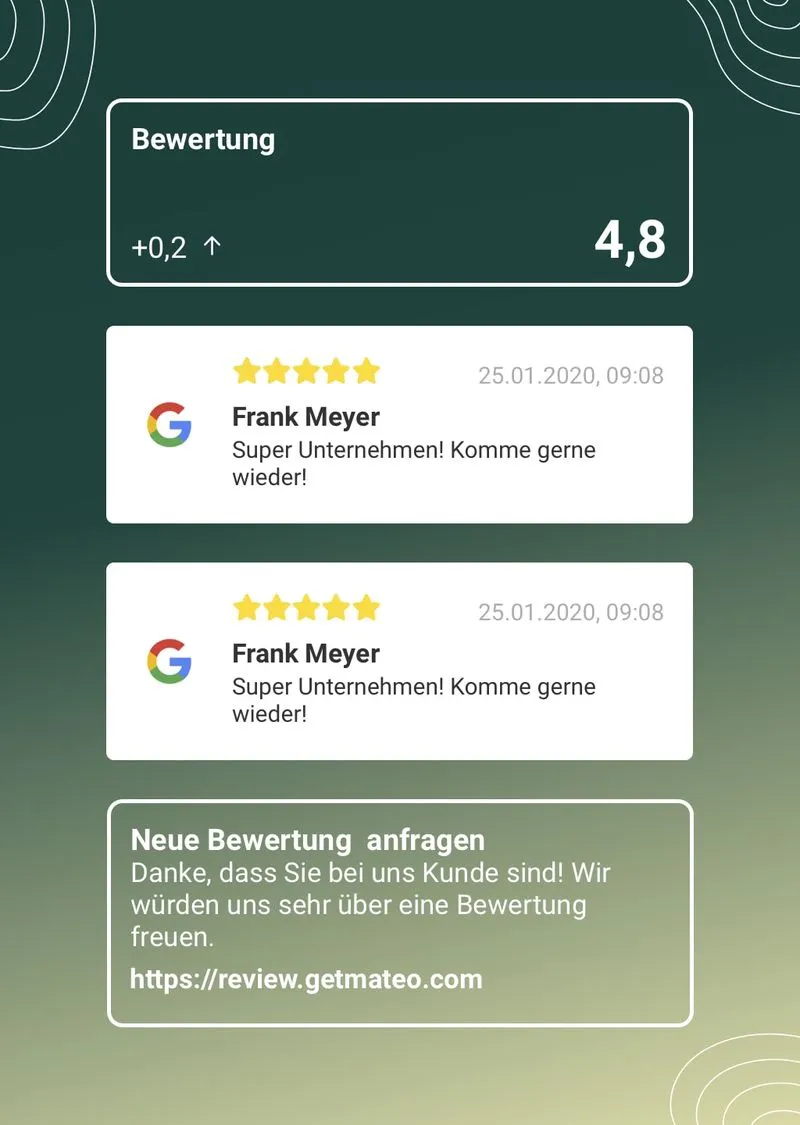
that hellomateo evaluation managementhelps you with this on average 2-3 times as many positive Google reviews collect. This gives your company a better ranking in Google search in the long term and allows you to generate more new customers. How does that work? With hellomateo review management, you can easily request Google reviews from satisfied existing customers via WhatsApp. In addition to Managing Google reviews Does hellomateo still contain many other useful featuresthat help you meet the customer communication requirements of the future. Hellomateo enables privacy-compliant communication via WhatsApp, bundles all communication channels into a central inbox and offers other exciting collaboration features such as employee assignment, tags, mailboxes, authorization concept and location management.

Now free Arrange a demo appointment and learn more about hellomateo.
We at hellomateo are your messaging experts when it comes to customer communication and appropriate marketing. Hundreds of companies are already using hellomateo and are impressed. Our customers particularly appreciate the following benefits of hellomateo:
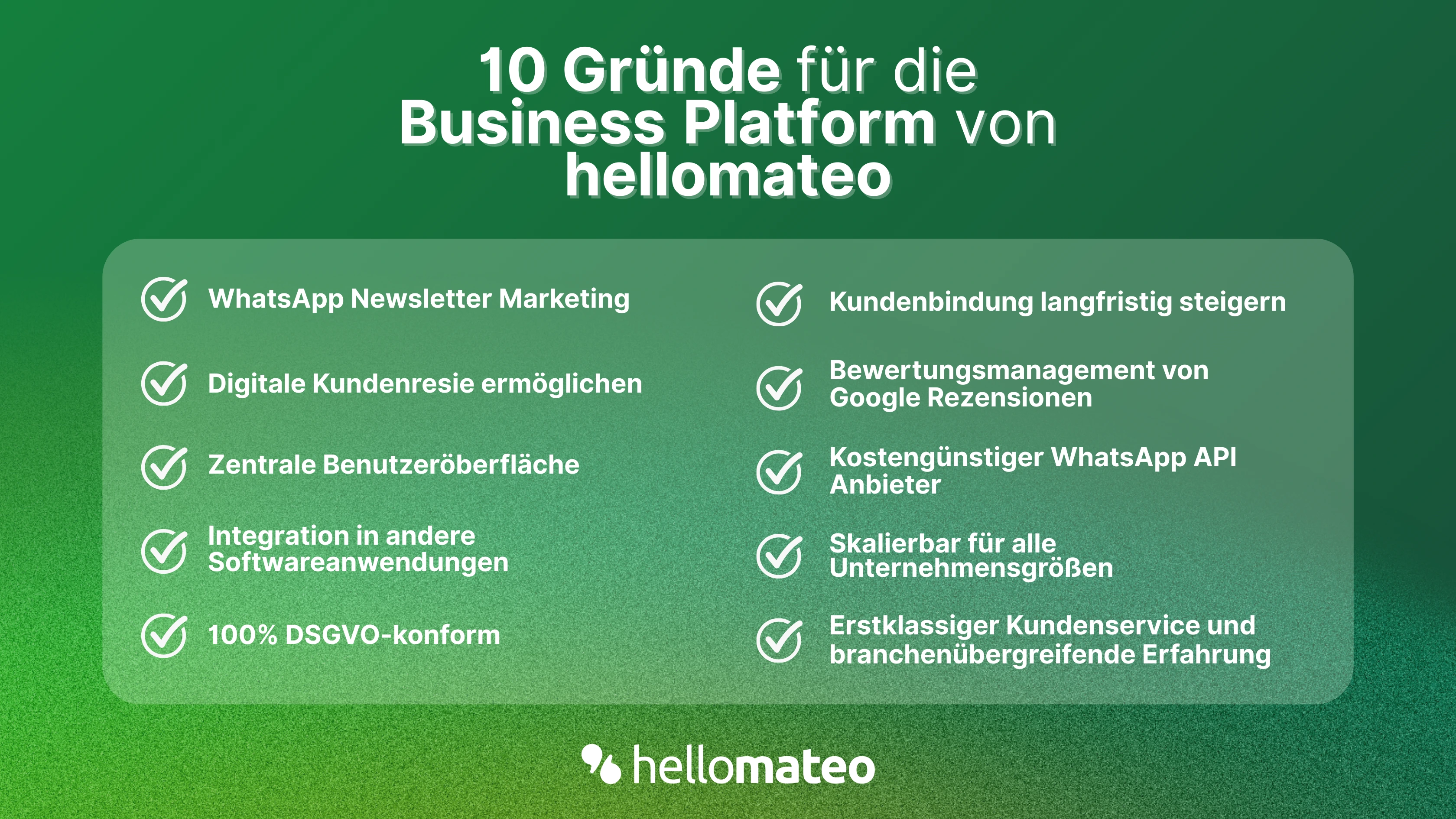
- Central user interface: hellomateo combines WhatsApp Business Platform, email, Instagram, SMS and Facebook Messenger in one central inbox. The intuitive user interface includes various tools for efficient customer communication and saves you valuable working time.
- integrations: With hellomateo, you can use WhatsApp in integrate over 6,000 software programs and fully automated Customer trips create with invitations, order confirmations, shipping information, invoices, and reminders.
- Newsletter marketing: Send GDPR-compliant Newsletter via WhatsApp or SMS and benefit from opening rates of over 90%.
- Assessment management: hellomateo can Automatically request online reviews from your customers, which boosts your Google ranking and trust in your company.
- Data protection: hellomateo meets all German and European Data protection requirements and offers end-to-end encryption for secure customer communication.
- scalability: Our software is suitable for Businesses of all sizes and can be extended indefinitely depending on the package.
- Diverse AI features: Our AI agent can automatically answer customer inquiries in chat, answer calls, help with the formulation of messages and much more.
Arrange a non-binding and free consultation and we'll show you how hellomateo covers your communication needs! Simply book an appointment here or write to us via our web widget.